
Kling Video Enhancer & Upscaler
Zawa allows you to enhance videos created with Kling AI, improving resolution, clarity, and overall visual quality. Whether it’s animations, short clips, or full-length projects, you can quickly refine your content for social media, presentations, or professional use.
How Can You Enhance Your Kling Videos?
Upload Your Kling Video
Drag and drop your Kling-generated clip into Zawa. The system automatically prepares it for resolution enhancement.
Choose Output Resolution
Select your preferred resolution — 1K, 2K, or 4K. Zawa applies intelligent enhancement automatically based on your selection.
Download and Share
Download the enhanced version. Your Kling video is now clearer and ready for social media, presentations, or professional use.
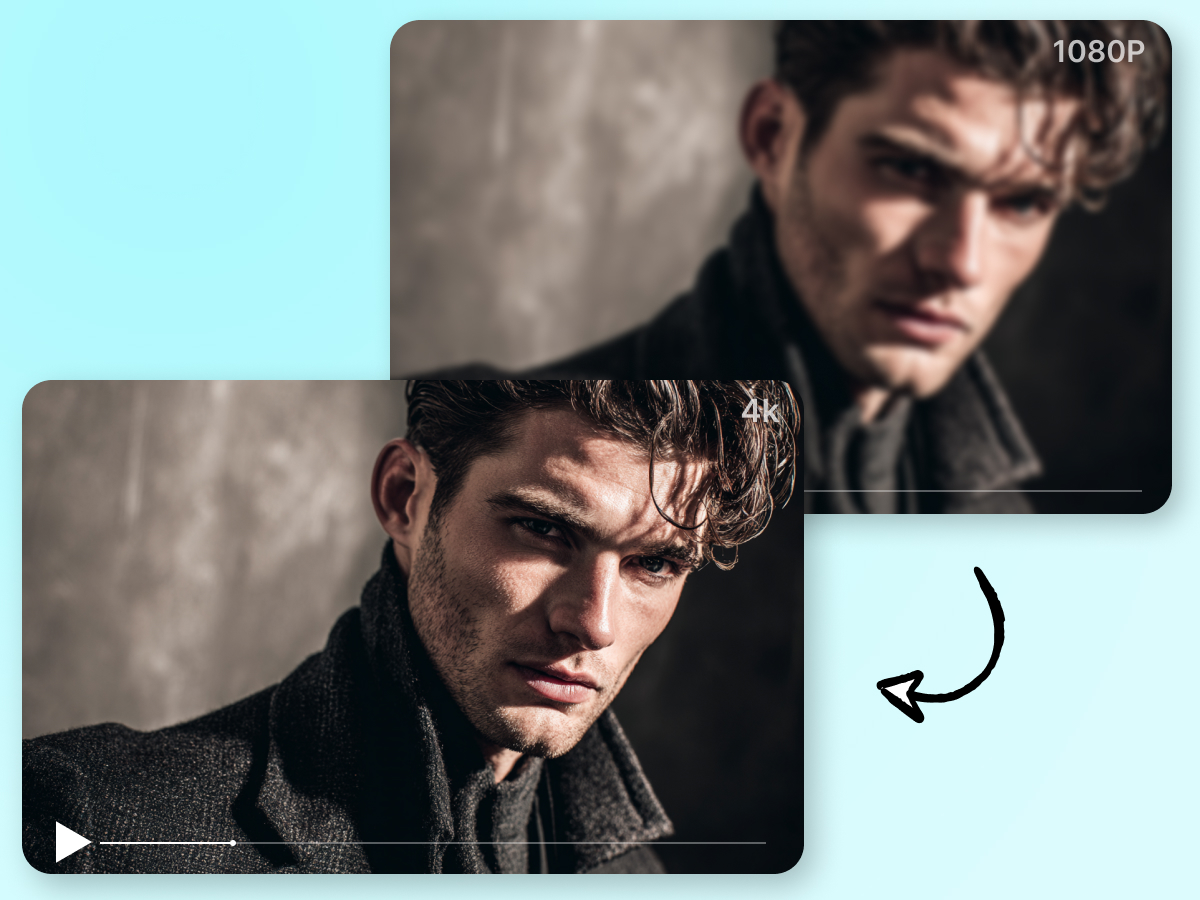
Upscale to 4K
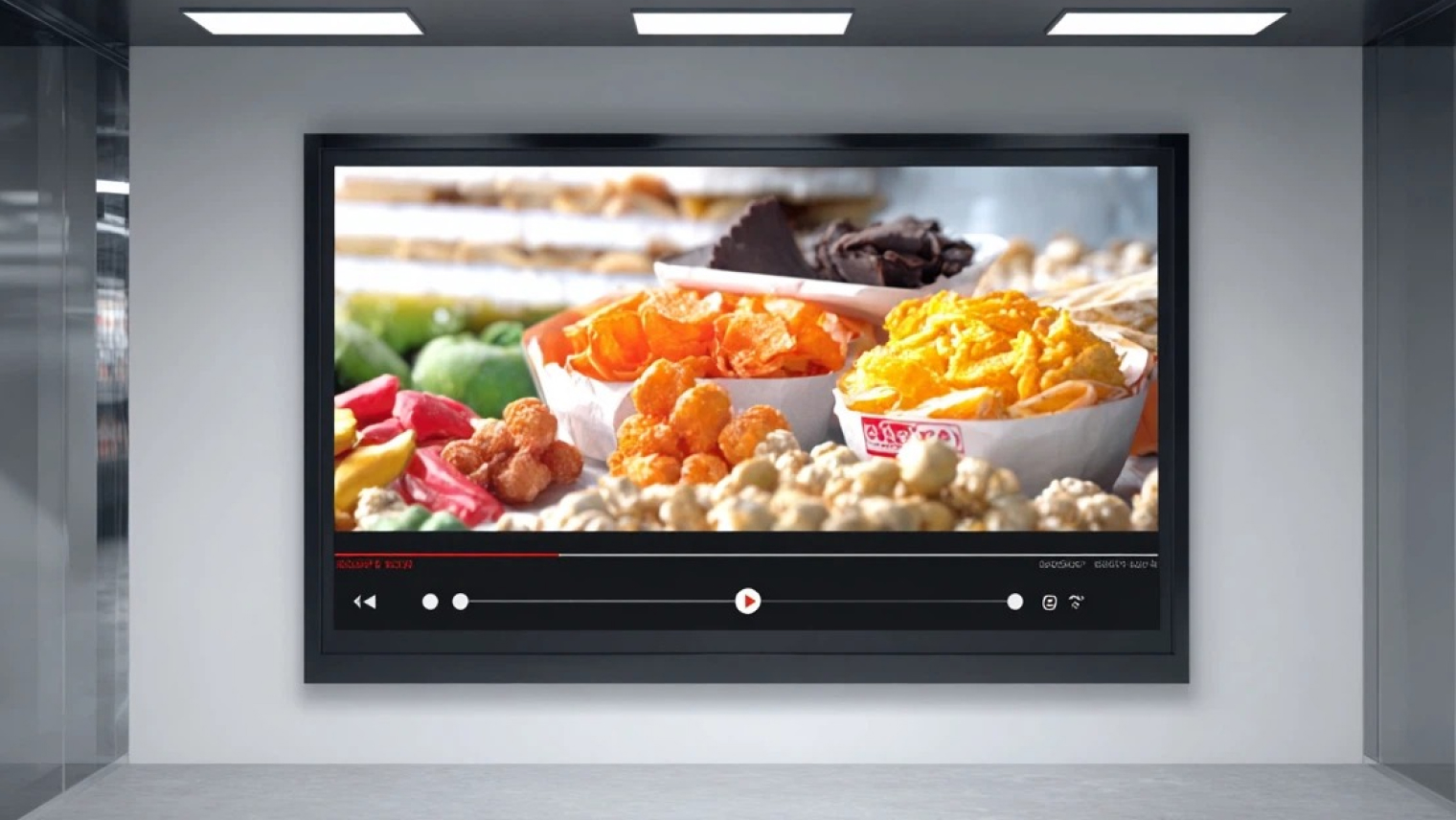
With Zawa, you can upscale your Kling-generated videos to 4K in a single export. Low-resolution clips become sharper and more detailed, making them suitable for YouTube, presentations, or large-screen viewing.
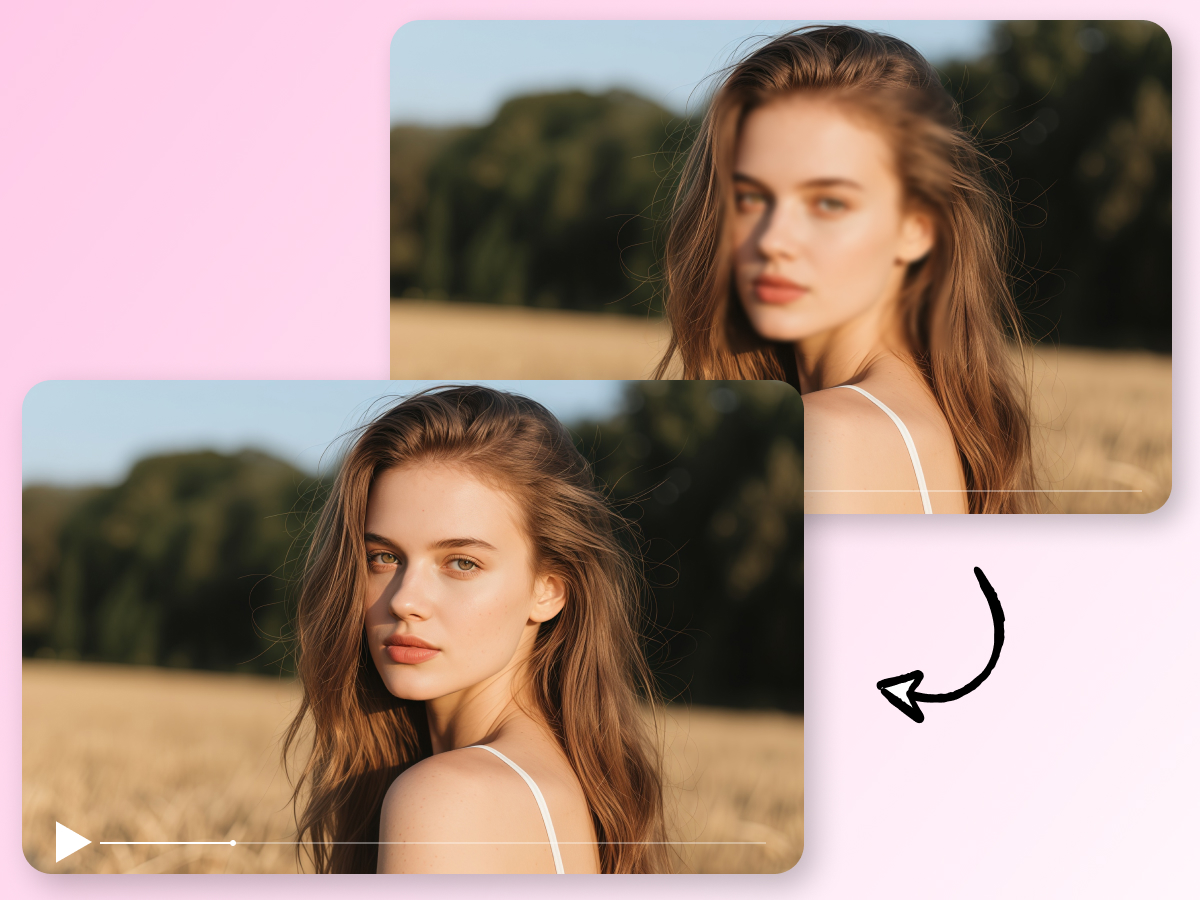
Sharper Faces and Edges
Zawa enhances facial features, text overlays, and object outlines in your Kling videos that may appear soft after generation. This ensures every frame looks crisp and professional without manual editing.
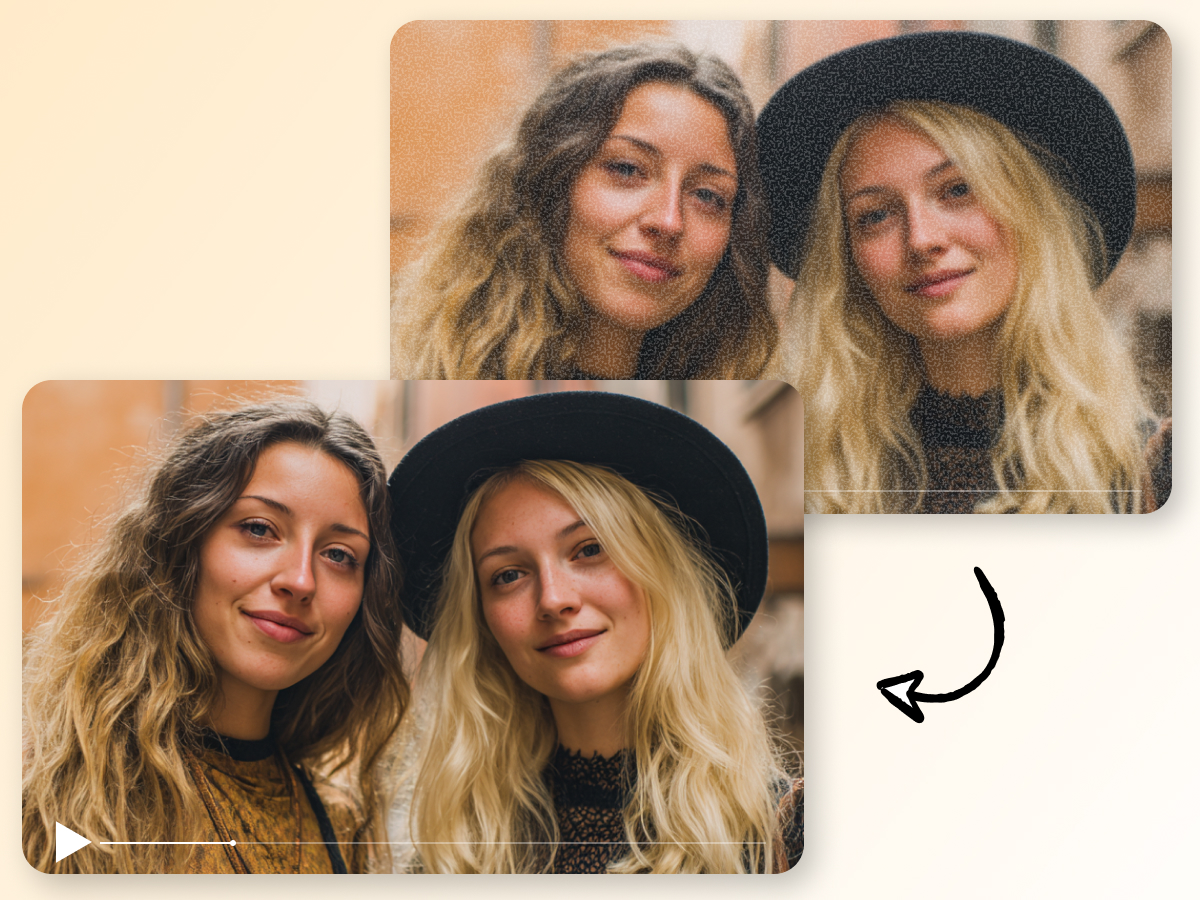
Reduce Blur and Compression Noise
Videos exported from Kling or downloaded from social media often show blur, grain, or compression artifacts. Zawa smooths these imperfections while preserving natural motion, resulting in cleaner, more watchable footage.
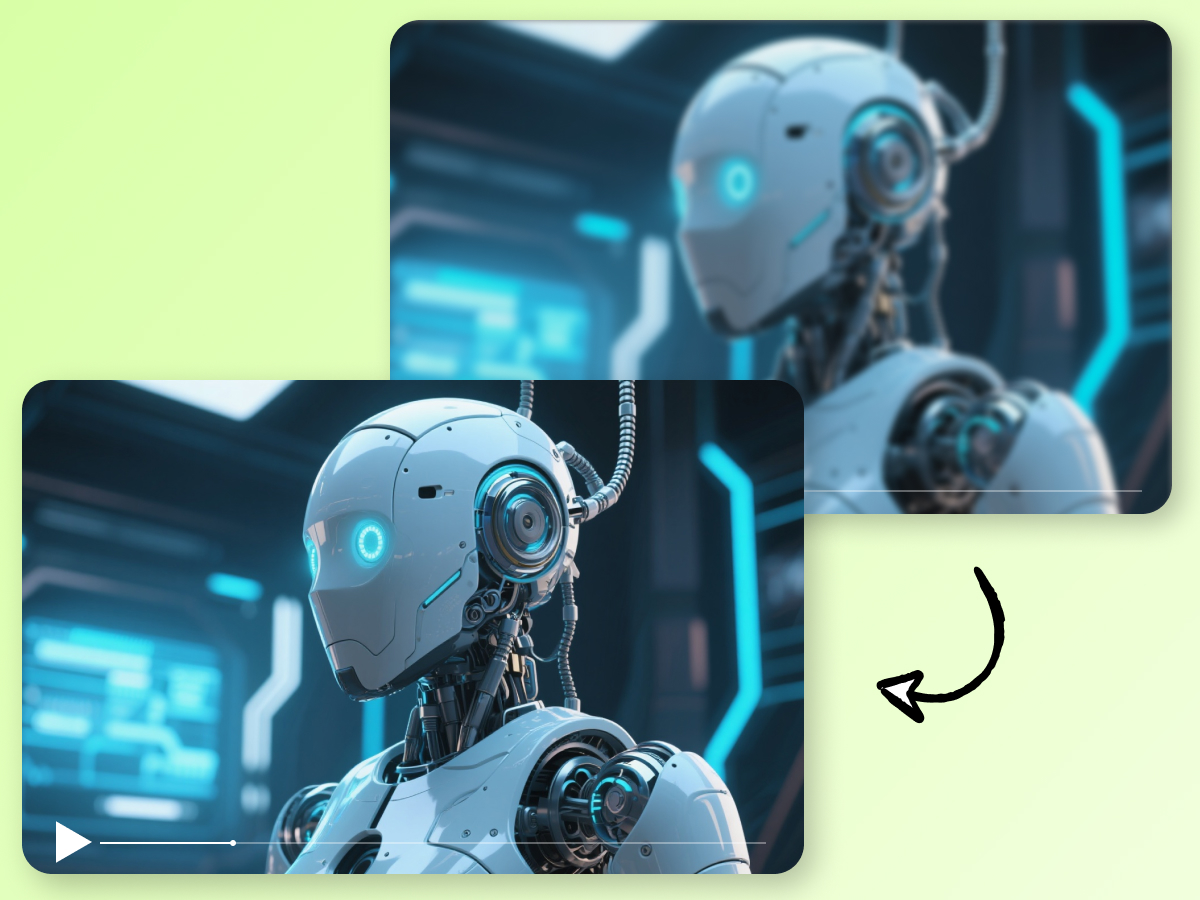
Built for AI Videos
Zawa is specifically tuned to enhance AI-generated content, ensuring consistent results across different Kling clips. Each video is processed with intelligent optimization, so improvements look natural and balanced without over-sharpening or distortion.
Where Can Zawa Enhance Your Kling Videos?
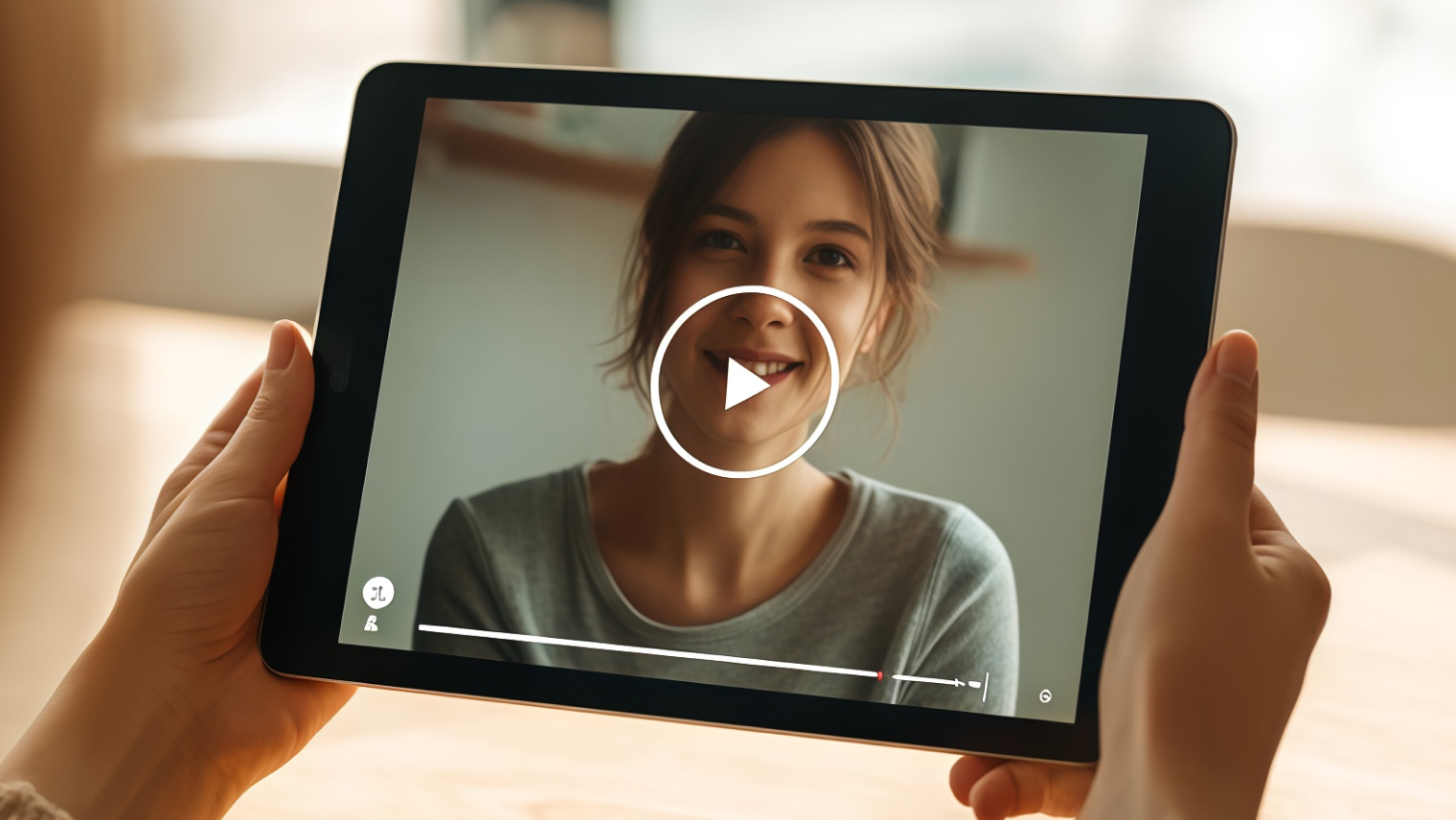
Social Media Shorts
Short clips from TikTok, Instagram Reels, or YouTube Shorts can sometimes look soft or lose detail after AI generation. With Zawa, you can sharpen faces, text, and motion elements so your videos pop in crowded feeds, making every post more engaging and visually striking.

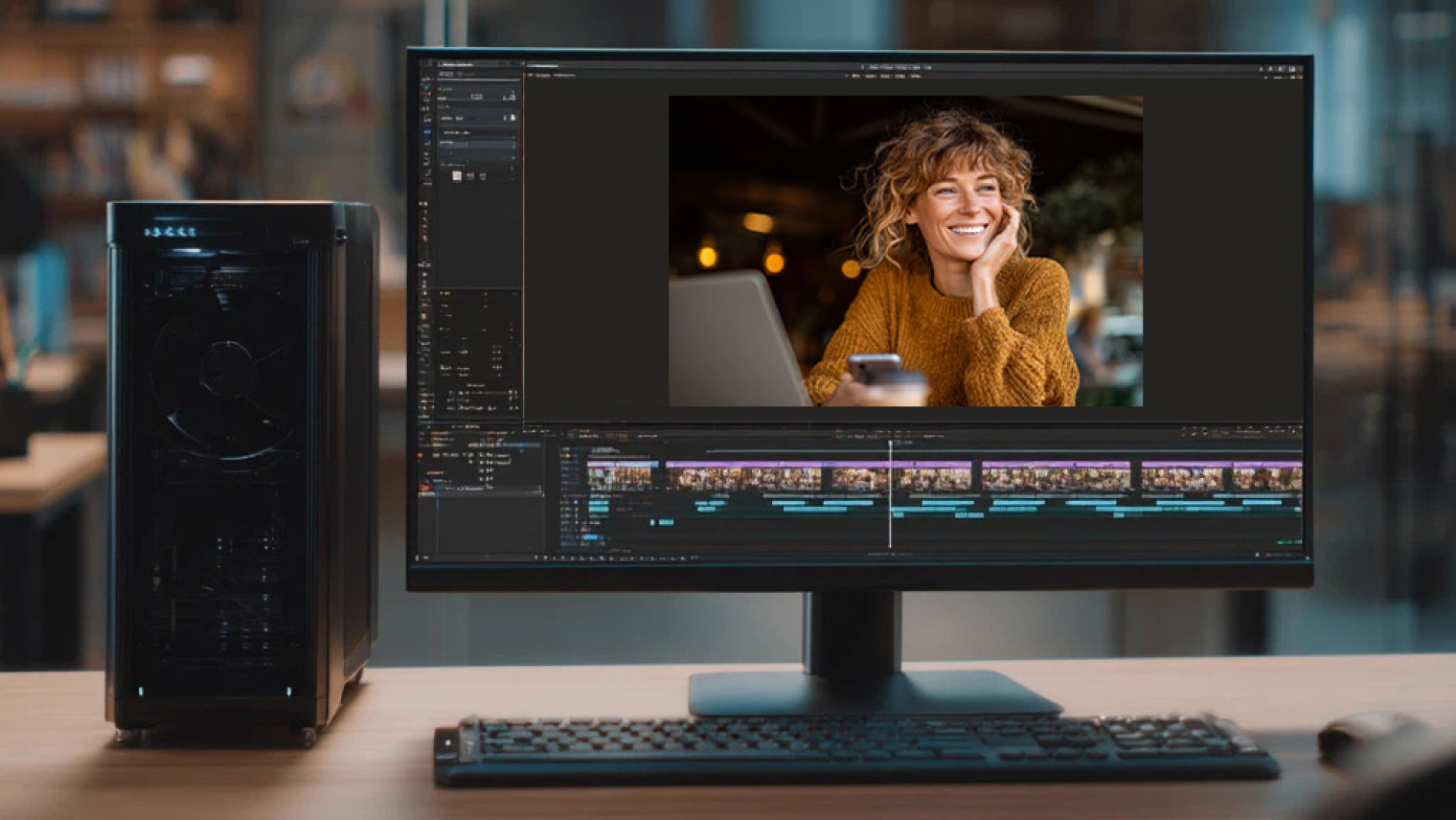
Why Choose Zawa for Kling Video Enhancement
No Installation Required
Work directly in your browser without downloading or installing any software. Everything you need is available online, making the process seamless.

Flexible Output Options
Choose from multiple resolutions to fit your needs, whether it’s for online sharing, presentations, or archival purposes.

Secure and Private
Your videos are processed safely without sharing them publicly. Files remain confidential and are ready for download immediately after processing.
Frequently Asked Questions
Will Zawa keep my Kling video’s original style?
How noticeable is the quality improvement?
Zawa sharpens edges, refines textures, and reduces compression artifacts, giving your Kling videos a polished and professional look without overprocessing.
Which video formats and resolutions are supported?
Zawa supports most Kling-generated video formats, and you can upscale to 1K, 2K, or 4K, making your videos ready for social media, presentations, or professional use.
Can I improve blurry or low-detail Kling videos?
Yes, Zawa sharpens edges, restores fine details, and reduces compression artifacts in Kling-generated videos, producing clearer, more professional results ready for sharing or presentations.
How fast is the enhancement process?
Processing time depends on video length and chosen resolution, but most Kling videos are enhanced within minutes, letting you get polished content quickly for immediate use.