
AI Image Upscaler: Increase Image Resolution
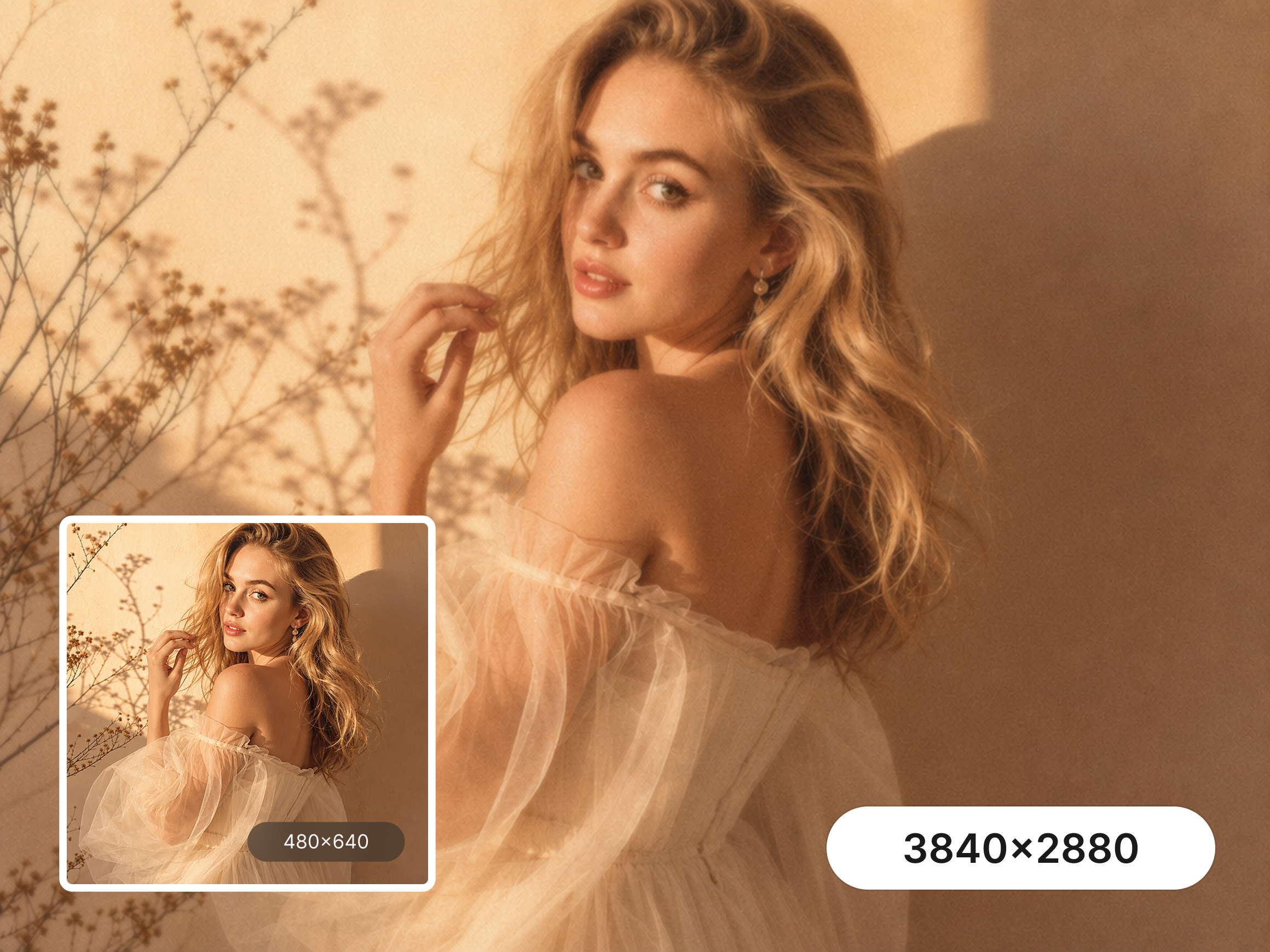
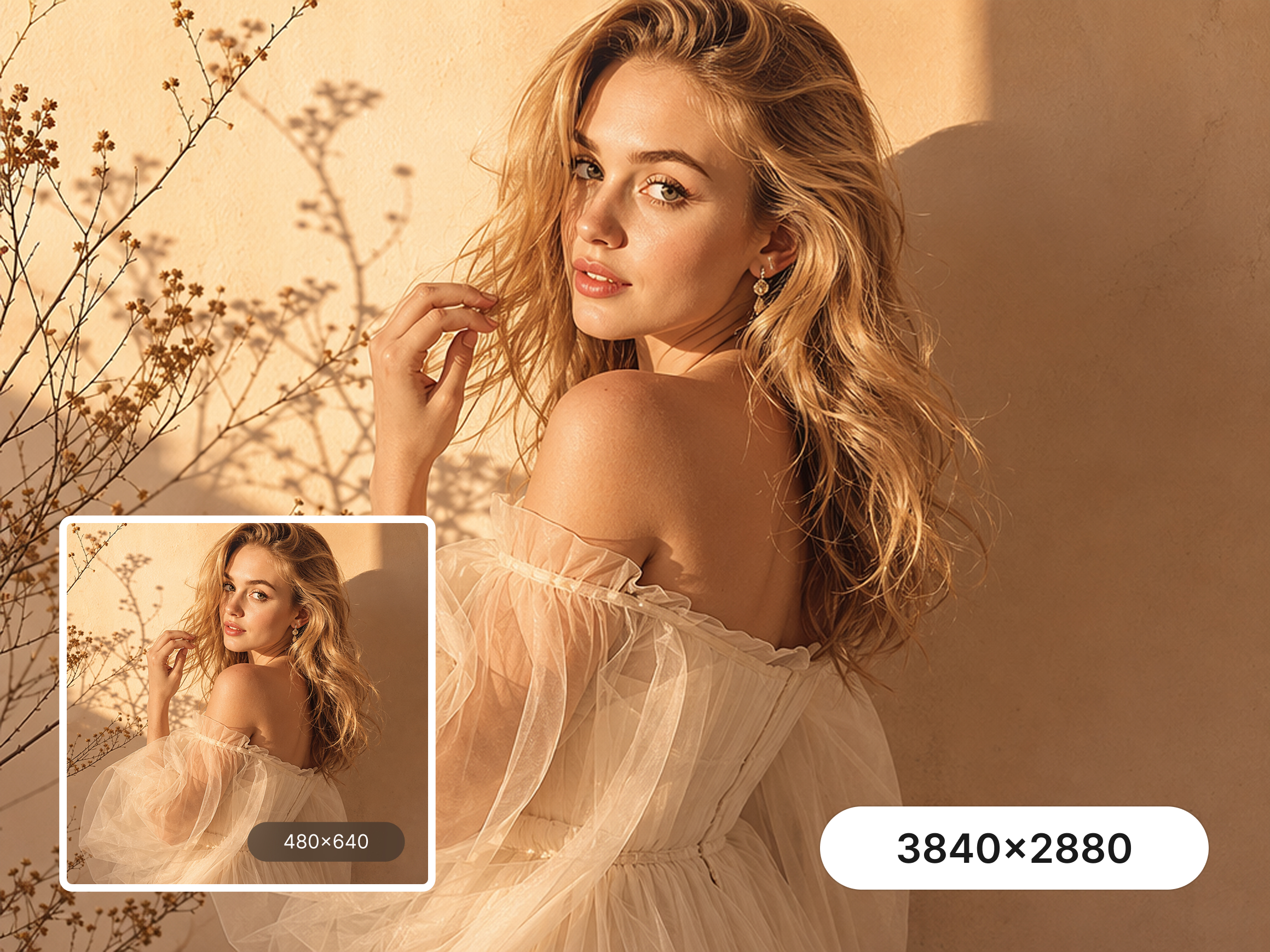
How to Upscale an Image Online
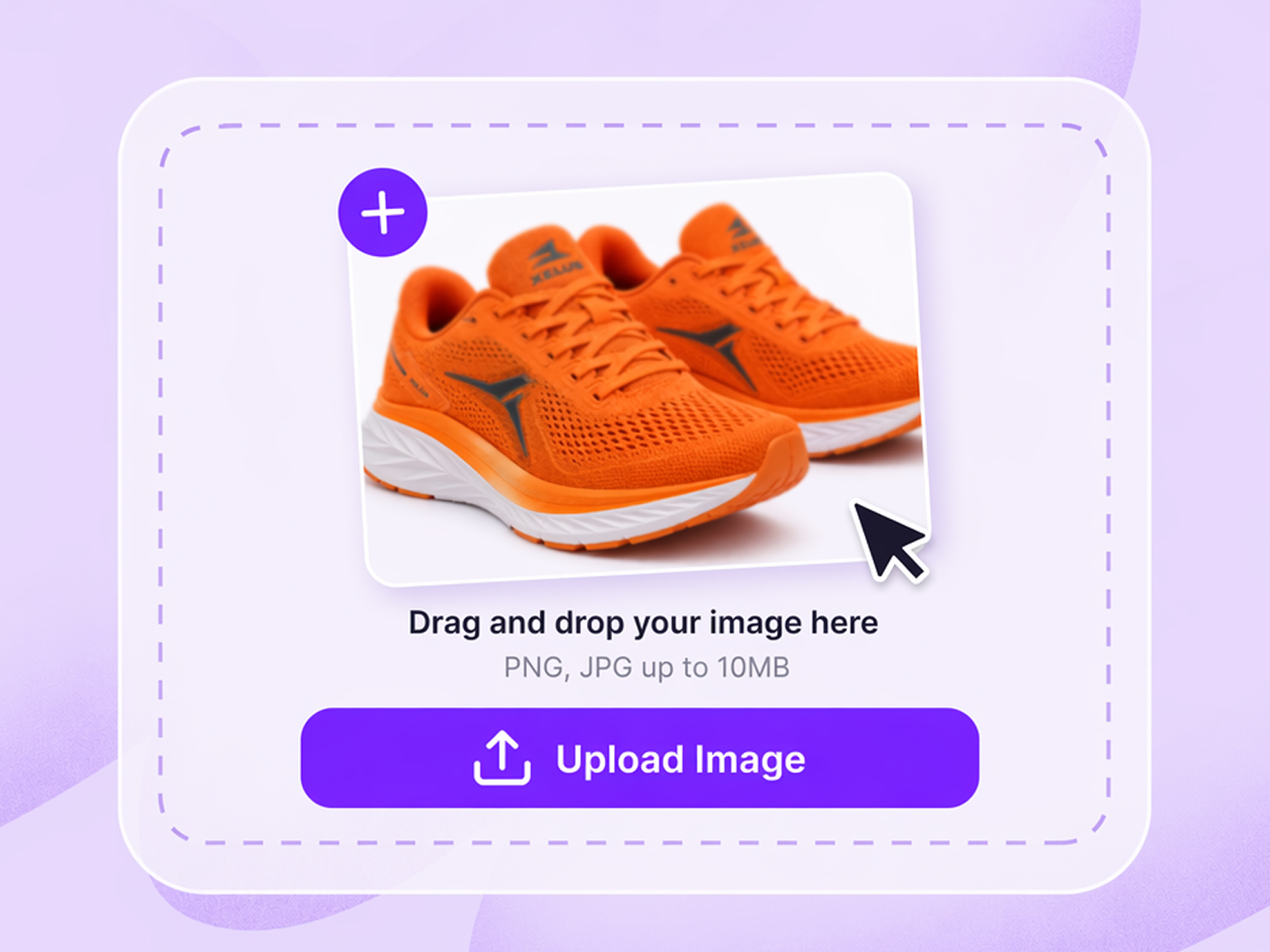
Upload Your Image
Upload the picture you want to enlarge. The online image upscaler analyzes its resolution, edges, textures, and visible details before processing.
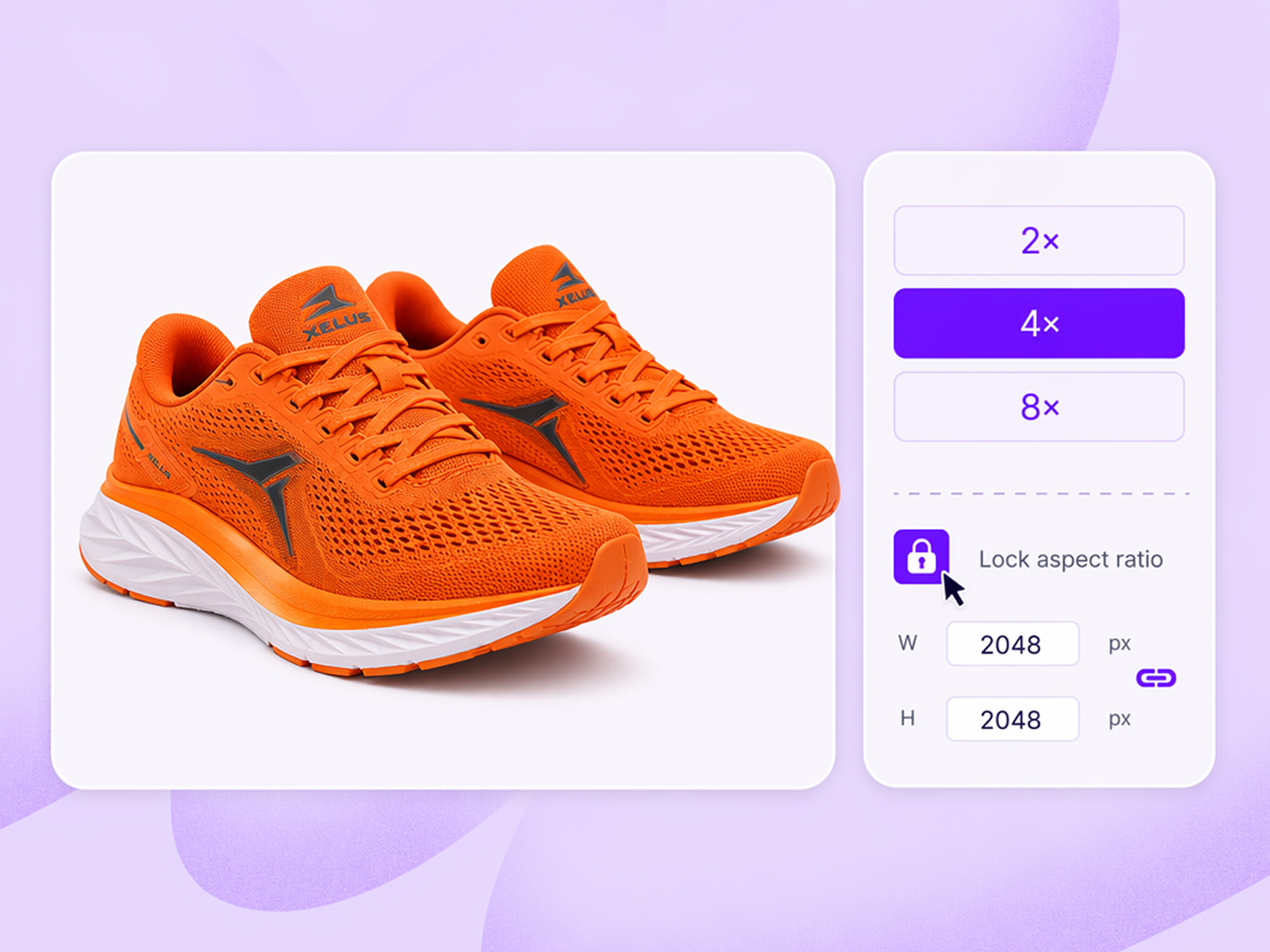
Choose the Right Resolution
Choose an upscale option: 2x, 4x, or 8x. Enter width (W) and height (H) between 64px and 8000px. Click the padlock icon to lock proportions.
Download the Upscaled Image
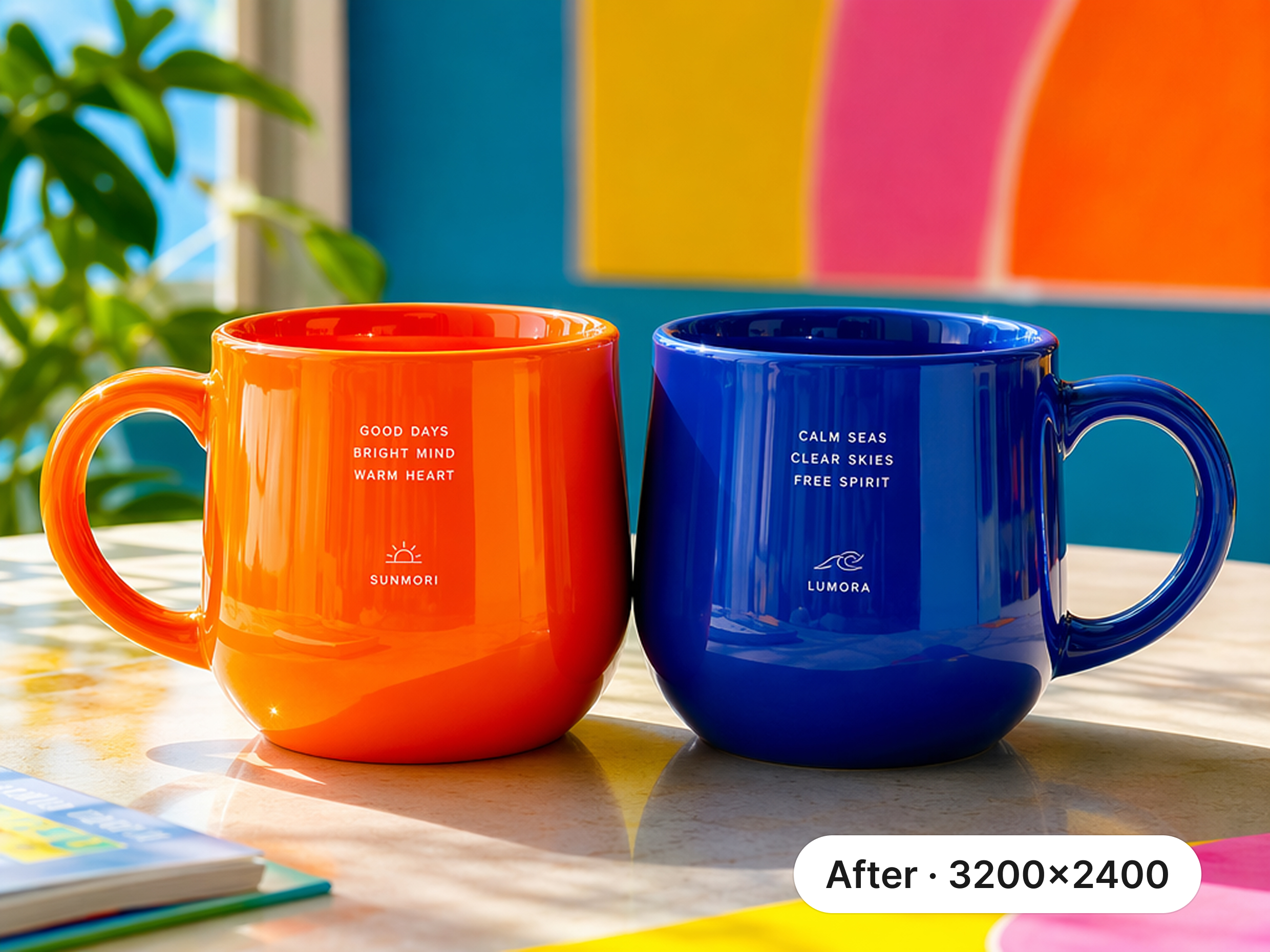
Preview the completed image upscale, compare the result with the original, and download the enhanced high-resolution image to your device.
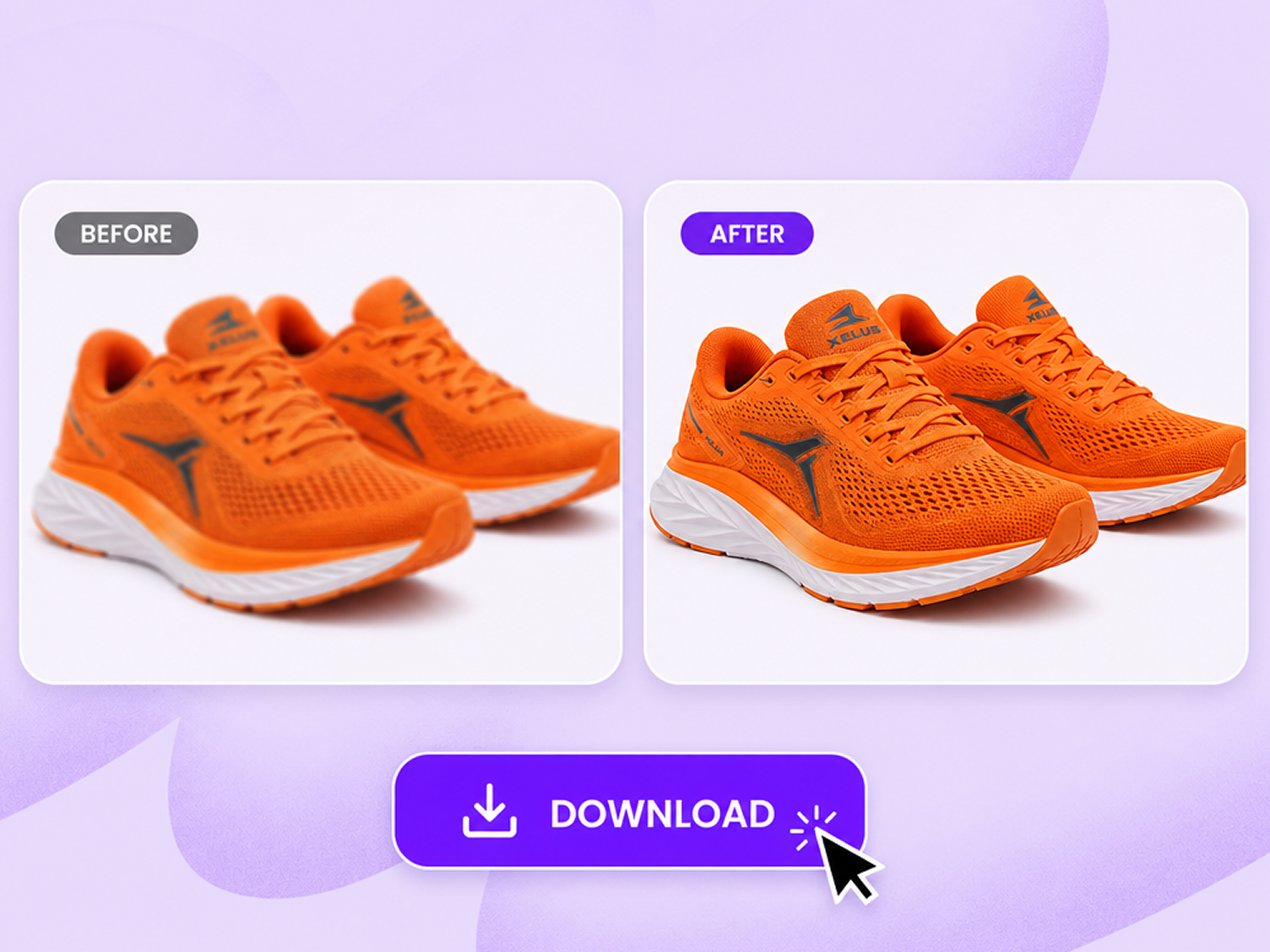
Key Features of Zawa’s AI Image Upscaler
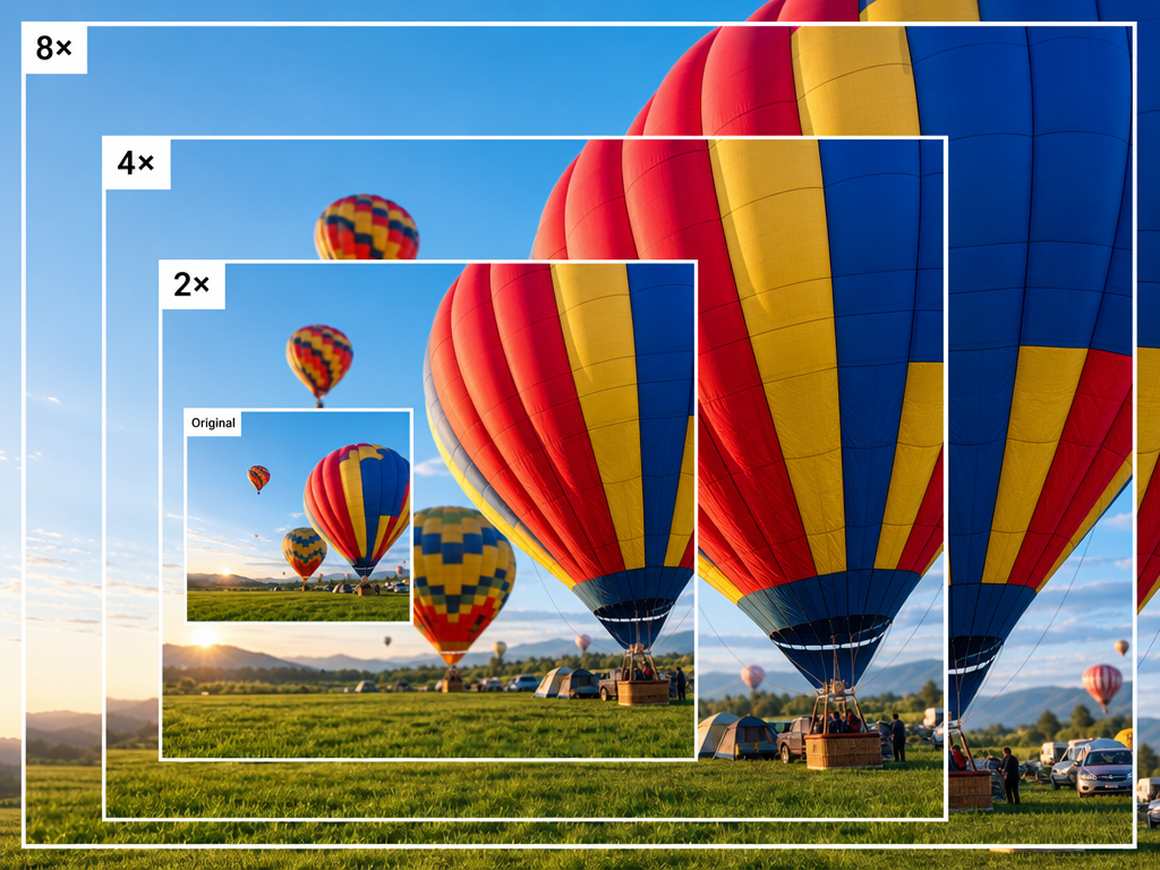
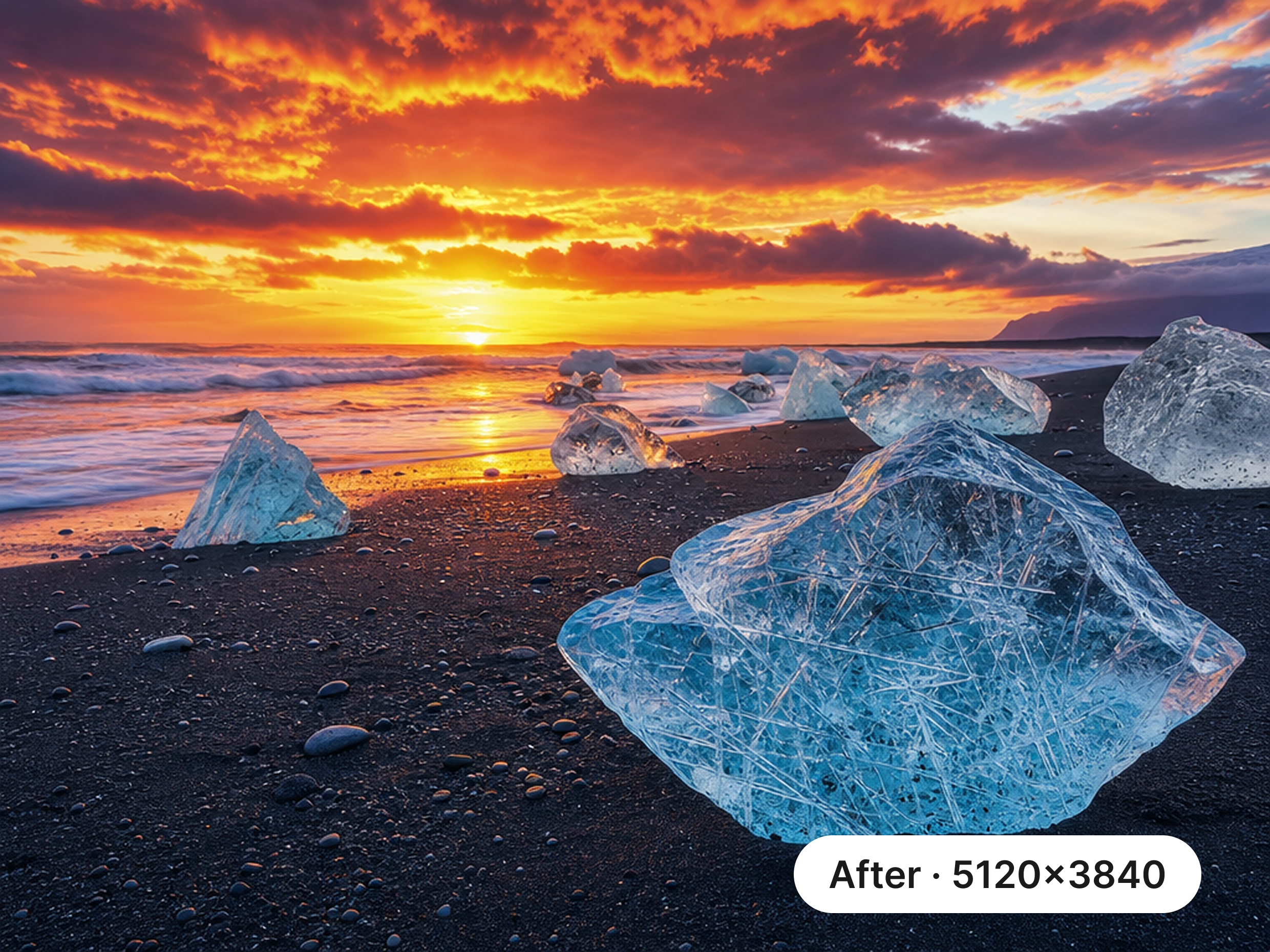
Upscale Images Up to 8× With AI
Zawa uses AI to upscale images by up to 8×, automatically improving resolution without the need for manual editing. Use the image upscaler 4K/8k option for high-resolution displays, design work, or large-format printing, with free 2× upscaling available for lighter projects, or enter custom dimensions for a precise output size up to 8000 × 8000 pixels.
Enhance Photo Quality While Enlarging
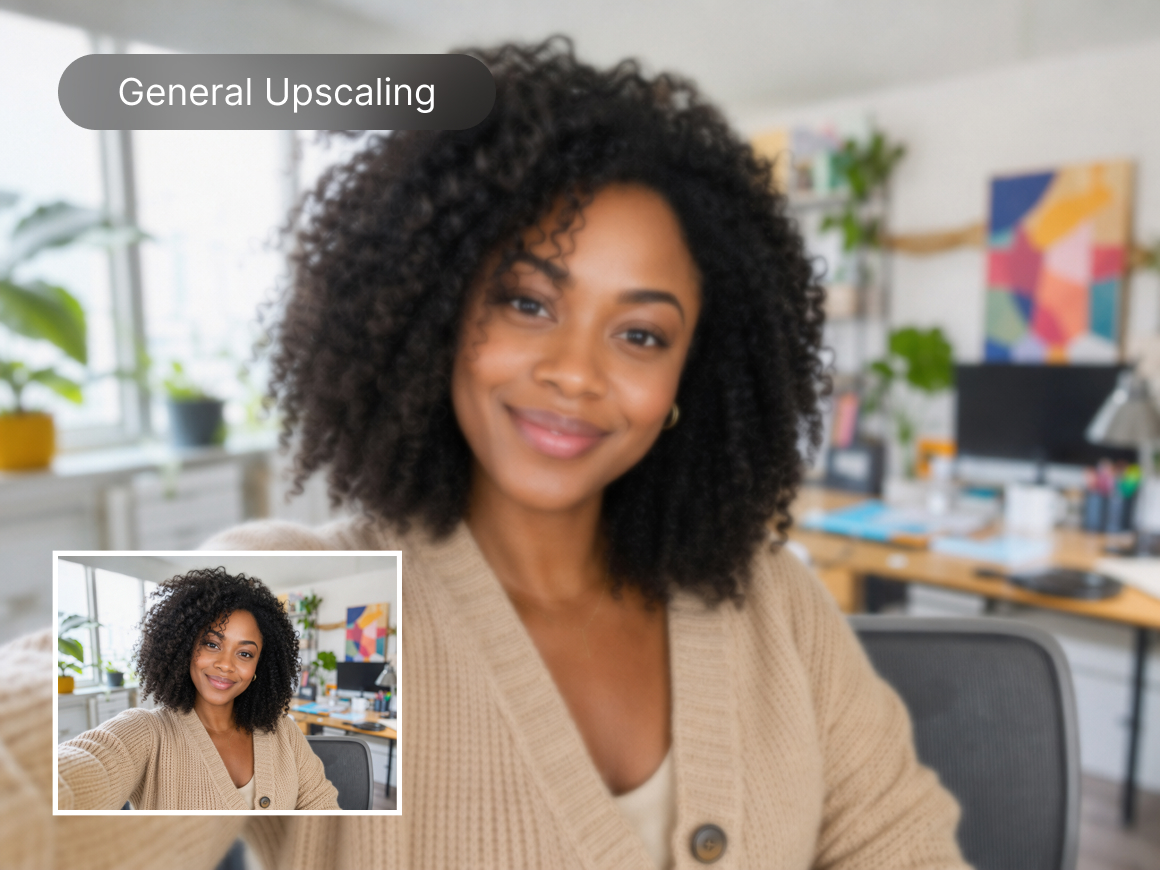
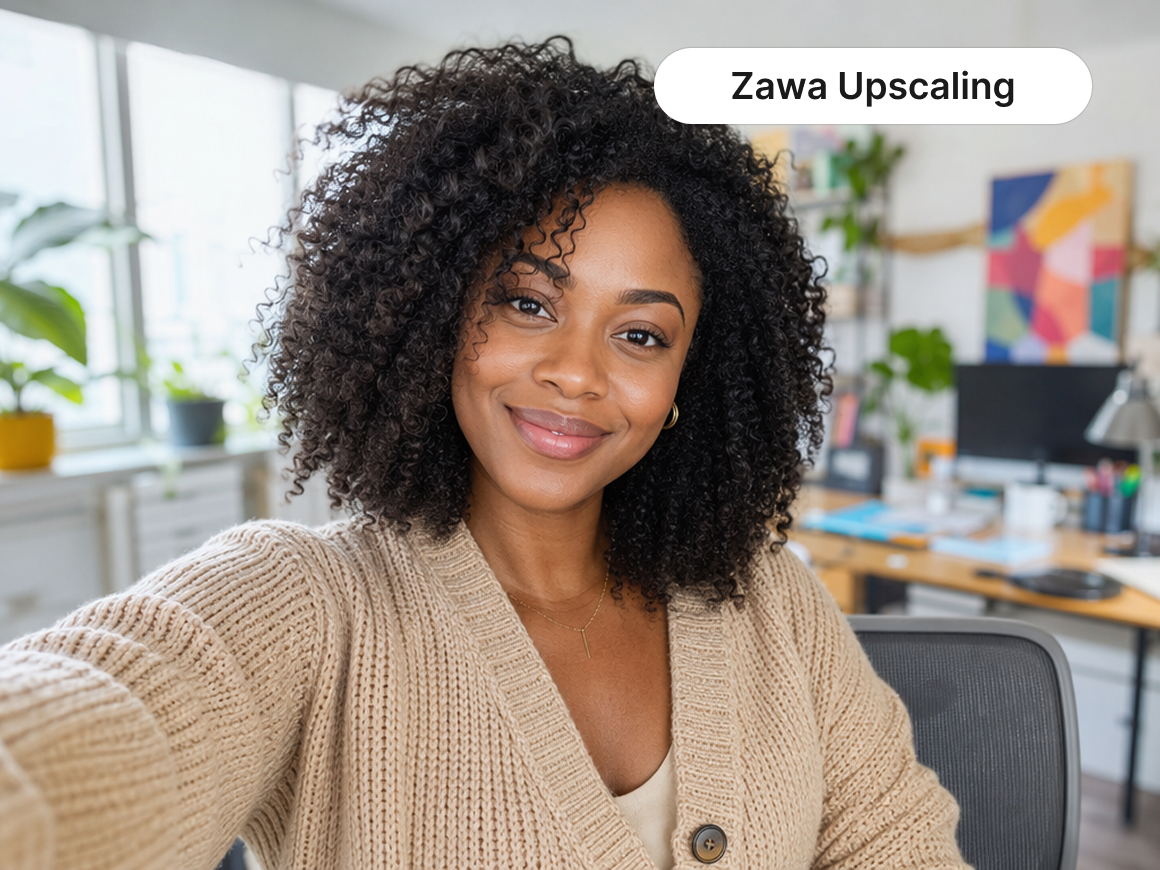
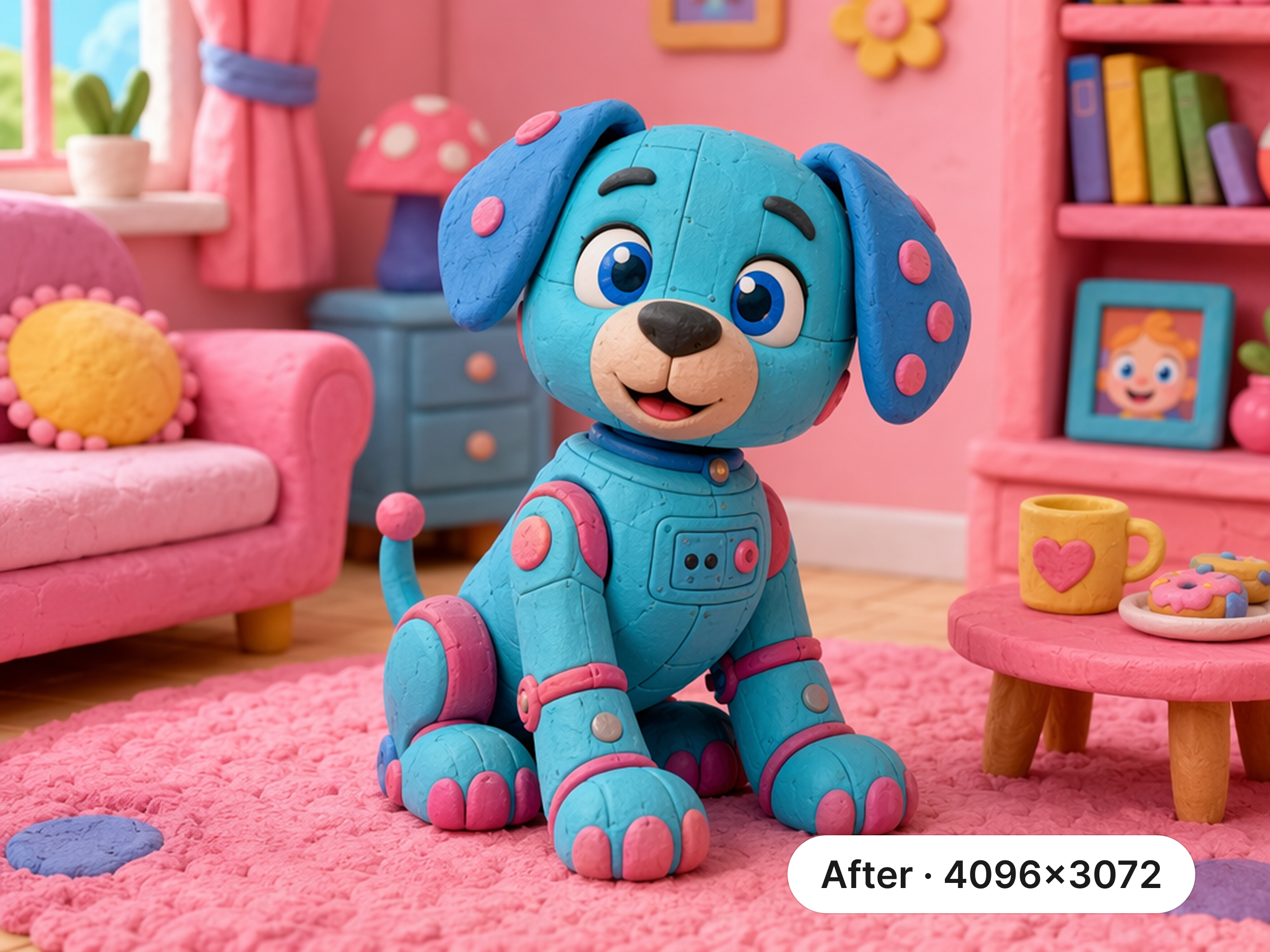
Increase image resolution while improving the overall quality of your photo. Zawa AI image upscaler can enhance clarity, sharpness, and fine details across the entire image. It refines hair, fabric, facial features, textures, and product details. This allows you to upscale photos without sacrificing quality or creating an overly processed, plastic-looking finish.
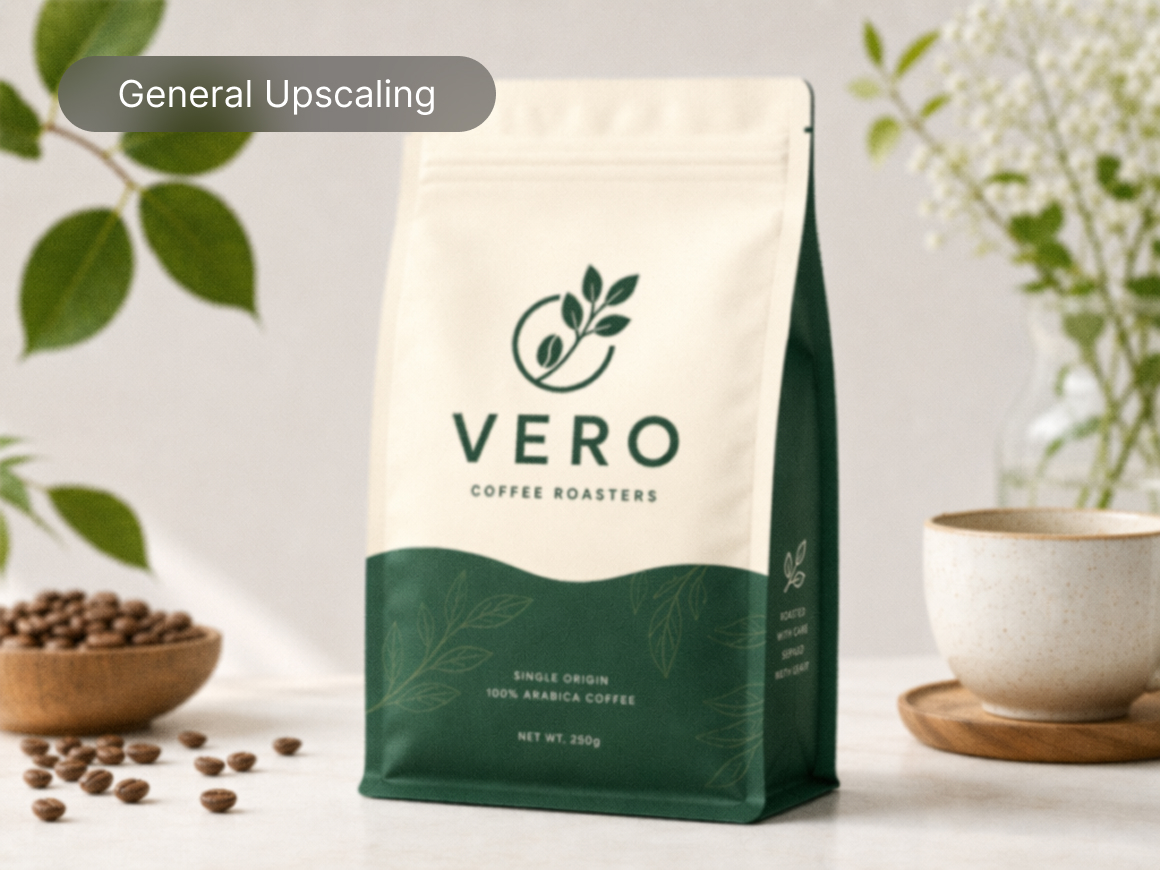
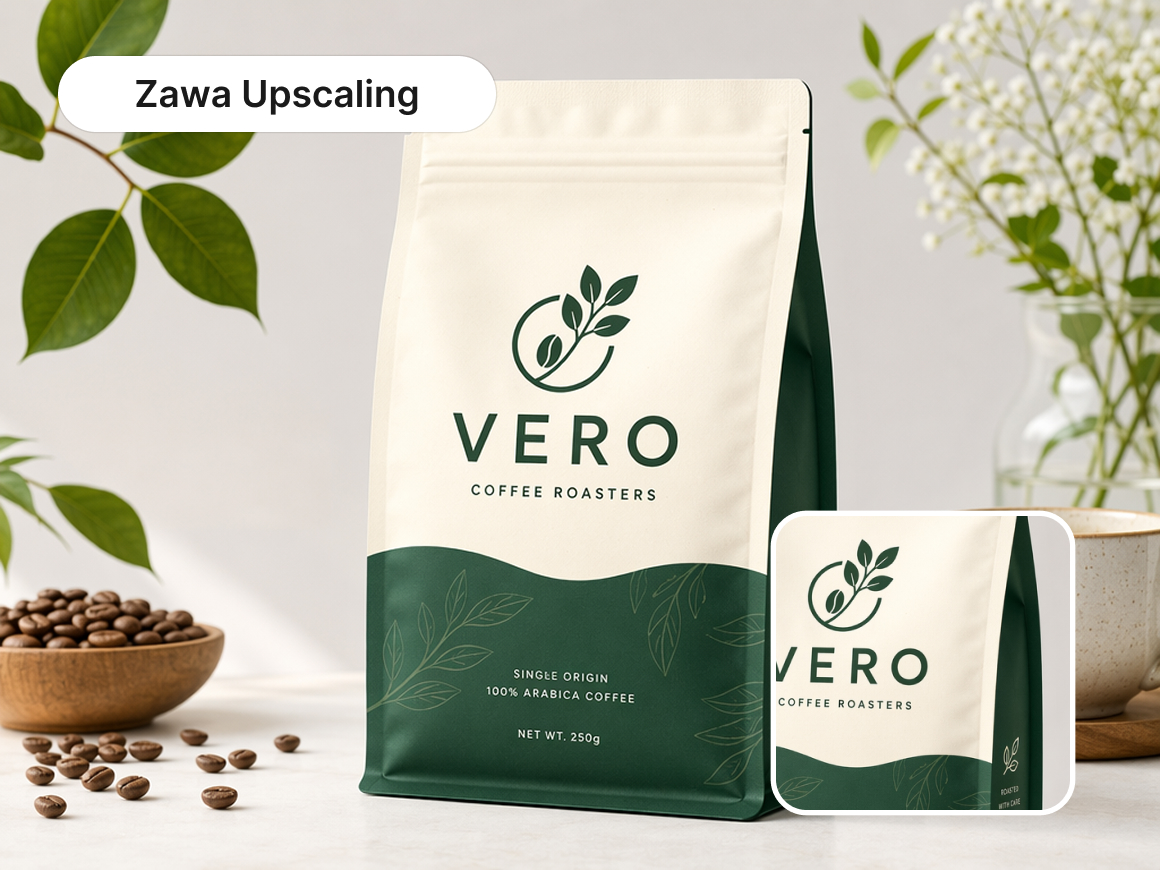
Upscale Images Without Losing Quality
Our free image upscaler helps prevent pixelation, distorted edges, excessive smoothing, and the soft, washed-out look that often appears when an image is enlarged. It maintains the original visual balance and keeps the result consistent with the source, so you can upscale images without
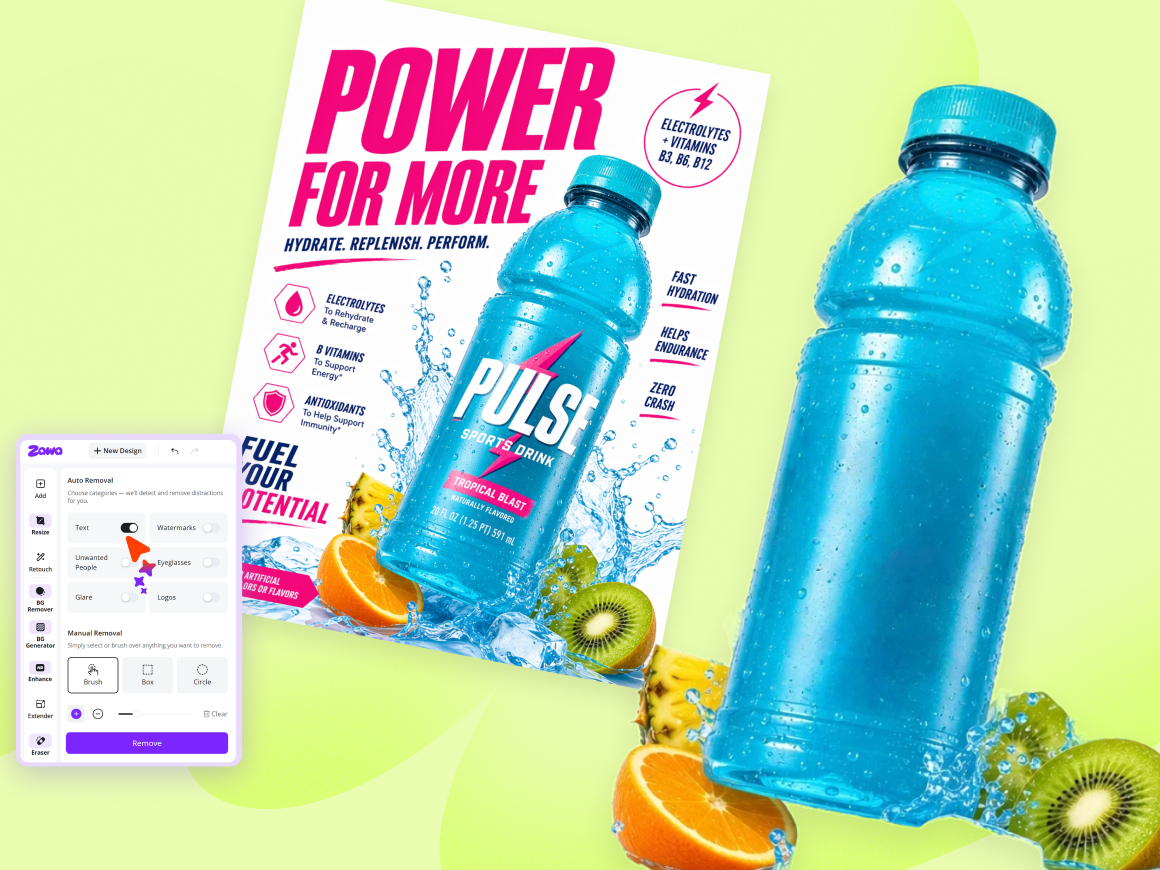
Edit Images With Zawa’s All-in-One Editor
Continue editing your upscaled image without switching between multiple tools. Zawa combines an AI image upscaler with an all-in-one image editor, so you can refine the composition, remove unwanted objects, enhance image quality, and polish fine details in one workflow. Prepare high-resolution images for e-commerce, social media, marketing, or design, then export the finished result when it is ready to publish or share.
Upscale Every Type of Image
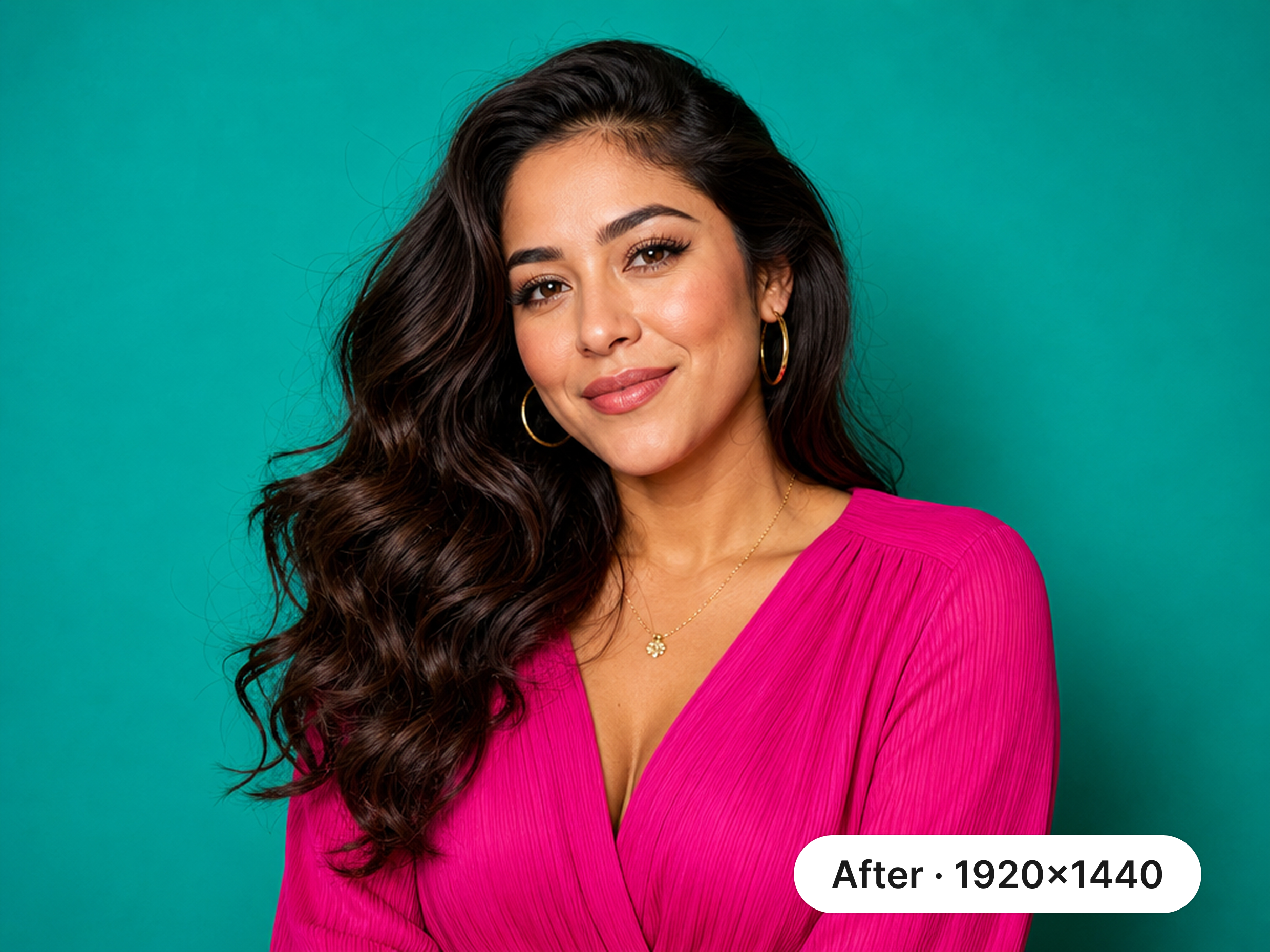
Portrait Photos
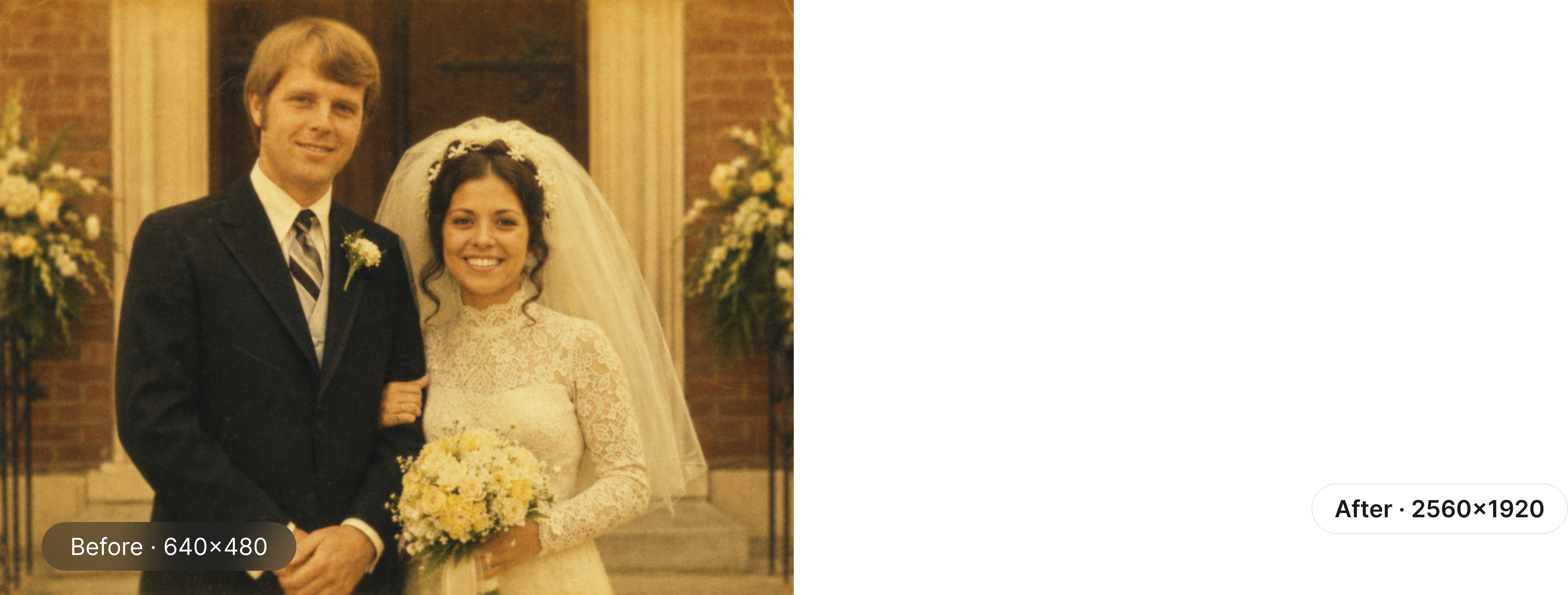
Upscale Portrait Photos With Natural Detail
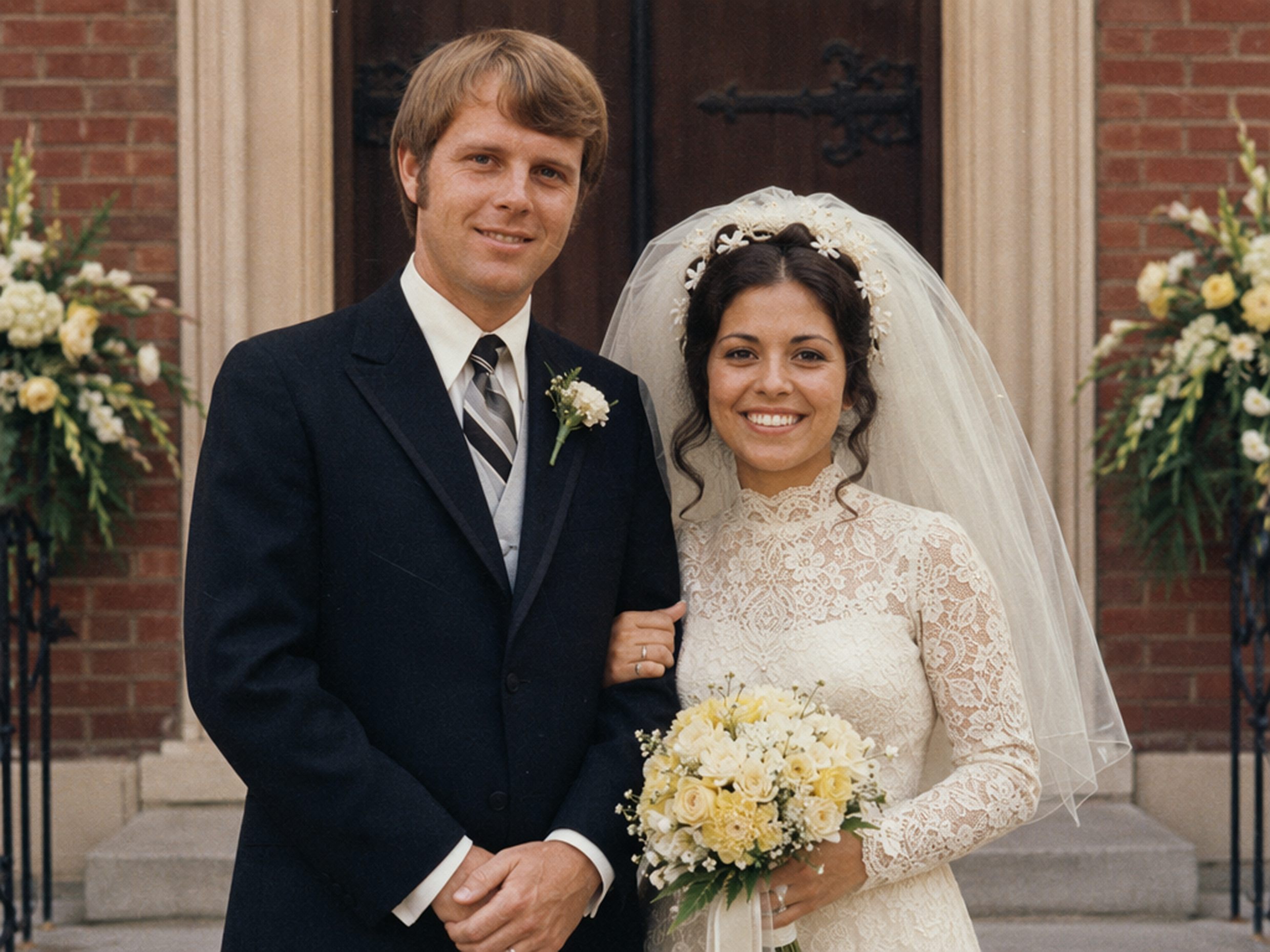
Enlarge portrait photos while keeping facial features, fine hair strands, and natural skin texture clear. Zawa’s AI photo upscaler rebuilds missing details as it increases image resolution, helping reduce blur without over-smoothing faces or creating an artificial look. Prepare sharper portraits for professional profiles, social media, websites, and high-quality prints.


Why Choose Zawa
Safe and Reliable
Your images are processed through a secure online workflow, making Zawa suitable for product photos, brand assets, personal images, and professional design materials.

Fast and Efficient
Upload an image and increase its resolution online without setting up complex software or manually rebuilding details in a design program.

Four Ways to Upload
Select a file, drag and drop, paste an image, or add an image URL.
2×, 4×, and 8× AI Upscaling
Choose the upscale level that fits your project, from light 2× enlargement to 8× output for larger displays, marketing materials, and print applications.

High-Fidelity Image Upscaling
Preserve hair, fabric, logos, text, and product edges with less blur, artificial smoothing, and fewer jagged edges, even at higher upscale levels.

Built for Professional Visual Workflows
Prepare product photos, AI-generated artwork, marketing graphics, scanned images, and design assets for online stores, client projects, digital displays, and print.
Frequently Asked Questions
What is AI Upscaler?
Is it free to change image resolution?
Yes, Zawa offers free image upscaling. Businesses can enhance product images for e-commerce platforms like Amazon, Etsy, and Shopify without additional costs.
Is there a limit to the file type or size for AI image upscaling?
AI upscaler supports image formats like JPG, PNG, and JPEG, with a file size limit of 5MB and a maximum resolution of 2,000 x 2,000px.
What is the difference between the upscaler and the enhancer?
The image upscaler increases resolution by adding pixels, enhancing appearance on larger screens and prints, making it ideal for online stores and presentations. The image enhancer improves image quality by sharpening details, brightening colors, increasing contrast, and reducing noise without altering resolution, making photos more appealing.
User Reviews
Social Media Manager
I get a lot of photos that look fine in a feed but fall apart once I crop them for Stories or a larger post. Zawa gives me enough resolution to resize them without making skin and hair look overly edited.
Localization Specialist
We resize the same campaign images for several markets, and some versions end up looking softer than others. Zawa helps me fix the final exports without sending everything back to the design team.
Photo Editor
A client sent me a phone screenshot that needed to become a full-width website banner. It looked pretty rough when I resized it normally, so I ran it through Zawa at 4× first. The file held up much better once I dropped it into the layout, and I had a lot less cleanup to do afterward.
E-commerce Content Manager
A supplier sent us product photos that were only a few hundred pixels wide. I used the 8× option to get the main image above 1,000 pixels for our marketplace listing. The packaging edges, stitching, and product outline stayed surprisingly clean when I checked the upscaled image at full size.
Freelance Content Creator
I only needed an upscaler for a few older photos, so I did not want to pay before seeing the results. The free tier let me test it properly, and I could actually download the images afterward. That should be normal, but a lot of so-called free tools still lock the result at the last step.