
Enhance Seedance 2.0 Videos with AI
Make Seedance generated videos clearer and sharper instantly.
No Video? Try one of these:
How to Enhance Seedance Videos
Upload Your Seedance Video
Upload the Seedance generated video you want to enhance.
AI Improves Video Quality
Zawa analyzes each frame and enhances details, sharpness, and textures automatically.
Download the Enhanced Video
Download the improved HD version of your Seedance video.
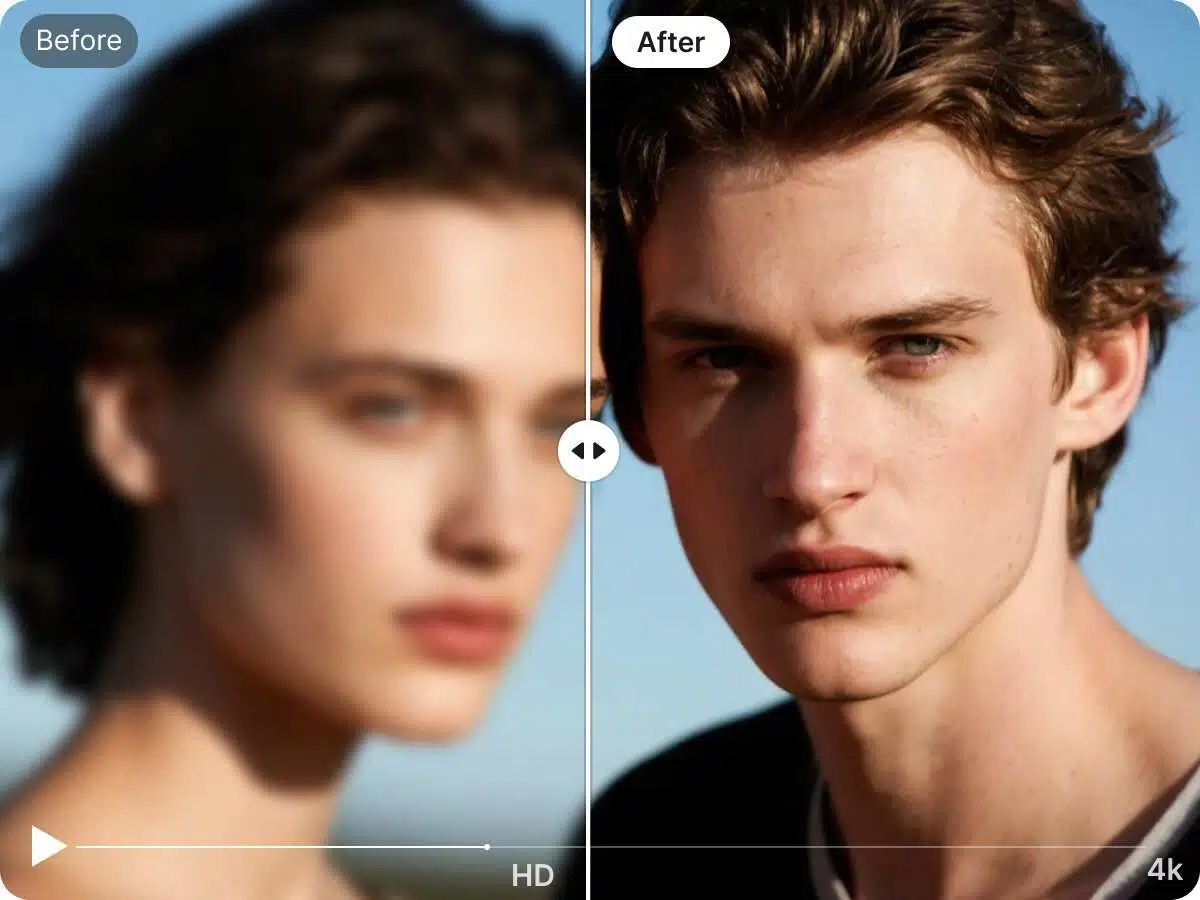
AI Video Upscaling
Zawa can upscale Seedance videos to higher resolutions such as HD or 4K. The AI reconstructs details rather than simply enlarging pixels, producing clearer results.
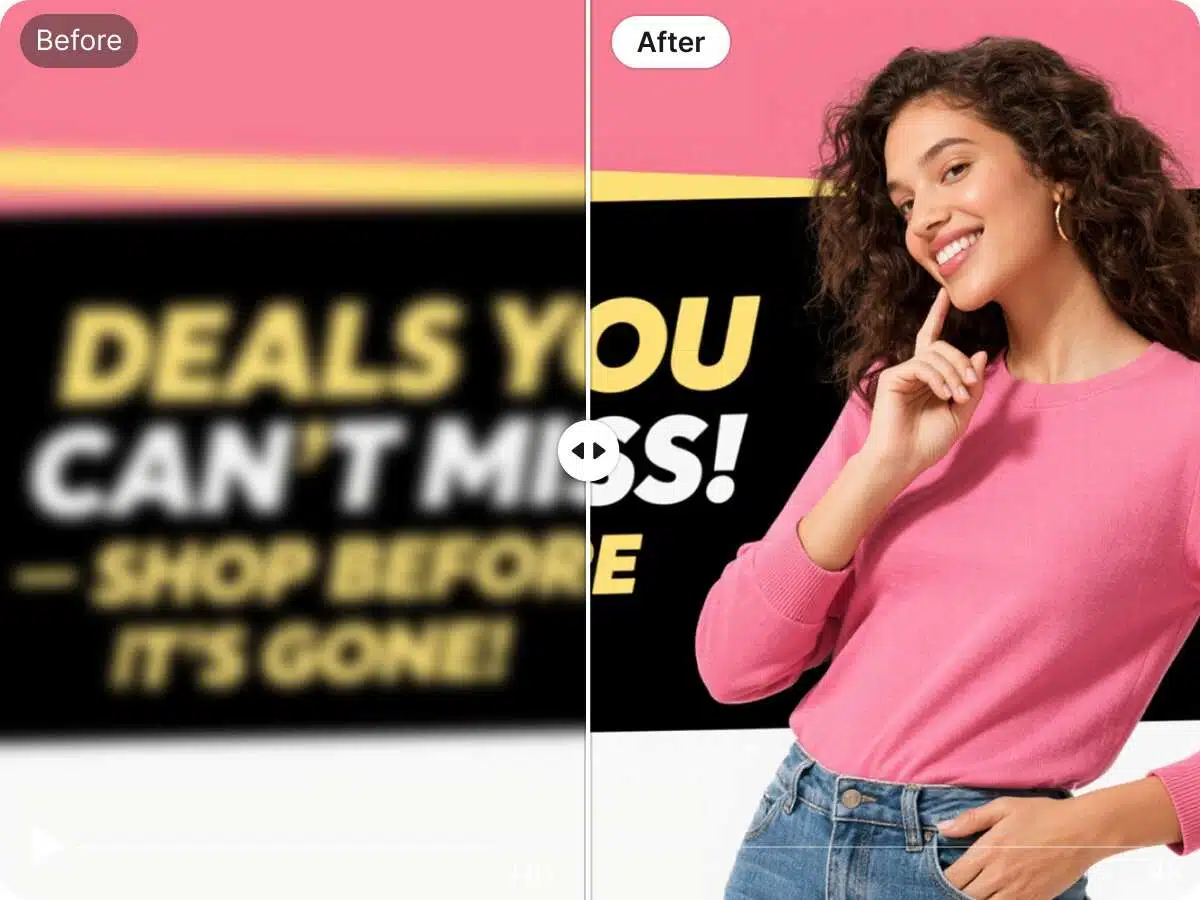
Frame-by-Frame Enhancement
Our AI processes every frame individually to improve edges, lighting, and textures. This reduces blur and compression artifacts commonly found in AI-generated videos.
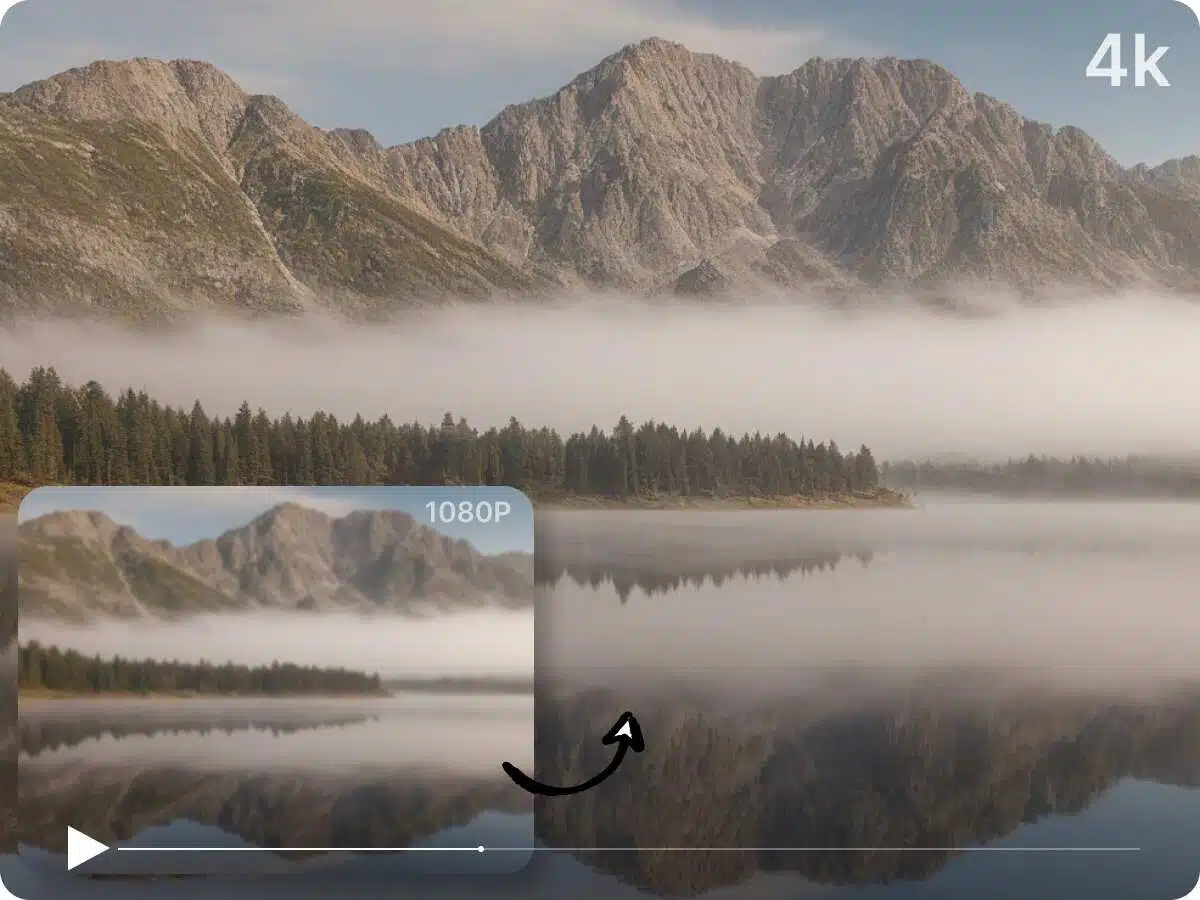
Sharper Details and Better Clarity
Zawa enhances fine details such as textures, objects, and lighting, making Seedance videos more visually appealing for content creation.
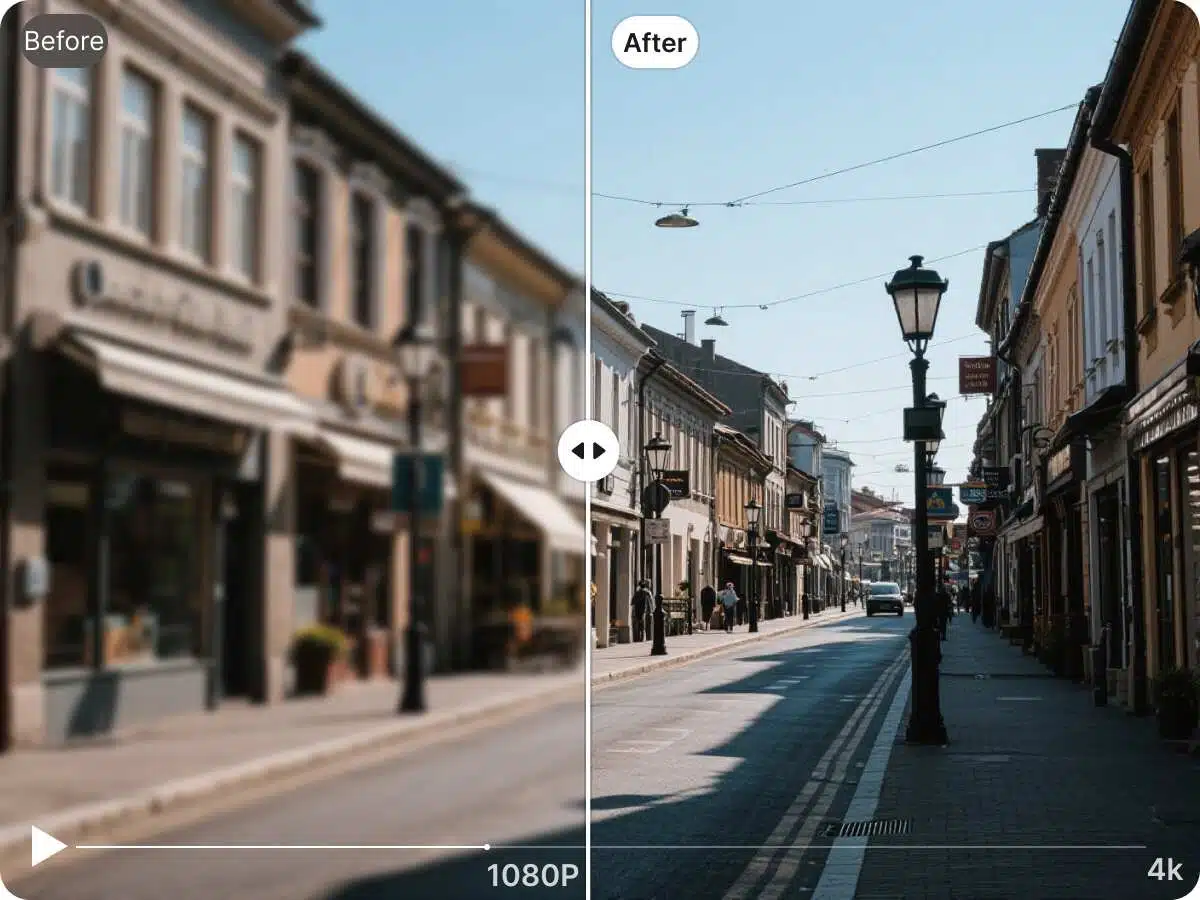
Perfect for Content Creators
Whether you’re creating AI videos for YouTube, TikTok, marketing, or social media, clearer video quality helps your content look more professional and engaging.
Frequently Asked Questions
Why do Seedance videos sometimes look blurry?
Can I upscale Seedance videos to HD?
Yes. Zawa can upscale low-resolution Seedance videos to HD or higher resolutions while improving detail quality.
Does enhancing the video change the original content?
No. The enhancement process only improves clarity and resolution while keeping the original video content intact.
Is Zawa beginner-friendly?
Yes. Zawa is designed to be easy to use. Simply upload the video and the AI will enhance it automatically.