
Remove Seedance 2.0 Watermark from Videos Online
How to remove logo and watermark from videos
Upload Your Seedance Video
Upload the video generated by Seedance 2.0 that contains a watermark or logo.
AI Detects the Watermark
Zawa automatically detects watermark areas and removes them using AI reconstruction.
Download the Clean Video
Download the watermark-free video with the original quality preserved.
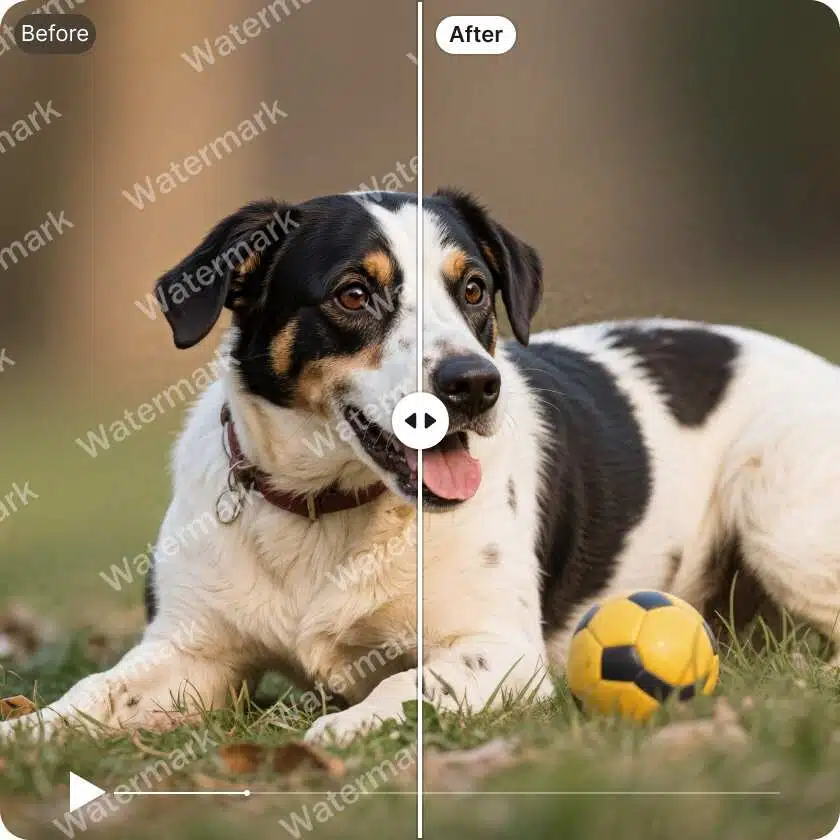
Remove Seedance Logos and Text Watermarks
Zawa can remove different types of Seedance watermarks, including corner logos, text overlays, timestamps, or semi-transparent marks. The AI analyzes the surrounding frames to restore the original content naturally.
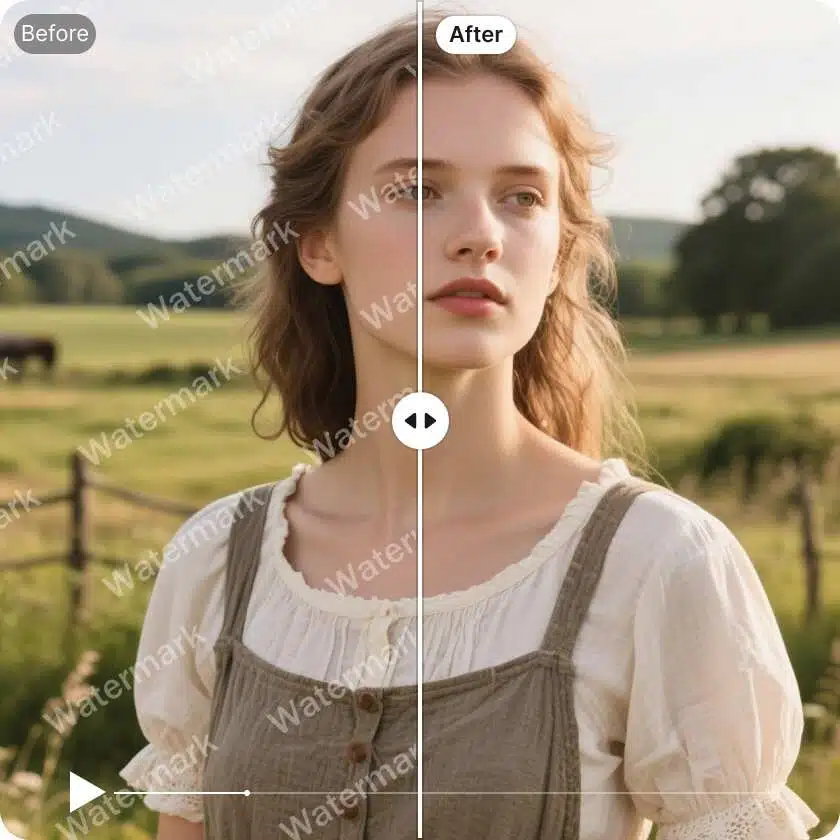
AI Video Reconstruction
Instead of simply blurring the watermark area, Zawa reconstructs the missing pixels using AI inpainting technology. This keeps the video looking natural and avoids obvious editing marks.
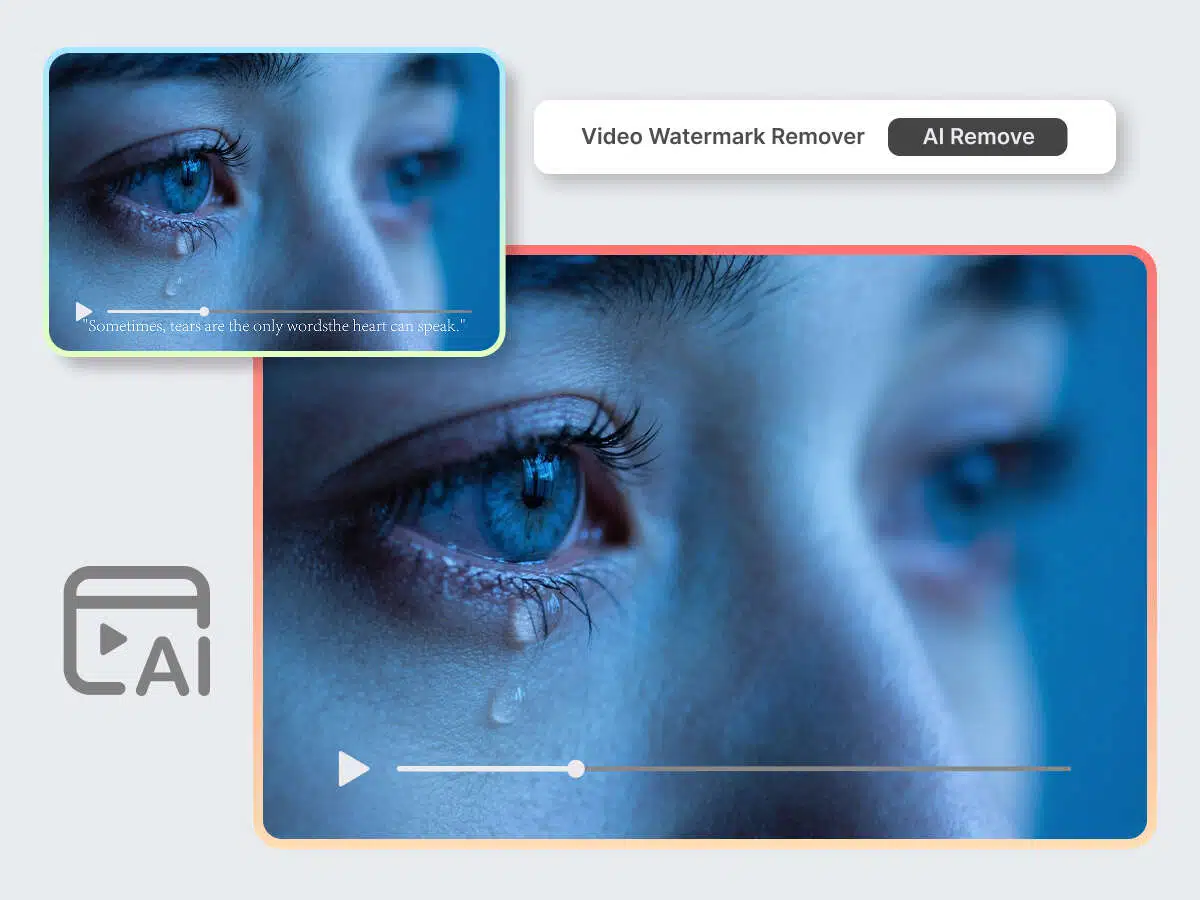
Preserve Original Video Quality
Our watermark removal process maintains the original resolution and visual details of your Seedance video, ensuring the final result remains sharp and clean.

Fast Online Processing
Just upload your video and let the AI handle the rest. Zawa removes watermarks automatically in minutes without requiring editing skills.
Frequently Asked Questions
What is the Seedance 2.0 watermark?
Can I remove the Seedance watermark without losing quality?
Yes. Zawa uses AI reconstruction to remove the watermark while preserving the surrounding pixels and maintaining the original video quality.
What types of watermarks can Zawa remove?
Zawa can remove most watermark types including:
- text watermarks
- logo watermarks
- corner marks
- transparent overlays
Do I need video editing skills to remove watermarks?
No. The process is fully automatic. Simply upload the Seedance video and Zawa removes the watermark for you.