
Free Sora 2 Watermark Remover
Use your AI videos without a watermark with the free Sora 2 watermark remover from Zawa. Get the results in seconds with the exceptional facility of uploading more than one video. Give it a try now!
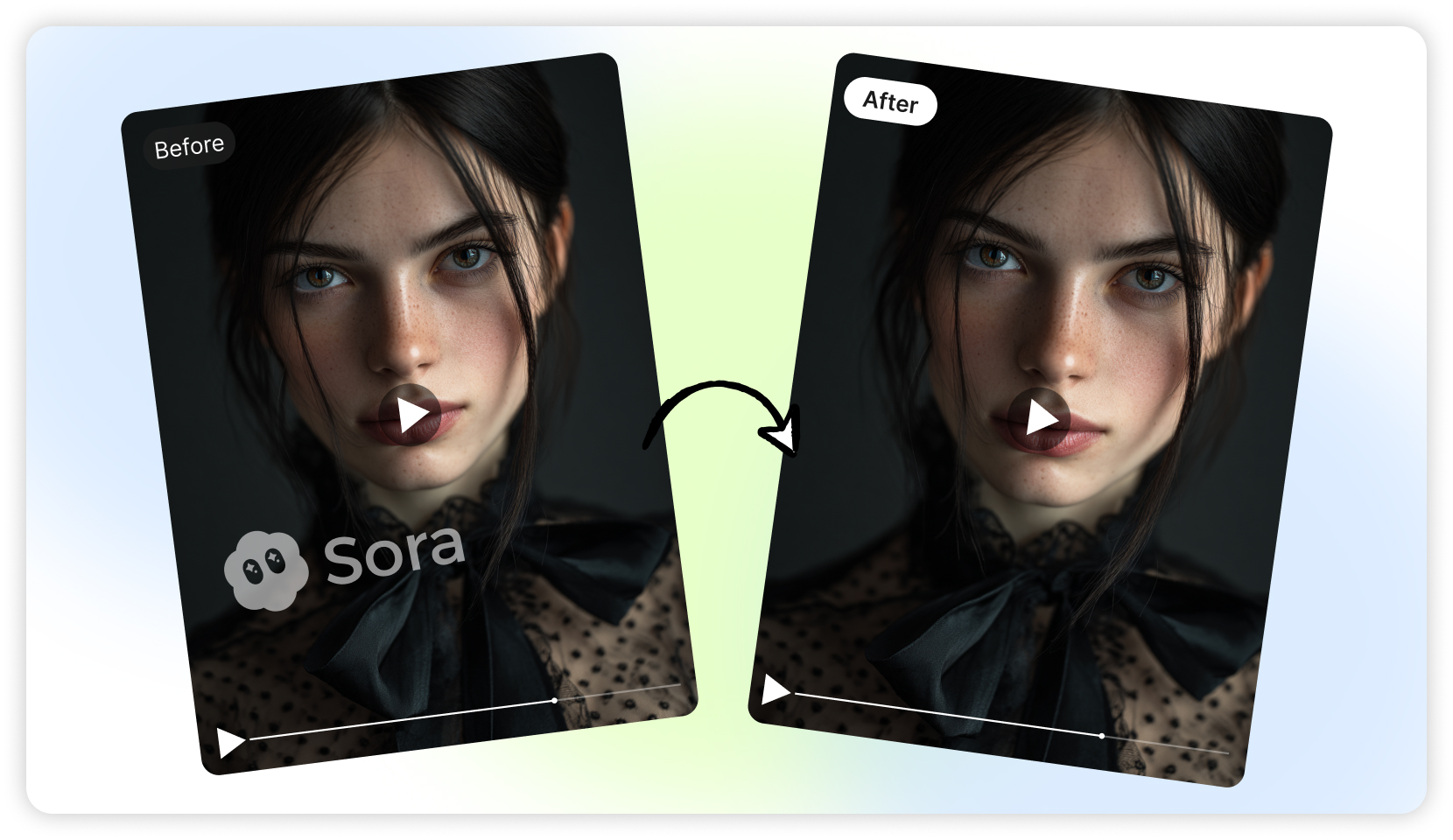
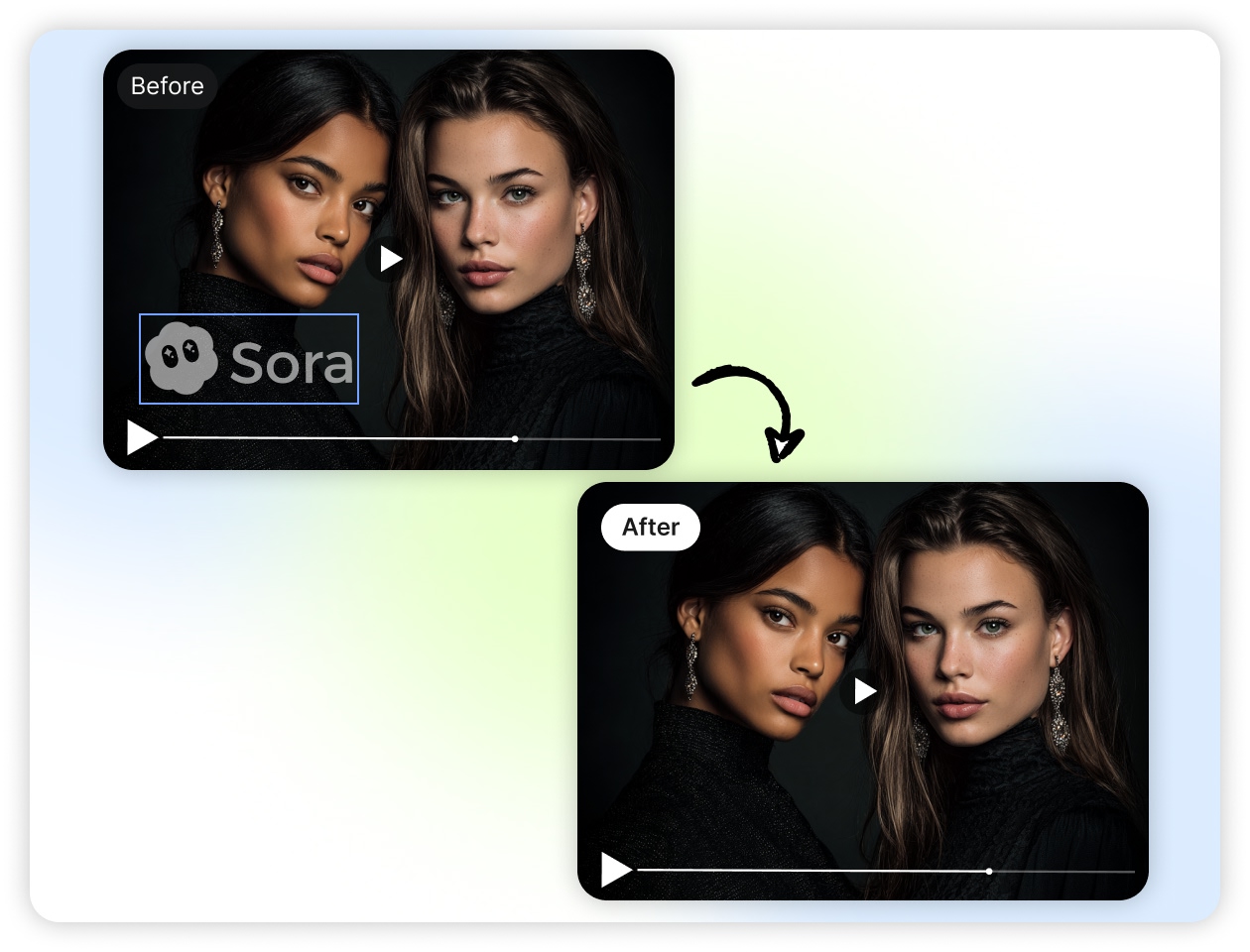
Accurately identify and remove Sora 2 watermarks
With Zawa’s Sora 2 watermark remover, you can get the highest precision. All the Sora AI videos you upload will have no watermark. The tool works in complete detail. From one corner to another corner, there will be no hint of any mark. It is possible with the remarkable algorithm running at the backend. It identifies the parts accurately and eliminates the unwanted marks.
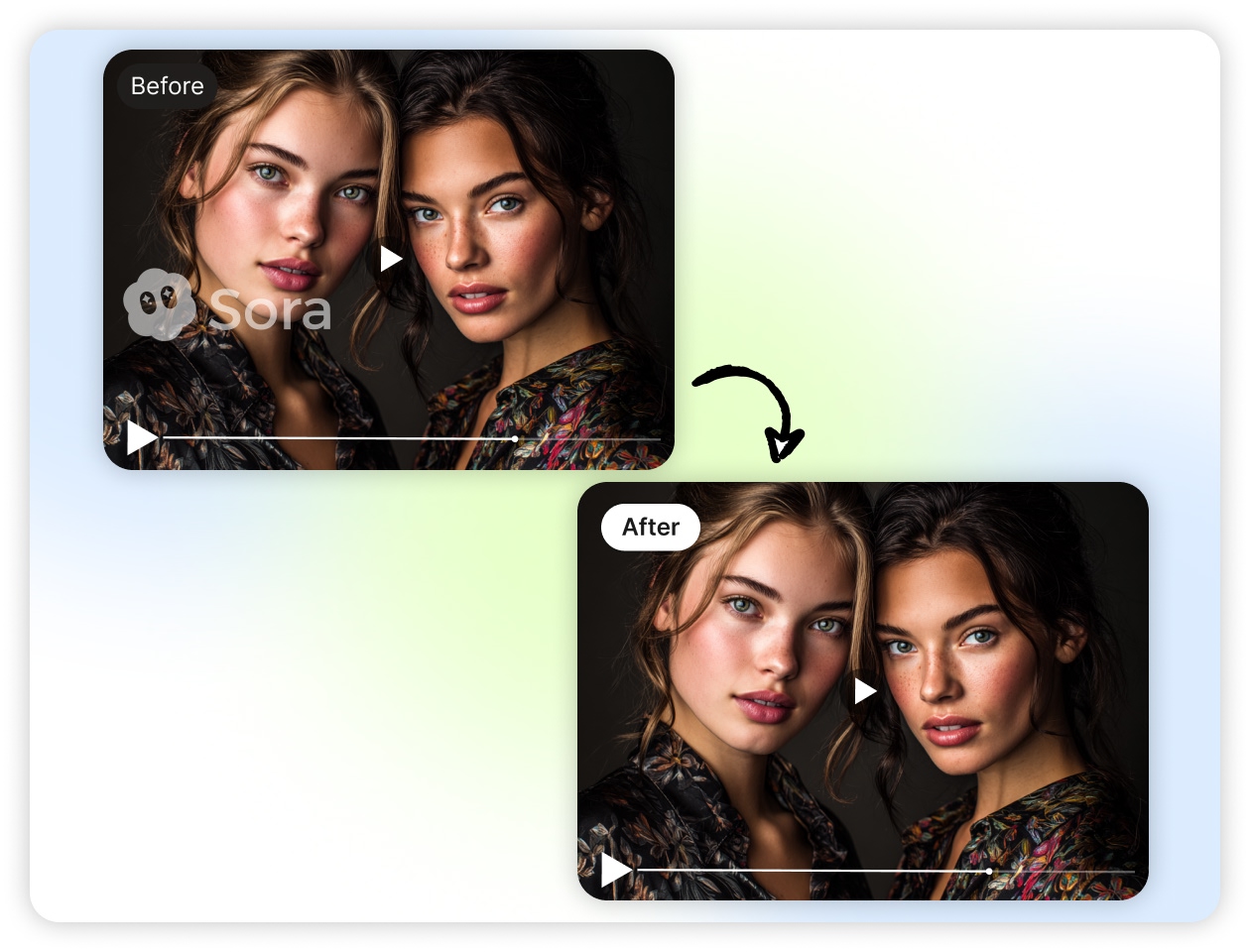
Instant Sora AI Video Text Remover
Our Sora 2 watermark remover saves a lot of your time so that you can spend it on the major video editing part. A user can see the results within a few seconds. All you need to do is click on Upload video. Once it is up, the tool will automatically run the essential digital steps. After the completion, you will get an instant video without any video text.
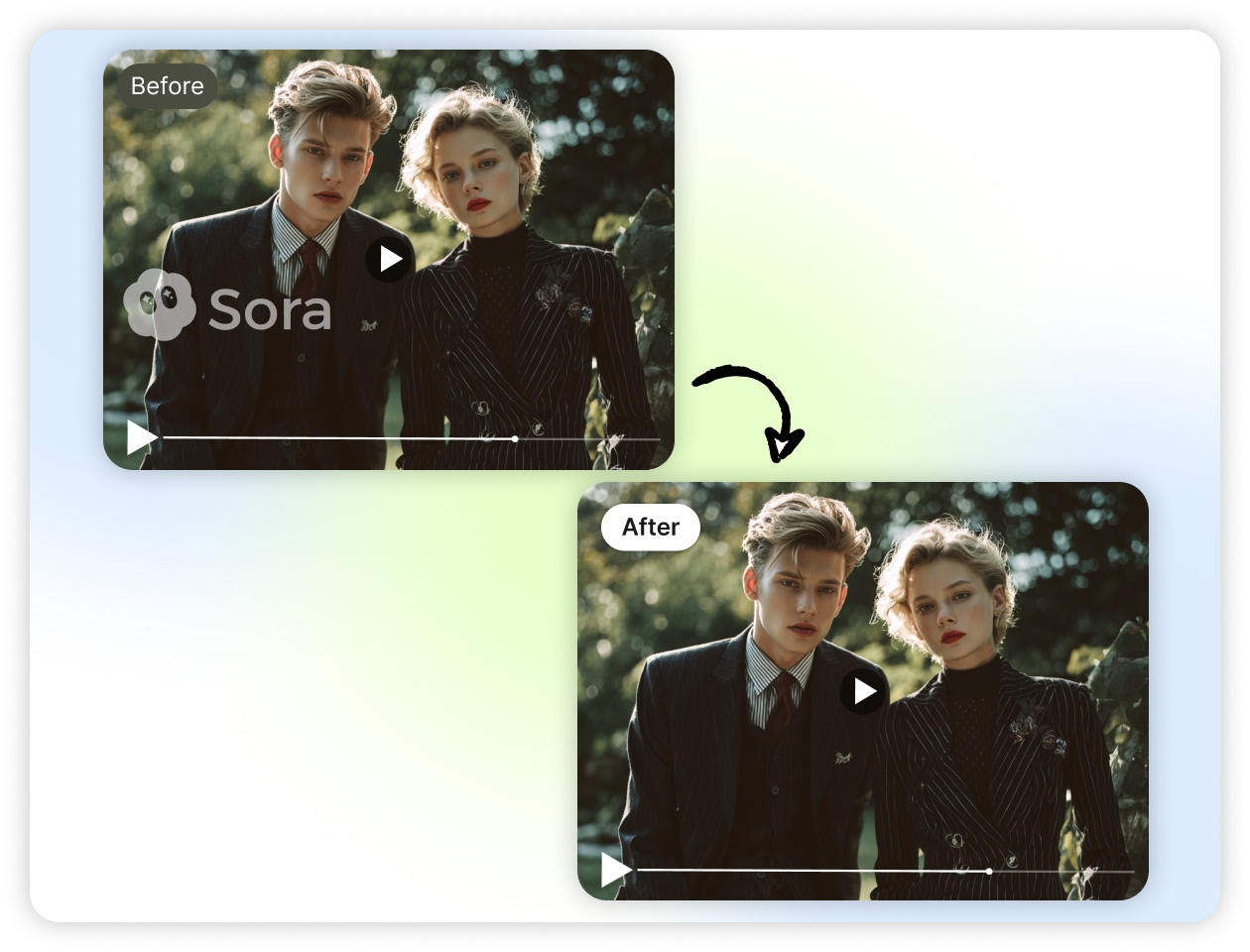
High-Quality, Lossless Output
With our Sora watermark eraser, you do not need to worry about the AI video quality. Many users expect the final video to be of high quality. The point is not to degrade the current visual quality of the content. Zawa took complete care of this part. Give it a try and see how it provides you with the quick lossless output.
User-Friendly Interface
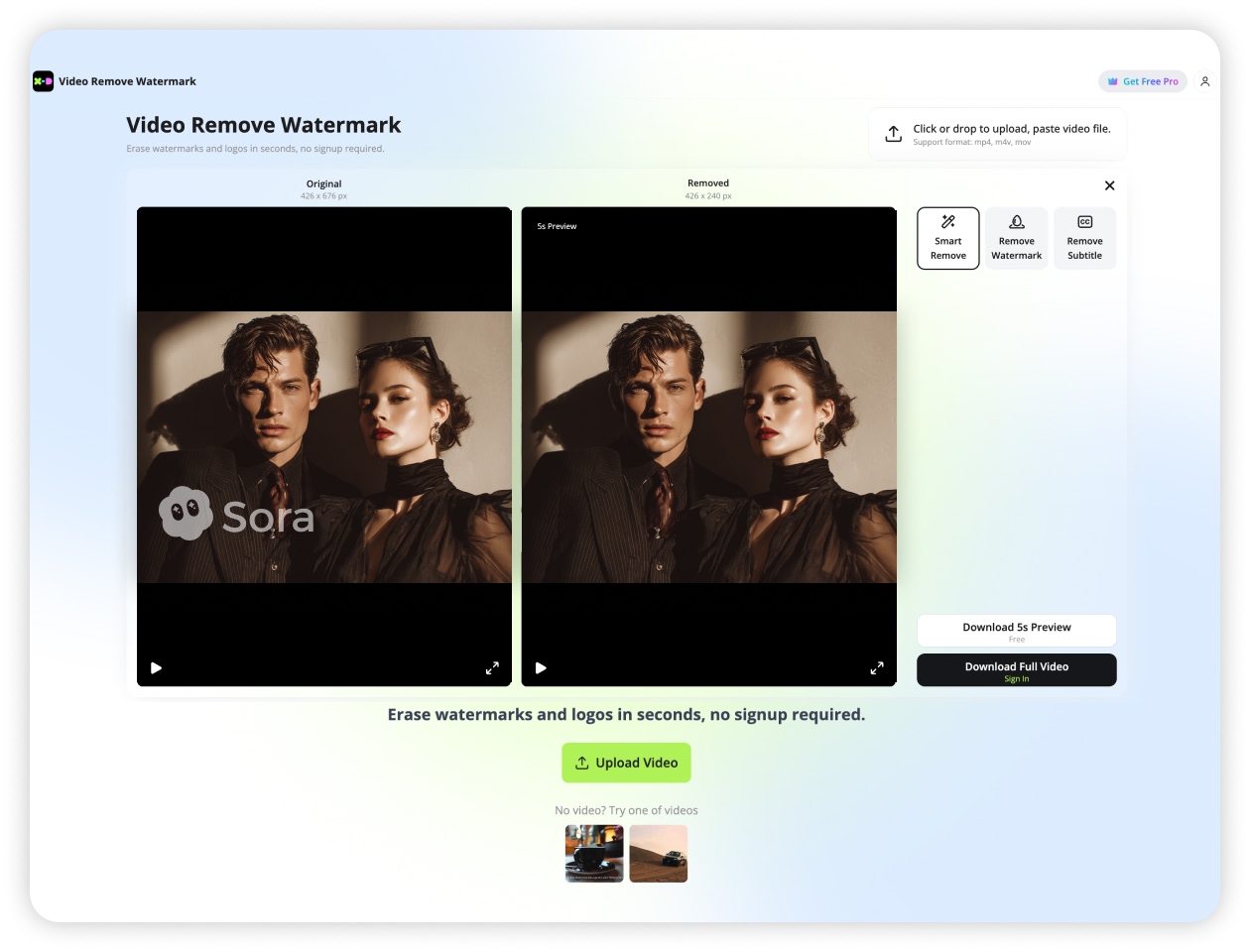
A new user can easily use Zawa’s watermark eraser. The dashboard of the tool is simple to understand. All the elements are in front of you to start the watermark removal.
Intelligent Video Content Restoration
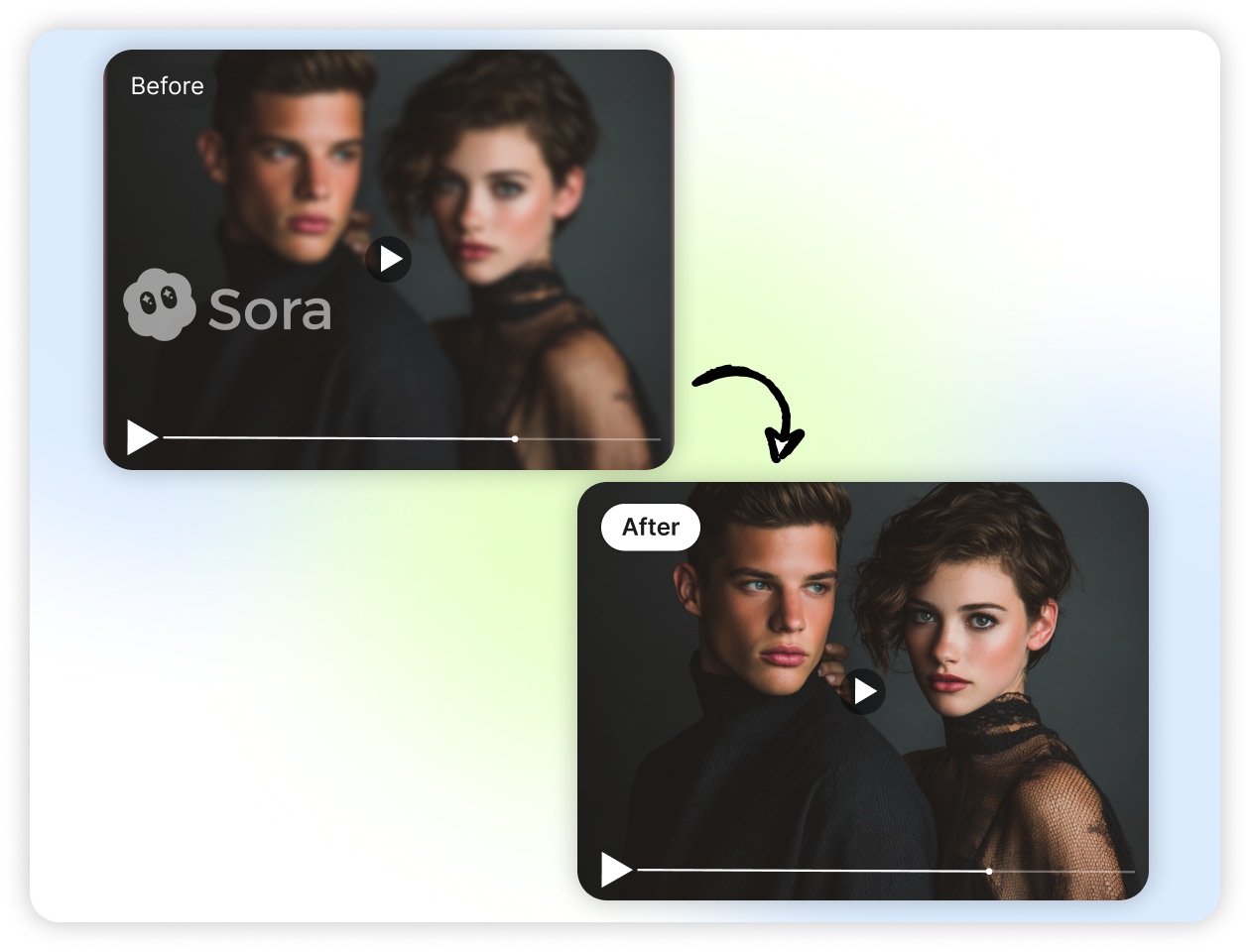
The main aspect that you want is the ideal video content restoration. When erasing the Sora video text or watermark, the removed part needs to be filled. Here, the appropriate restoration is essential. It will make the video look natural. Our tool’s AI algorithm works on it to provide you with the best quality videos.
How to remove the Sora 2 watermark instantly?
Open Zawa
Visit Zawa and access the AI watermark remover from the dashboard. The tool is ready to use with a simple and intuitive interface.
Upload Your Video
Upload the Sora video you want to edit. Once the file is uploaded, the system will prepare it for watermark detection and removal.
Start AI Removal
Activate the AI tool to automatically detect and remove the watermark. The system cleans the marked area while preserving the video quality.
Review the Result
Preview the processed video to ensure the watermark has been removed smoothly. If needed, you can make small adjustments for better visual results.
Download the Clean Video
Export the final watermark-free video in high quality, ready to use for sharing, editing, or publishing.
Why You Need Zawa's Sora Watermark Remover

AI-Powered Watermark Removal
Zawa uses advanced AI algorithms to accurately detect and remove watermarks from Sora videos. The system analyzes each frame to deliver clean results while keeping the original visuals natural.

Fast and Efficient Processing
Remove unwanted watermarks in just a few clicks. The AI engine processes videos quickly, helping you save time while producing smooth, professional results.

Simple and Intuitive Interface
The tool is designed with an easy-to-use layout. All key functions are accessible in one dashboard, allowing users to remove watermarks without any technical or editing skills.

High-Quality Video Output
Maintain the original clarity of your videos. Our advanced processing technology ensures the video quality stays sharp and consistent after watermark removal.

No Editing Experience Required
Anyone can use Zawa to clean their videos. You don’t need coding knowledge or professional editing experience to achieve great results.

Ready for Sharing and Publishing
Download watermark-free videos that are ready for social media, presentations, or content creation, giving your videos a more professional look.
Frequently Asked Questions
1. What is the Free Sora 2 Watermark Remover?
2. Does the AI tool reduce quality after watermark removal?
The advanced tools, like Zawa’s Sora video text remover, maintain the original resolution. It works on filling the restored zones. The use of context-aware detail is applied here. This is helpful to blend the edges. It keeps all the hues intact in the video. Besides, it protects the depth and contrast with ease.
3. Does the watermark eraser remove video frames from Sora 2?
Yes. It supports multi-frame analysis for Sora 2 videos. The tool will read all the frame sequences. And then it maps the watermark movement. Next, it applies the consistent inpainting. This will help you reduce the flicker. With the use of an AI-powered video text remover for Sora 2, you can preserve the motion.
4. How perfect is automated watermark detection?
Zawa’s Sora 2 watermark eraser’s detection accuracy is super high. It brilliantly reads the shape density. The tool scans the alpha transparency and measures stroke thickness. It compares the pixel clusters and spots the repeated patterns. Also, it ideally adapts to light or dark marks in the videos.
5. Does it support batch watermark removal?
Yes. With our excellent logo and text removal tool, you can do bulk erasing. It supports the uploading of 3 video files simultaneously. It uses parallel processing, so there will be faster results for the batch removal. The tool ensures that all your files keep their original format. It speeds up the work.
6. Is Zawa ideal to handle transparent or semi-transparent watermarks?
Yes. It is remarkable to analyze the opacity levels. When you upload your video, it automatically breaks down the color bleed and rebuilds the background texture. It aligns the lighting factor correctly. So, you can see that the watermark from your Sora 2 videos gets erased, whether it includes clear or translucent logos.
7. Does the remover support high-resolution or ultra-wide images?
Yes. It reads large files. It handles wide-ratio frames. Also, the tool processes high pixel counts. It supports RAW-level clarity. And, it reconstructs fine grain while maintaining sharpness. This watermark remover is optimized for heavy media files used in design and AI generation workflows.
8. Is it safe and secure to use the Free Sora 2 Watermark Remover for client work?
Yes. All files remain private. No data is shared. Processing happens in isolated environments. No user assets are stored. It maintains secure caching. It supports business workflows. This eraser is trusted for commercial tasks that require clean and compliant, watermark-free media.