
Glitch Effect Tool Online Free
Add a stylish glitch effect to your images in seconds.
Click or drop to upload, paste files.
How to use photo editor with AI
Upload Your Image
Start by uploading your image into Zawa’s AI-powered photo editor. Whether it’s a portrait, landscape, product shot, or any other type of image, the tool is designed to handle a wide variety of formats and visual styles.
Let AI Enhance Your Image
Once your image is uploaded, let the AI automatically adjust key aspects of your photo, such as brightness, contrast, sharpness, and color balance. The AI will optimize your image within seconds, enhancing the overall quality and ensuring a professional finish.
Fine-Tune Your Image
After the automatic enhancements, you have the option to fine-tune specific elements of your photo. Adjust details like exposure, saturation, and apply additional filters to perfect your image. Once satisfied, save your edited photo in high resolution, ready for use in your projects.

Instant Glitch Effect
Our Glitch Effect Tool allows you to add a bold, digital distortion to your images in just a few clicks. Customize the intensity, colors, and movement to create the perfect glitchy vibe for your design, artwork, or social media posts.
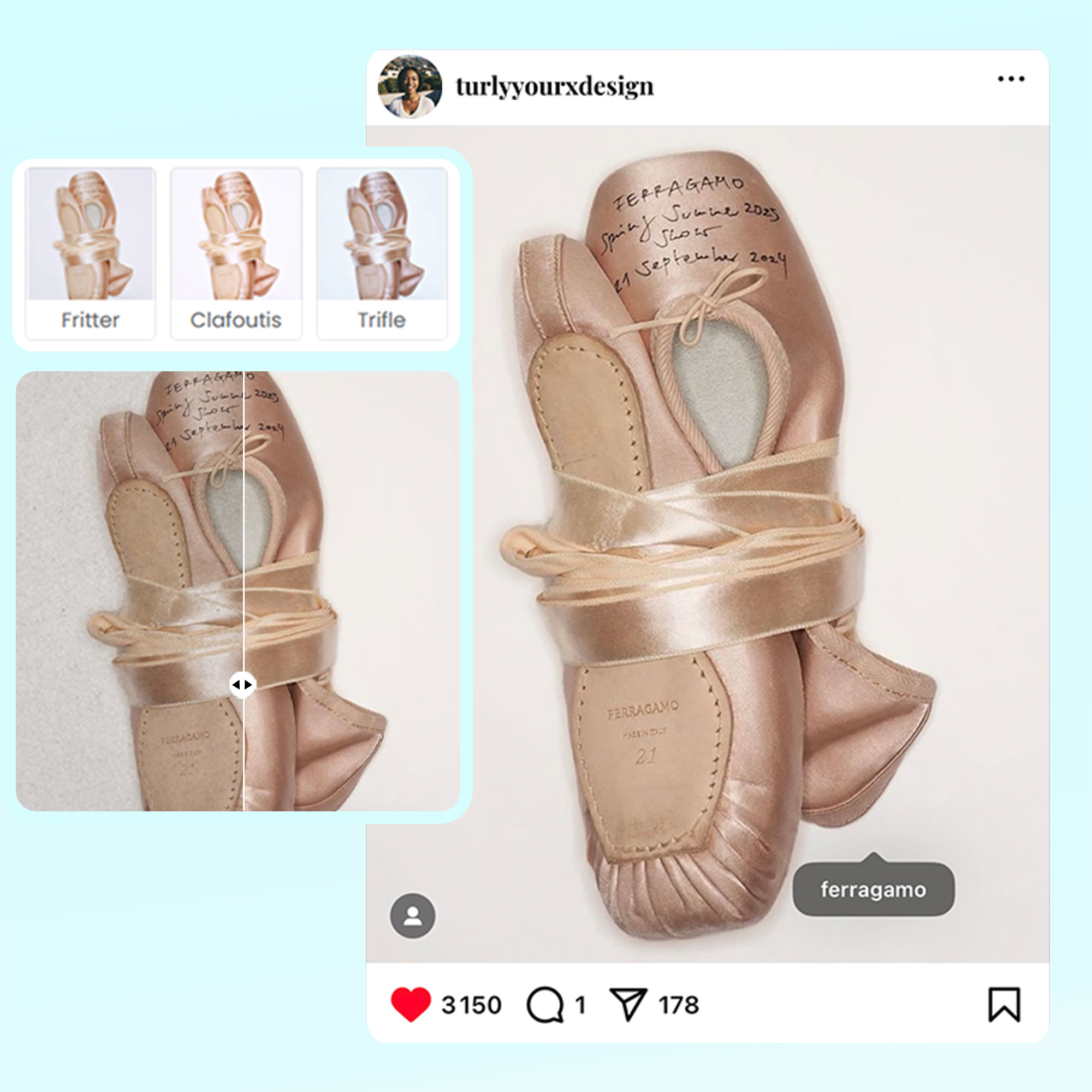
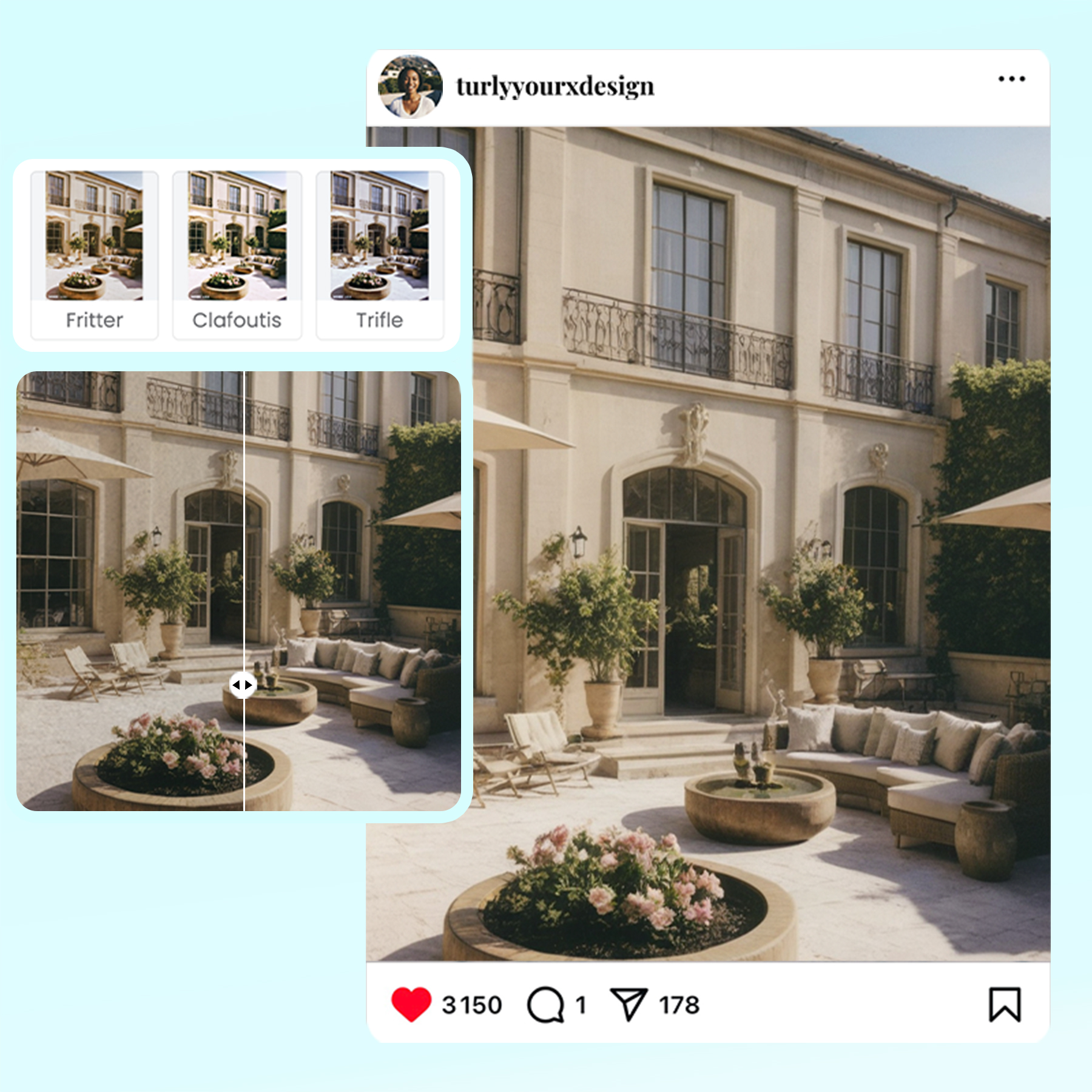
Futuristic Digital Glitch
Transform your photos with a futuristic digital glitch effect on Zawa. The tool lets you easily distort your images with vibrant colors, pixel shifts, and screen-flickering effects, giving your visuals a modern, edgy feel perfect for attention-grabbing designs.
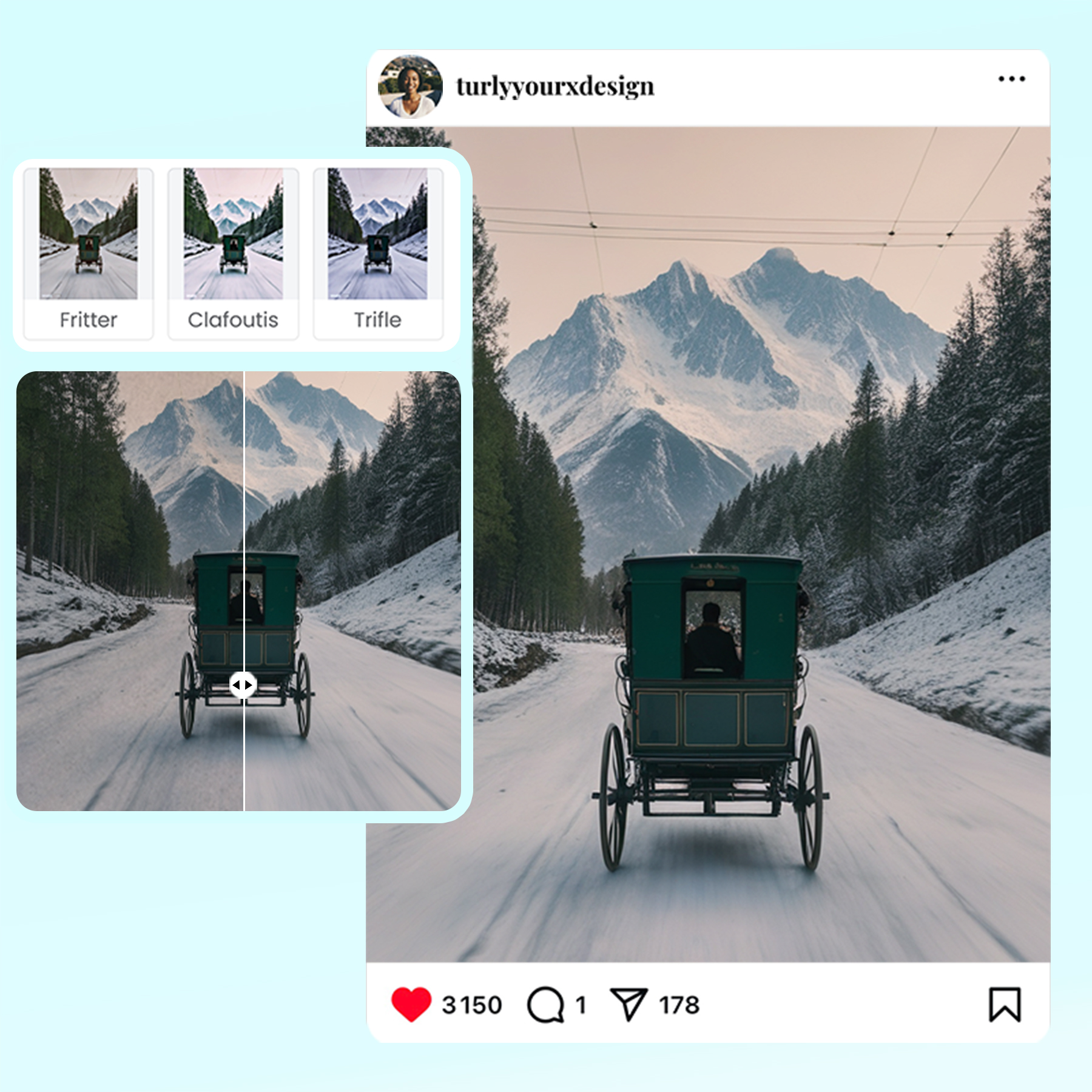
Creative Image Distortion
Zawa’s Glitch Effect Tool is a quick and creative way to distort your images. Add digital noise, color shifts, and pixelated distortions for a glitchy aesthetic that makes your visuals stand out with a unique, bold style. Ideal for modern, edgy projects.
Photo editor

Instant Professional-Grade Enhancements
Zawa’s AI delivers immediate improvements to your photos by automatically adjusting key elements, ensuring professional-quality results in a fraction of the time it would take with traditional photo editing tools.

Full Creative Control
While Zawa’s AI provides smart, automatic enhancements, you retain full control over the final outcome. Customize the details to match your exact vision, ensuring your image reflects your creative intentions.

Quick and Efficient Workflow
Zawa streamlines the editing process, allowing you to achieve high-quality results faster. Whether you’re editing one image or many, the tool is designed to be fast and efficient, saving you valuable time without sacrificing quality.
Frequently Asked Questions
How do you make a glitch effect?
How to make my photo look nice?
To make your photo look nice on Zawa, start by adjusting brightness, contrast, and saturation to enhance color vibrancy. Use the cropping tool to frame your image perfectly and experiment with filters or effects to give your photo a polished, professional appearance.
What is the glitch effect called?
The glitch effect is often called "digital glitch" or "data moshing." It’s a visual distortion that mimics faults in digital media, such as pixelated noise, color shifts, and screen flickers, used to create a modern or avant-garde design style.
How to make the glitch effect on Website?
On Zawa’s website, making a glitch effect is quick and easy. Upload your image, and customize the intensity and colors. You’ll achieve a glitchy, digital look that’s perfect for creative or modern designs.
How to enhance an image?
To enhance an image on Zawa, upload your photo and use the available editing tools. Adjust brightness, contrast, sharpness, and saturation to improve clarity and color. You can also apply filters and effects to add vibrancy, polish, and professional-level detail to your image.