
GPT-Image-2 for Brand Visual Creation is live
Create campaign visuals, branded graphics, posters, moodboards, and text-based creative assets with higher realism and better control. GPT-Image-2 is especially promising for teams that need images to feel more usable, more on-brief, and closer to finished design work.
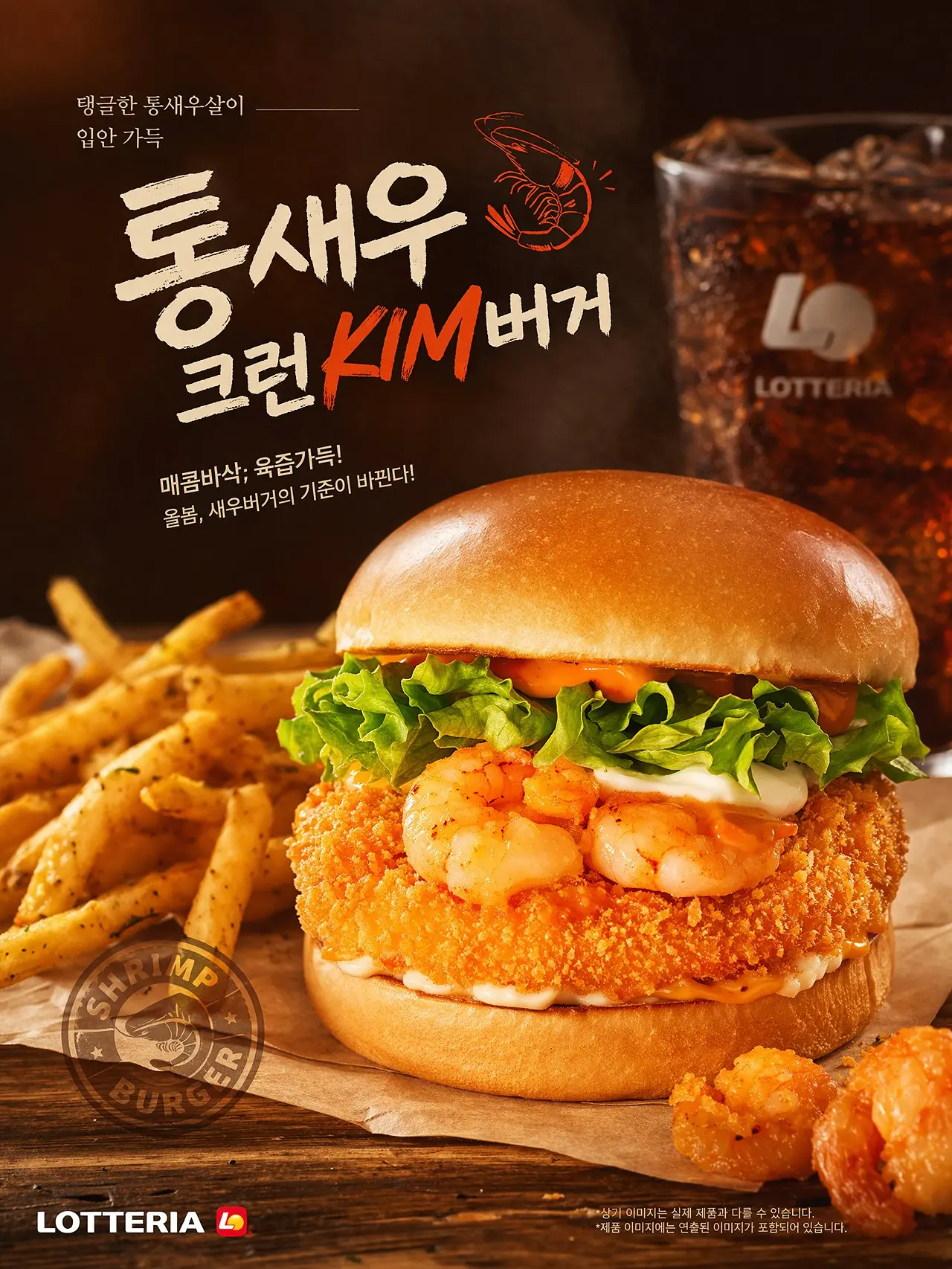
Feature Overview
| Feature | Details |
|---|---|
| Text-to-Image | Generate visuals directly from natural language prompts |
| High-Fidelity Output | Better suited for polished brand and campaign visuals |
| Text Rendering | More useful for posters, ads, title cards, and text-based creative |
| Prompt Accuracy | Handles more detailed and structured visual instructions |
| Brand Use Cases | Supports marketing, editorial, campaign, and creative design workflows |
How To Use
Describe the visual clearly
Start with the core idea, then define the mood, composition, lighting, style, and any text that should appear in the image.
Choose the design goal
Decide whether the image is for a campaign visual, poster, social graphic, moodboard, or editorial asset. A clearer purpose usually leads to a more usable output.
Generate and refine
Create the first version, then iterate on layout, visual hierarchy, background details, copy placement, and overall direction until the image fits the brand need.
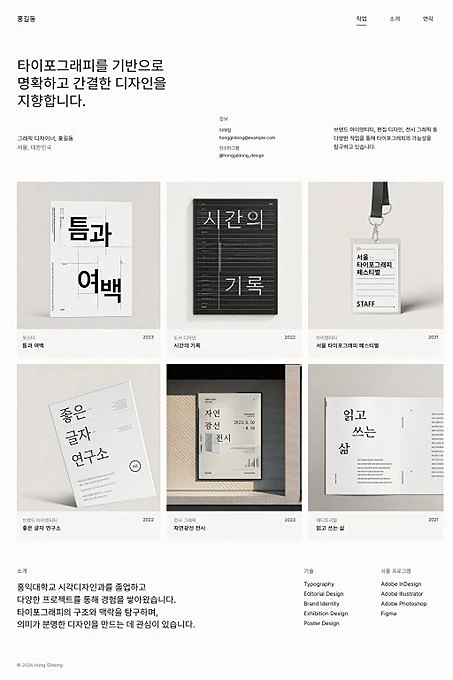
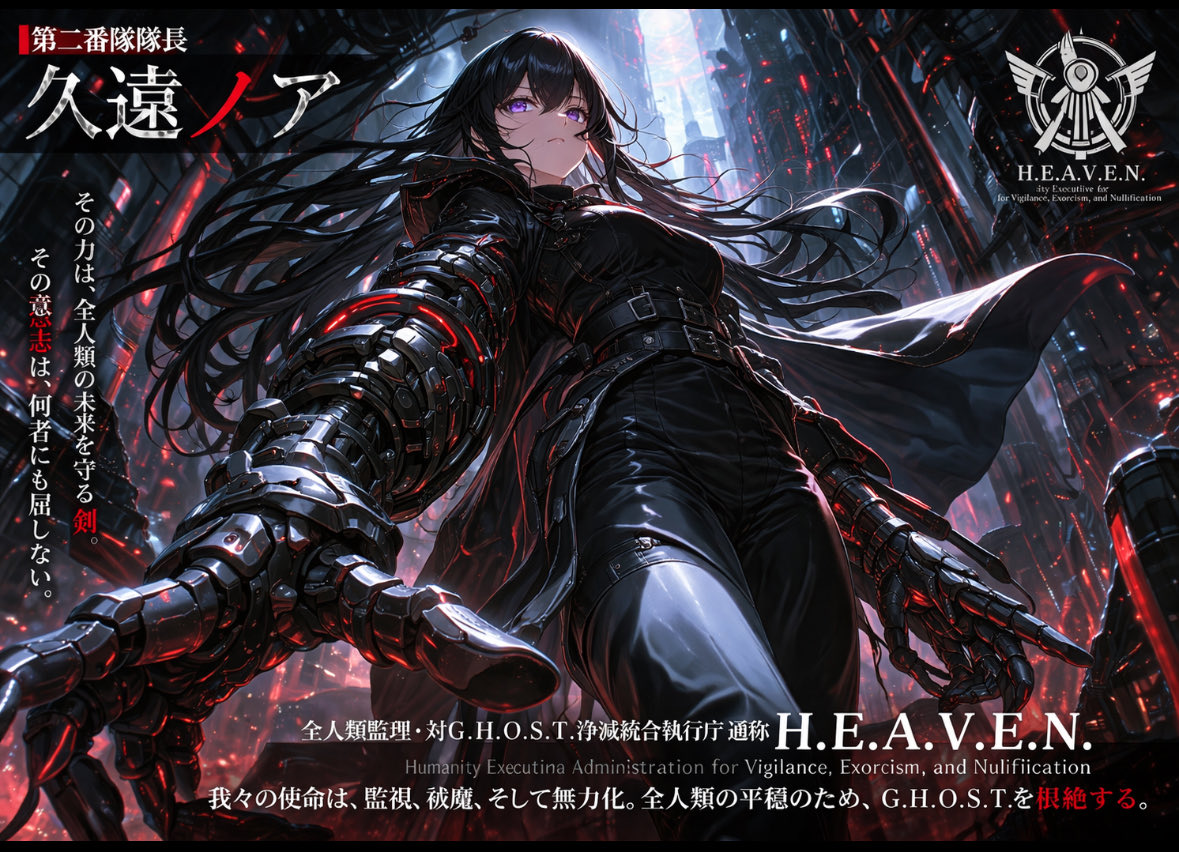
Create visuals that feel closer to final creative
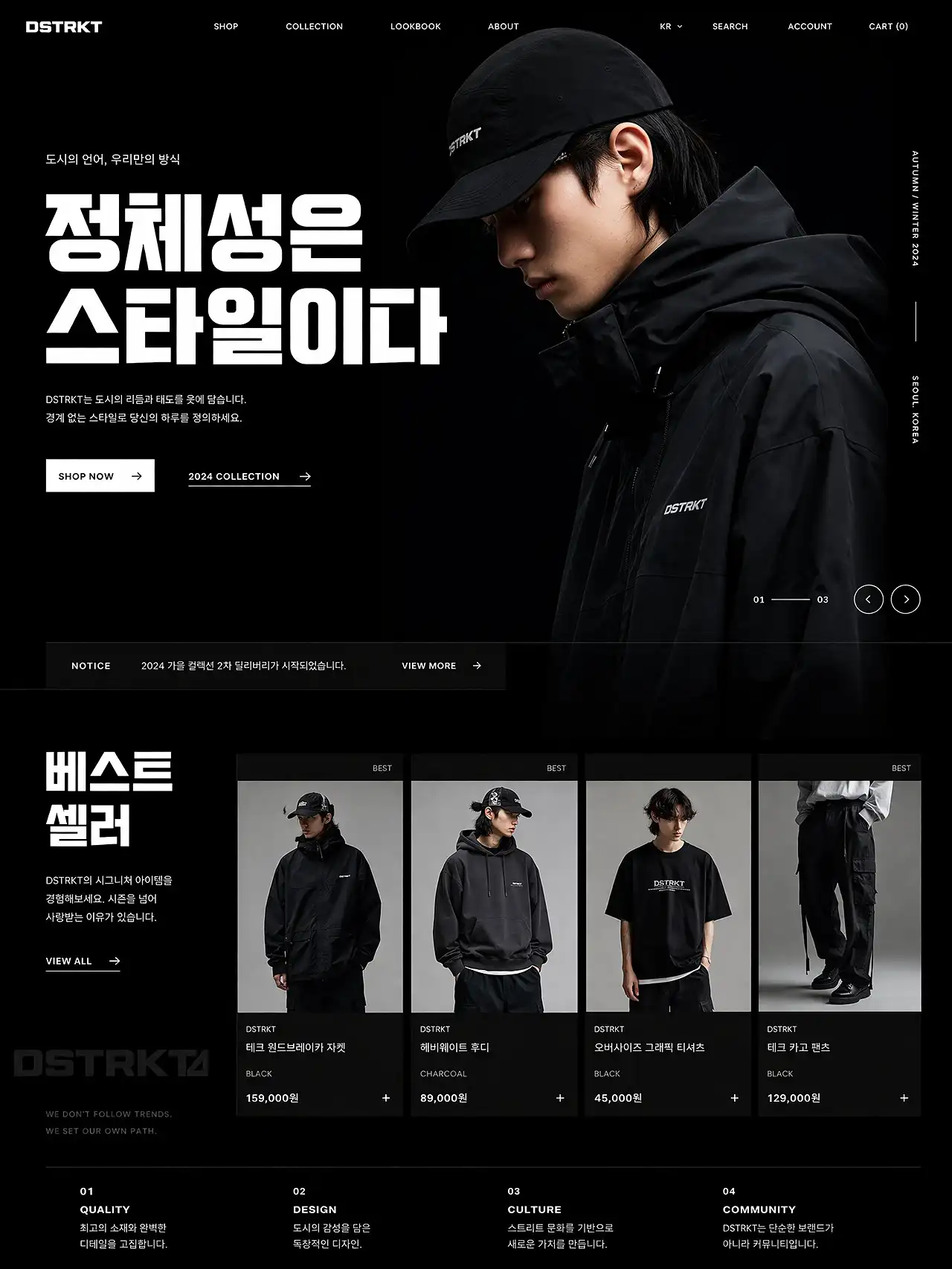
GPT-Image-2 is well suited for brand work where output quality matters. Instead of stopping at rough concepts, it helps generate visuals that already feel closer to campaign-ready assets.
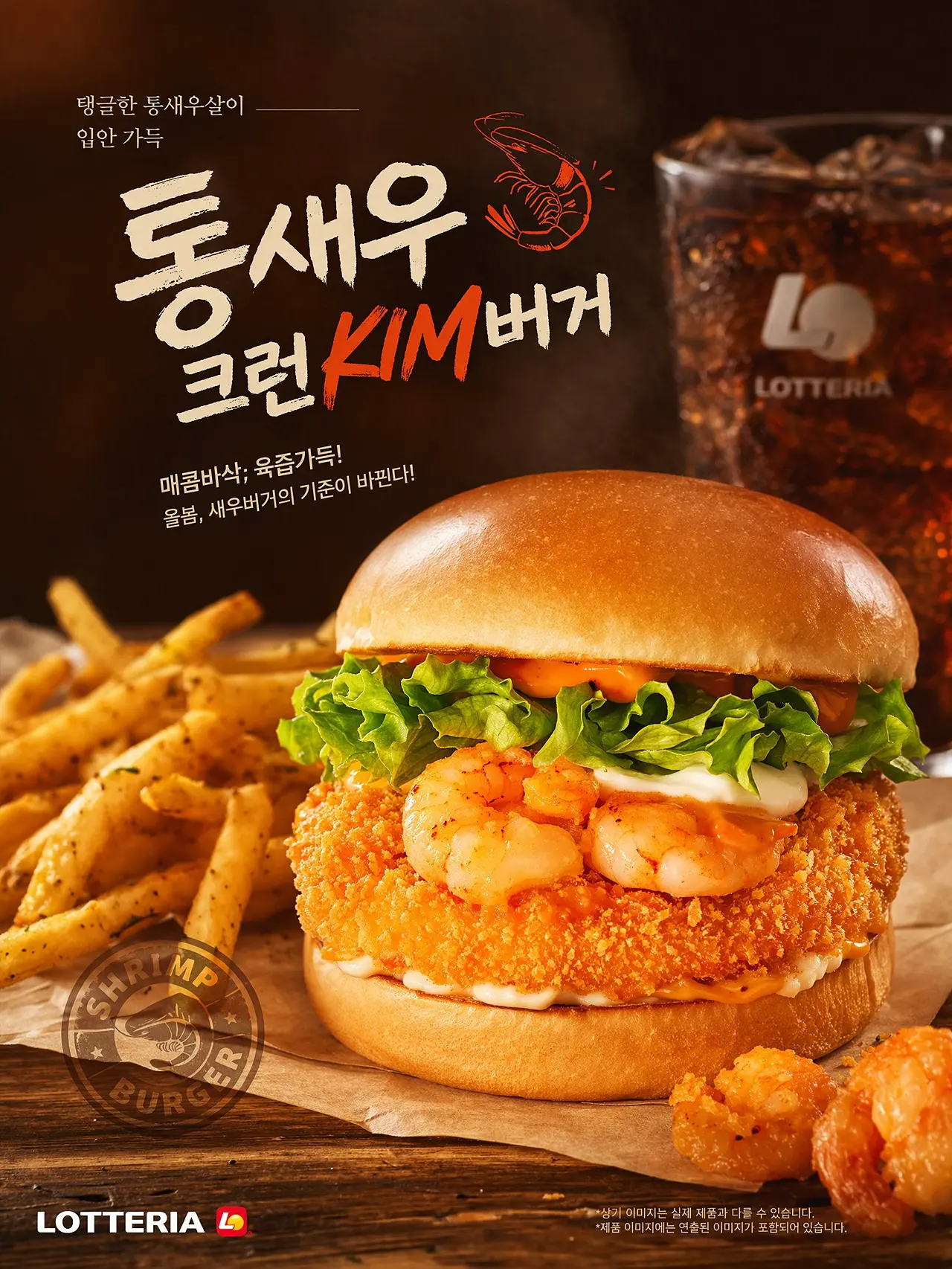
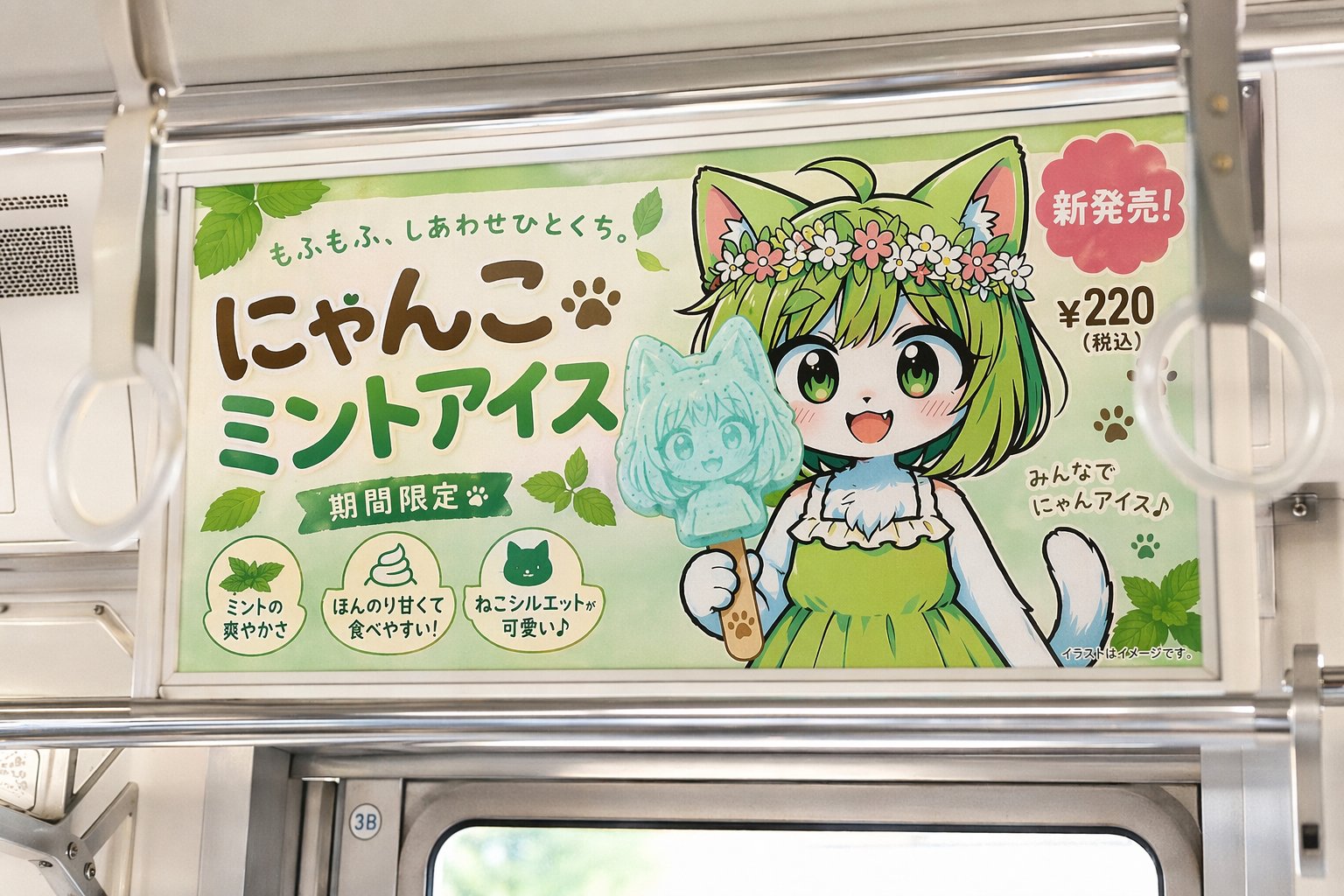
Generate images with clearer text inside the design
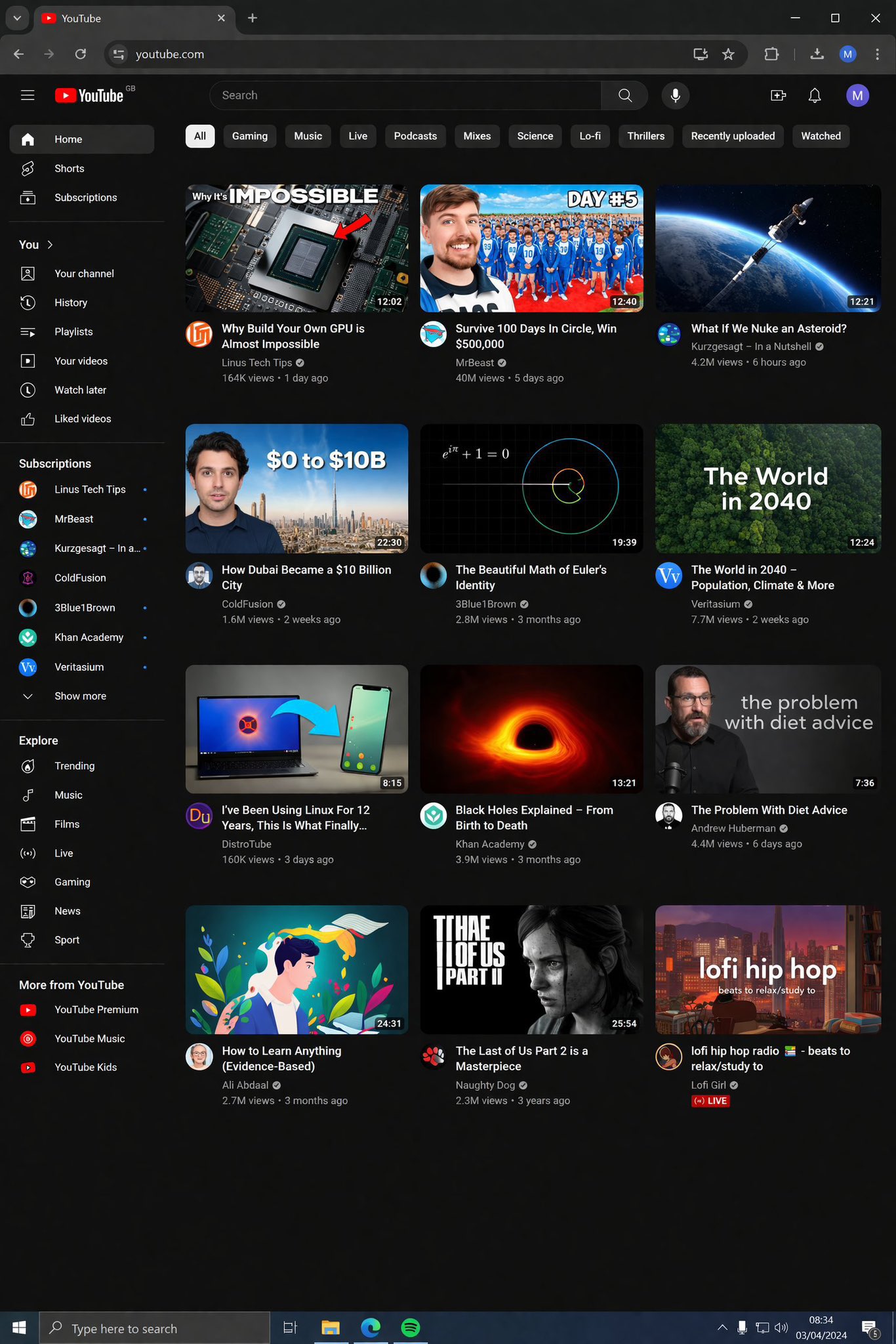
For posters, social graphics, title cards, launch visuals, and branded content, text is often part of the image itself. GPT-Image-2 is especially useful for layouts that need readable text and a more natural fit between typography and image.
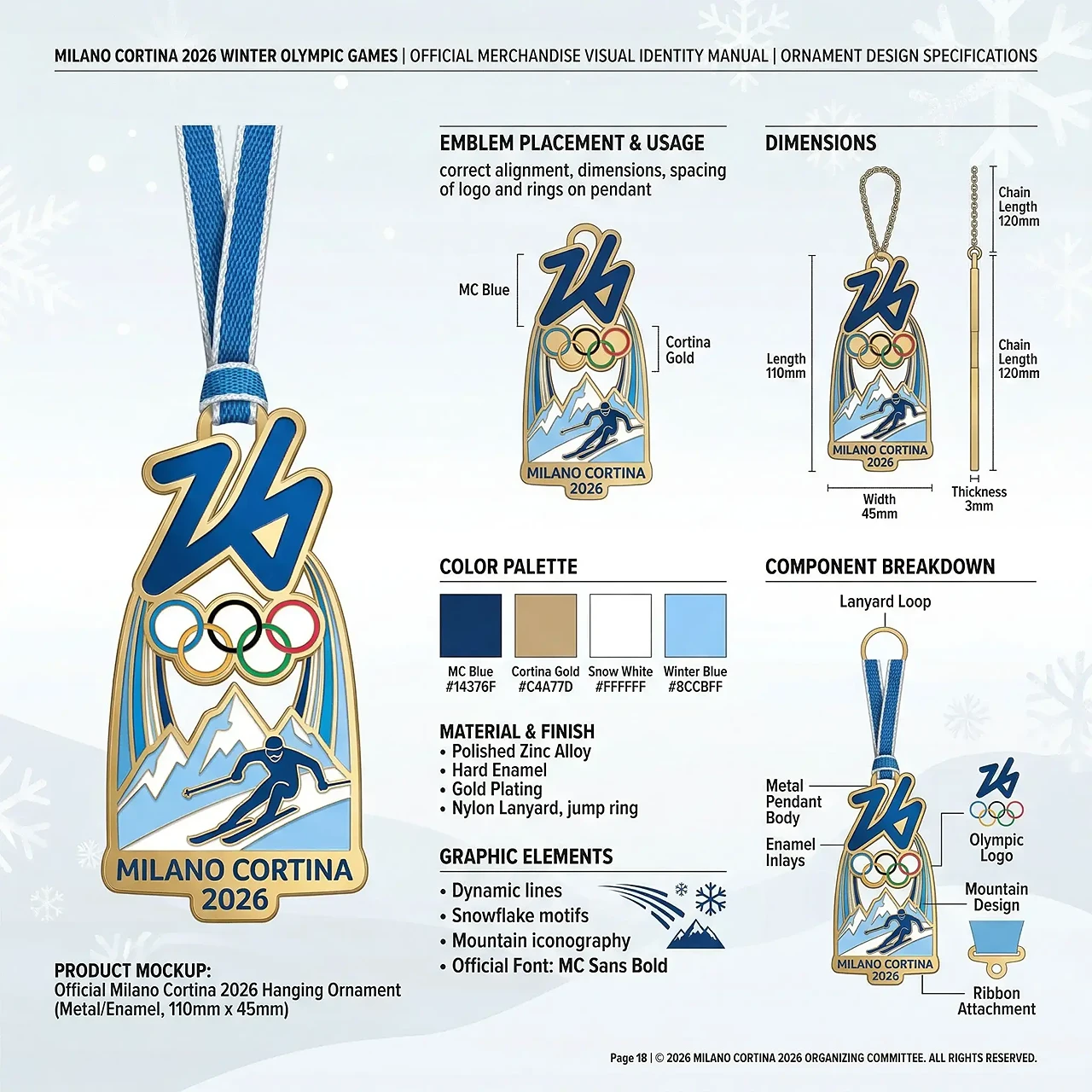
Handle more specific, design-driven prompts
Brand design often depends on more than style alone. GPT-Image-2 is a stronger fit for prompts that include art direction, layout cues, scene details, interface references, or specific visual context.
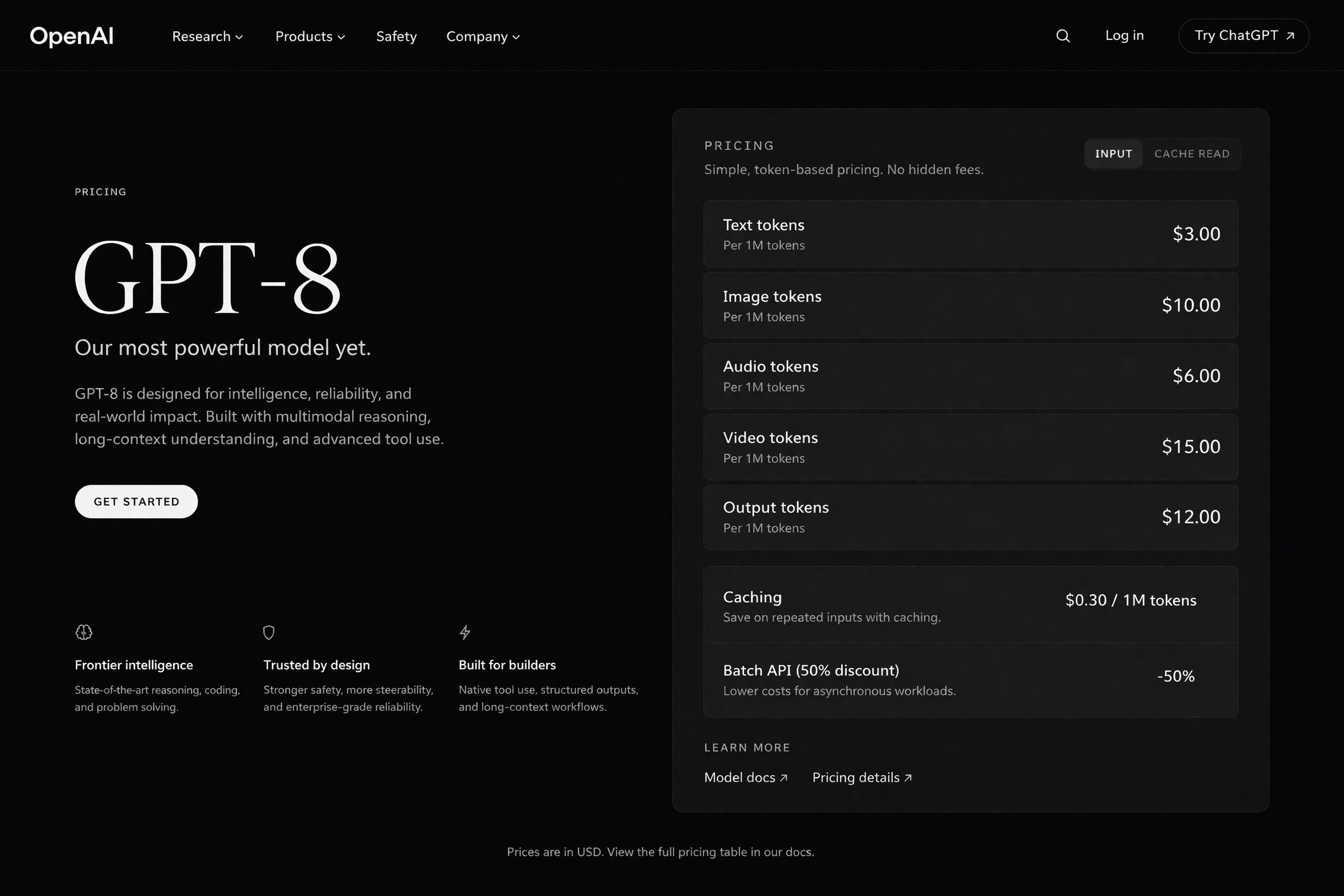
Support a wider range of branded content workflows
From launch banners and ad concepts to editorial graphics and social visuals, GPT-Image-2 can support teams that need to create across multiple formats while staying closer to the original brief.

Move faster from idea to usable output
For brand teams and creators, speed matters most when the result is actually usable. GPT-Image-2 is promising because it shortens the gap between concept generation and visual output that feels ready to refine, publish, or test.
Use Cases
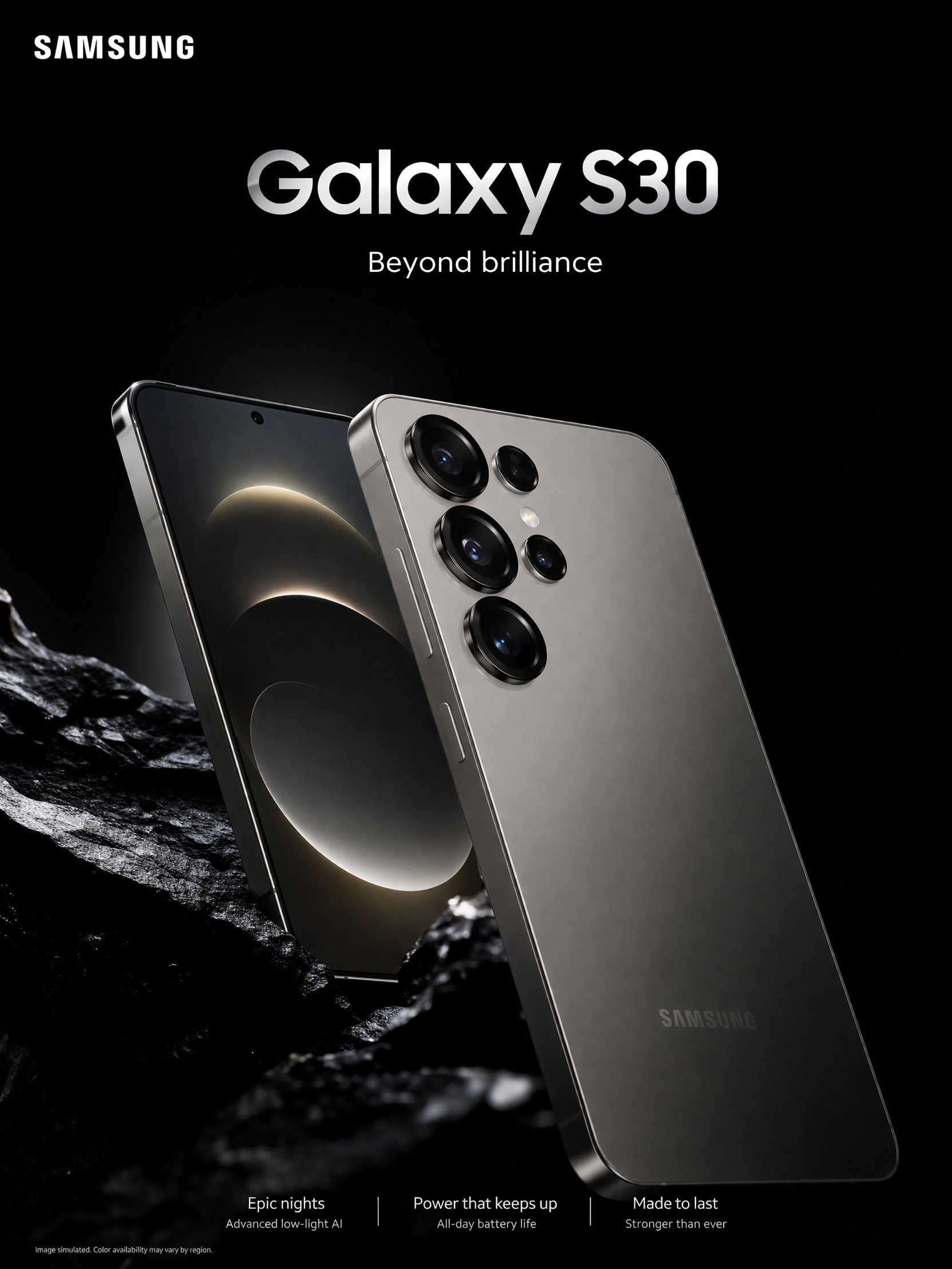
Campaign visuals
Create key visuals for launches, seasonal drops, event promotions, and branded announcements.
FAQ
What can GPT-Image-2 be used for on Zawa?
Why is GPT-Image-2 relevant for brand design?
It stands out for stronger realism, better text rendering, and more reliable handling of detailed prompts, which makes it more useful for creative work that needs to feel polished and intentional.
Is GPT-Image-2 good for images with text?
Yes. Based on the publicly shared examples and early reporting, text rendering is one of the most talked-about strengths of GPT-Image-2, especially for posters, ads, and text-led graphics.
Can it help with campaign and marketing visuals?
Yes. GPT-Image-2 is a strong fit for campaign concepts, branded imagery, launch assets, and creative testing where teams need visuals that feel closer to production-ready.
Do I need complex prompts to use it well?
No. A clear description of the subject, design goal, visual style, and text needs is usually enough to get started. From there, the output can be refined step by step.