
Free AI Icon Generator
Add a text prompt to Zawa's AI Icon Generator and get professional and polished icons. It is a great way to get results that really represent your brand identity. Just let Zawa know what you need, and it will take care of the details, drawing on its advanced grasp of language and imagery.
Key Features of Zawa’s AI Icon Maker

Advanced AI-Powered Vector Logic
Zawa features a deep-learning algorithm that understands iconography. The tool will generate clean lines and balanced proportions thanks to the large Language Learning Model (LLM) that can interpret your prompts naturally, even if you have abstract ideas.
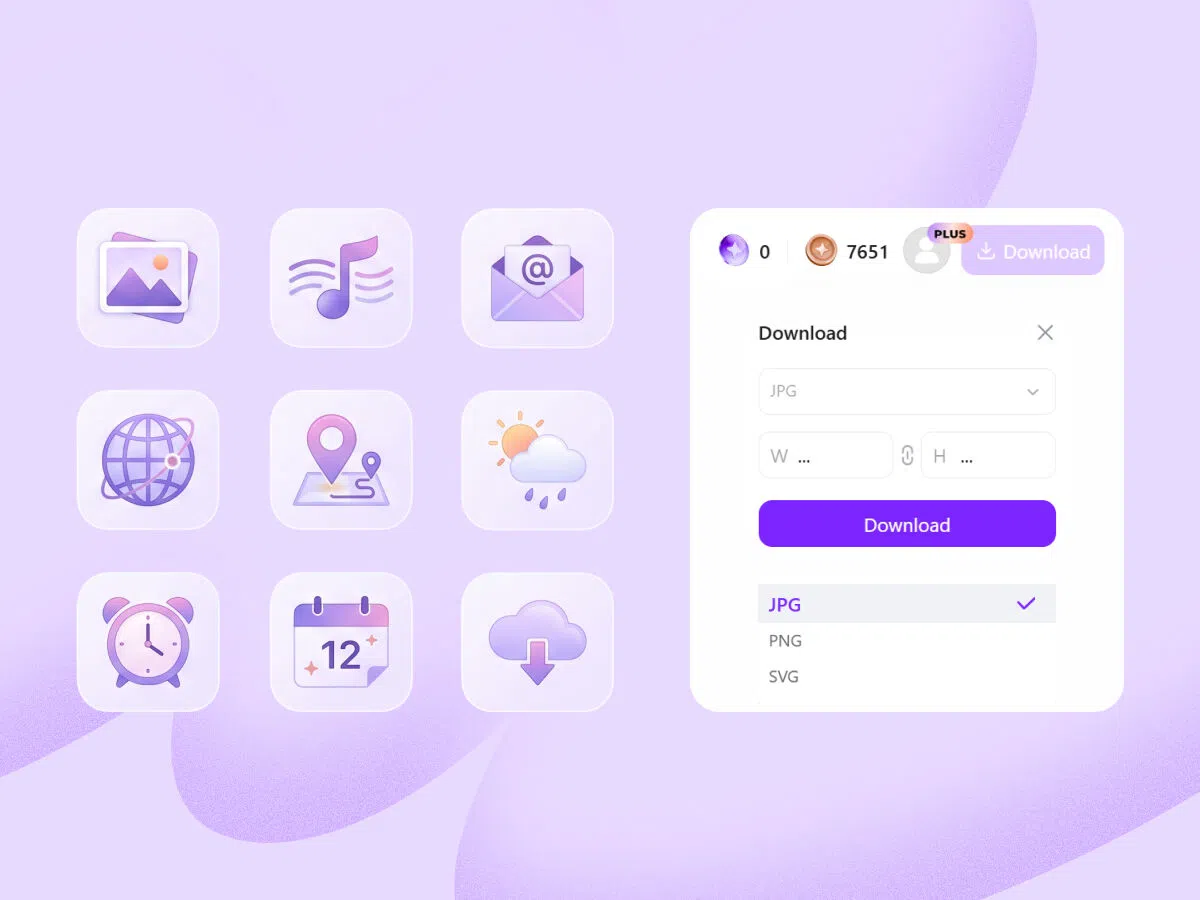
High-Definition Exports and Scalable Formats
Zawa will give you high-definition exports in many formats (like SVG, PNG, ICO). You can generate icons that will stay clear and crisp at any size, which means that they will be perfect for a small 16 px favicon and a large-scale website hero element.
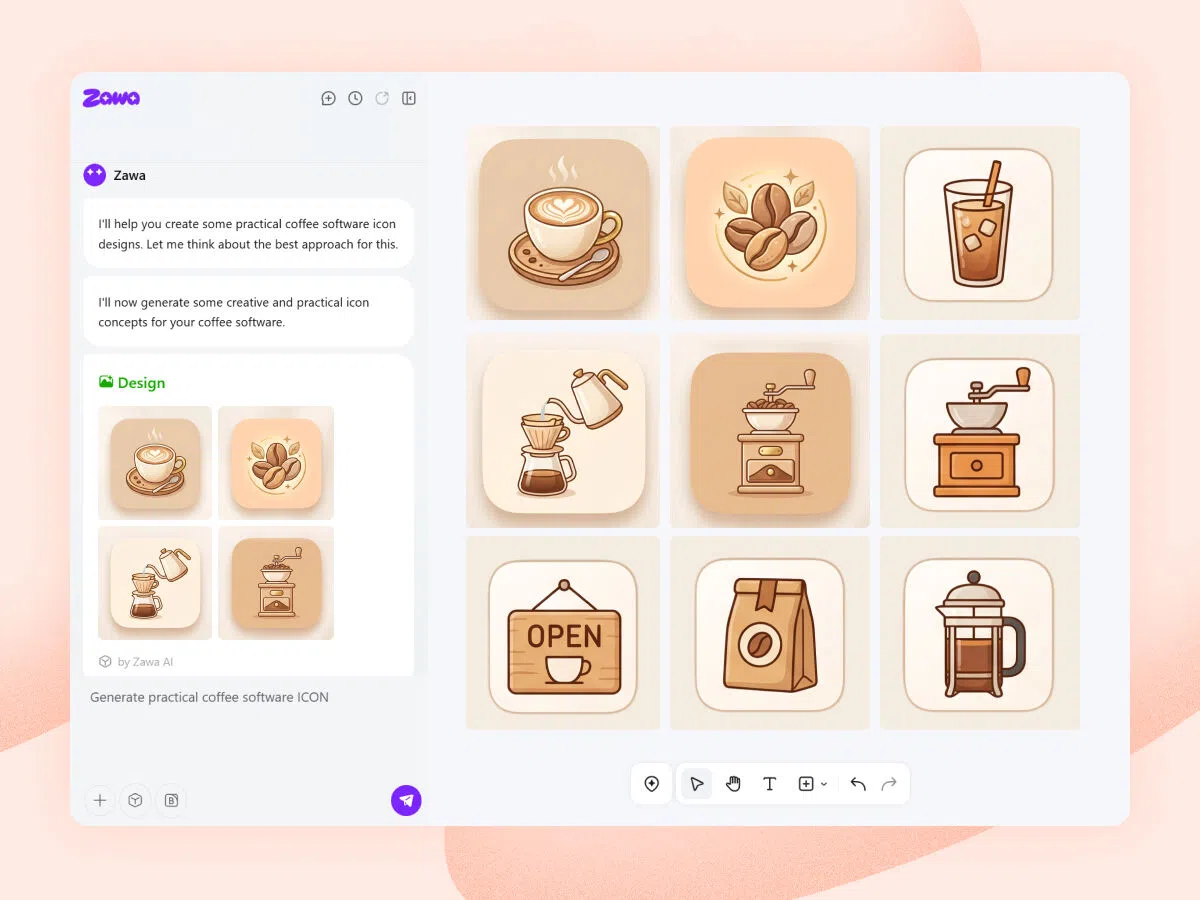
High-Speed Generation for Rapid Prototyping
Zawa can deliver relevant icon suggestions in seconds. The sheer speed gives you the option to rummage through dozens of styles without breaking your workflow. The user-friendly interface is designed so you don't need to be a professional designer to achieve good results.
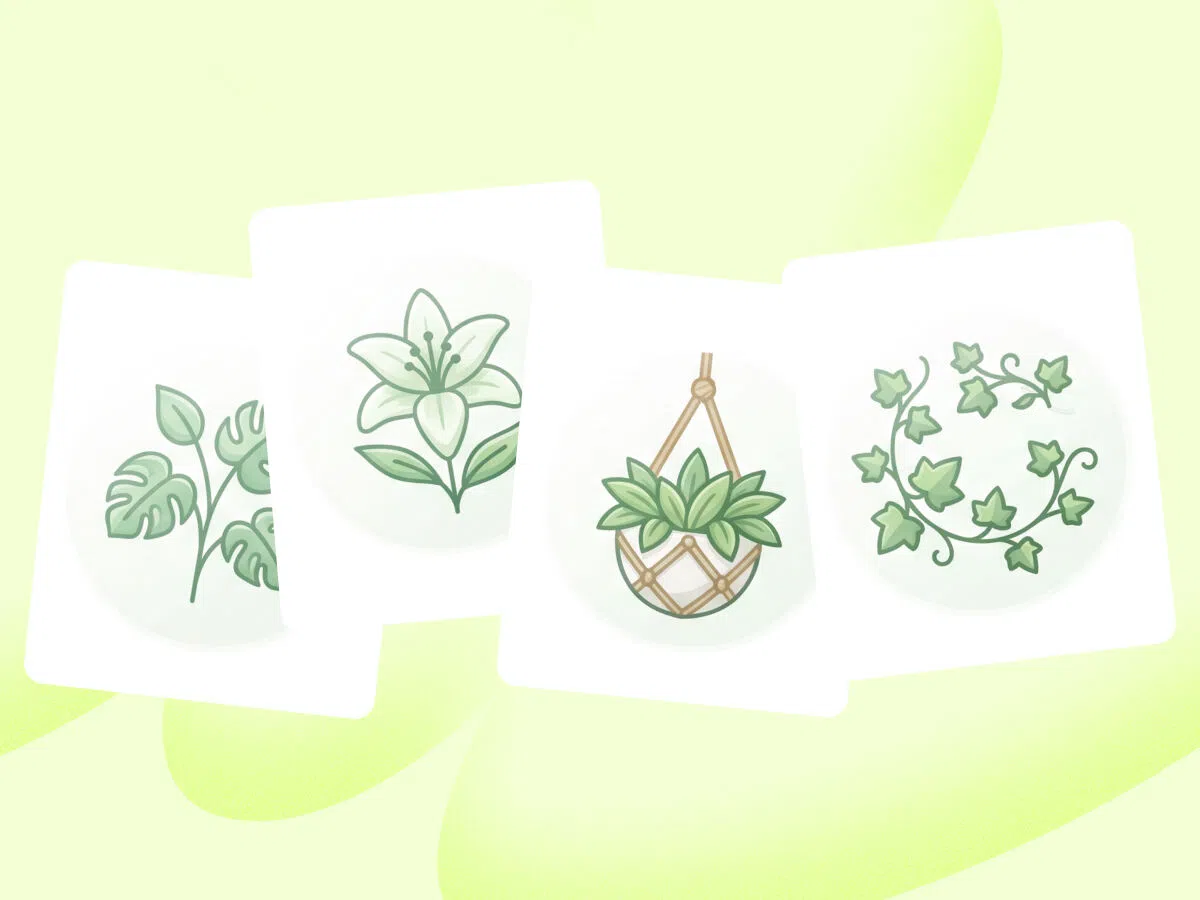
Intelligent Style Consistency
A common problem for brands is keeping a consistent look across a whole set of icons. Zawa lets you fine-tune the output by keeping the dialogue going. If one icon resonates with you, simply add a prompt to generate an entire series that shares the same visual tone.

Completely Free Access to Professional Tools
Zawa’s free features allow you to experiment and generate several options without upfront costs. You can just select your favorite results and copy them directly into your project files. But you should consider an upgrade if you want access to all features.
How to Choose the Right Icon Style
Minimalist Flat Designs
You can see these types of designs everywhere on the modern web. Simplicity and usability! These two words describe these minimalist designs best. They have a streamlined design, and you can often see them on SaaS platforms or minimalist mobile apps.
3D and Skeuomorphic Styles
For a more contemporary feel, 3D icons can be a good choice. They're frequently used in gaming and for tech landing pages or creative portfolios. The Zawa AI icon maker can actually simulate the 3D effect to make your icons pop.
Line and Outlined Icons
Outlines offer a kind of sophisticated and lightweight aesthetic. Using them for dense user interface navigation will not clutter up the screen. This style is common for professional software tool UI design and editorial websites that need a refined" look.
Glyph and Solid Styles
These are excellent for high-contrast environments. Use them for mobile navigation bars because they show a clear tappable area. Solid styles often perform very well since they will stay legible even at the tiny 16 x 16 pixel size that’s typically used in browser tabs
Why Do You Really Need AI Custom Icons?
Instant Recognition and Easier Navigation
Icons are immensely important when you are working on an app or a website that people actually want to use. Our AI icon maker will generate the icons you need very quickly, and you can use them for buttons (like Home, Settings, Cart, ect) to streamline navigation.
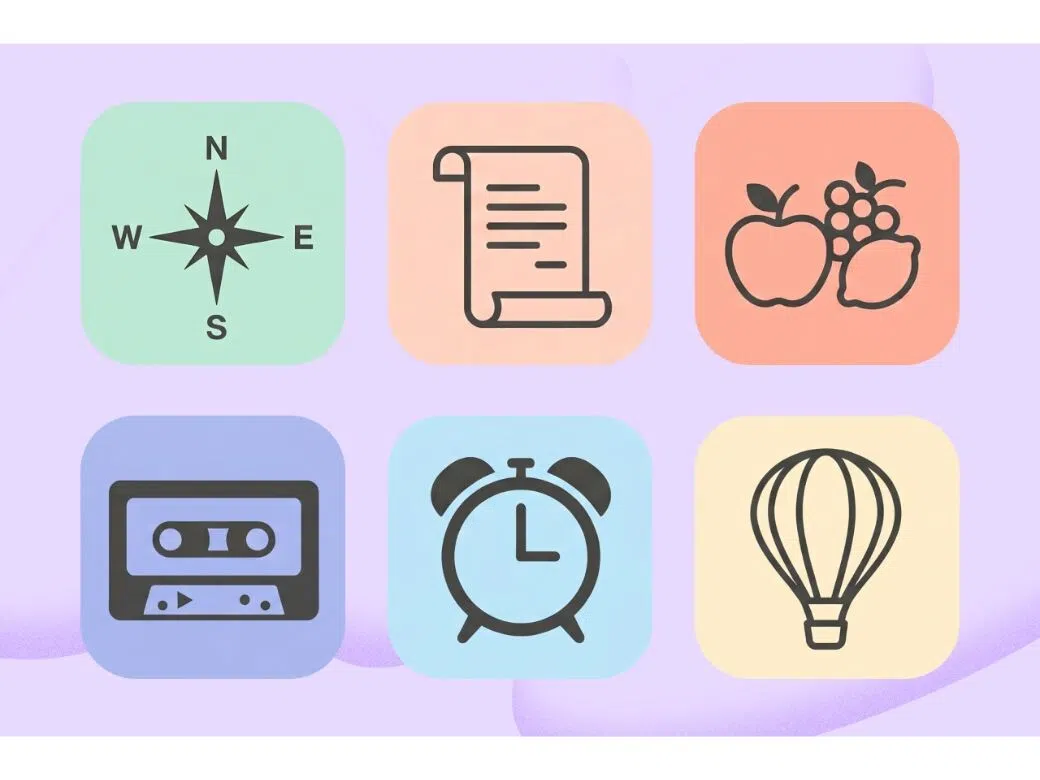
Giving Off a Professional Vibe
Using generic icons can really undermine the professional appearance of a project. Zawa's AI favicon generator will give you the assets you need to immediately signal to your audience that you care about details.
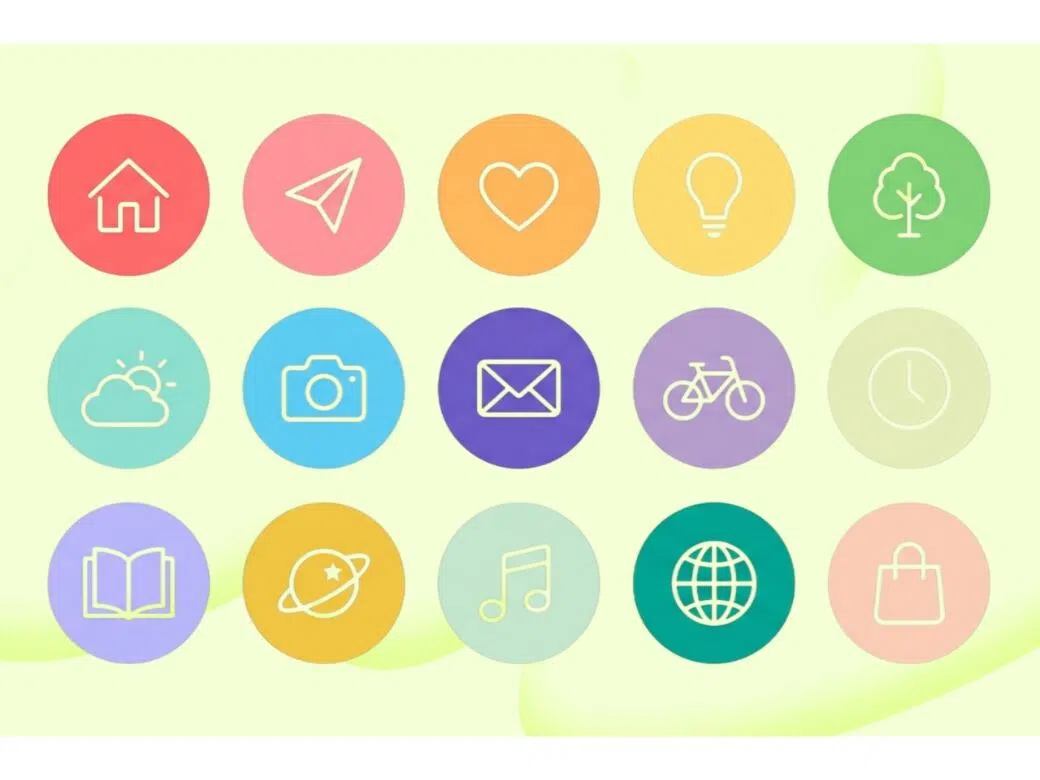
Accessibility and Global Reach
The text on your site has to feature different languages based on the market you are targeting, but icons are universal. Think about it. Search or Save icons, for example, are universal, and our AI icon generator will create something that everyone will understand.
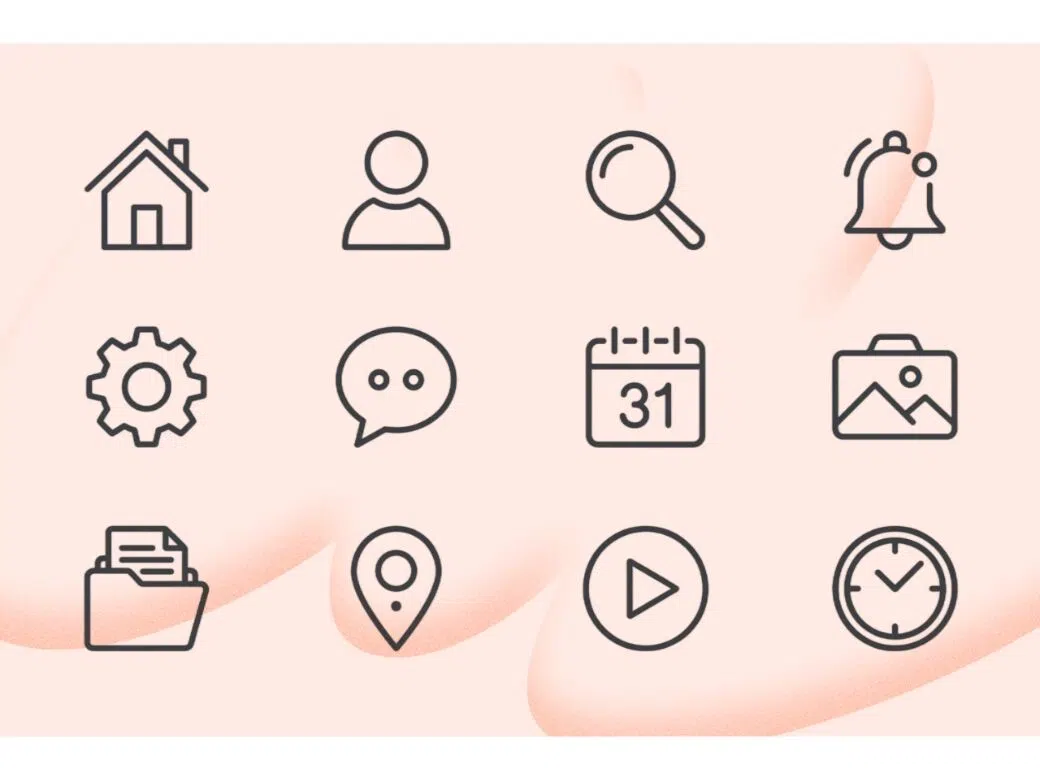
How to Use Zawa’s AI Icon Generator?
Explain What You Need in a Prompt
Enter a simple prompt in the chat box and describe the icon you want. Make sure to mention the style and the industry.
Activate the AI Process
Hit the Send button and wait for the AI process to run its course. Zawa will analyze the market to determine the best type of icon for your specific needs.
Review and Download
Go through the results, select what you like, and export it in the format required for your specific project.
Who is the AI Icon Generator for?
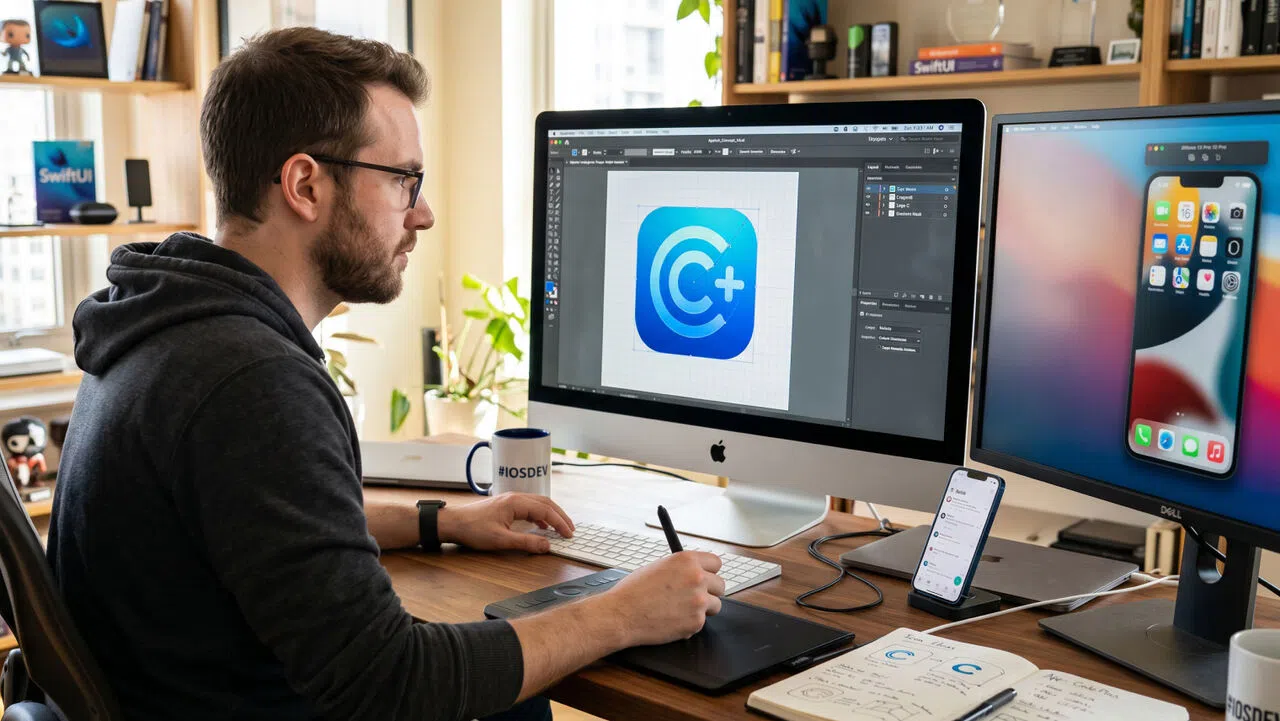
Mobile App Developers (iOS and Android)
App icons have to be sharp and follow strict size guidelines. Zawa’s AI icon maker can generate specific high-resolution assets that you need in order to submit your app for review. You can rest assured that the design will stand out in a crowded marketplace.

Why Choose Us?

Boost Your Creativity with AI
Our tool is basically a branding assistant that can help with any branding task. Use it to get a complete icon library that’s unique and all yours.

Streamlined Workflow
When you visit Zawa.ai, everything will be clear as day. You will know what to do. We have designed our tool for beginners and professionals alike, so you will feel welcome.

Full Brand Kit Integration
Do you want to convert an icon that you like into a logo? Do you want to add your specific brand colors to stay consistent across the board? Zawa can help with all of that.

Diverse Visual Styles
Zawa is completely adjustable to your wishes and concepts. Just explain the visual style you are aiming for, and Zawa’s AI will deliver.

Easy Exports
When your new icons are created in Zawa, you can easily download them in different formats, depending on what you need for your specific project.

Start Creating Icons for Free
You can start using Zawa right now. Generating icons is completely free with the free trial provided by us, but, naturally, if you want to use Zawa’s full potential, consider subscribing.
Explore More Creative AI Tools
Free AI Logo Maker - Easily Create Your Brand-copy

Free Online 3D Logo Maker | Zawa

Free AI Photo Editor Online
Flawless AI Photo Restoration Online

Free AI Poster Generator Online
AI Zoom Out Image Tool
Icon Color Changer
Online Icon Editor
Frequently Asked Questions
Can I use Zawa’s AI icons for my commercial projects?
What’s the main difference between an icon and a logo?
An icon is basically a simple visual representation used for UI navigation (think of the menu button). A logo is much more. It is your primary brand identifier. Zawa can create both.
Does Zawa offer any kind of free trial to test premium features?
Yes! You can test all Zawa’s advanced features during the free trial. Use this time to see how the tool fits your professional workflow and decide if you want to upgrade.
Can I generate multiple icons in one session?
Yes, absolutely! Zawa will generate icons in batches, and if you are not satisfied with the first result, you can simply refine your prompt a little bit to get a new set of suggestions.
Is prompt engineering knowledge required?
No, not at all. You can talk to Zawa naturally. The AI is designed to understand context and intent without complex technical instructions.
Start Creating Custom Icons for Free
Turn your ideas into polished icons in seconds with Zawa AI Icon Generator. Create professional SVG, PNG, and ICO assets for apps, websites, and brands—no design skills needed.