
13 Best Free Photo Editors for Mac in 2025 to Enhance Your Photos
Go through this list containing best free photo editors for Mac.

Mac users prioritize premium results. Many Mac users rely on built-in photo editors like Apple Photos. This application is ideal for quick edits. The problem is that these tools feel limited once the need for AI enhancements arises. Free photo editors for Mac bridge that gap. They combine professional features with easy interfaces. This gives users multiple options that work across creative tasks. This guide explores 13 of the best free photo editors for Mac. Leading the list is Zawa AI Photo Editor. It is built to deliver quick and polished edits without complexity.
- What to Look for in a Free Photo Editor for Mac
- 13 Best AI Tools for Mac Users
- 1. Zawa AI Photo Editor
- 2. GIMP
- 3. Darktable
- 4. Photoscape
- 5. Luminar Neo
- 6. Adobe Photoshop Express
- 7. Pixelmator Pro
- 8. Affinity Photo
- 9. ON1 Photo RAW
- 10. Inkscape
- 11. Krita
- 12. Seashore
- 13. Paint X Lite
- Comparing the Best Free Photo Editors for Mac
- Final Word
What to Look for in a Free Photo Editor for Mac
Not all editors may be compatible with all workflows. You may narrow down on a handful of essentials:
Intuitive design: An interface that is overcrowded makes the work go slow. The most talented editors choose simplicity in order to prevent confusion.
Compatibility: Make sure that the editor works with the newest version of macOS. Otherwise, the tool may not work well in your device.
Editing features: The tool must have basic, along with advanced tools such as layers and AI enhancements.
Export options: Editors should support multiple file formats. That way, you won't have to switch from one tool to another when working.
Pricing model: Many editors are free with optional upgrades. Check if the free version has enough features for regular use.
A good free photo editor for Mac should feel intuitive. It should be capable of handling both everyday edits and creative projects.
13 Best AI Tools for Mac Users
1. Zawa AI Photo Editor
Zawa AI Photo Editor is built for Mac users who want accurate results. It removes the hassle of long editing sessions and delivers premium images. The free photo editor for Mac is trained on thousands of datasets. That is why it can handle tasks like background removal and color correction automatically. For creative projects, it also supports detailed adjustments that give users full control over their edits.
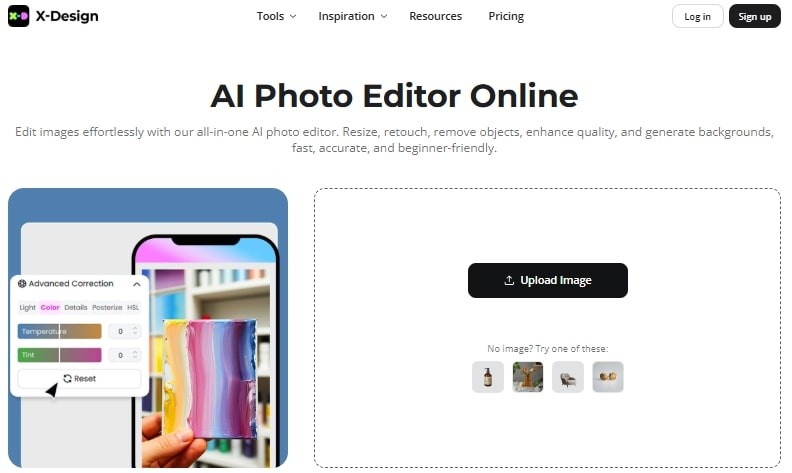
Features of Zawa AI Photo Editor
Cross-device access: Use directly in a browser on Mac and iPhone without extra software.
Smart color correction: Balance the highlights within the image using the built-in editor.
Batch editing support: Edit multiple photos at once to save time. The best free photo editor for Mac allows you to add up to 30 images in one go.
Manual editing tools: Adjust details manually when you need finer control. Just go to the designer within the tool and make changes effortlessly.
Pricing Plans for Zawa AI Photo Editor
Pro Plan (Monthly) $5.00 per month
100 credits per month
Unlimited AI UHD image enhancement
AI photo editor
Standard Plan (Yearly Equivalent)
$4.17 per month when billed annually ($49.99/year)
50 credits per month
Enterprise Plan (Custom Pricing, contact sales)
API integration
Private models
Full suite of AI tools
2. GIMP
GIMP (GNU Image Manipulation Program) is one of the oldest free editors for Mac. It has built a reputation as a complete alternative to Photoshop. This is especially for users who need detailed editing without paying for premium software. The editor supports advanced image manipulation. Since it is open-source, developers keep on adding new extensions that expand its functionality. This enables GIMP to be flexible for novices learning the basics of editing and requires advanced graphic design functions.
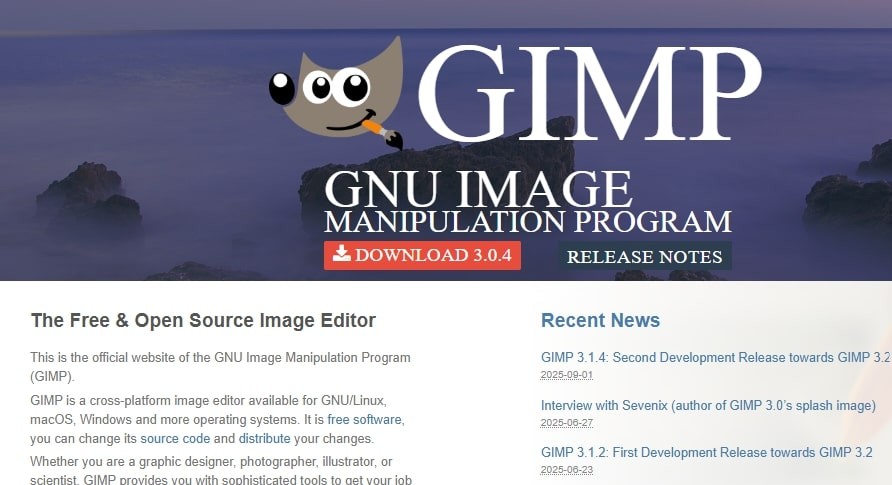
Features of GIMP:
Custom brushes: Create custom brushes to design with full flexibility.
Plugin support: Add new plugins and automation tools built by the community.
Color management: Includes full support for CMYK and sRGB profiles for accurate color work
Pricing Plans for GIMP
100 percent free to use.
3. Darktable
Darktable is a free editing application designed to serve photographers who deal with RAW files. It is often compared to Lightroom due to its emphasis on non-destructive editing. The best photo editor for Mac helps organize large photo libraries. It also gives users control over color grading. Darktable also supports tethered shooting. This makes it useful in studio environments. Updates from the community ensure it remains competitive with premium software.
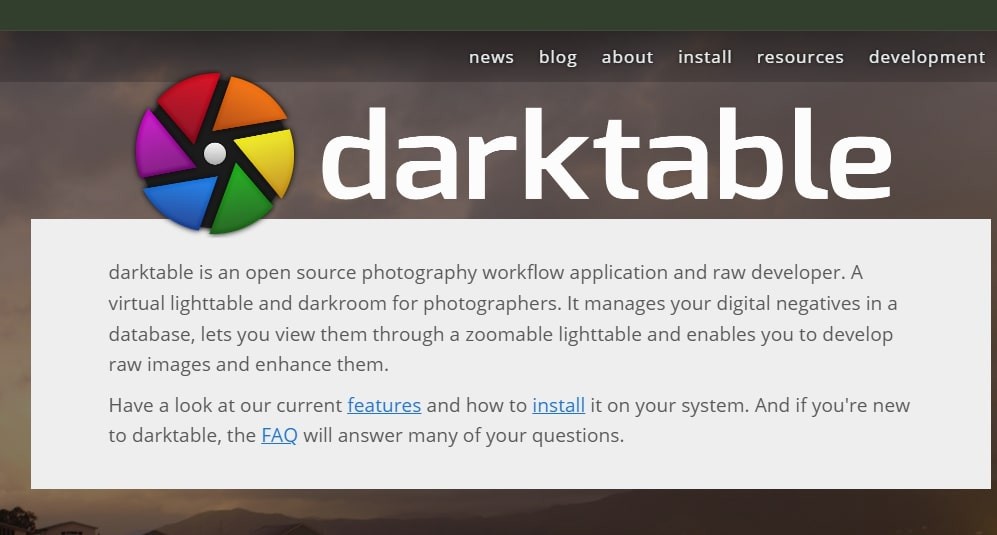
Features of Darktable
RAW photo editing: Process RAW files from a wide range of cameras.
Non-destructive workflow: Original files remain untouched while edits are saved separately.
Tethered shooting: Connect a camera directly and control it through the software.
Pricing Plans for Darktable
100 percent free to download
Open source project supported by developers.
4. Photoscape
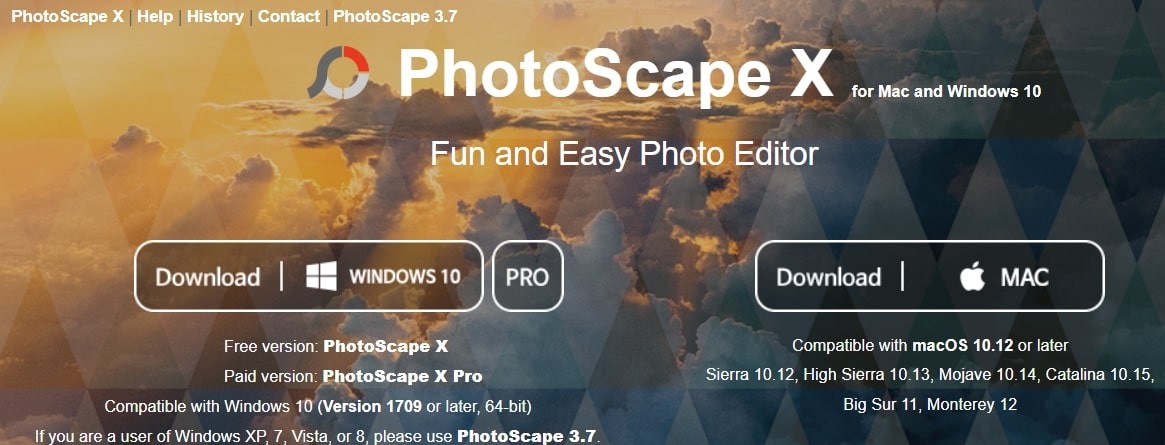
Photoscape X is an advanced photo editor for Mac. It combines simple tools with creative options. It is designed for users who want quick edits without learning a complex interface. The editor includes all the basics like crop and color adjustment. It also offers collage creation and GIF animation. Photoscape X is often chosen by casual editors because it balances creative flexibility.
Features of Photoscape
Creative filters: Apply artistic effects to your images in a single click..
Collage maker: Combine multiple photos into templates for social media posts.
GIF creation: Convert any visual into a compressed GIF easily.
Batch processing: Edit multiple photos at once with the same adjustments.
Pricing Plans for Photoscape
Pro Plan (One-time purchase) $39.99 (Mac App Store)
Advanced editing brushes
More filters and effects
Additional collage layouts
5. Luminar Neo
It is a modern photo editor that focuses on AI enhancements. It is built for Mac users who want professional results without manual edits. The interface is simple. This good free photo editor for Mac is equipped with advanced features like sky replacement and automatic object removal. Many photographers choose Luminar Neo as a quicker alternative to Photoshop because it automates complex tasks.
Key Features
Background removal: Isolate subjects automatically without manual masking.
Layer support: Combine multiple elements for creative compositions.
Relight AI: Correct lighting in specific parts of an image for a balanced look.
Pricing Plans for Luminar Neo
Monthly Plan ($14.95 per month)
Full access to all AI editing tools
Regular feature updates
Technical support
Yearly Plan ($119 billed annually):
Unlimited photo edits
Access to all updates and new features
Exclusive creative assets
Lifetime License (One-time purchase) $249
Permanent access to Luminar Neo
Free minor updates
No recurring fees
6. Adobe Photoshop Express
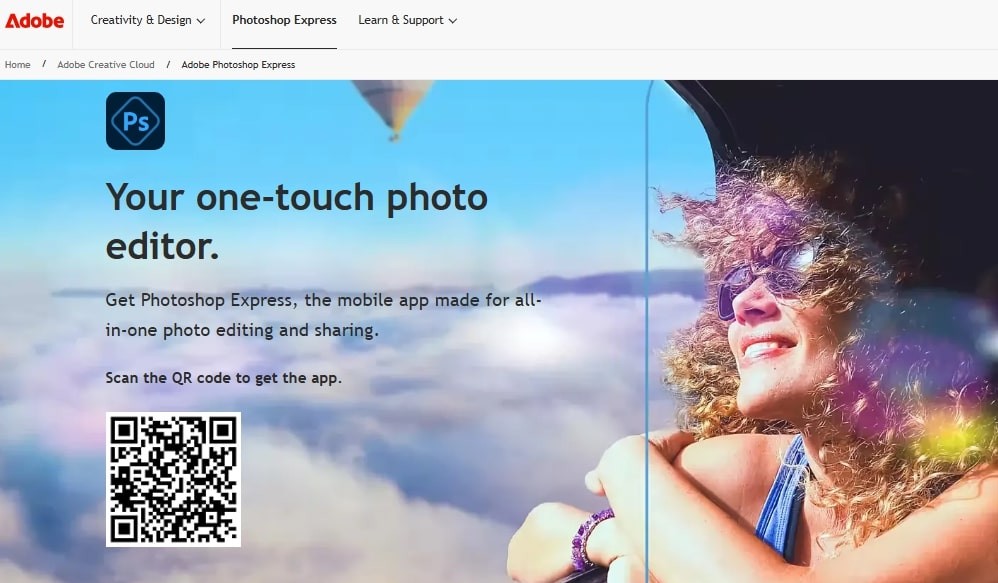
Adobe Photoshop Express is a reliable choice when you need speed along with the trust of Adobe’s ecosystem. It works well for both beginners who prefer a lightweight solution. The tool includes one-click corrections and easy options for cropping images. It also integrates smoothly with other Creative Cloud apps.
Features of Adobe Photoshop Express
Quick filters: Apply a variety of predesigned filters to transform your photos.
Seamless integration: Sync edits across Adobe Creative Cloud for smooth workflows on Mac.
Export flexibility: Save images in multiple formats optimized for multiple use cases
Pricing for Adobe Photoshop Express
Premium Plan (Monthly) $4.99 per month
Full set of editing tools
Advanced retouching
Access to premium filters
Premium Plan (Yearly) $34.99 per year ($2.91 per month)
All premium features
Priority updates
Cost-effective for long-term users
7. Pixelmator Pro
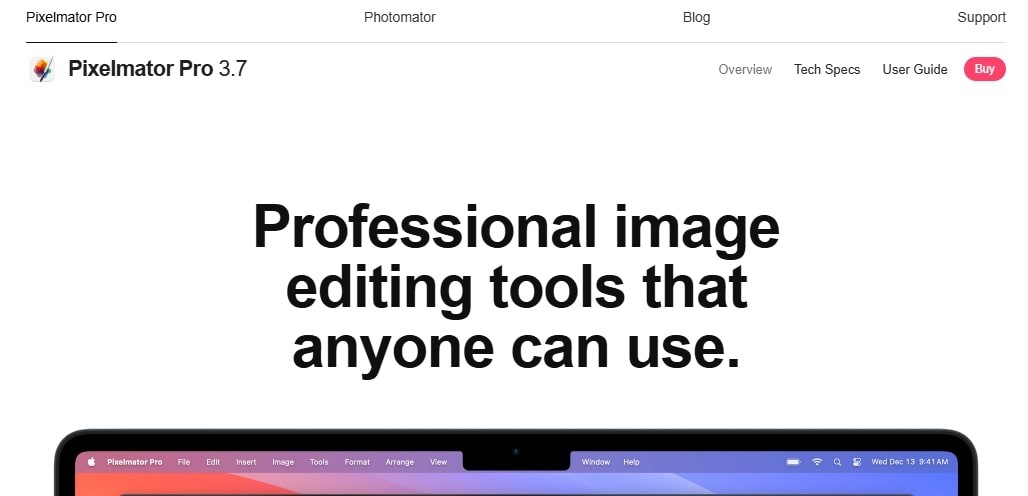
Pixelmator Pro is one of the most powerful photo editors. It is built specifically for Mac. It uses the full potential of macOS to deliver smooth performance. Unlike most cross-platform tools, Pixelmator Pro feels like it belongs on a Mac. The interface is intuitive. Hence, it is easy for beginners. With nondestructive adjustments, it is often seen as the best alternative to Photoshop for Mac users.
Features of Pixelmator Pro
Non-destructive adjustments: Edit photos without losing the original image quality.
Layer support: Work with multiple layers to create complex compositions.
Vector tools: Create scalable graphics alongside raster edits.
Pricing Plans for Pixelmator Pro
One Time Purchase $49.99 (Mac App Store)
Full access to all features
Lifetime updates included
Advanced AI tools
No hidden costs
8. Affinity Photo
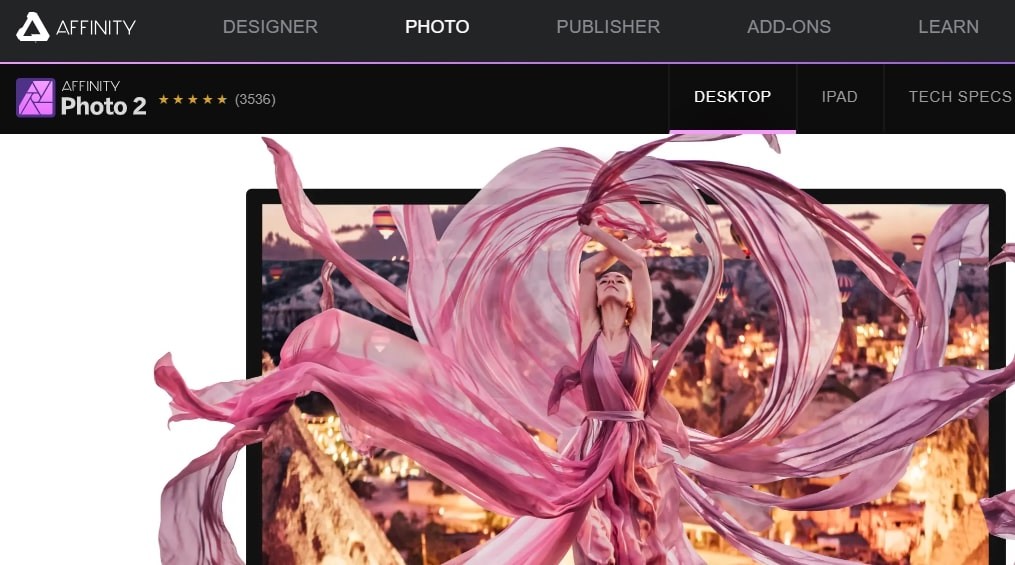
Affinity Photo has become a favorite among designers who want a professional-grade editor. That too, without the burden of subscriptions. Affinity Photo takes full advantage of Apple Silicon to deliver smooth performance even with large RAW files. Its one-time purchase model makes it especially appealing to Mac users who want long-term value.
Features of Affinity Photo
HDR merging: Combine multiple exposures to create high dynamic range images.
Panorama stitching: Merge several photos into seamless wide-angle shots.
PSD compatibility: Open and export Photoshop files without losing layers.
Pricing Plans for Affinity Photo
One-Time Purchase $69.99
Lifetime access to all tools
Regular updates with new features
Advanced editing and retouching capabilities
9. ON1 Photo RAW
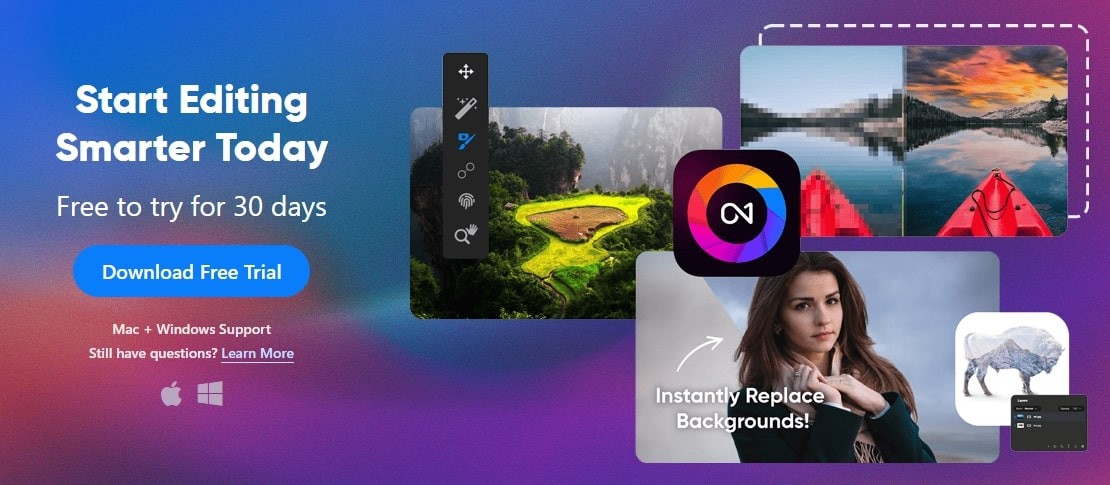
ON1 Photo RAW provides a clean interface. It fits well with macOS. Plus, it is optimized for handling large RAW files. The editor blends AI tools with manual controls. The tool gives users flexibility across quick edits. Its photo organizer also makes it easy to manage entire libraries without relying on separate apps. Mac users who want organizing features often choose ON1 Photo RAW as a long-term solution.
Features of ON1 Photo RAW
RAW photo processing: Handle high-quality RAW files with advanced color adjustments.
AI-powered editing: Automate common tasks like noise reduction and subject selection.
Preset library: Apply professional presets in one click for quick results.
Pricing Plans for ON1 Photo RAW
Monthly Plan ($7.99 per month)
Full access to ON1 Photo RAW
Regular feature updates
Cloud syncing across devices
Yearly Plan ($89.99 per year)
Complete feature set
Premium technical support
Access to creative asset packs
Perpetual License (One Time Purchase) $129.99
Lifetime license for the current version
Free minor updates
No ongoing subscription fees
10. Inkscape
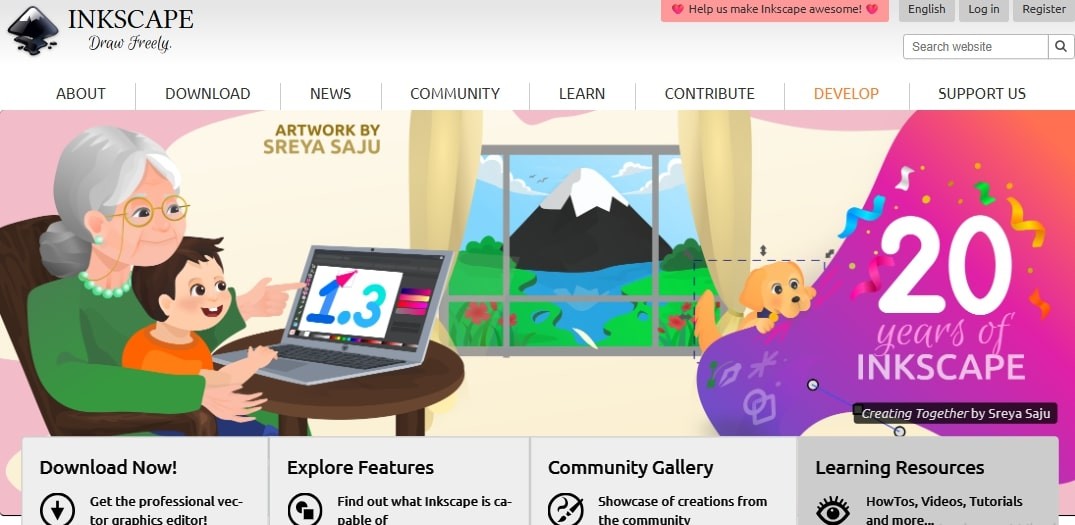
Inkscape is primarily a vector graphics editor. The tool is open source. Meaning it is free to use for all Mac users. It offers a wide range of features that rival paid design software. On Mac, it runs smoothly for tasks like image tracing and editing photos. For users who want more than just quick fixes, Inkscape provides a way to blend photography with scalable graphics.
Features of Inkscape
Vector-based editing: Create and manipulate scalable vector elements directly on photos.
Image tracing: Convert photos into vector outlines for stylized effects.
Text tools: Add detailed typography to images with flexible styling options.
Pricing Plans for Inkscape
100 percent free to users
11. Krita
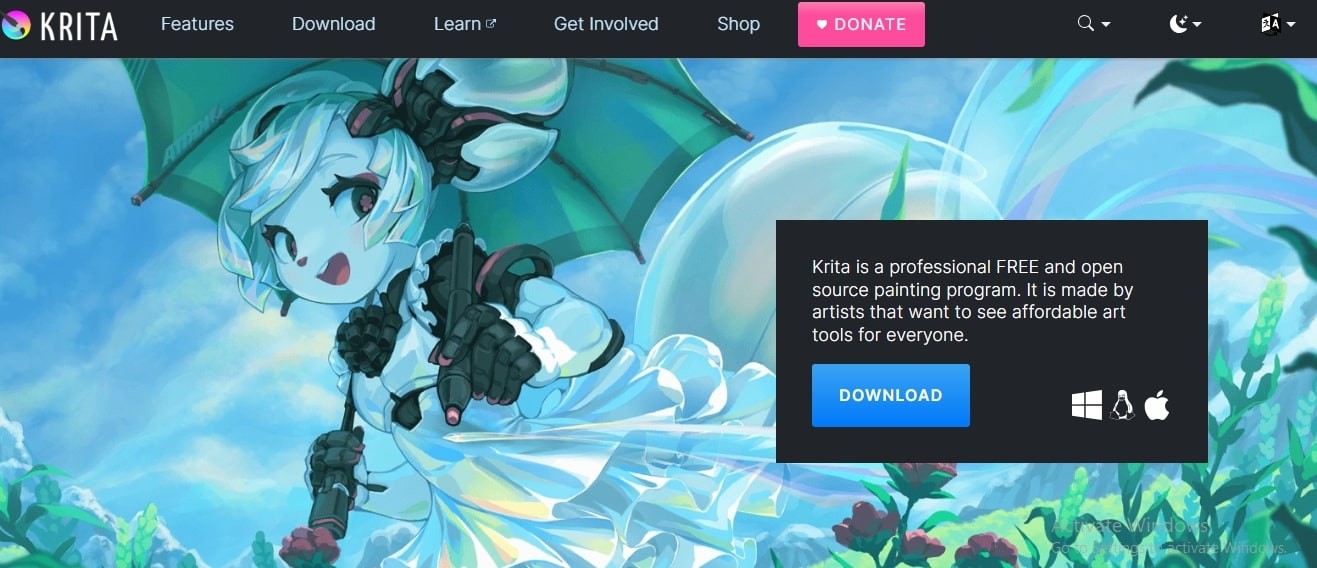
Many photo editors focus on photography alone, but Krita stands out by catering to digital artists as well. Originally developed for illustration, it also provides a strong set of photo editing tools. It delivers smooth performance with brushes and advanced color controls. The creative possibilities make it a go-to choice for users who want to mix traditional photo edits with artistic effects.
Features of Krita
Layer management: Organize edits with advanced blending modes and masks.
Animation support: Create simple frame-by-frame animations directly in the app.
Open source flexibility: Extend functionality with plugins and community-built add-ons.
Pricing Plans for Krita
An optional one-time purchase of $9.99 on the Mac App Store.
12. Seashore
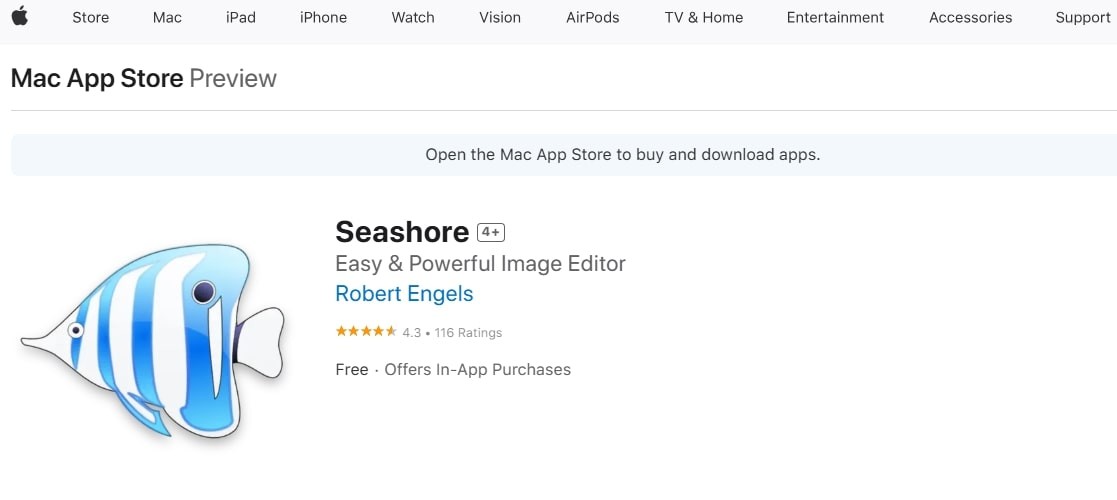
Seashore is a lightweight photo editor built specifically for macOS. Unlike cross-platform software, it feels native to Mac. It integrates with the system without hassles. It's a solid choice for beginners who need essential editing tools. It supports layers in images. Plus, it comes with basic brushes. All these make it ideal for Mac users.
Features of Seashore
Native Mac interface: Clean and simple design that feels at home on macOS.
Layer support: Edit photos non-destructively with multiple layers.
Lightweight design: Small installation size and fast performance on older Macs.
Open source community: Continuous improvements within the existing versions.
Pricing Plans for Seashore
Completely free to use.
Open source project maintained by the community.
13. Paint X Lite
Paint X Lite is a simple yet effective photo editor for Mac users. It helps you to get quick results. It is often compared to Microsoft Paint. However, with features tailored for macOS. The tool is not designed for professional editing. But it still covers the basics well. For users, Paint X Lite offers speed and convenience in a lightweight package.
Features of Paint X Lite
Simple interface: Intuitive design that eliminates steep learning curves.
Quick annotations: Useful for marking up screenshots or documents.
Lightweight performance: Runs smoothly even on older Mac devices.
Pricing Plans for Paint X Lite
Paid upgrade (Paint X) at $4.99 (Mac App Store)
Unlocks additional tools
Advanced editing options.
Comparing the Best Free Photo Editors for Mac
Tool | Editing Focus | Update Frequency | Best For |
|---|---|---|---|
Zawa AI Photo Editor | AI-powered automation, quick edits | Regular | Mac users needing fast, polished results |
GIMP | Full-featured advanced editing | Regular | Designers and advanced users |
Darktable | RAW photo processing, color grading | Regular | Photographers managing large RAW libraries |
Photoscape X | Creative filters, collages, GIFs | Occasional updates | Casual editors and social media users |
Luminar Neo | AI object removal, sky replacement | Regular | Photographers seeking pro-level AI edits |
Adobe Photoshop Express | Quick corrections, retouching | Regular | Beginners needing simple Adobe tools |
Pixelmator Pro | Mac-optimized raster and vector editing | Regular | Designers wanting smooth Mac-native editing |
Affinity Photo | Professional retouching, PSD compatibility | Regular | Professionals avoiding subscriptions |
ON1 Photo RAW | RAW processing with AI tools | Regular | Photographers needing editing plus organizing |
Inkscape | Vector-based editing and image tracing | Regular | Designers mixing vector graphics with photos |
Krita | Digital painting with photo editing support | Regular | Artists and illustrators |
Seashore | Lightweight, essential Mac editing | Rare updates | Beginners wanting simple Mac-native tools |
Paint X Lite | Basic editing and annotations | Occasional | Users needing quick markups and edits |
Final Word
Still finding the right image editing tool for Mac?. It can be daunting. However, you must follow the right considerations to make the ideal choice. That is where Zawa AI Photo Editor stands out. It delivers high-quality results quickly without compromising control.
Mac users can take advantage of AI-powered background removal and image enhancement. The tool works directly in a browser, so there is no need for heavy software installations. The convenience of cross-device access ensures that every image looks polished and professional.
Related articles
What is a PNG and How to Convert It?

How to Remove the Kling AI Watermark

How to Remove Gemini Watermark?
