
Scroll-stopping layouts for Instagram, Facebook, TikTok and more. Built from references that already proved they perform.
Remix Photo: Clone Any Viral Image Layout with Your Own Product
See a social media image that catches your eye. Upload it as your reference. Zawa rebuilds the same layout with your product inside. What made that post work now works for you.
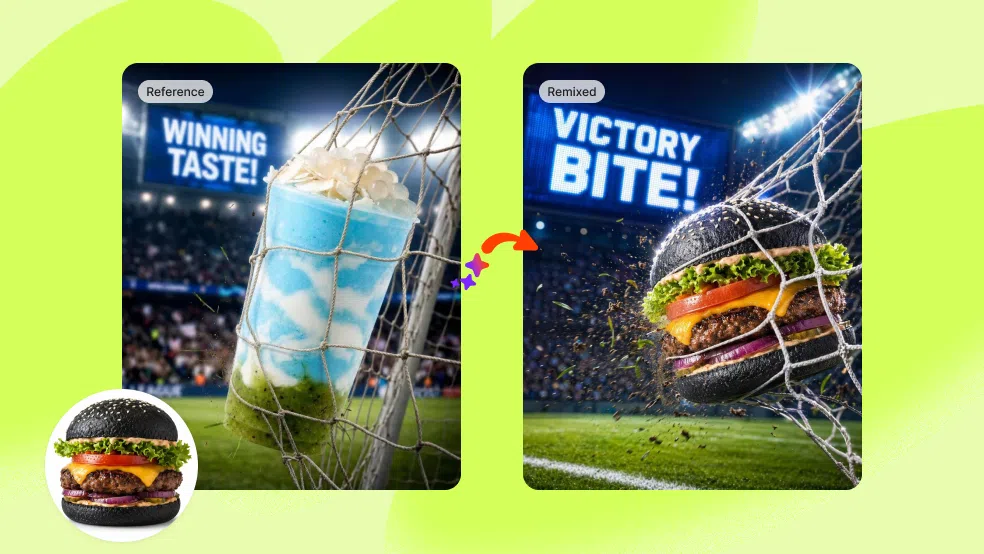
Three Steps from Reference Image to Your Own Viral Post
Step 1
Upload Your Reference
Find a social media image with a layout you want to use. Upload it as your reference. Add up to 20 reference images in one session if you want more variation. No brief, no prompt, no design decisions required.
Step 2
Set Your Style and Product
Choose High-Fidelity to stay close to the original structure, or Style to adapt the visual logic in a new direction. Optionally upload your product image. Add any specific requirements in plain text if needed.
Step 3
Generate and Use
Click Start Generating and get multiple output variations at once. Review, download the ones that work, and post. No editing required.
Seen Something on Social That Made You Wonder How They Did It? Now You Can Just Do It.
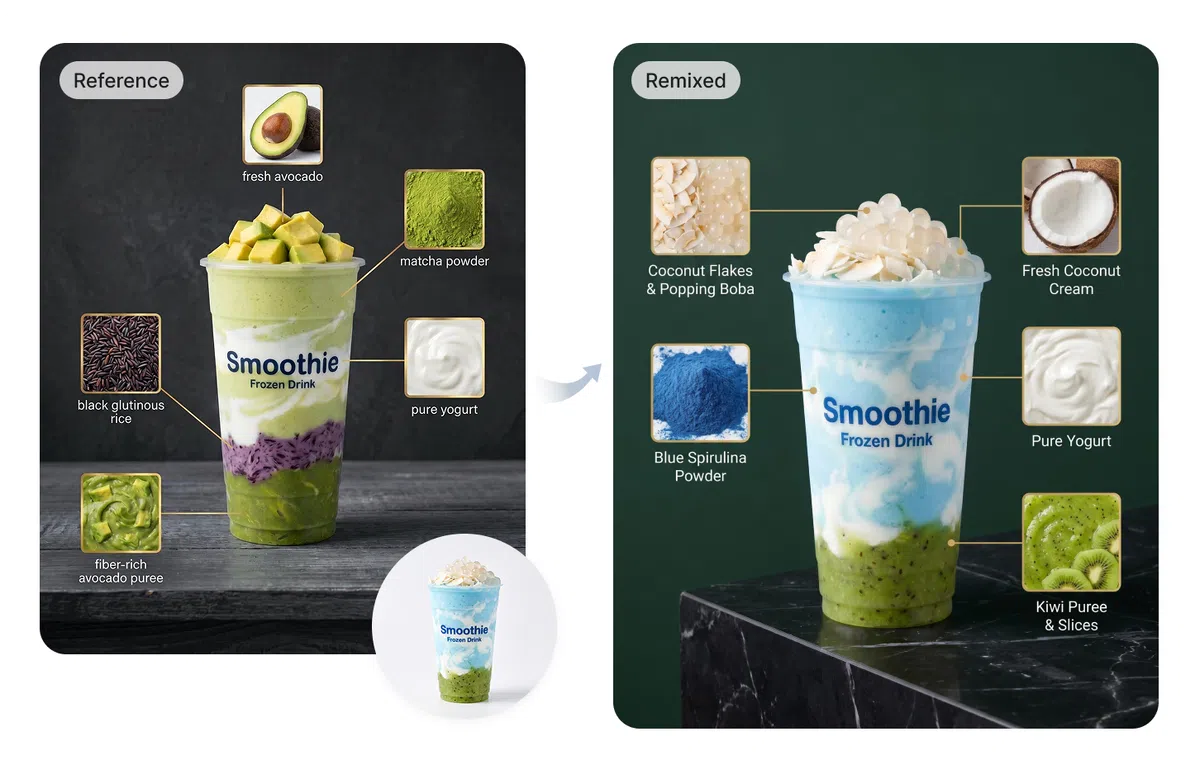
Those ingredient explainer posts everyone is sharing.
The ones where the product sits in the center and ingredients or features float around it with lines and labels. Complex to design from scratch. With Image Remix, find one you like, upload it as your reference, and get the same layout rebuilt around your product in minutes.
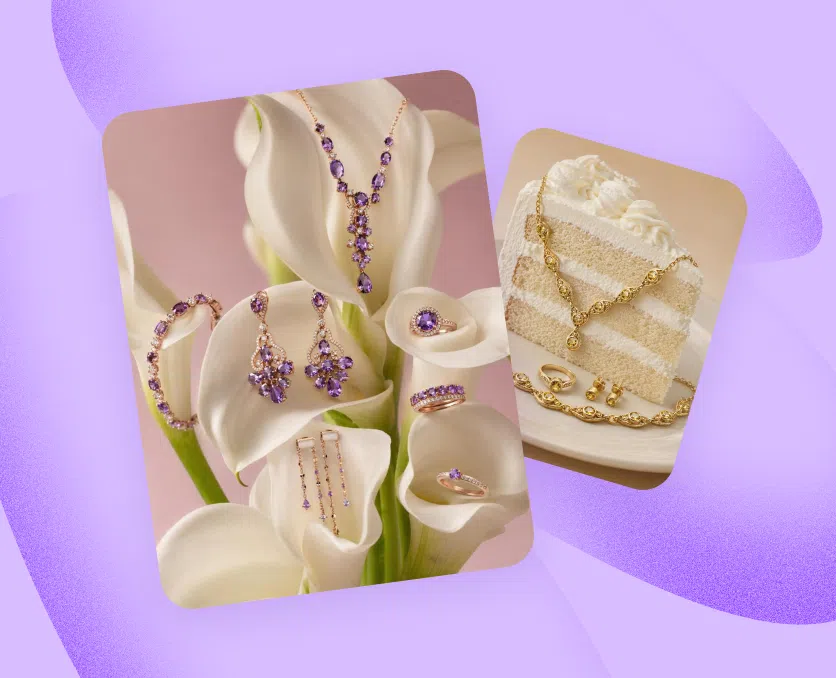
The high-contrast dark-background product shot that looks like it cost a studio day.
Deep backgrounds, dramatic lighting, product as the hero. The kind of visual that stops the scroll on Instagram and makes a brand look premium. Now achievable from a single reference upload, with no photographer and no editing software.
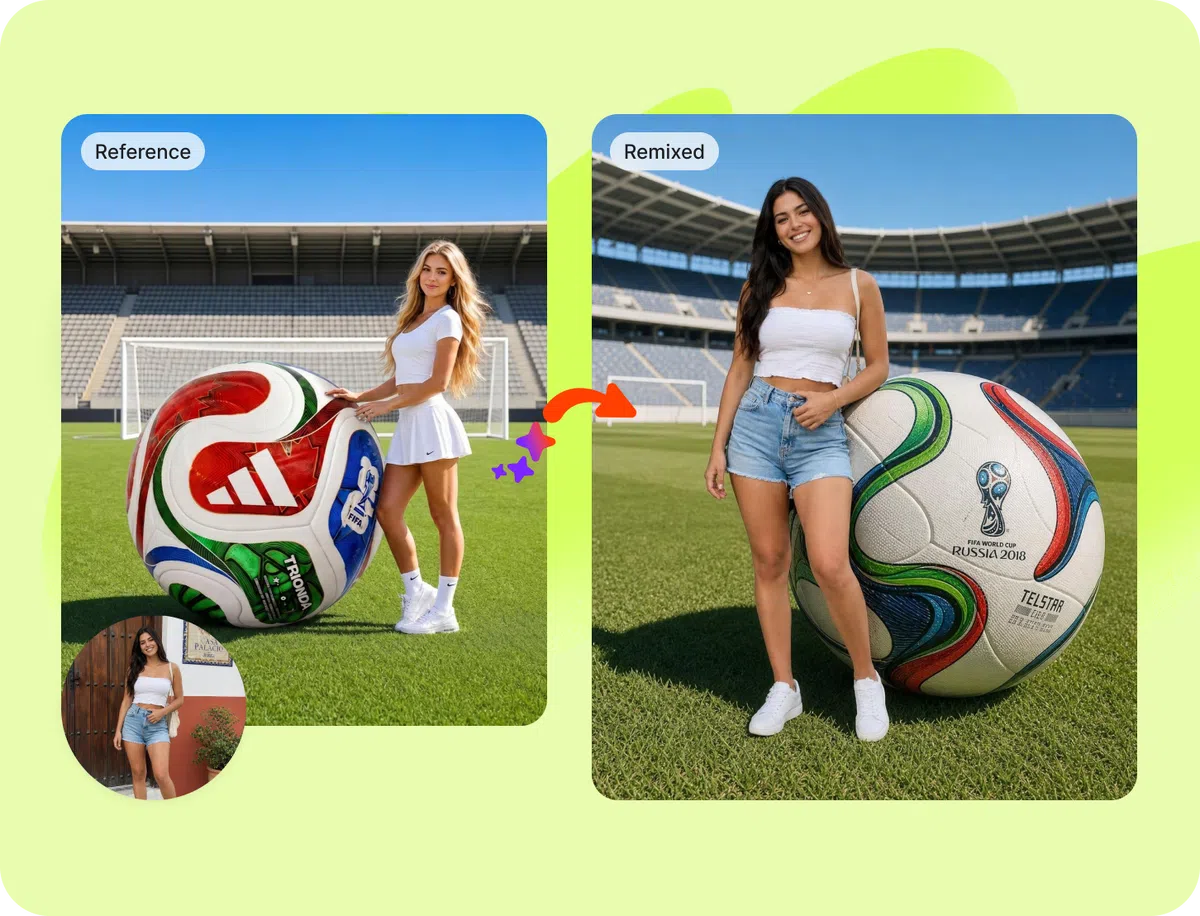
The seasonal or trending format that is everywhere this week.
When a visual style goes viral, the window to ride it is short. Image Remix lets you act on it immediately. See a format blowing up on your feed. Upload it. Get your product inside it before the trend moves on.
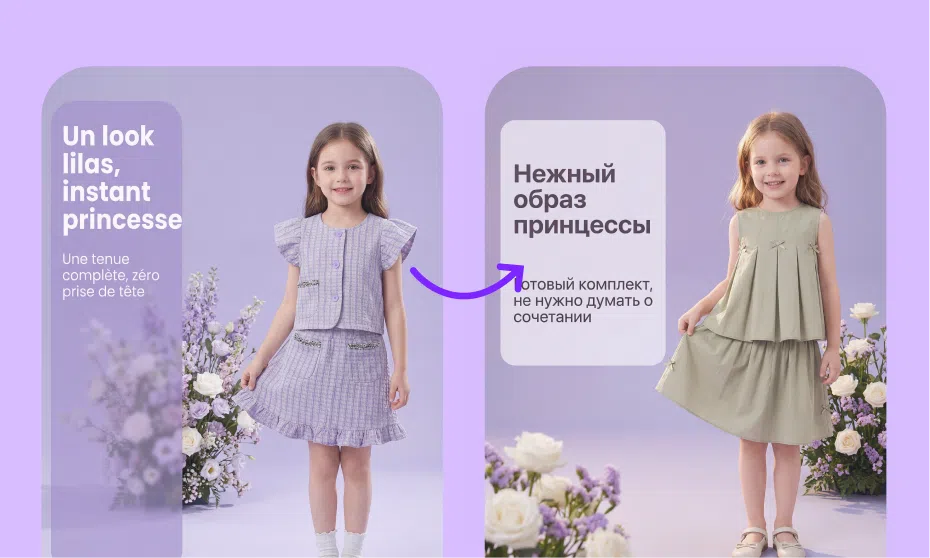
The polished e-commerce layout that makes every product look like a hero SKU.
Infographic-style product images, flat lay compositions, detail callout formats. The visual structures that drive clicks on marketplaces and ads alike. Reference the layout, bring your own product, get a version built for your catalog.
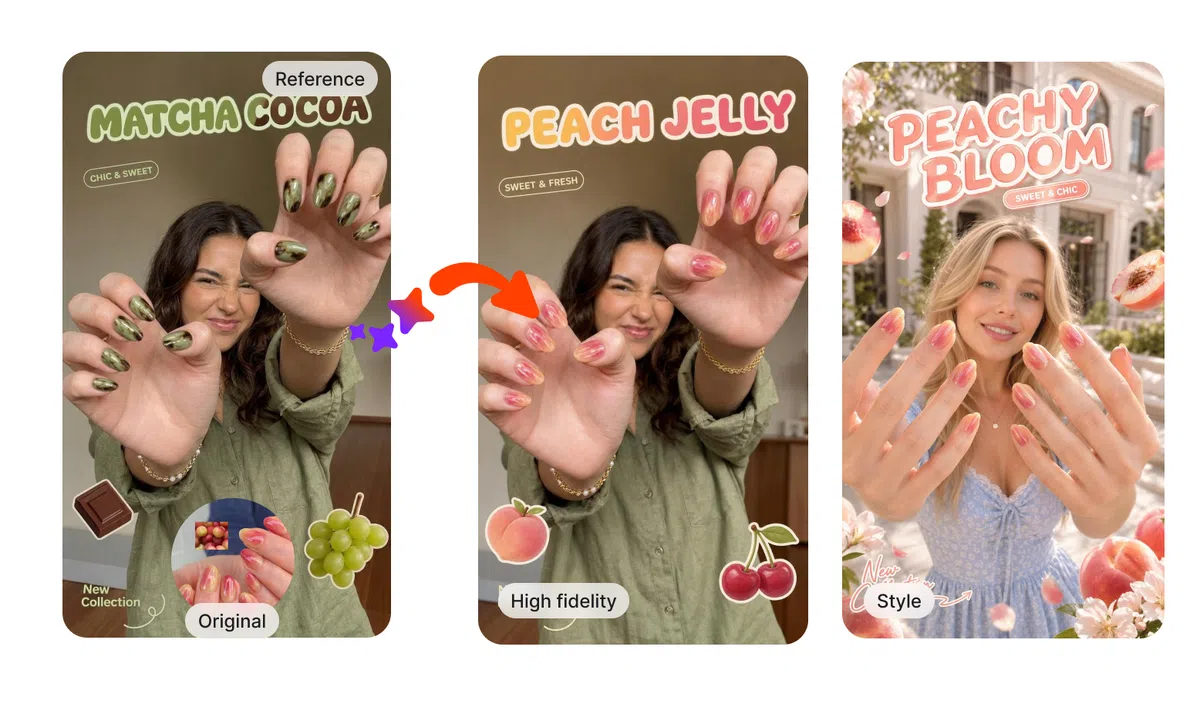
Whatever you saved to your camera roll thinking you wish your posts looked like this.
That folder of screenshots and saved posts is a brief. Upload up to 20 references, then choose how close you want to stay.
High-Fidelity keeps the composition and structure of the reference intact, with your product swapped in. Style takes the creative idea and rebuilds it in your own direction. The inspiration is the same. The output is not.
Trending Layouts. Your Product. Ready in Minutes.
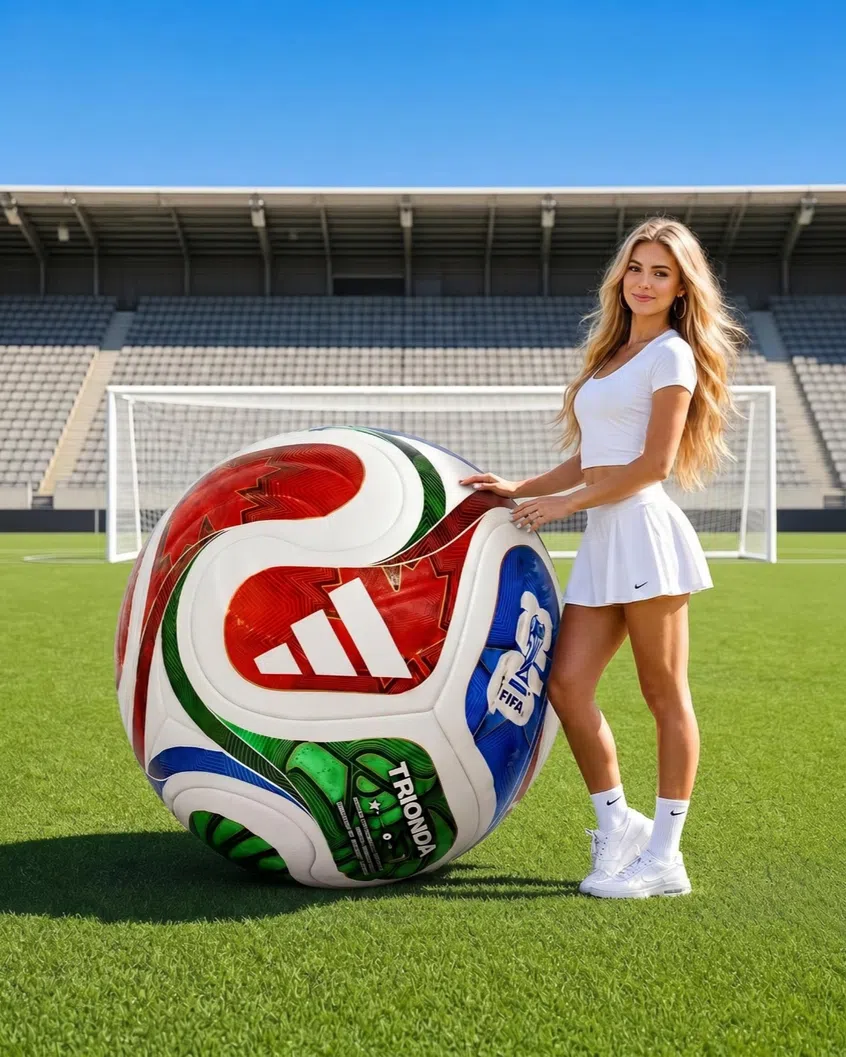
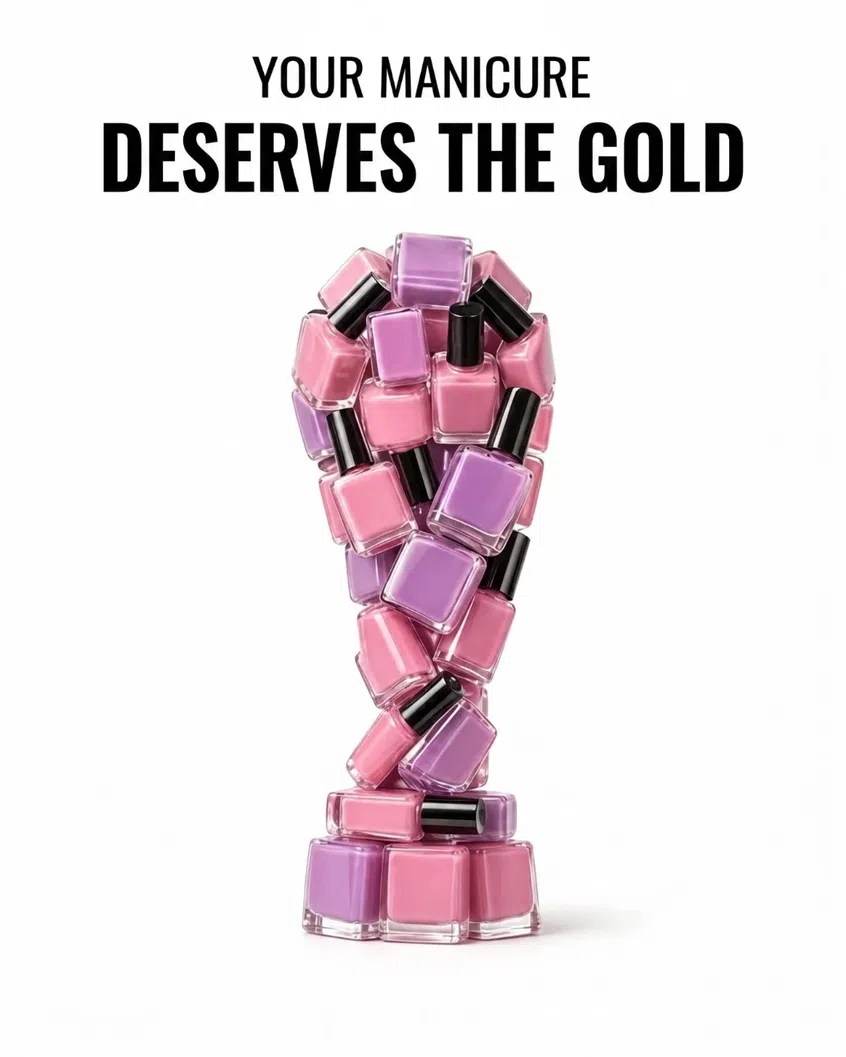
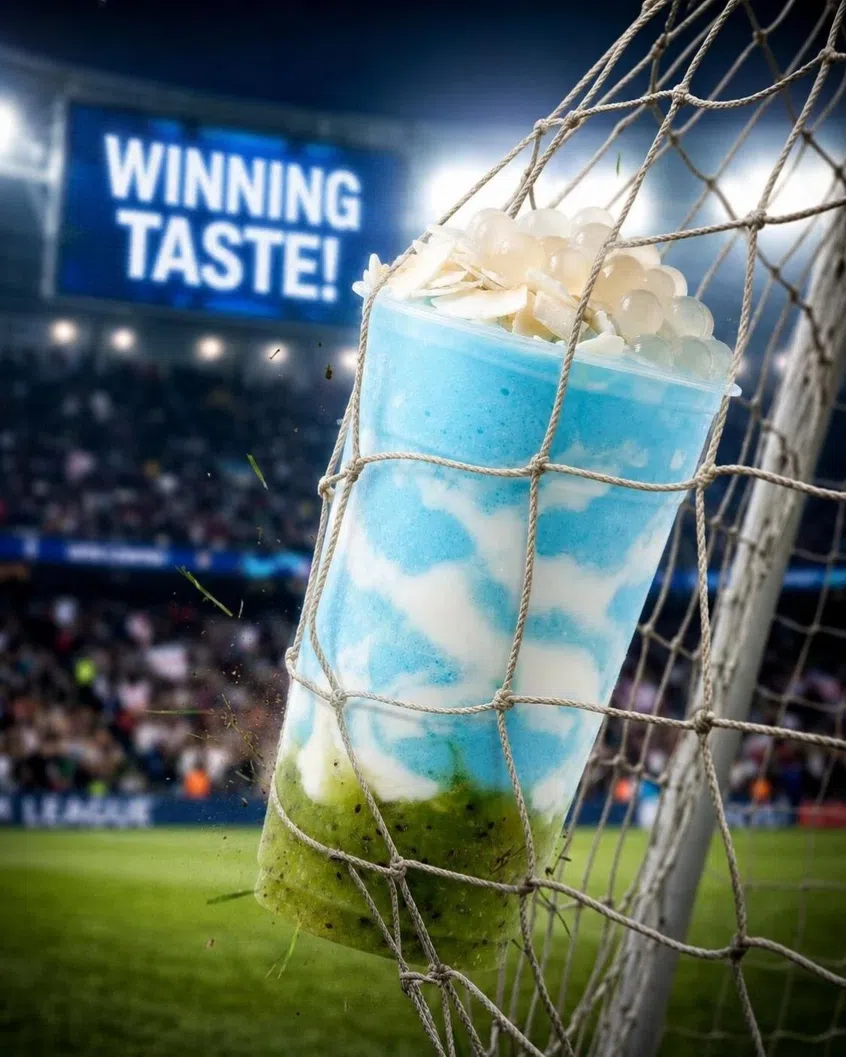
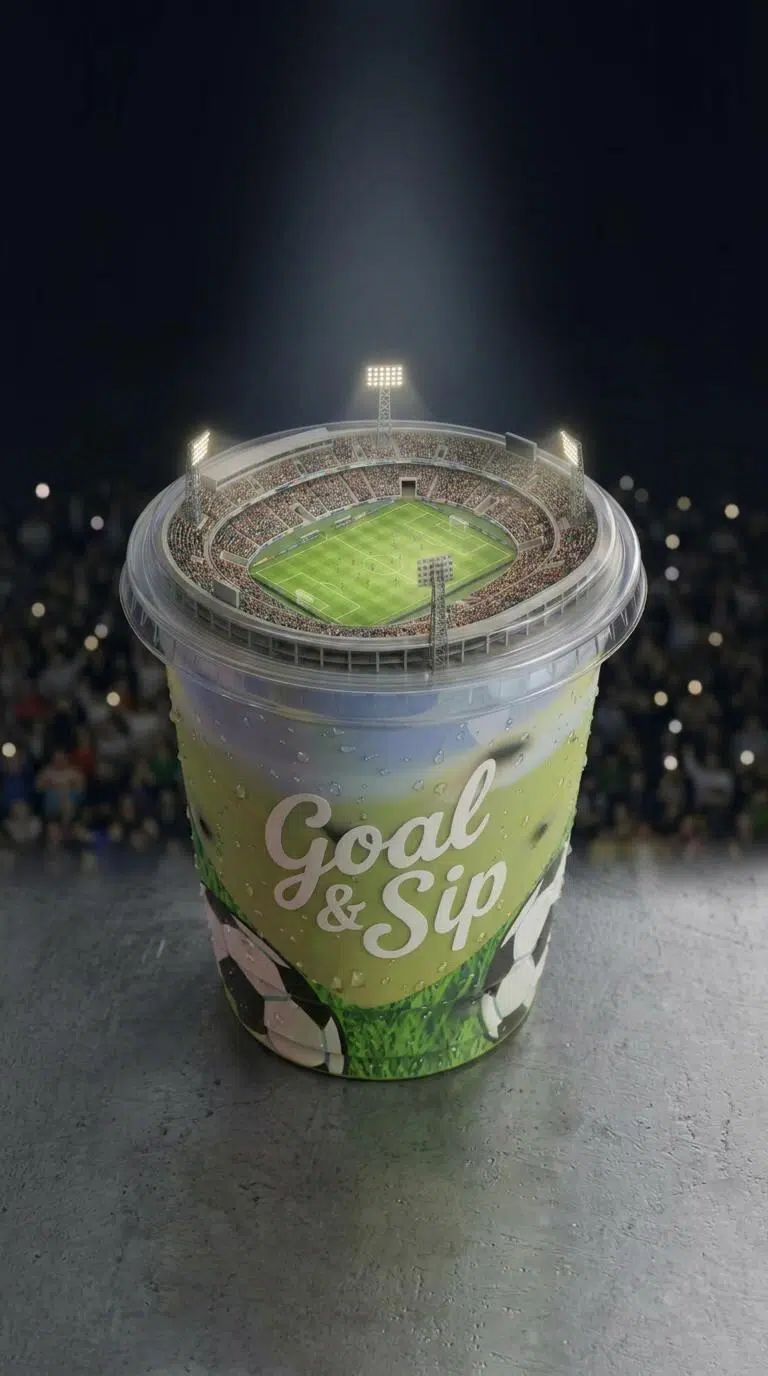
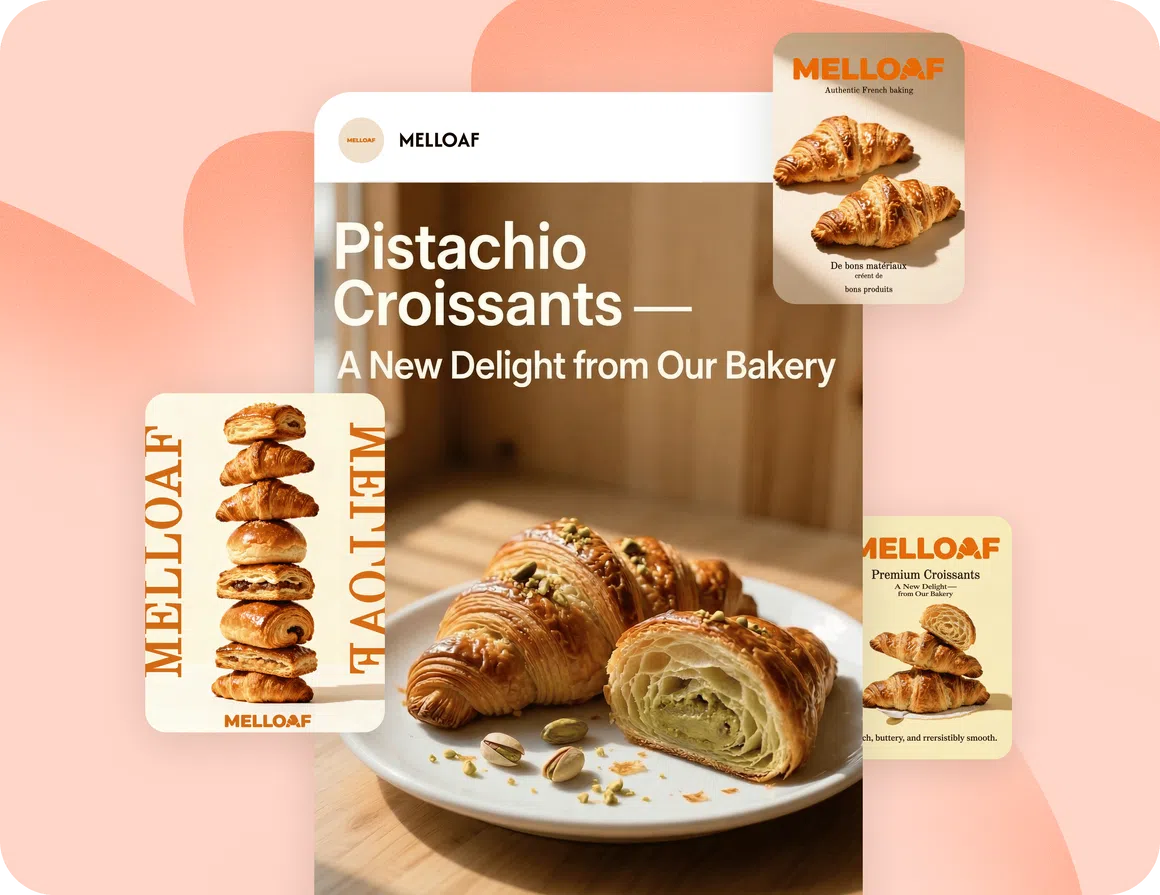
One Workflow. Every Format You Post.
One Workflow. Every Format You Post.

Social Media Post
Scroll-stopping layouts for Instagram, Facebook, TikTok and more. Built from references that already proved they perform.
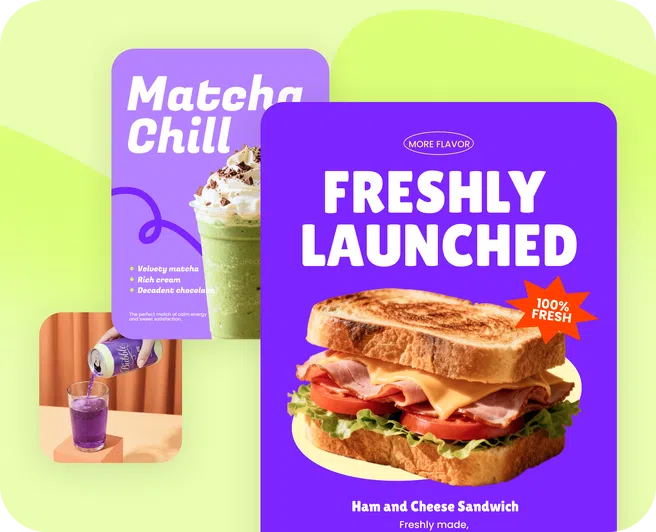
Marketing Poster
Campaign visuals with strong composition and clear hierarchy. Use your product in layouts that communicate fast.
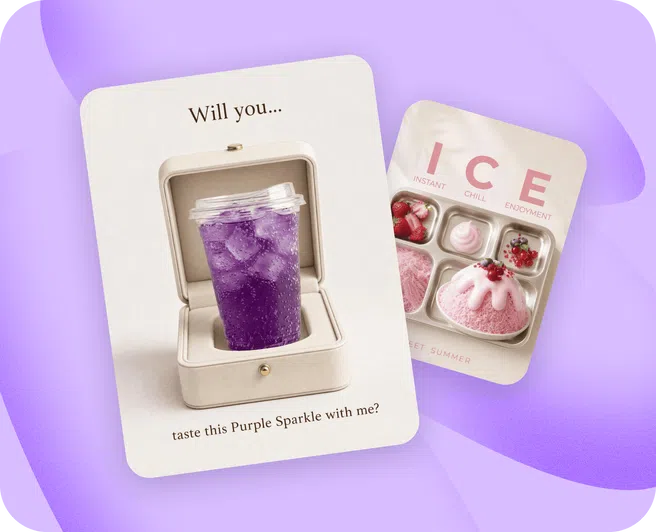
Creative Poster
When the goal is visual impact over structure. Style mode works especially well here.
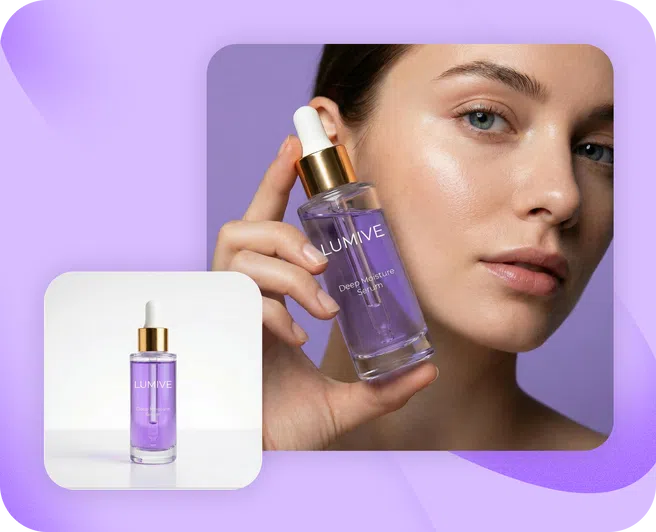
E-commerce Product Image
Reference high-converting product image layouts and apply the same structure to your own SKUs.
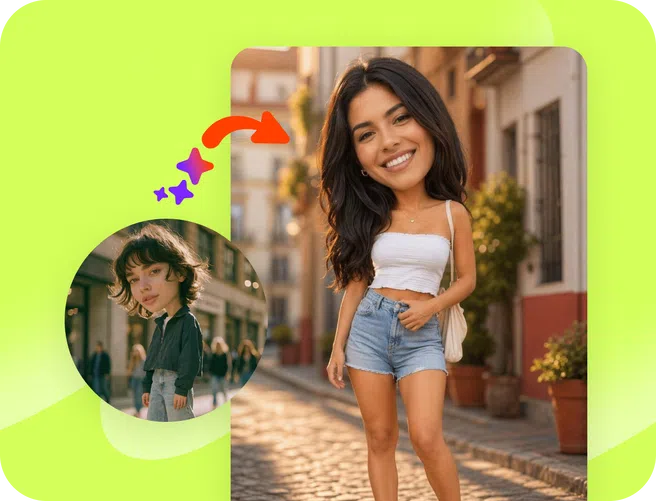
Fashion Product Image
Replicate editorial layouts and styling compositions for apparel and accessories without a studio shoot.
If You Have Ever Saved a Post Because You Liked How It Looked, This Is for You.
Designers and Agencies
Your clients send you screenshots of posts they want to match. Now instead of rebuilding from scratch, you upload the reference and generate on-brand output in minutes. The creative brief becomes the starting point, not the bottleneck.
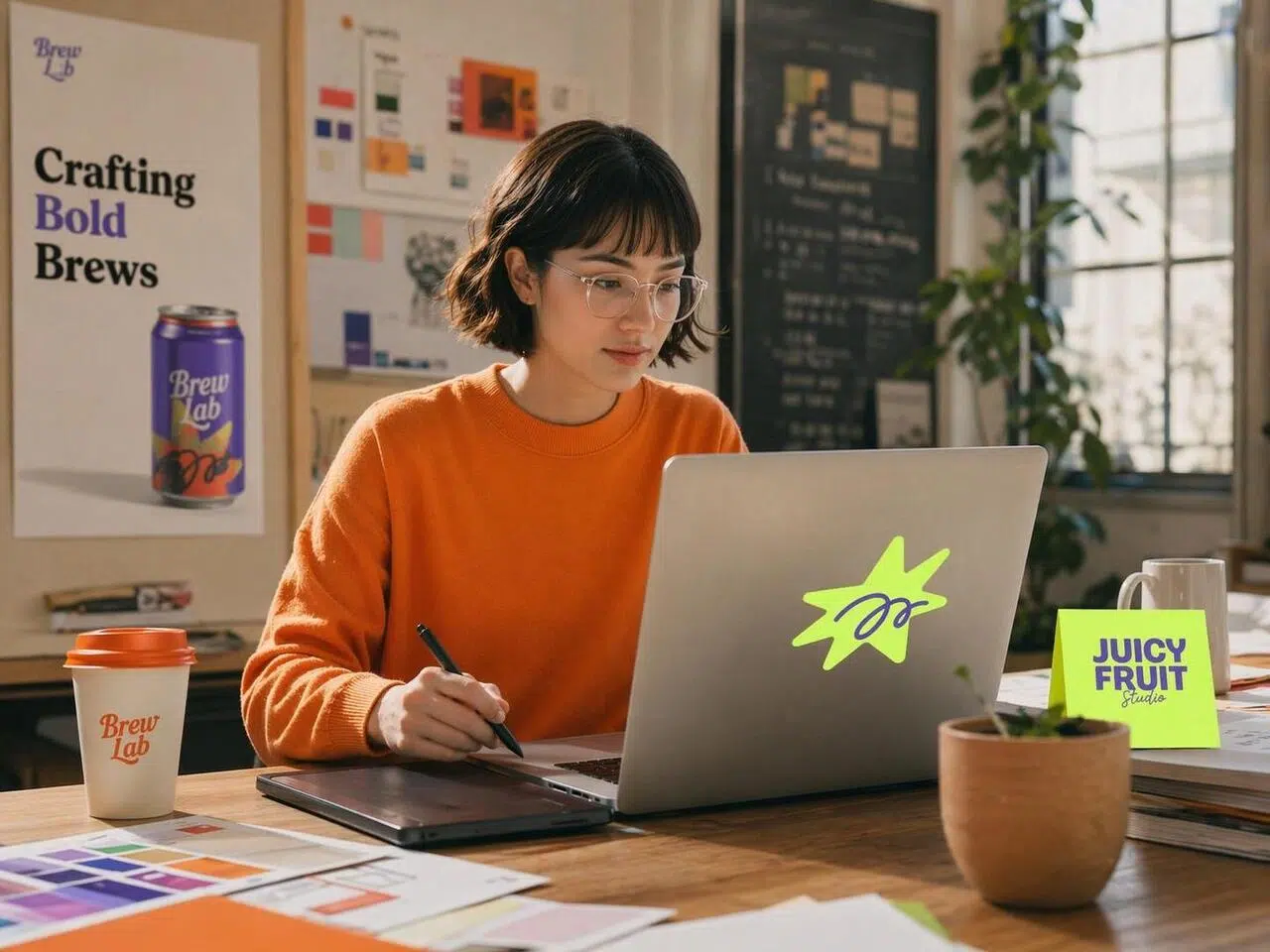
Social Media Managers
You know which visual formats work on which platforms. Image Remix lets you act on that knowledge directly. Feed in high-performing references, get content that follows the same logic, and stay consistent without starting every post from a blank canvas.
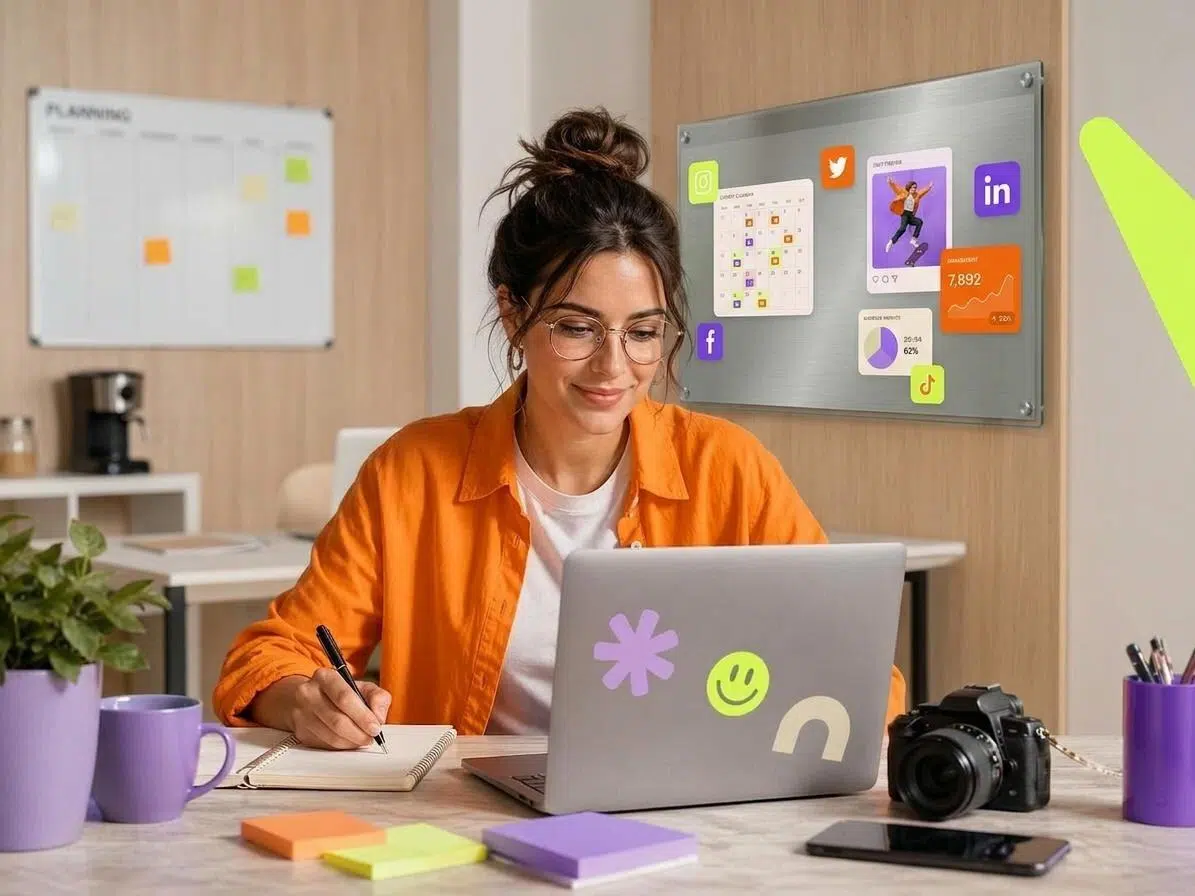
SMBs and E-commerce Sellers
You do not have a photographer, a designer, or time to figure out what makes a post look professional. Save any product image that catches your eye, upload it as your reference, and get that same caliber of visual for your own product.

Frequently Asked Questions
What is an AI viral image remixer?
What kinds of images can I upload as a reference?
You can upload any image you want to reference: a social media post, a marketing poster, a product shot you saved from your feed, an e-commerce listing, or any visual that has a layout or composition you want to adapt. Up to 20 reference images are supported per session.
What is the difference between High-Fidelity and Style mode?
High-Fidelity keeps the original composition as close as possible and primarily swaps in your product and text with minimal scene changes. Style mode takes the layout logic of the reference and rebuilds the scene in a new visual direction. Use High-Fidelity when you want the output to closely mirror the reference. Use Style when you want the structural logic without replicating the exact look.
Do I need to upload my own product image?
It is optional. If you want your specific product to appear in the output, upload it under Product Image. If you skip this step, Zawa generates the scene based on the reference layout and any requirements you add in the text field.
What content types does Image Remix support?
Image Remix supports Social Media Post, Marketing Poster, Creative Poster, E-commerce Product Image, and Fashion Product Image. Select the format that matches your intended use and the output is structured accordingly.
How do I use Image Remix to follow trending formats quickly?
When you see a visual style trending on your feed, save the image and upload it as your reference in Image Remix. The tool rebuilds the layout with your product inside in minutes. Because the window to ride a trend is short, this workflow is specifically designed for speed: no prompt writing, no design decisions, just upload and generate.
Can I generate multiple variations at once?
Yes. Each generation run produces multiple output variations. You can review the set and select the ones you want to download. If you want a different direction, adjust your reference or settings and generate again.
Is Image Remix free to use?
Zawa offers a free plan to get started with no credit card required. Additional generation credits and advanced features are available on paid plans.
You already know what good looks like. Now make it yours.
Find a layout you like. Upload it. Get your own version in minutes.