
Free Business Card Maker
Zawa’s business card maker streamlines and accelerates the design process. Enjoy the perfect solution and start designing for free today.
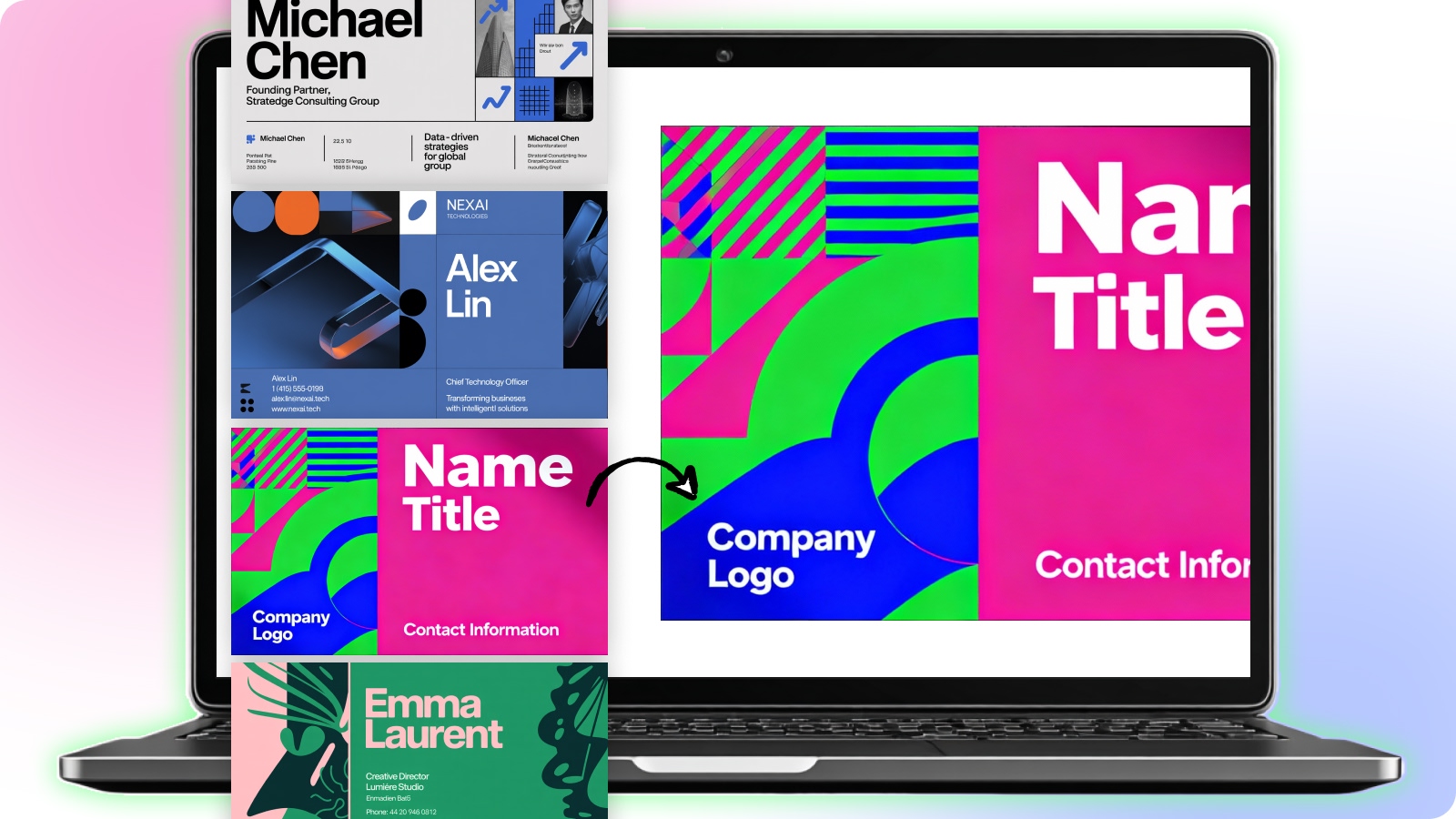

Make a Remarkable First Impression
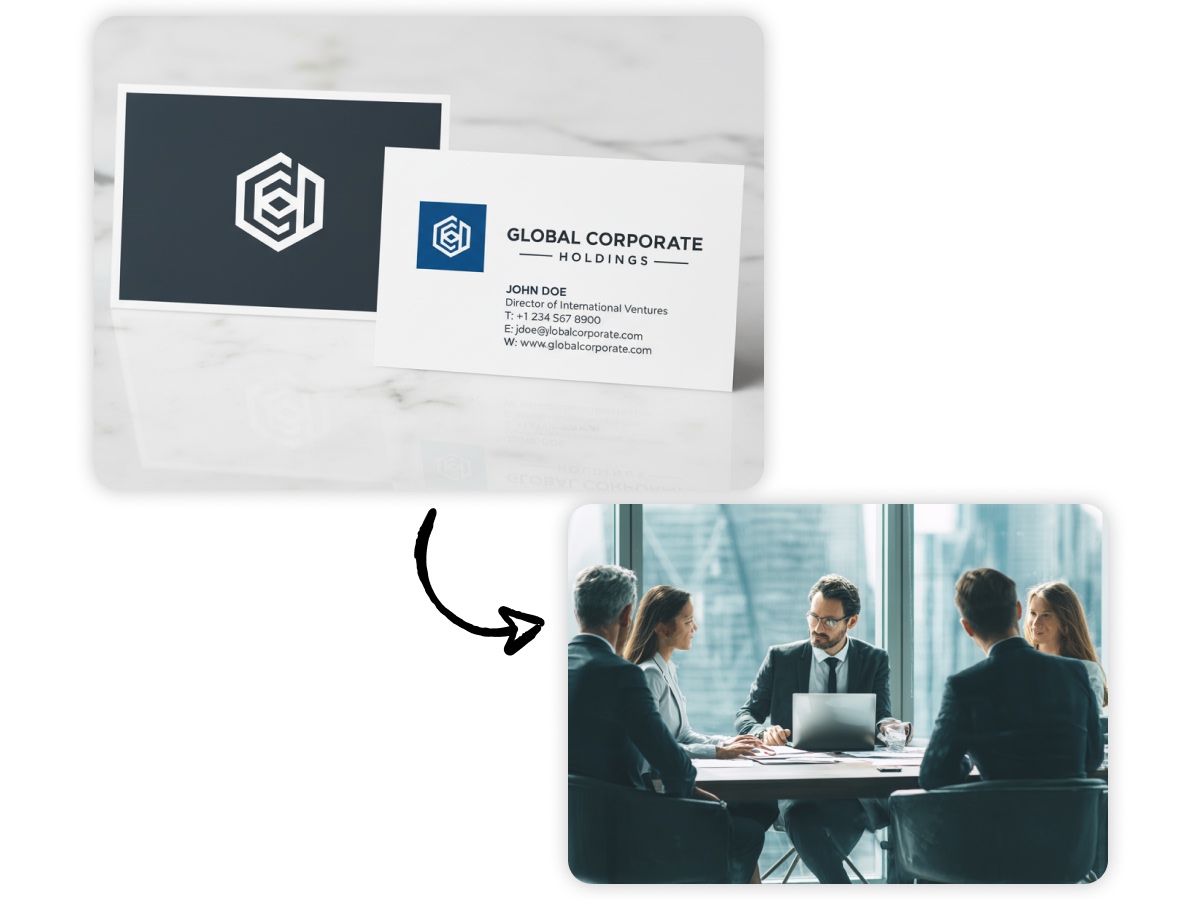
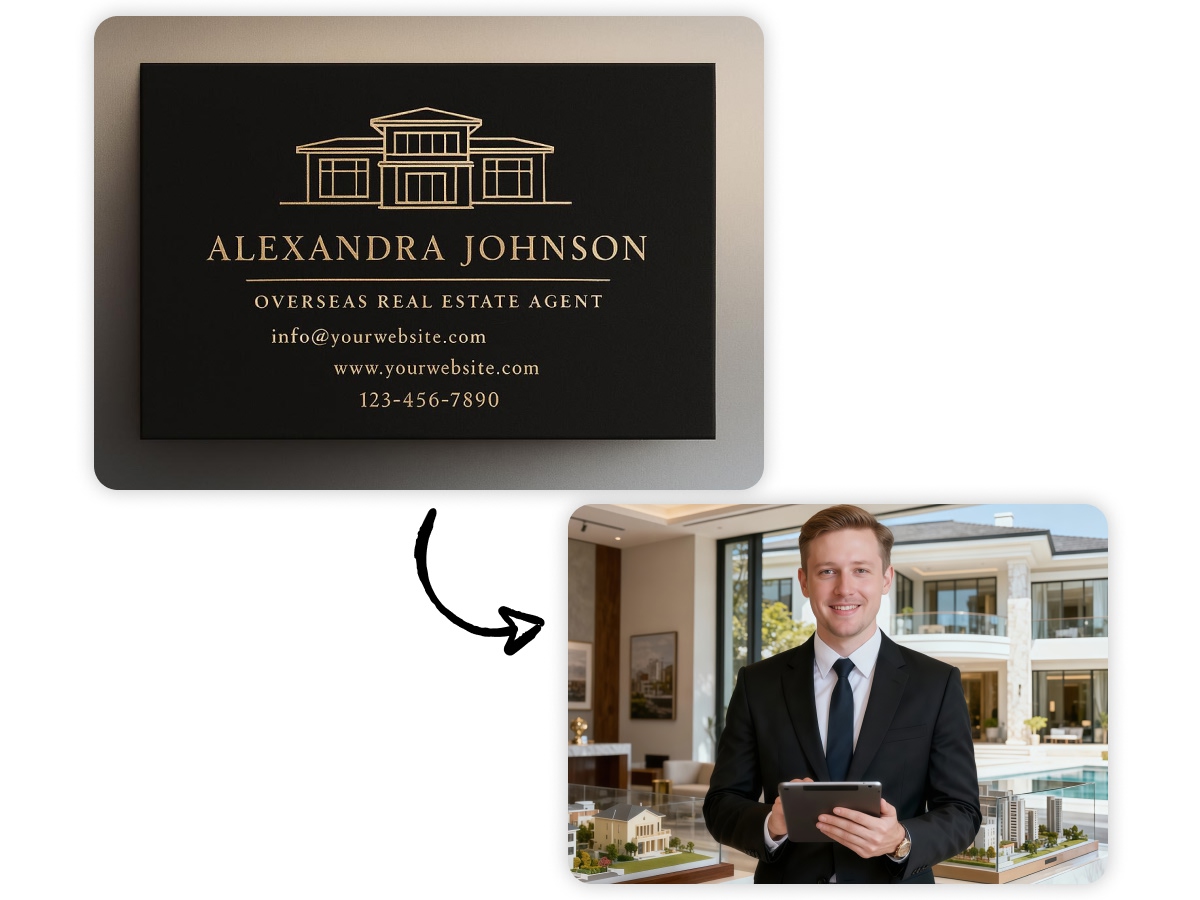
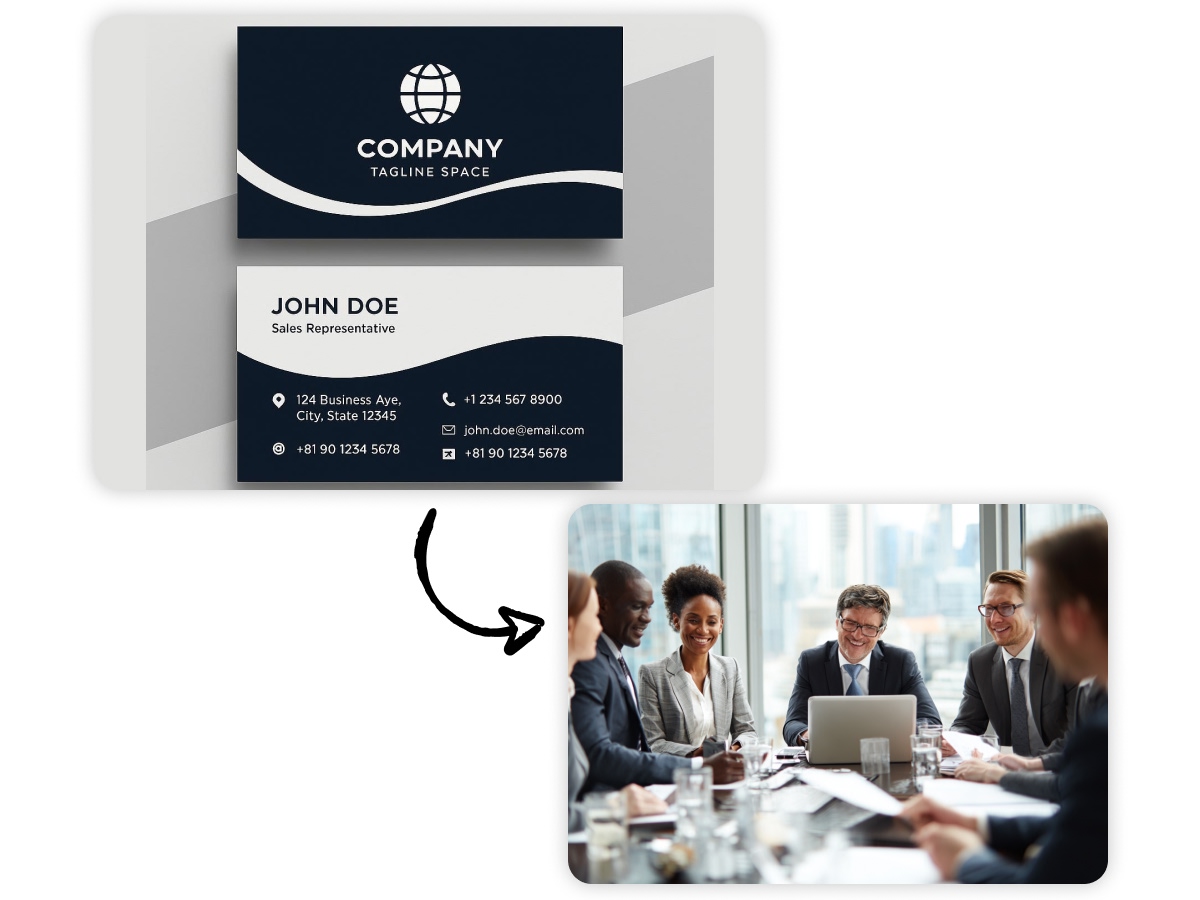
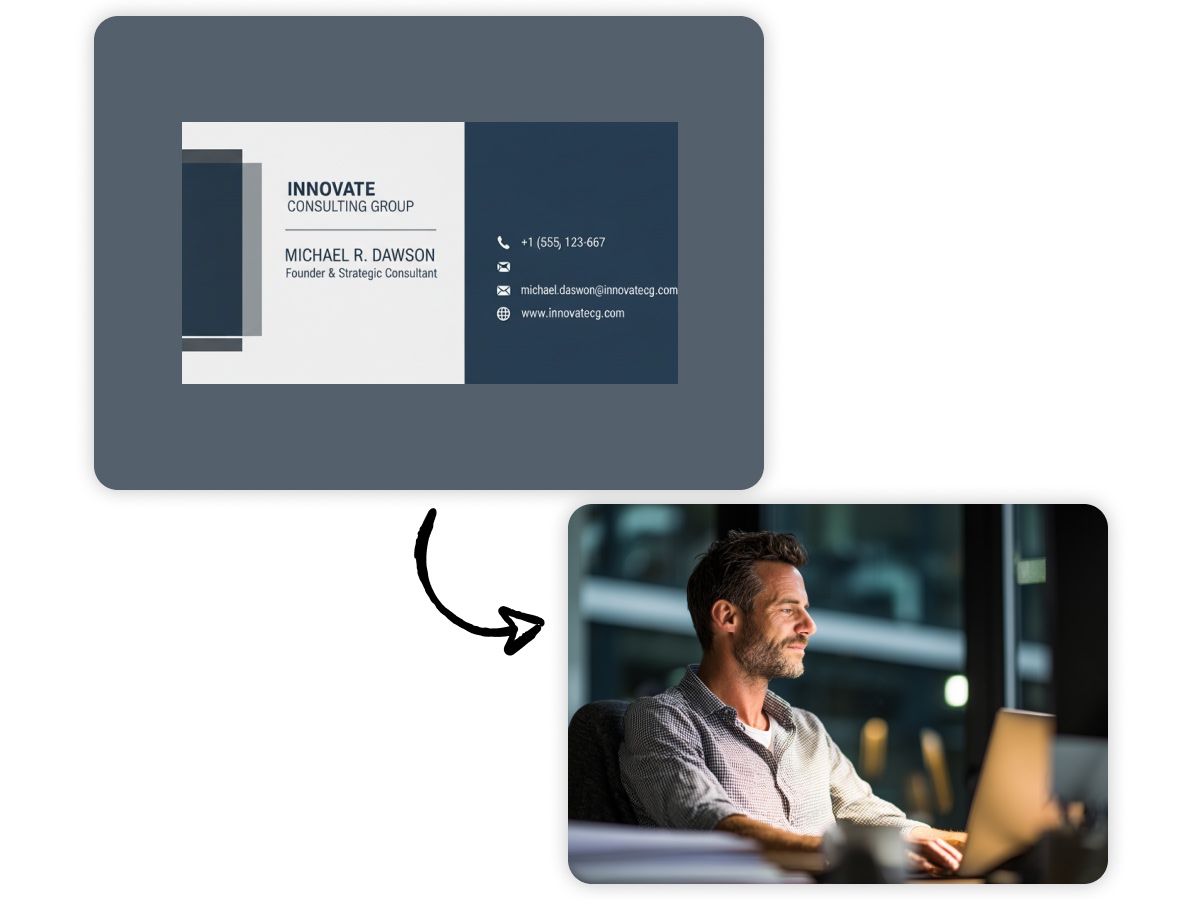
A brand can make a lasting and positive first impression with an appealing business card design. You need to understand that print marketing remains a powerful tool. When you visit business events or your potential clients, a business card can save you. A unique design will grab people’s attention. And leaves a lasting impact on them. It will remind them of your products and services in case they need them.
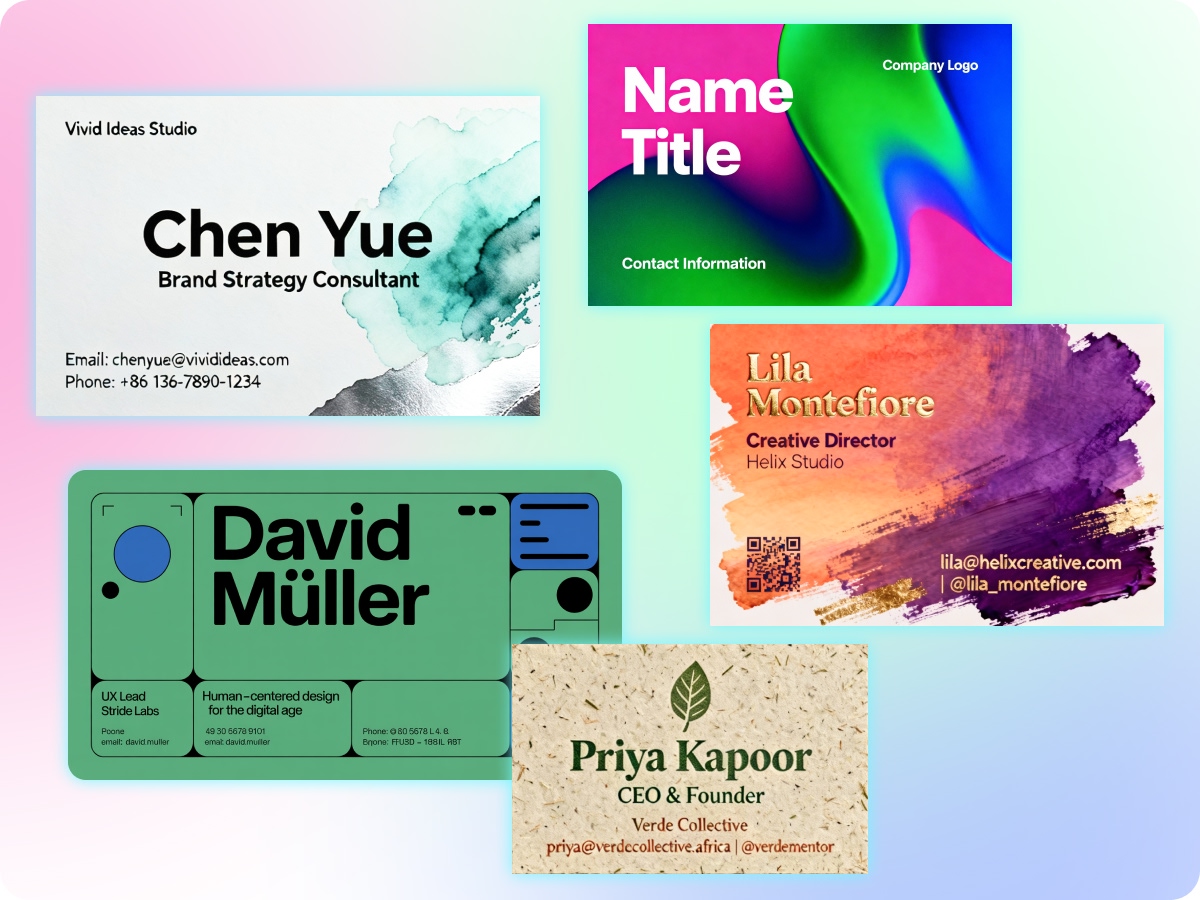
Professional Quality Visiting Card Design Suggestions
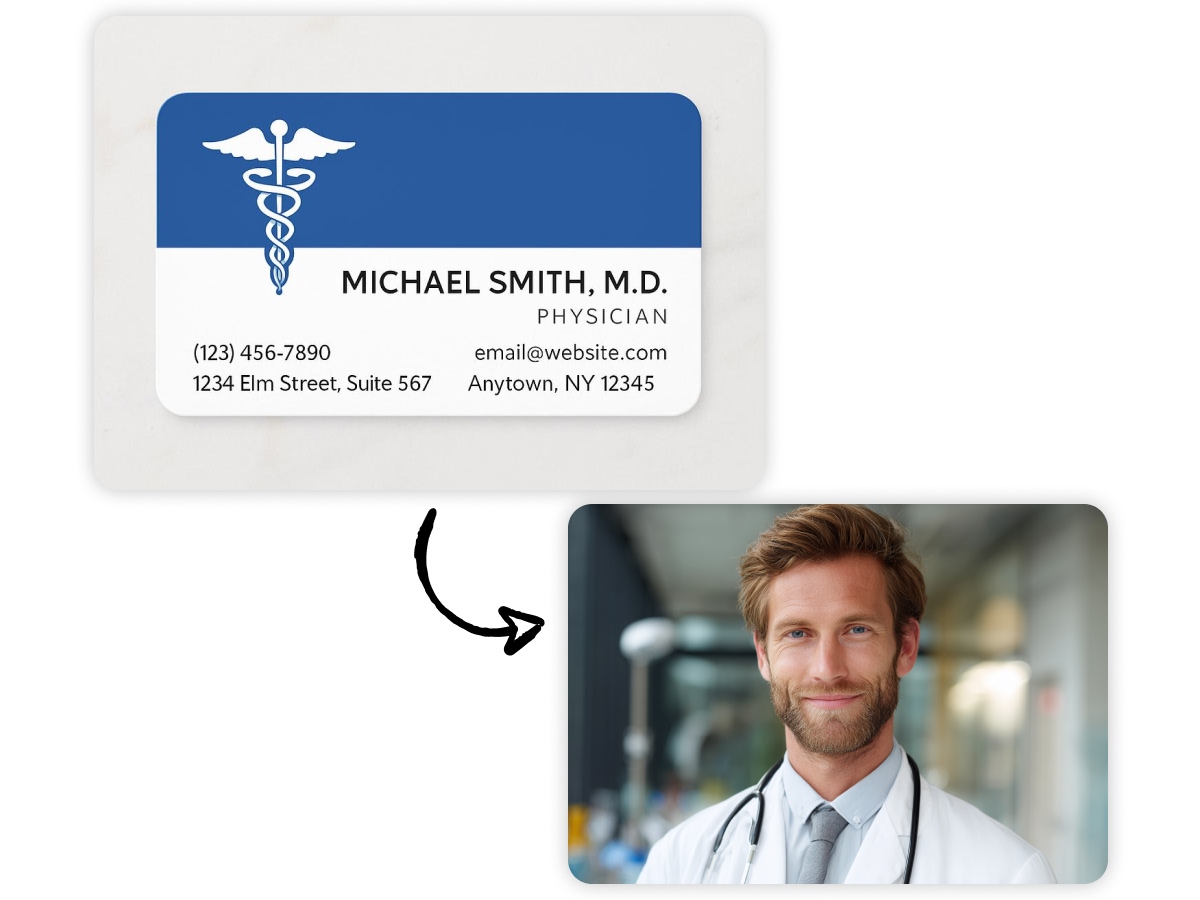
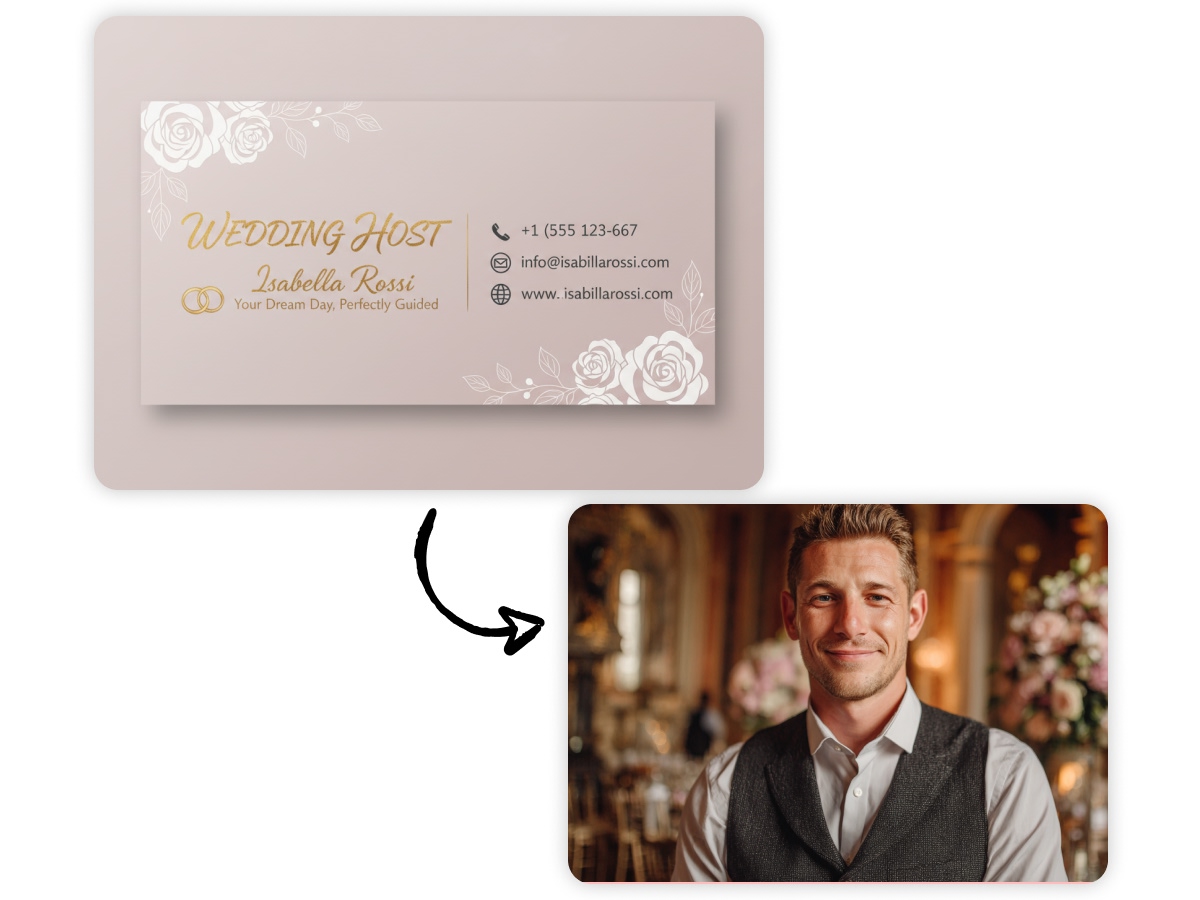
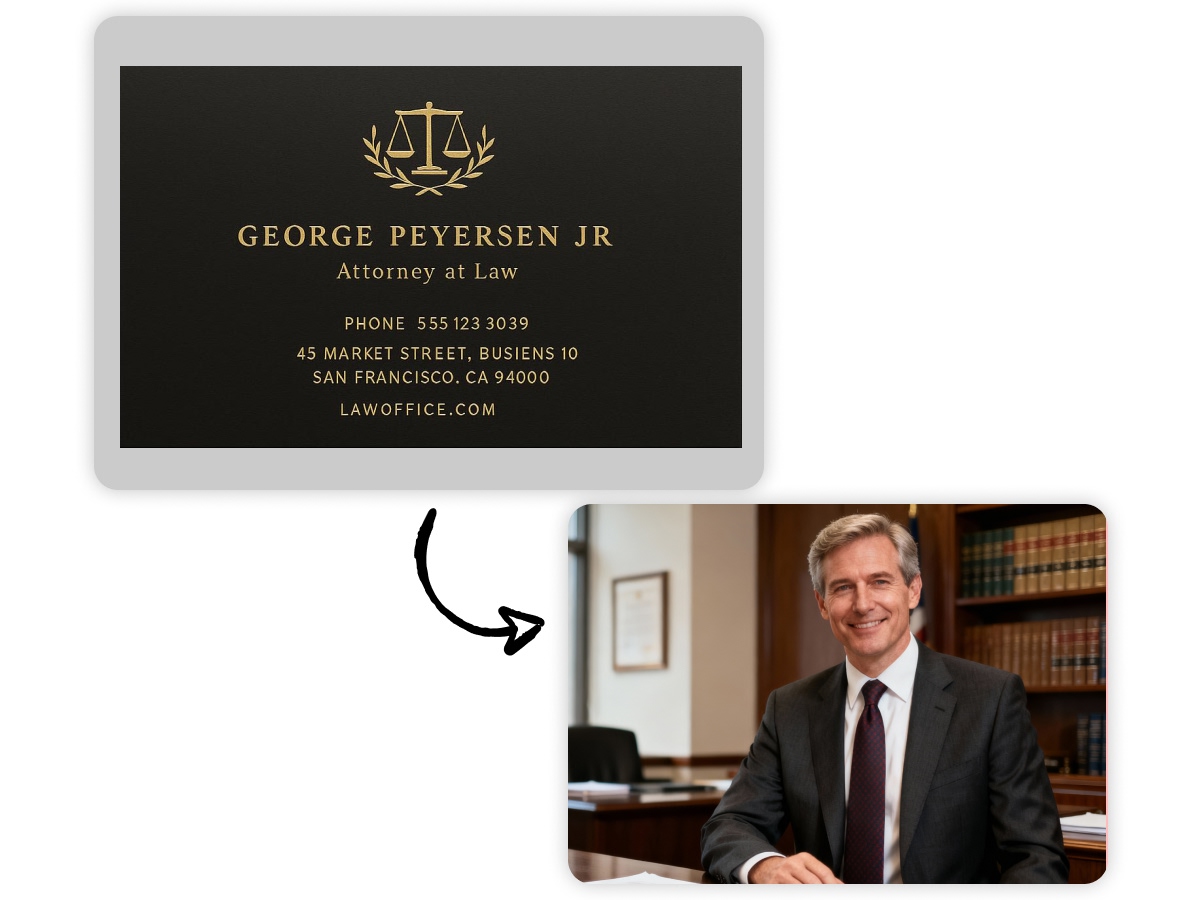
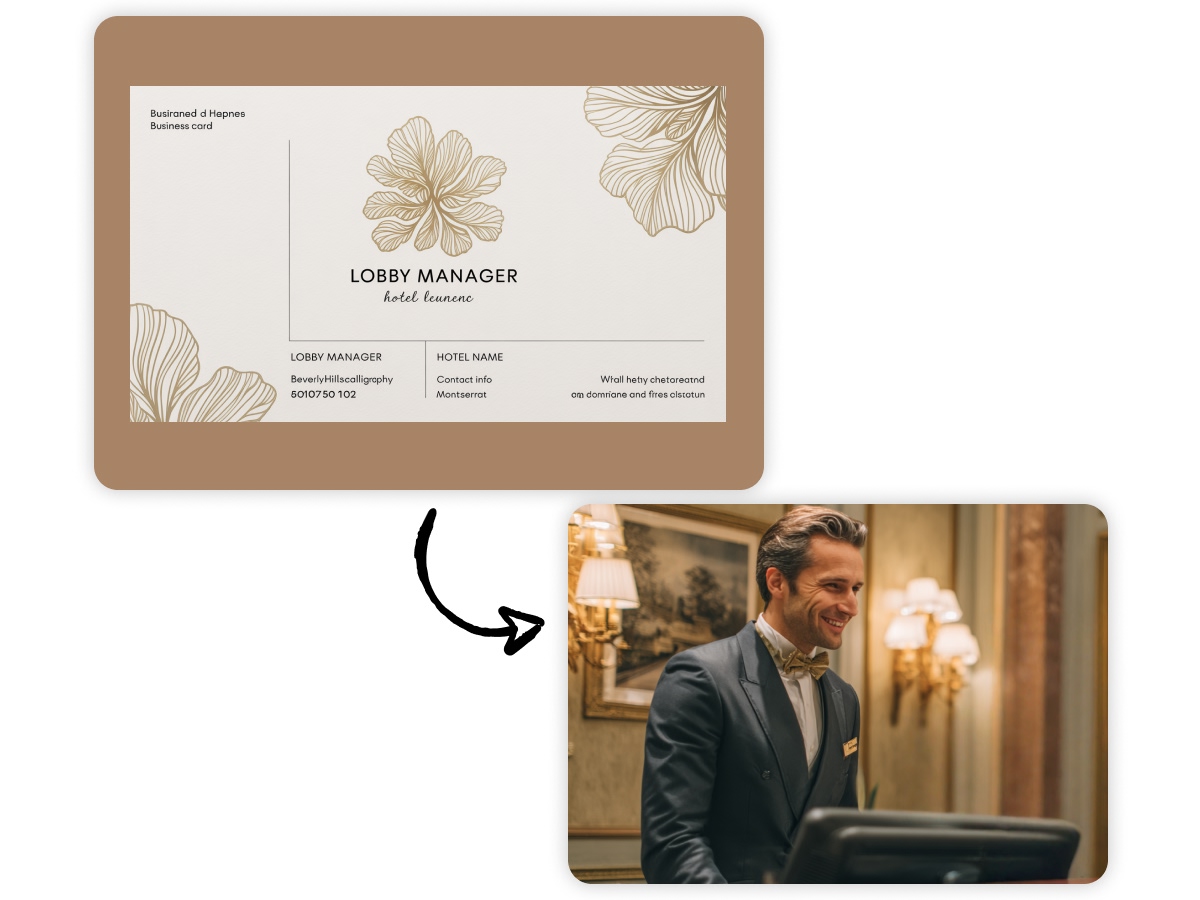
Zawa’s AI agent understands the business needs. When you give a prompt to design your business card, it understands the level of professionalism. The AI generator will read all your crucial instructions and recommend some highly professional suggestions. You can choose the one that you think best suits your brand. You can then modify it according to your requirements.
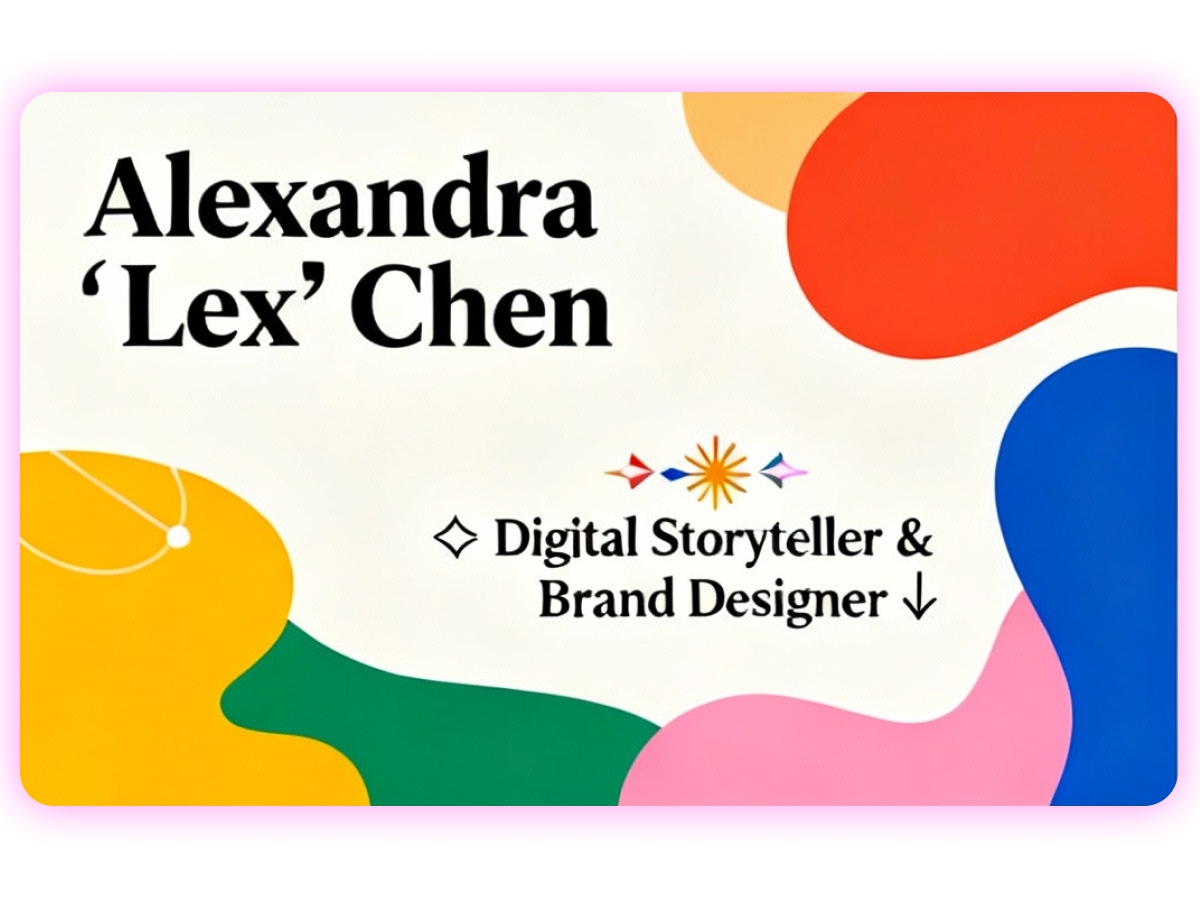
Complete Customization Facility to Design
A user can see that Zawa’s business card generator with a logo is the best for personalization. The reality is that you can include anything in your prompt to generate your business card design. From minor to major detail, you can add anything that you want to your visiting card. Color, style, borders, and more. You can include or eliminate depending on your preference.

Build a Solid Business Network with Ease
One of the excellent print marketing materials is a business card. An Zawa’s AI agent as your business card creator allows you to make a robust business network using a modern touch. When you share your visiting card with people, they remember you. They also use your contact information. For example, join your WhatsApp group using the details from the card.
Quick Steps to Use a Business Card Maker
Launch the Tool
Go to Zawa and open the business card creator. All key features and design options are visible in one place, so you can start building your card immediately.
Provide Your Details
Fill in the prompt with the information you want on your card, such as company name, contact info, colors, and layout preferences. The AI will use this to craft designs that reflect your brand.
Explore AI Suggestions
The system generates multiple card layouts automatically. Browse the different styles to see which fits your brand personality best.
Fine-Tune Your Design
Make adjustments to fonts, colors, spacing, or logos. This step ensures your card looks professional and matches your desired style.
Save and Export
Once satisfied, download your business card in high-quality formats suitable for printing or digital use. Your finalized card is now ready to impress clients or colleagues.
Businesses That Can Use the Power of Business Cards
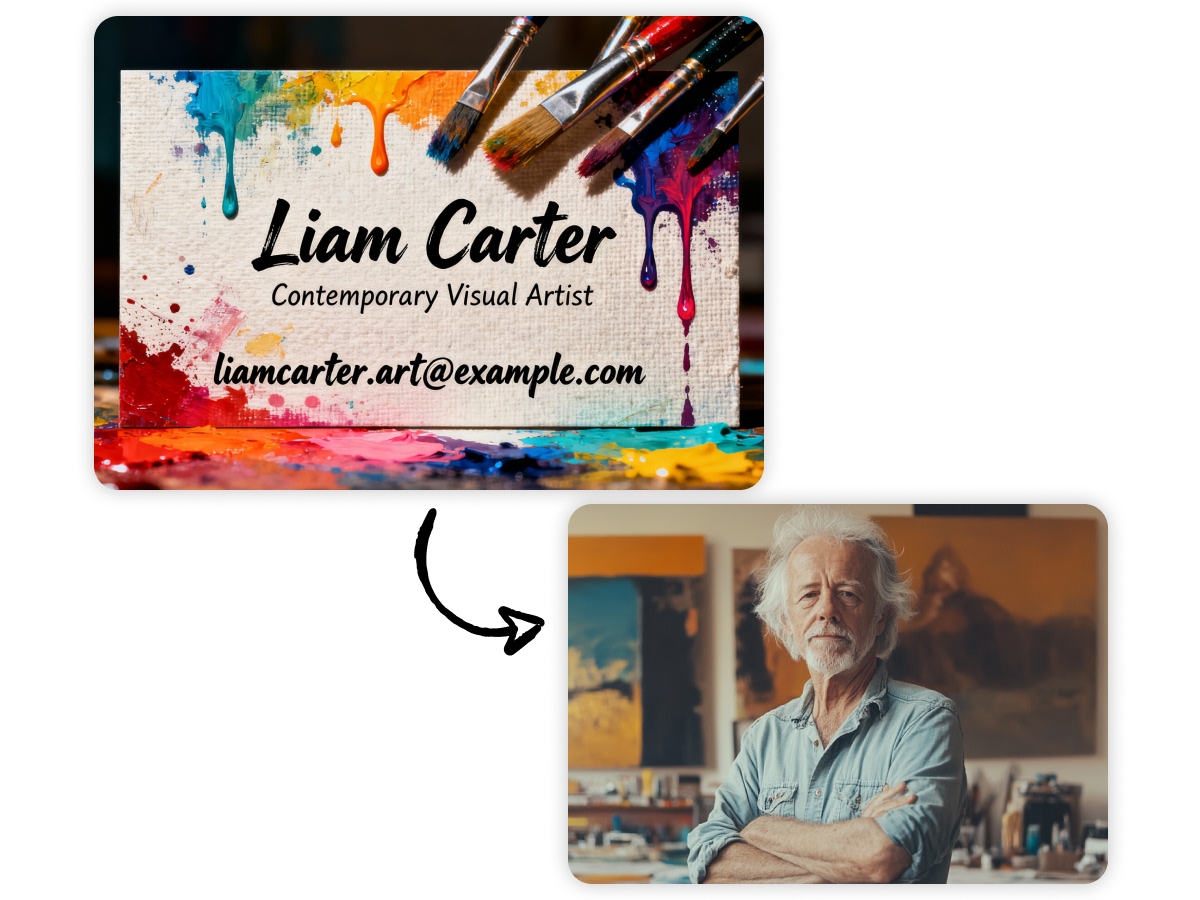
Freelancers
Every freelancer needs to connect with more people. Online, you can have a website or social media accounts to represent yourself. However, in the real world, a single compact business card can represent you with the crucial details.
Why Choose Us
Intuitive AI Interface
Zawa provides a user-friendly dashboard that makes designing business cards fast and simple. Even first-time users can navigate the tools easily and create professional designs in minutes.

Fast Design Generation
The AI engine quickly turns your input into multiple business card concepts, helping you explore different layouts and styles without spending hours designing.

No Design Skills Required
Anyone can create a polished business card. Just provide your brand details and let the AI generate high-quality designs, eliminating the need for professional design experience.

Unlimited Design Inspiration
Browse countless AI-generated ideas based on your prompt. All suggestions are free, giving you a variety of creative directions to choose from for your brand.

Easy Customization
Refine your chosen design by adjusting text, fonts, colors, layout, and logo placement. Tailor the card to match your brand identity perfectly.

Ready-to-Use Output
Export your finalized business card in high-resolution formats suitable for printing or digital sharing, ensuring your brand makes a strong impression.
Frequently Asked Questions
1. What are the features one should look for in a business card maker?
2. Does a business card creator support vector graphics for scalability?
Yes. The right visiting card design maker supports vector graphic formats. For example, SVG or EPS. It ensures that the design of your card is clear and of high quality. This is a need at any size or resolution.
3. How can one ensure the color accuracy when making the design online?
Please select the visiting card creator that supports CMYK color profiles. Also, see if it offers soft-proofing tools. This is useful for clearly displaying print colors on your screen. It reduces the incompatibilities between digital design and printed output.
4. Is it possible to design a double-sided visiting card using a free business card maker?
Yes. Many online business card creators allow users to design the front and back sides independently. You get the suggestions for different layouts, text, and images for each side.
5. May I integrate the visiting card creator into a marketing tool?
Several design tools offer this facility. They allow you to easily integrate with various marketing platforms. For example, CRMs or social media. It enables seamless sharing. Additionally, it facilitates updating contact information and promotional content.
6. What are the available printing options with an online business card maker?
There are many printing options available. For instance, standard printing. You also have the option of premium finishes, such as matte or gloss. Sometimes, you can find excellent options for specialty papers or materials.
7. How can one ensure that the card design is print-ready?
Choose a business card generator that offers guidelines for:
- Bleed
- Safe zones
- Resolution
And export your design in print-ready formats. For example, a PDF with embedded fonts and high DPI (300 or above).
8. What is the security level of my data when I use an online business card creator?
The most trusted card designing tools use encryption for data transfer and storage. They comply with privacy regulations. Additionally, they often offer options for control. For example, "Who can view or edit your designs?"
Make a Free Business Card with Zawa
Log in and let the Zawa AI Agent transform your business card ideas into a professional brand identity in minutes!