
Free T-Shirt Logo Maker
Design stunning T-shirt logos using the Zawa AI-integrated tool, which provides all the essential features for complete customization. Elevate your brand and enhance your t-shirts today!
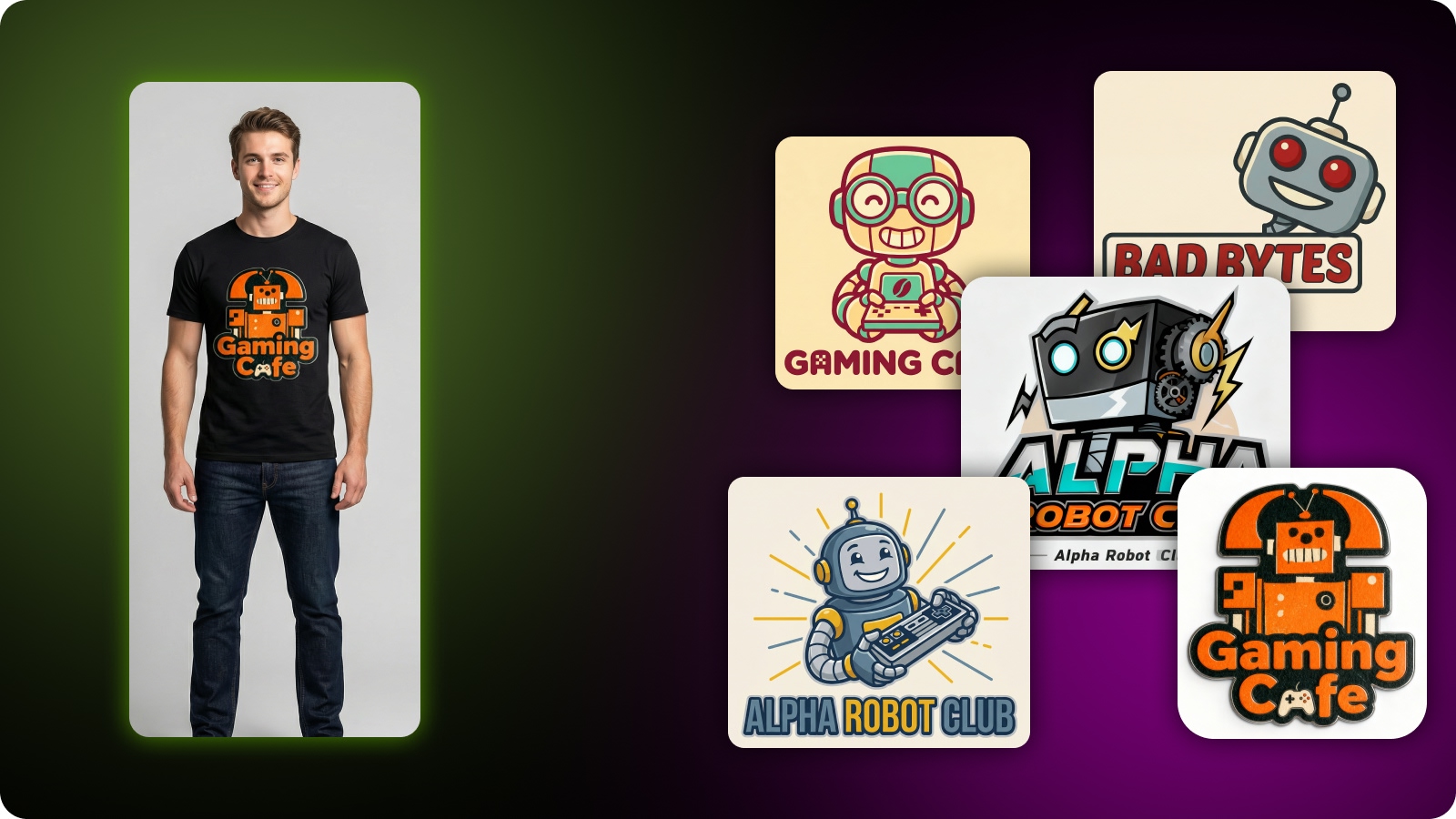
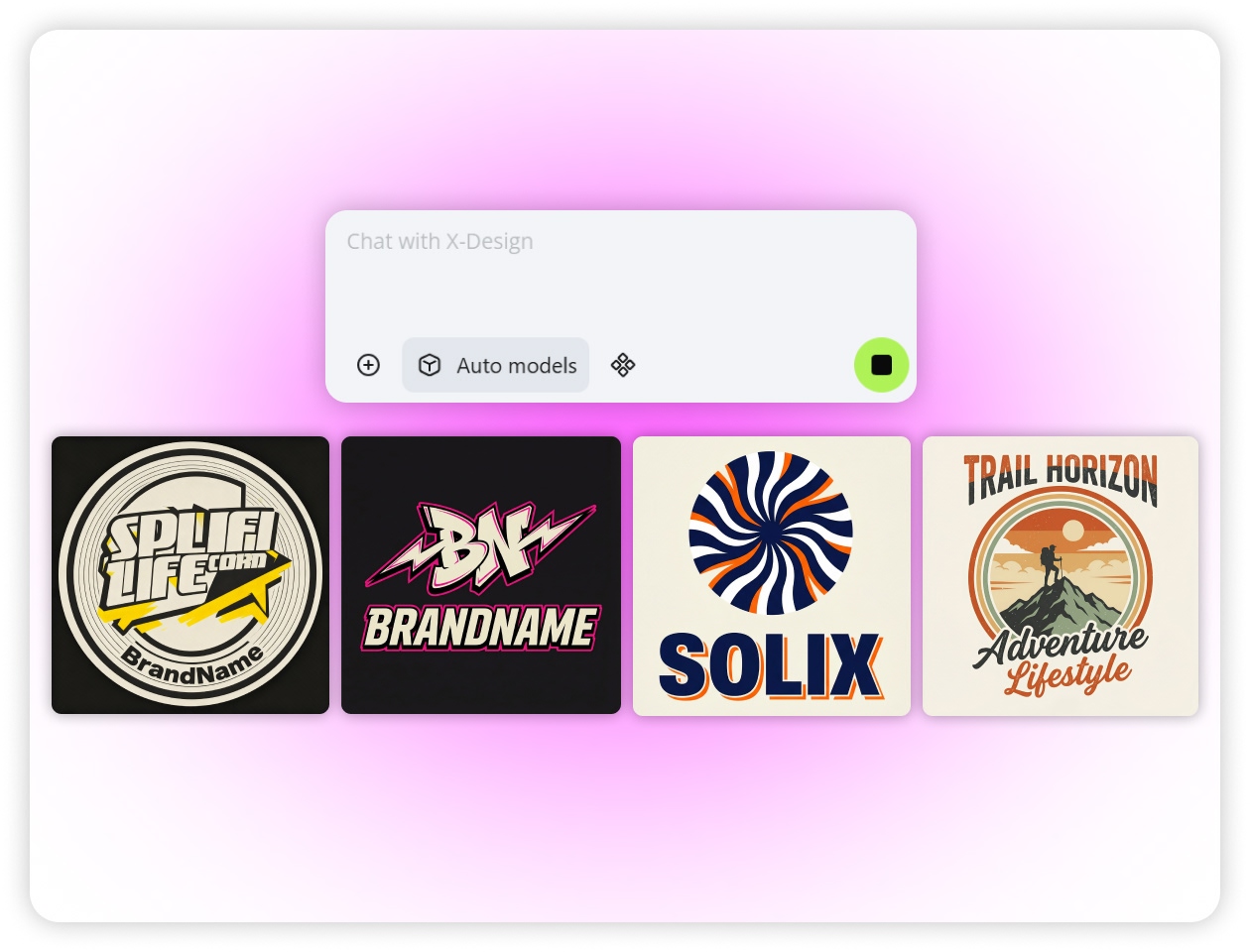
Creative Freedom with Zawa
By using our AI-integrated t-shirt logo maker, you get various options once you enter your requirements. If you want the generated designs to be more creative, you can add your particular ideas, and it will create similar options accordingly.
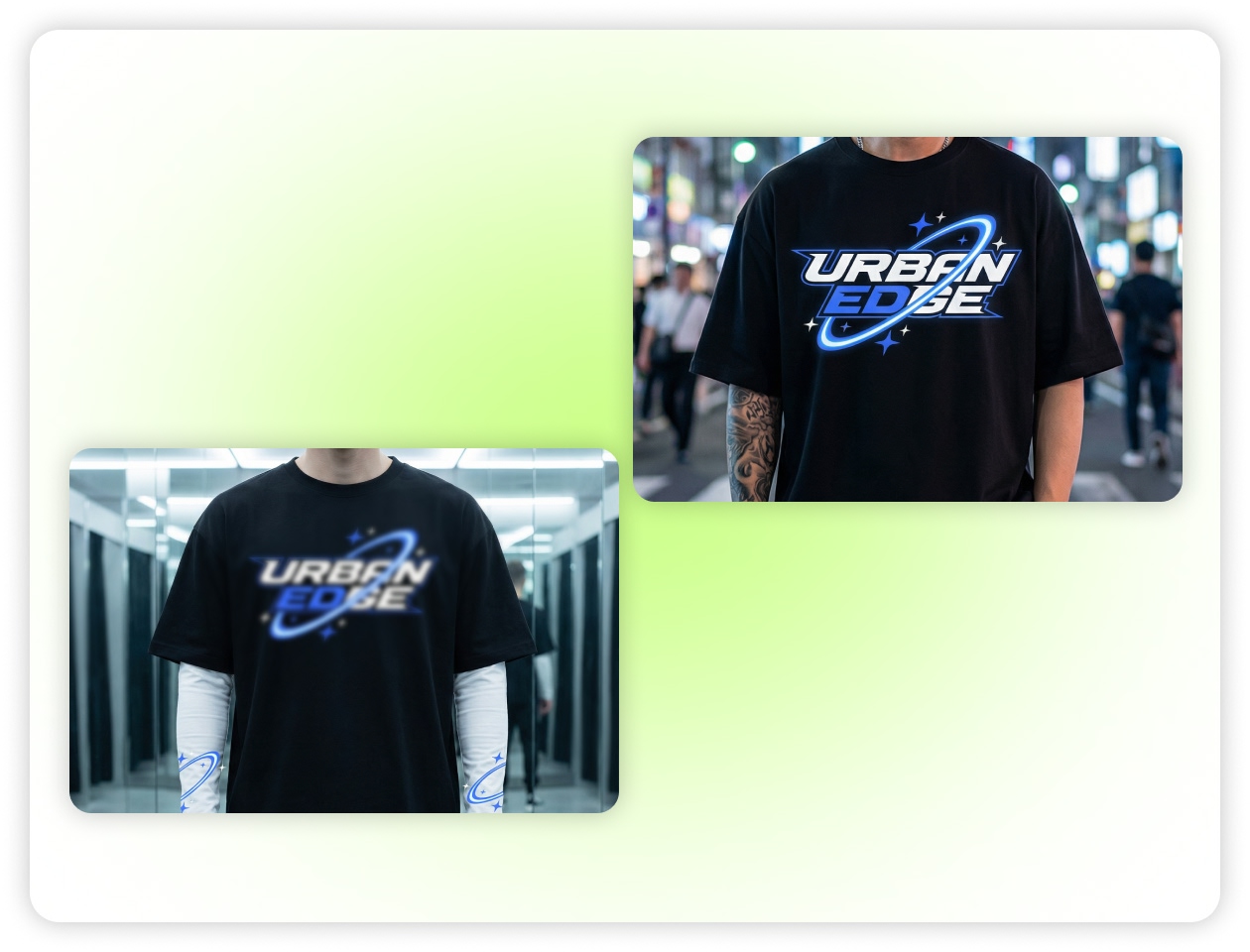
High-Quality Output for Clear Prints
Many brands worry about the final printed output on the t-shirt. It has to appear pristine. The reason is that a clear design looks more professional and attractive. With our tool, you can download the t-shirt logo designs in higher resolution. So, get ready to create high-quality logo designs in no time.
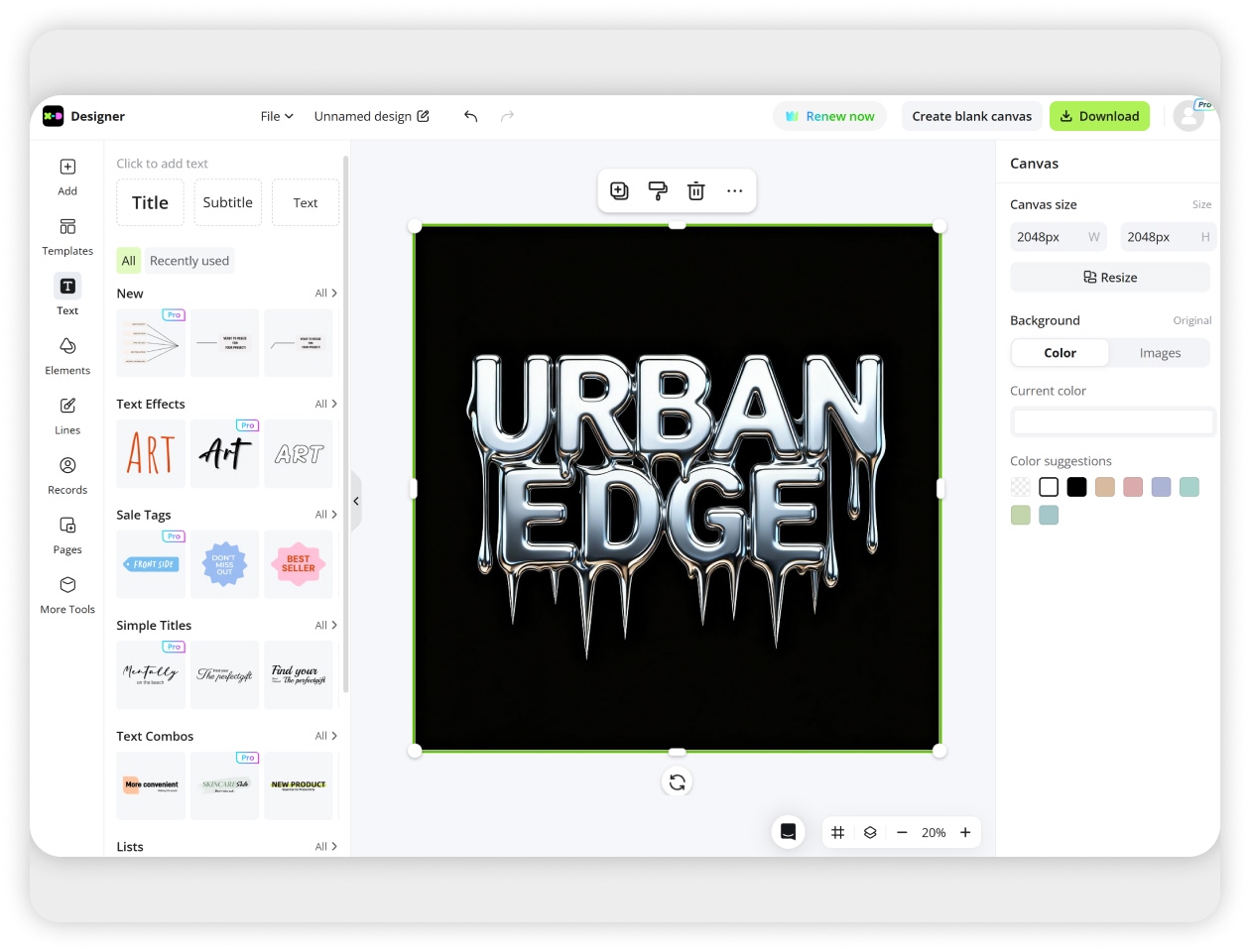
Customization to Create Desired Logos
A user can easily customize the entire logo design to their specific preferences. Our t-shirt AI logo creator offers you a dashboard where you can edit the design you pick to continue. So, you have the freedom to make changes in the color, style, text, size, font, and more. Everything can be adjusted to personalize.
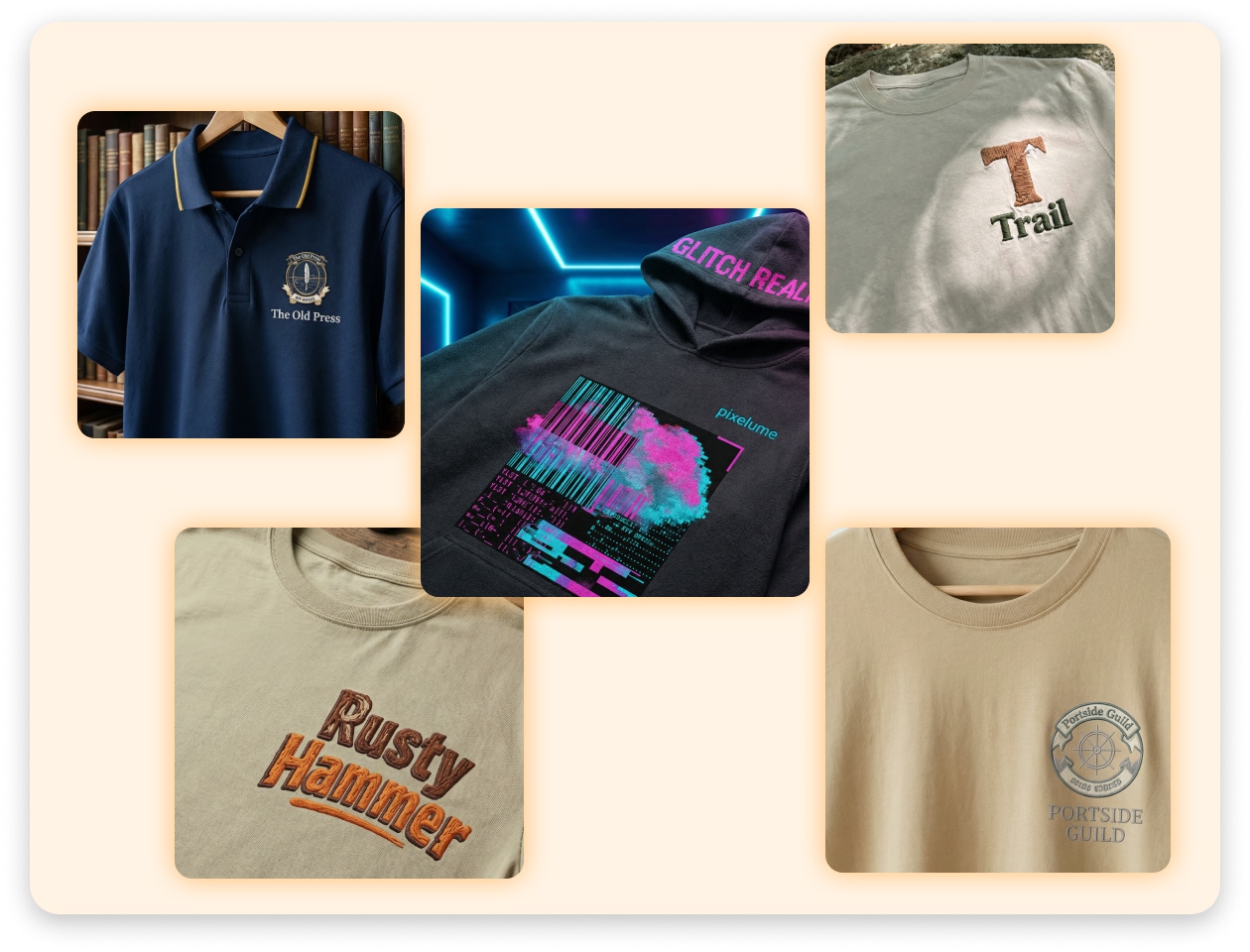
Designing Different T-Shirt Logo Styles
Undoubtedly, there are different types of logos. For example, abstract, emblem, lettermark, combination, and more. With Zawa’s AI t-shirt logo design maker, you can create any logo style that you want for your t-shirts. You can easily change the design whenever you want.
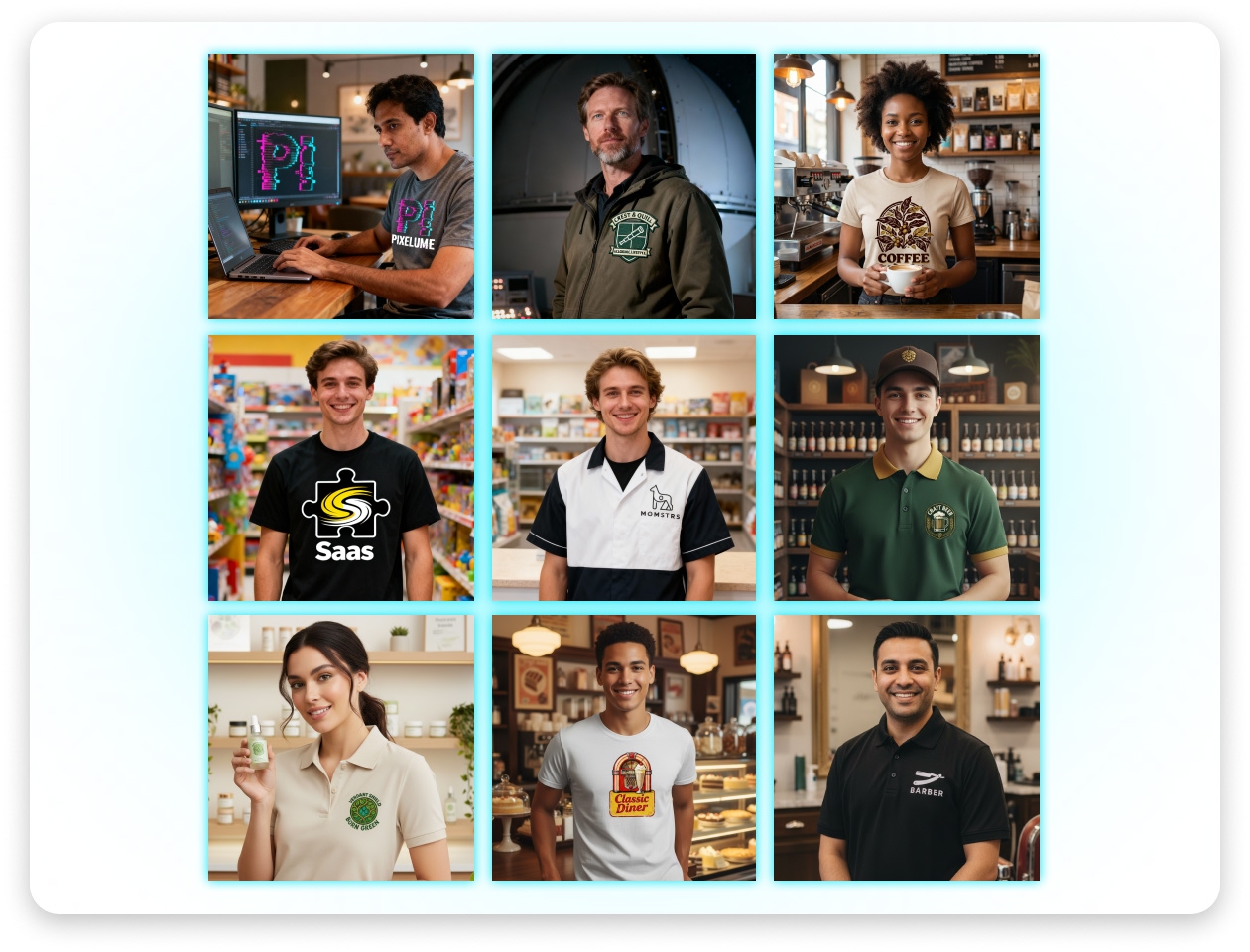
Unique Inspirations for Different Businesses
The modern generation is full of a wide range of industries. For example, tech, fashion, hospitality, healthcare, personal brands, and more. With Zawa’s t-shirt logo generator, you can create the design for any business type. It has an excellent algorithm that runs deeply after reading your requirements to generate the best results.
Who can use Zawa’s T-Shirt Logo Maker?

Startups
A startup business can use our t-shirt logo creator. Usually, a startup needs the right tools to grow its brand as fast as possible. Another factor that matters is the cost-effective solution. Zawa offers these advantages for new brands entering the market, enabling them to design high-quality t-shirt logos for better recognition.
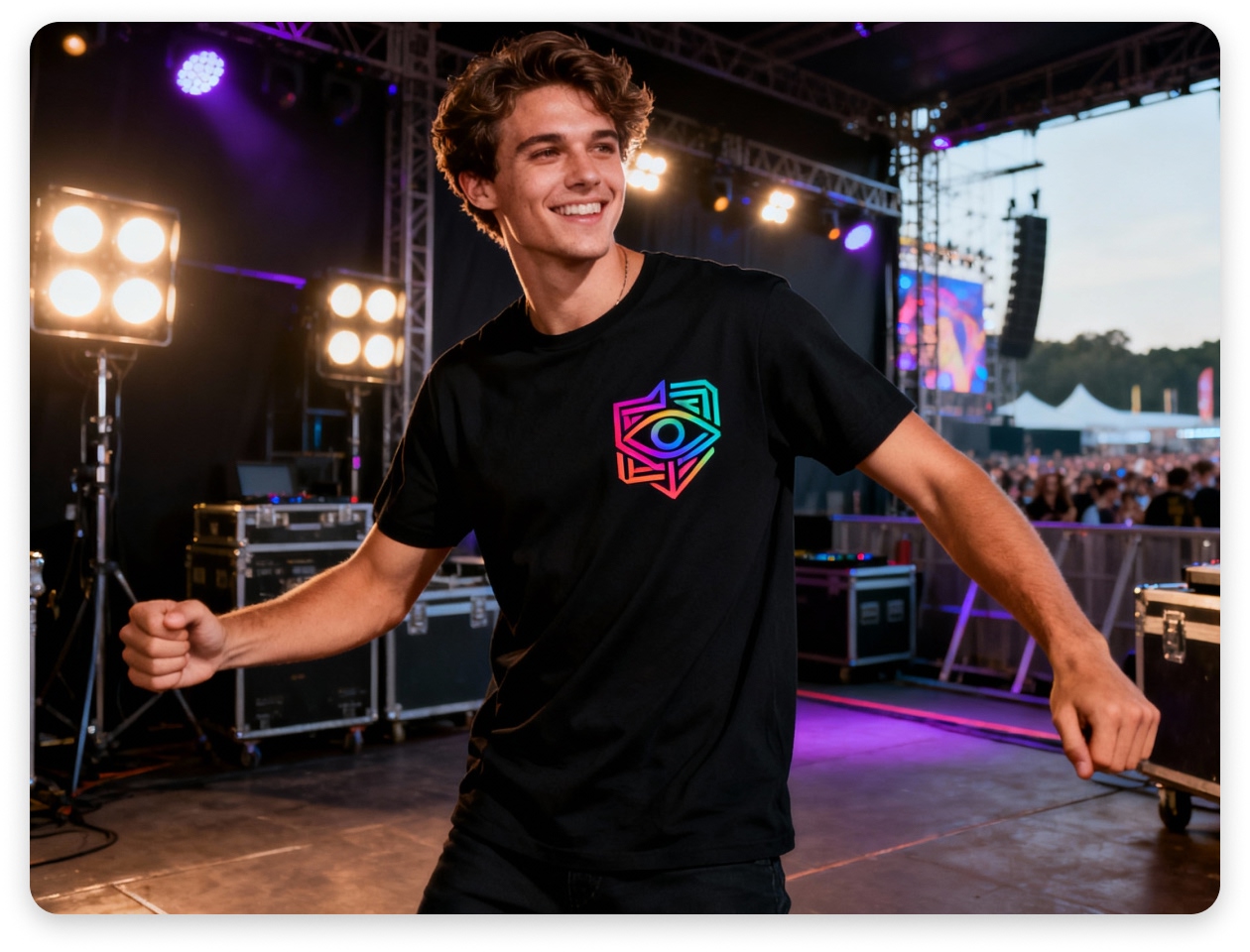



How to make a T-shirt logo design with AI?
Open Zawa online
Go to Zawa and access the T-shirt logo maker from the dashboard. The clean and intuitive interface lets you start creating your design in seconds.
Enter Your Design Prompt
Describe the logo you want for your T-shirt in the input box. Include details such as text, colors, style, or typography to guide the AI.
Generate T-Shirt Logo Ideas
Click generate and let the AI instantly create several logo concepts based on your description. This gives you multiple styles to choose from.
Refine the Logo Design
Review the generated options and adjust elements like text, font, color, layout, or size to better match your vision.
Download Your T-Shirt Logo
When the design is finalized, export the logo in high-resolution format and use it for T-shirt printing, branding, or digital merchandise.
Why Choose Zawa’s T-Shirt Logo Maker?

AI-Powered T-Shirt Logo Design
Create unique T-shirt logos with the help of advanced AI technology. Our intelligent system understands your prompt and quickly turns your ideas into professional-looking designs that would normally require a skilled designer.

Fast Logo Generation in Seconds
Save time with instant design creation. Simply enter your idea and the AI will generate multiple T-shirt logo concepts within seconds, allowing you to find the perfect style without a long design process.

Free and Accessible for Everyone
Design your T-shirt logos without spending a fortune. Zawa offers free logo generation, making it a great option for creators, startups, and small businesses that want professional designs without hiring a designer.

Unlimited Design Inspiration
Explore a wide variety of creative logo ideas for different industries such as fashion, tech, hospitality, and more. Add more details to your prompt to generate diverse styles and discover new inspiration for your T-shirt designs.

Easy Editing and Customization
Fine-tune your generated logos with simple editing tools. Adjust elements like text, colors, fonts, and layout to create a design that perfectly matches your brand or T-shirt concept.

Ready for Printing and Branding
Download your final logo in high resolution and use it directly for T-shirt printing, online stores, or marketing materials. Your design will be clear, professional, and ready for real-world use.
Frequently Asked Questions
What is a t-shirt logo design?
How does a shirt logo maker help?
A shirt logo creator makes a clear design quickly. You pick shapes. You pick icons and the text. The tool guides the flow. A user can see each change. You adjust the size. You save the file. And, it finally gives you a logo to print on any shirt. It keeps the process smooth for new users.
Can I make a t-shirt logo without design skills?
Yes. You can use a shirt logo maker. The tool gives ready elements. You pick and place each part. The best part is that you can try many styles and layouts. You focus on a clear idea to design quickly. Finally, you download the logo and use it.
What file type should I use for a t-shirt logo?
Use a high-resolution file. Many people pick PNG and SVG. These files scale well. These files also print well. These files keep each shape clear. A shirt logo maker gives these options. You select the file and export the design. Finally, share it with the print team.
How do I pick colors for my shirt logo?
Start with two or three colors. Keep the palette clear. Test the shade on light shirts. Also, check the shade on dark shirts. Make sure each color supports the message. A shirt logo maker helps you try many tones. So, you must view each look.
Can I print the shirt logo right after making it?
Yes. Once the logo is ready, you download the file. Now, you can send it to a print service. Go ahead and choose the shirt type. First, you can check a sample print. And approve the right placement. Once you are happy, move ahead with bulk printing.
How long does it take to design a t-shirt logo?
The time depends on your idea. A garment logo creator helps shorten the flow. You start with a template. Then, you edit text and pick shapes. Next, you pick the colors and test positions. So, it will take only a few minutes with an AI-powered logo generator.
Is a shirt logo creator good for team or event shirts?
Yes. The tool works well for team shirts. It helps you keep the same style across all shirts. You can simply add a team name or add a date. Also, you can add symbols. Once you are satisfied with the result, print it for each member.