
AI Photo Enhancer to Improve Image Quality
Automatically fix blur, noise, and compression artifacts using an AI photo enhancer with pixel-level reconstruction. Improve image quality and increase image resolution for HD or UHD output with crisp, natural-looking detail, no manual edits needed.
How to Enhance Image Quality Online
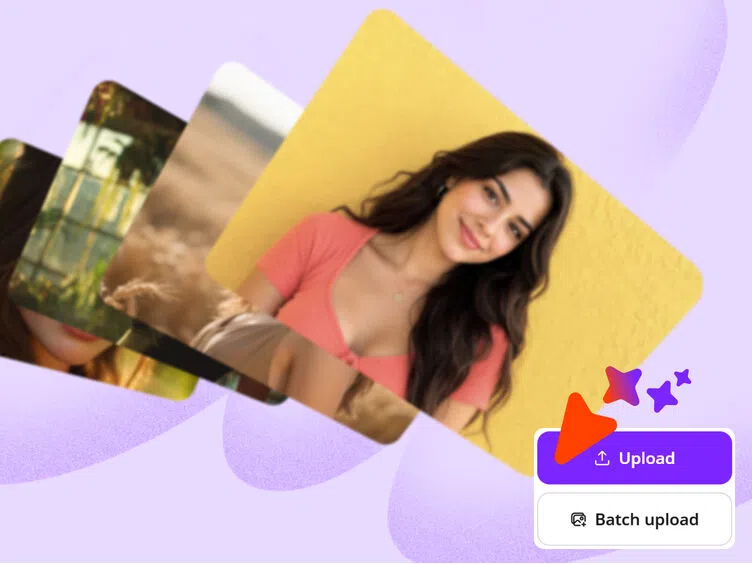
Upload your image
Click to upload, drag and drop, paste an image, or import one from a link. You can also upload up to 30 images at once for batch enhancement.
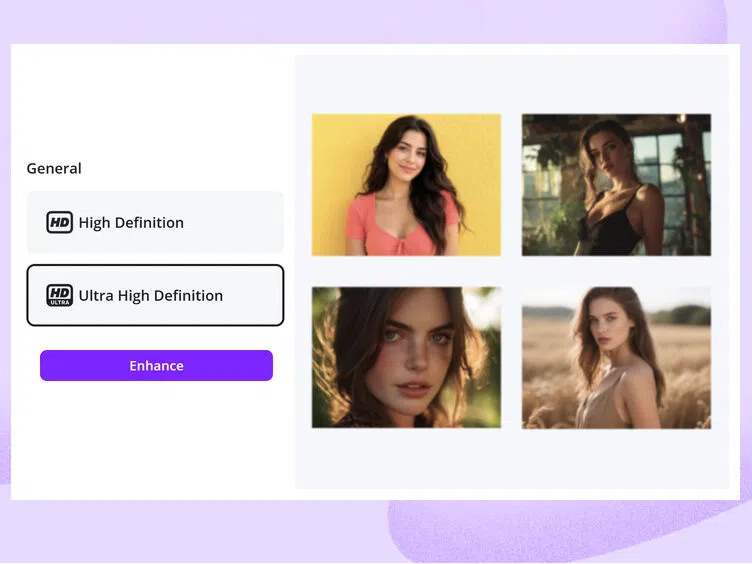
Choose HD or UHD Enhancement
Choose HD for websites and social media or UHD for large-format printing. Our image enhancer online automatically reduces blur, noise, and compression artifacts with no manual editing required.
Download the Enhanced Photo
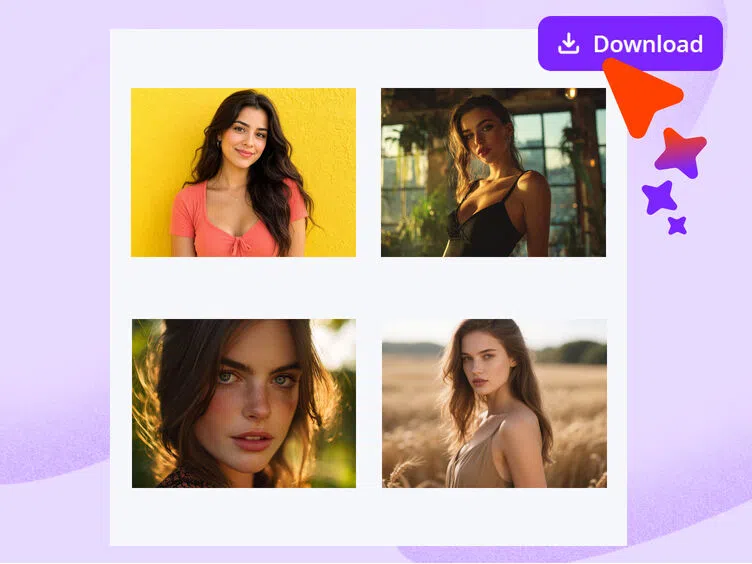
Preview the result and download your enhanced photo. The image resolution enhancer helps improve photo resolution while keeping textures, edges, and colors clear and natural.
Enhance Photo Clarity and Sharpness
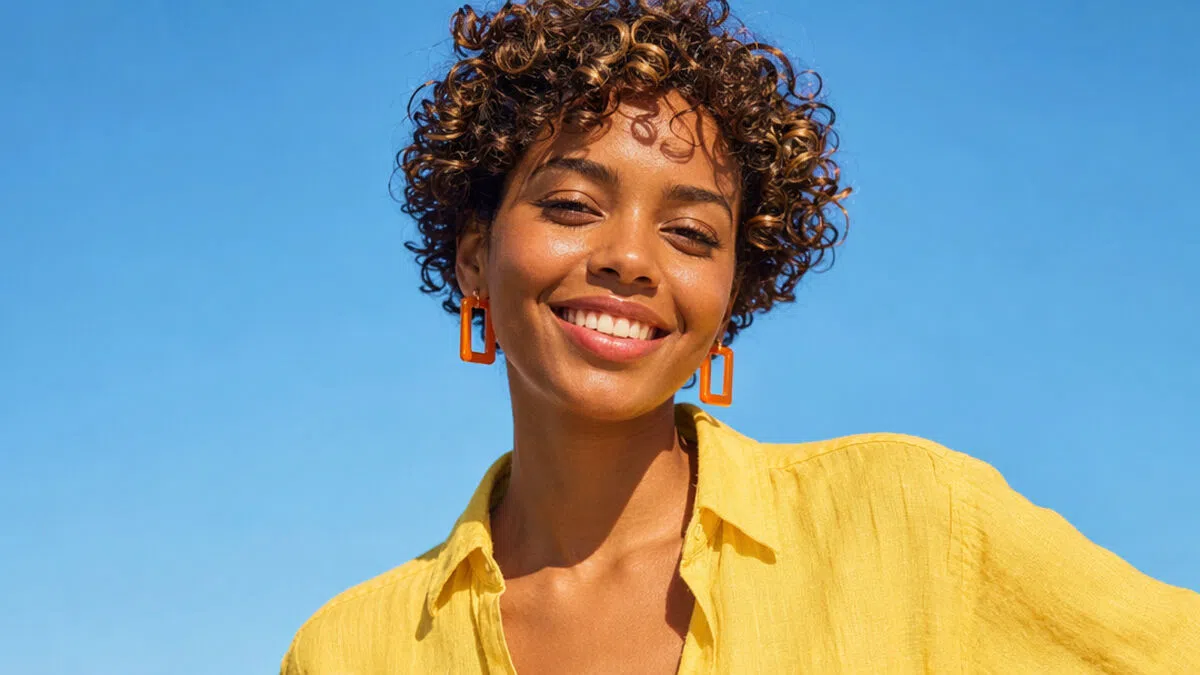
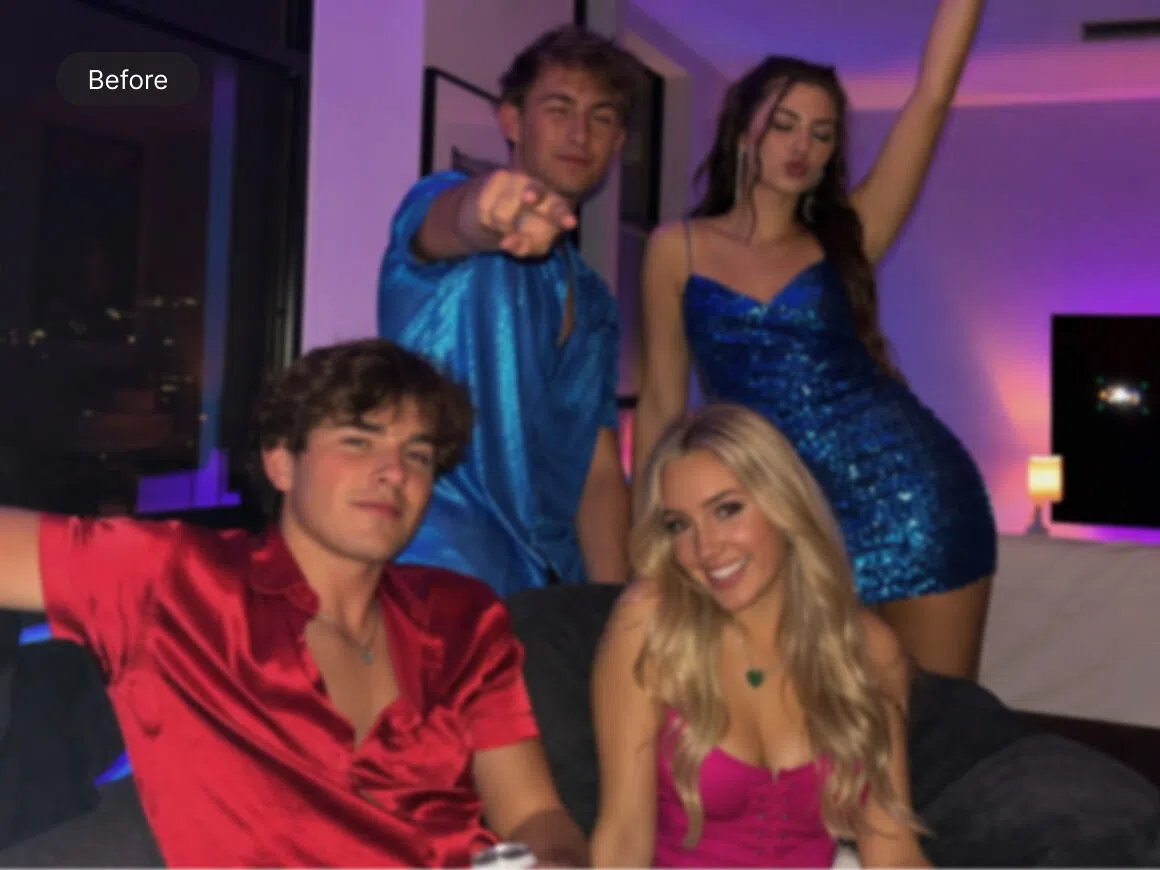
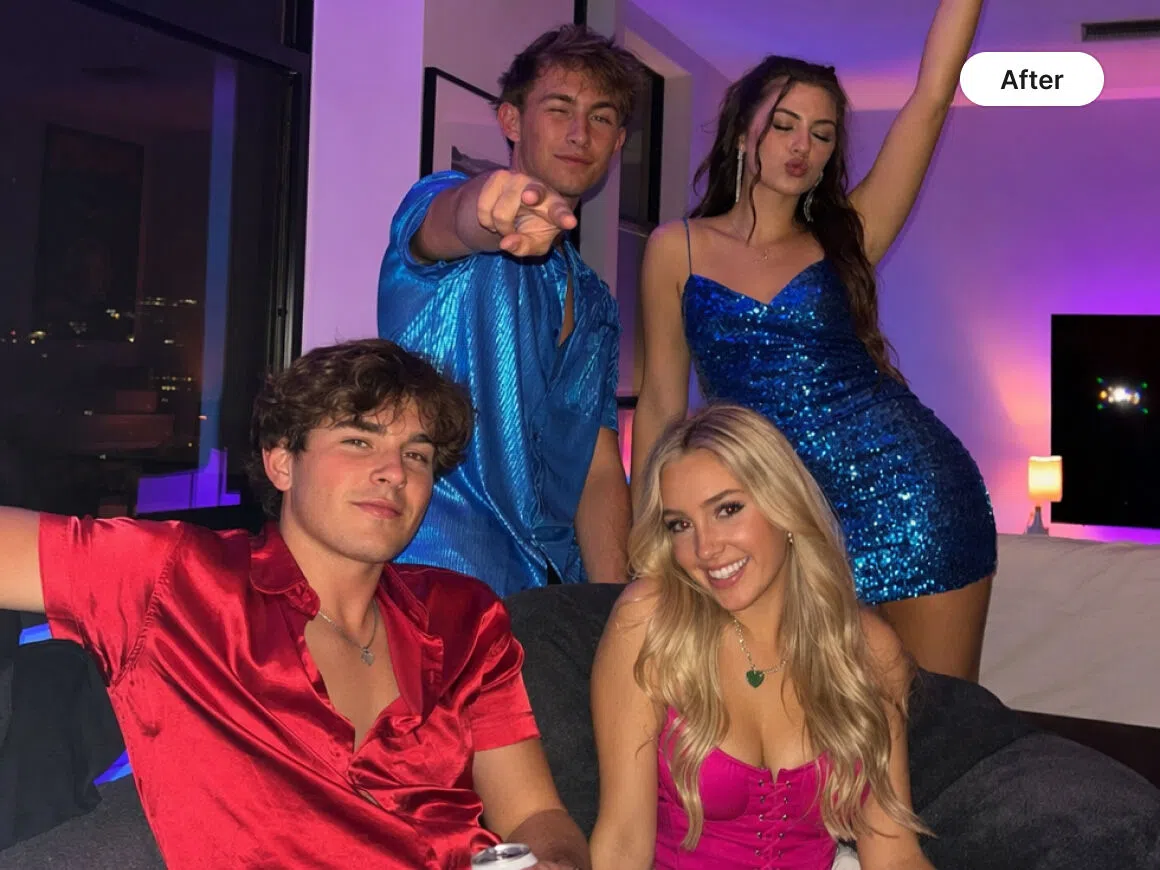
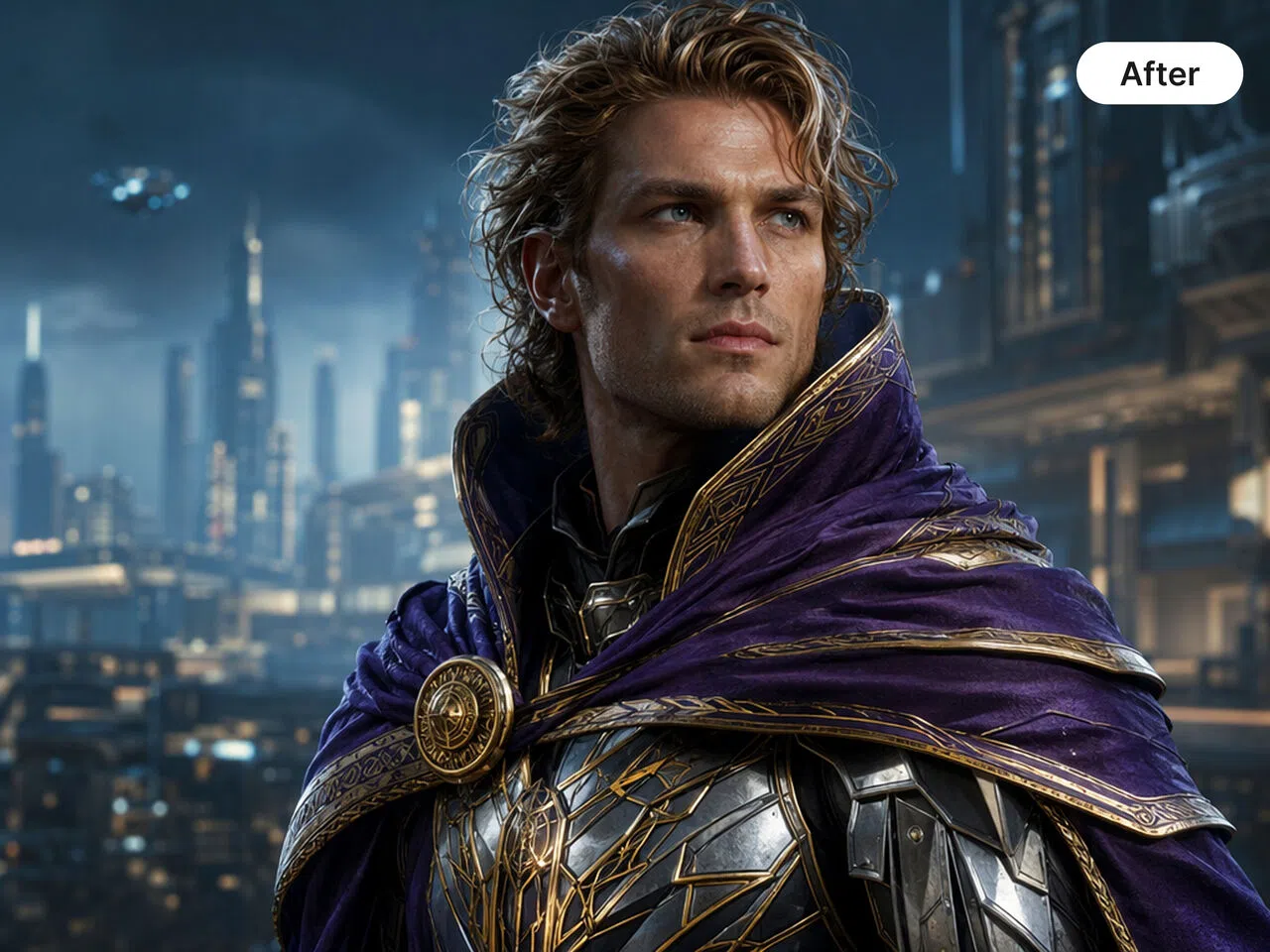
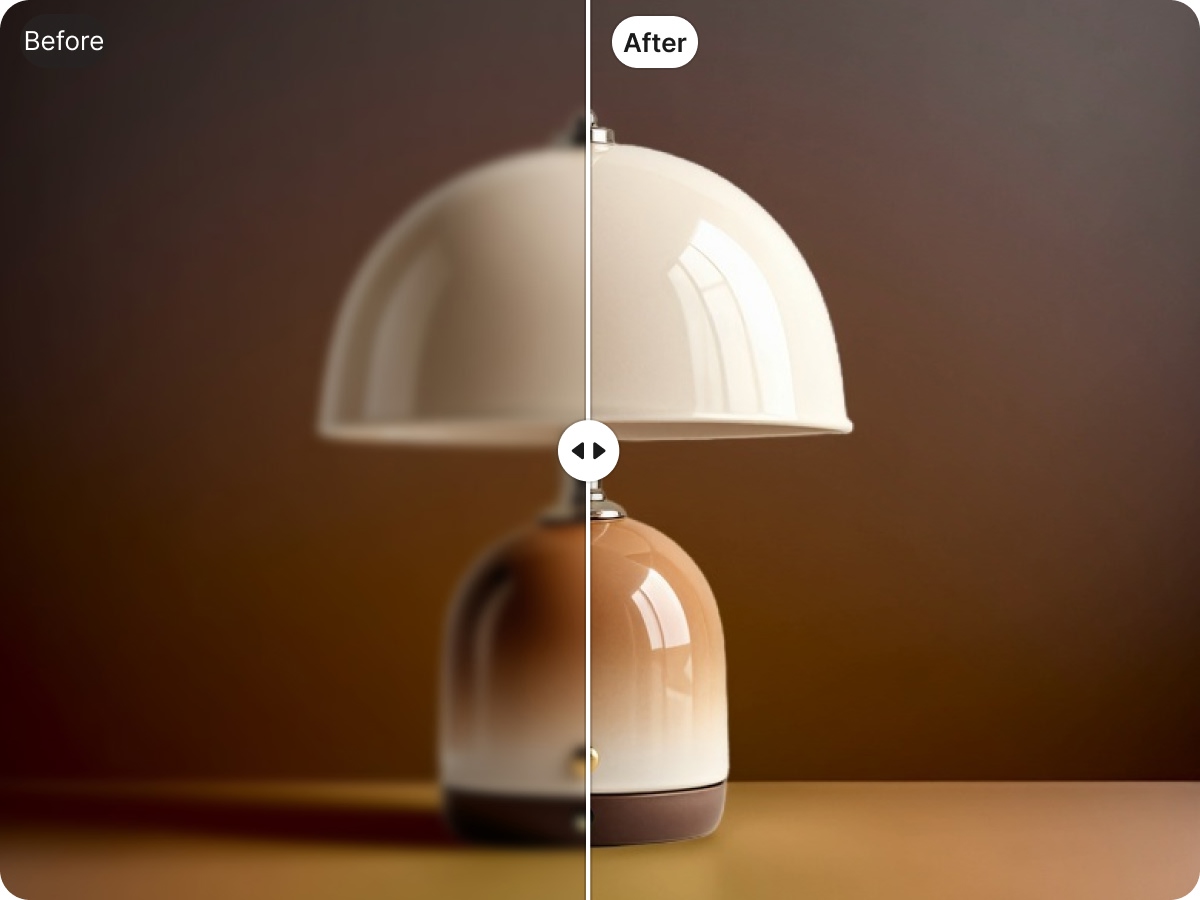
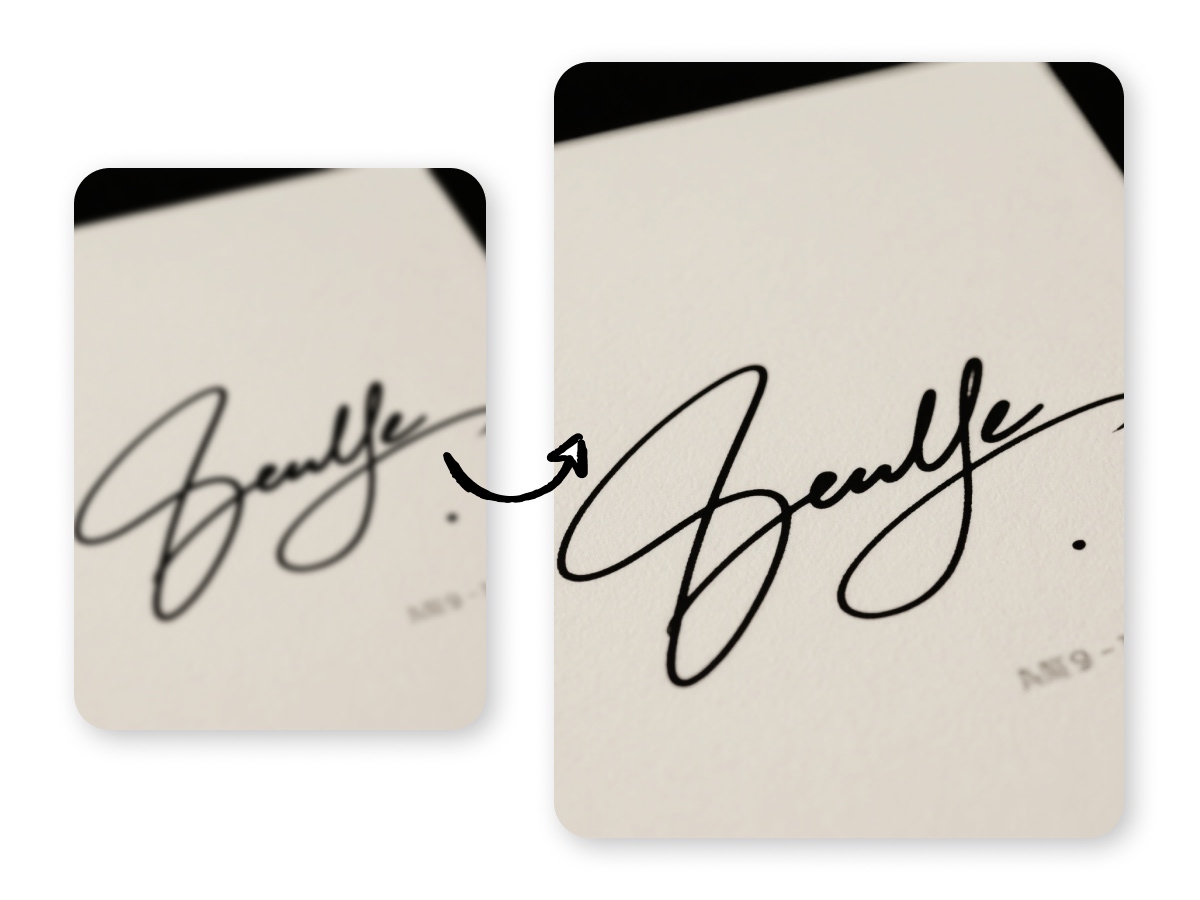
Turn blurry, soft, or compressed images into clearer, sharper photos. Our image clarity enhancer rebuilds fine details at the pixel level instead of relying on a basic sharpening filter, helping results look natural rather than overly processed. It automatically reduces noise, removes JPEG compression artifacts, and optimizes faces, product edges, and text based on the image content. Choose HD for websites and social media, or UHD to improve image resolution for larger screens and print. No manual adjustm
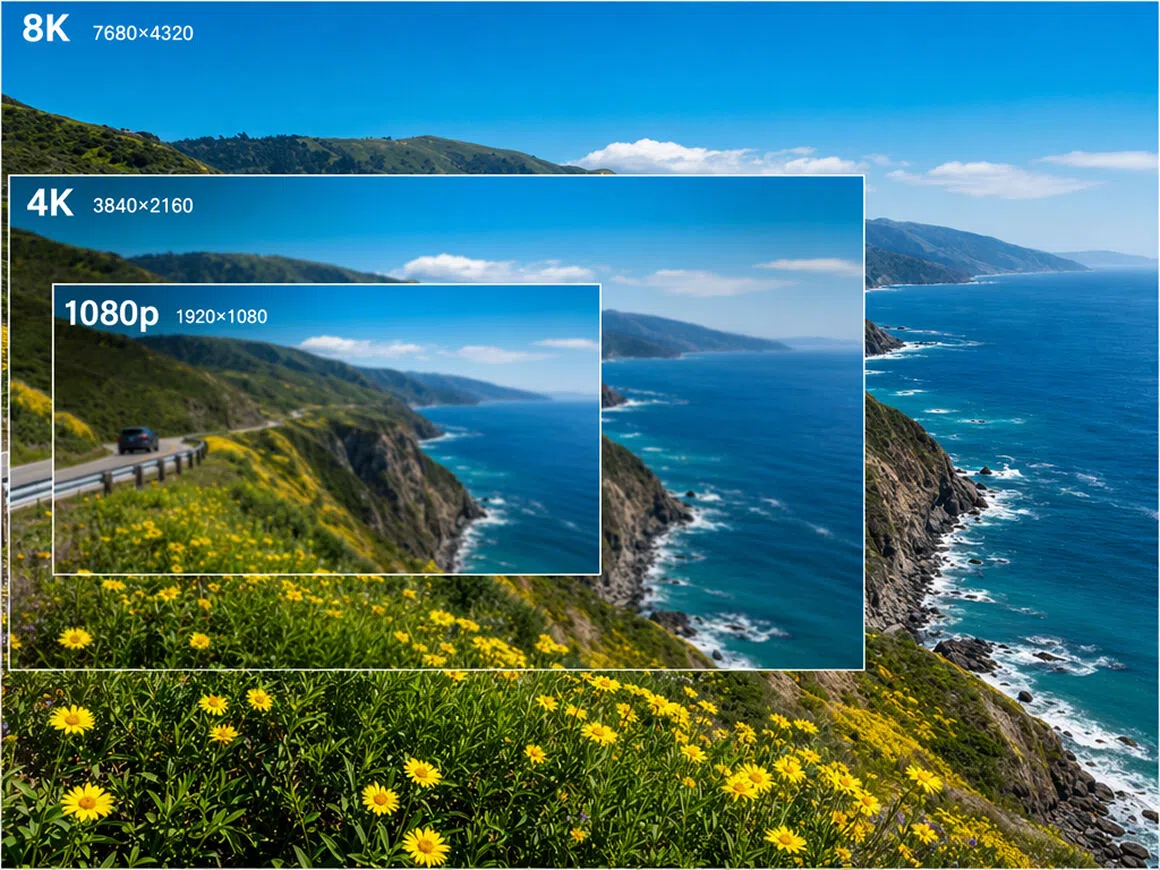
Increase Image Resolution
Enlarge small or low-resolution images without making them look stretched or pixelated. Our image resolution enhancer reconstructs fine details as it increases image resolution, helping edges, textures, and text stay clear at a larger size. Choose HD for websites and social media, or UHD to improve photo resolution for large displays and print. Everything is processed automatically, with no manual adjustments required.


Remove Noise and Grain
Clean up noisy or grainy photos while keeping important details intact. Our AI image enhancer automatically reduces digital noise, color speckles, and unwanted grain while preserving natural skin texture, sharp product edges, and readable text. Each image is processed based on its content, creating a smoother, clearer result without making it look overly softened or artificial. No manual settings or editing experience required.


Restore Lost Details
Bring back the fine details that blur, compression, or low resolution can wash out. Our AI photo enhancer rebuilds natural-looking definition in faces, hair, fabric, product surfaces, and text without harsh oversharpening. It helps restore photo details and improve clarity while keeping the image true to the original.
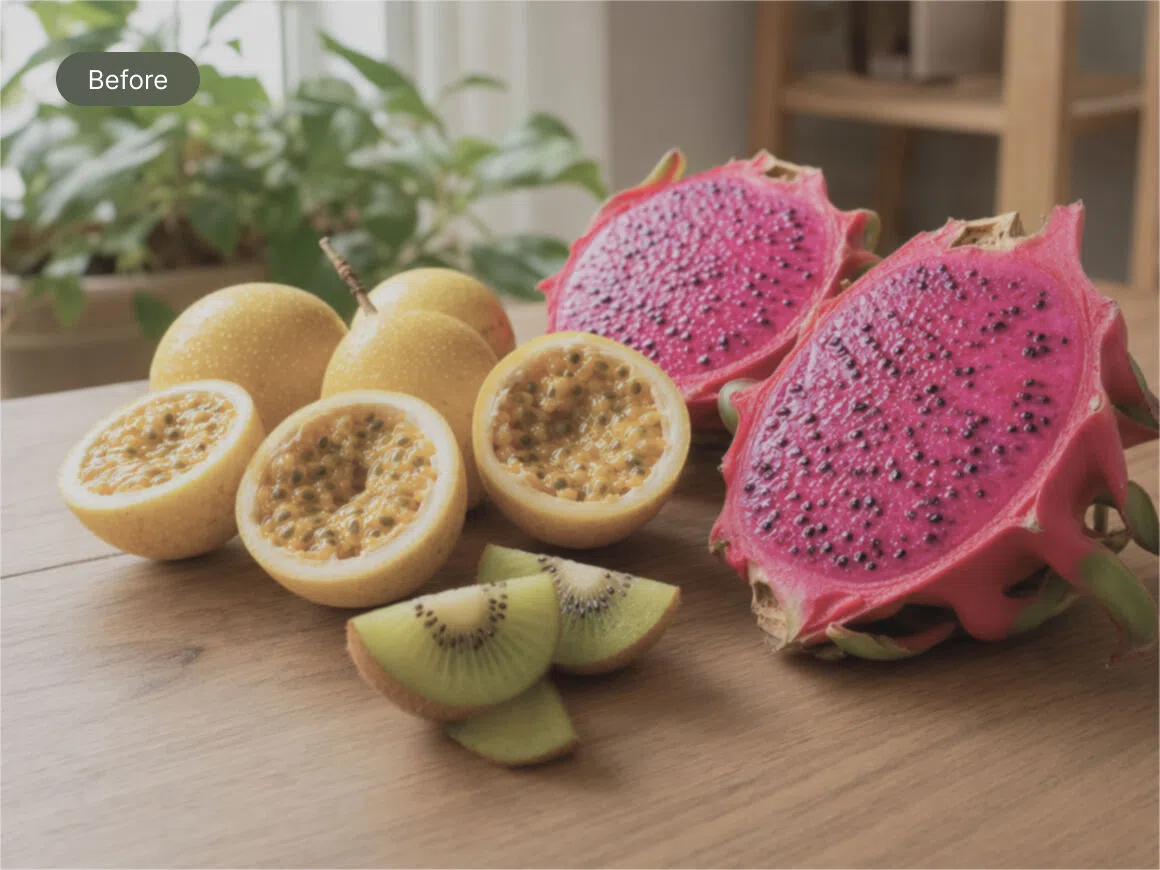
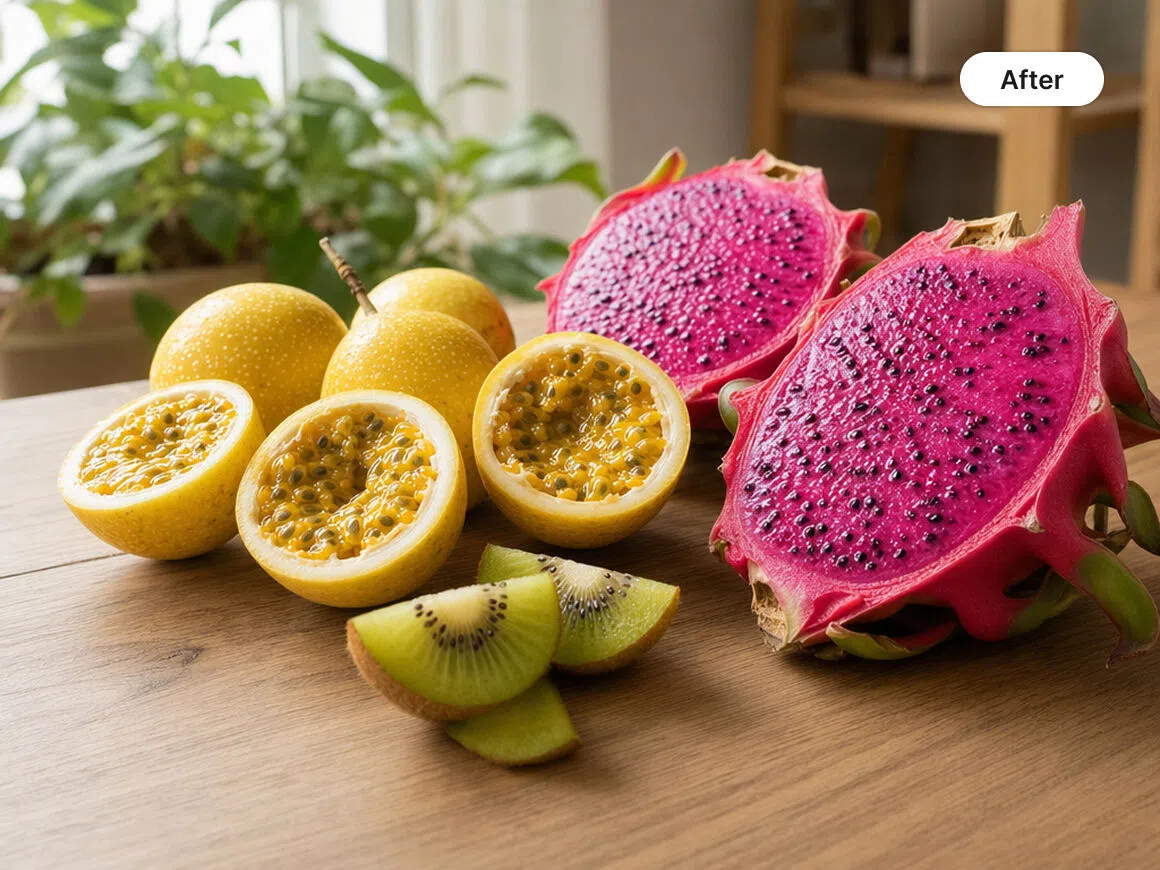
Improve Colors and Contrast
Bring flat or faded photos back to life with richer color and better-balanced contrast. Our photo quality enhancer automatically corrects dull tones, uneven lighting, and unwanted color casts while keeping skin tones, product colors, and backgrounds looking natural. It balances highlights and shadows to improve picture quality and give the entire image a more polished look. No manual adjustments are needed.
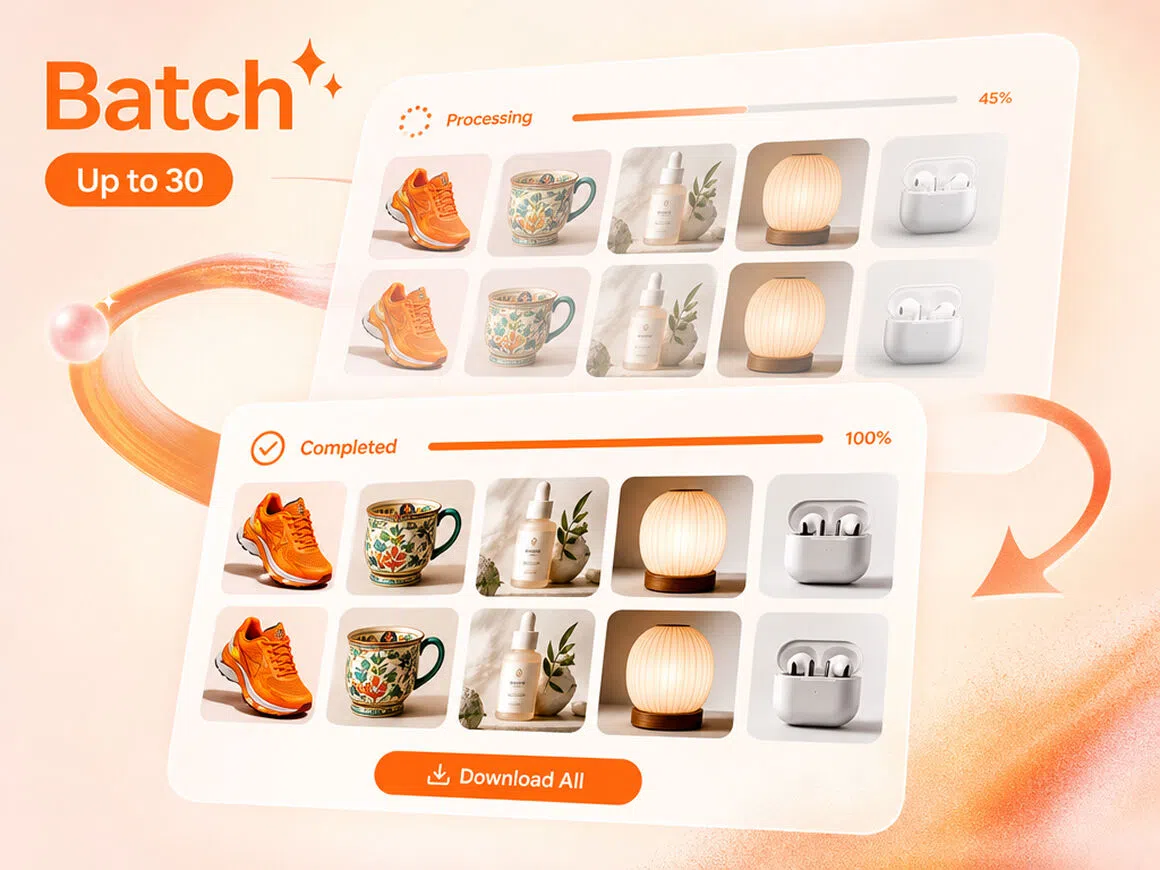
Batch Enhance Up to 30 Images
Upload up to 30 photos and enhance them all at once. Our batch photo enhancer automatically applies consistent improvements across the entire set, including sharper details, more balanced color, and higher resolution. It is a faster way to enhance multiple images for product listings, social media, websites, or client projects without editing each file separately.
AI Photo Enhancer for Different Photo Types
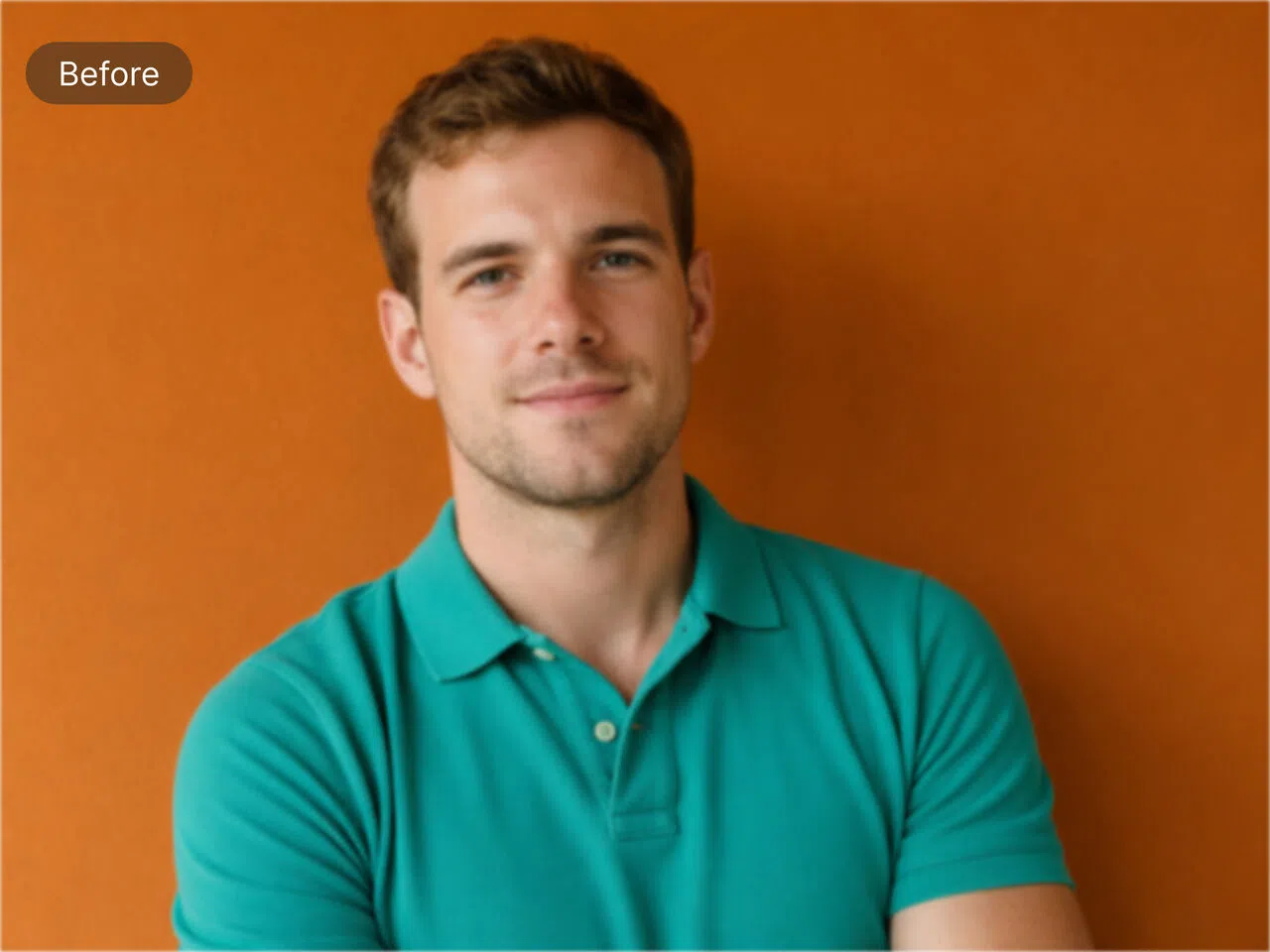

Portrait Photo Quality Enhancer
Turn blurry, grainy, or low-resolution portraits into clearer, more natural-looking photos. Our photo quality enhancer brings out facial features, hair, and skin texture while reducing noise without making faces look overly smooth. It also balances color and contrast to improve photo quality while preserving natural skin tones.




Why Choose Zawa's AI Photo Enhancer

Safe and Reliable
Enhance photos with an image enhancer online, with no software downloads or complicated controls. Images are processed automatically through a stable workflow for a simple, dependable experience.

Fast and Efficient
Fix blur, noise, color, and compression artifacts in seconds. The AI picture enhancer handles every adjustment automatically, with no manual retouching required.

Professional Image Quality
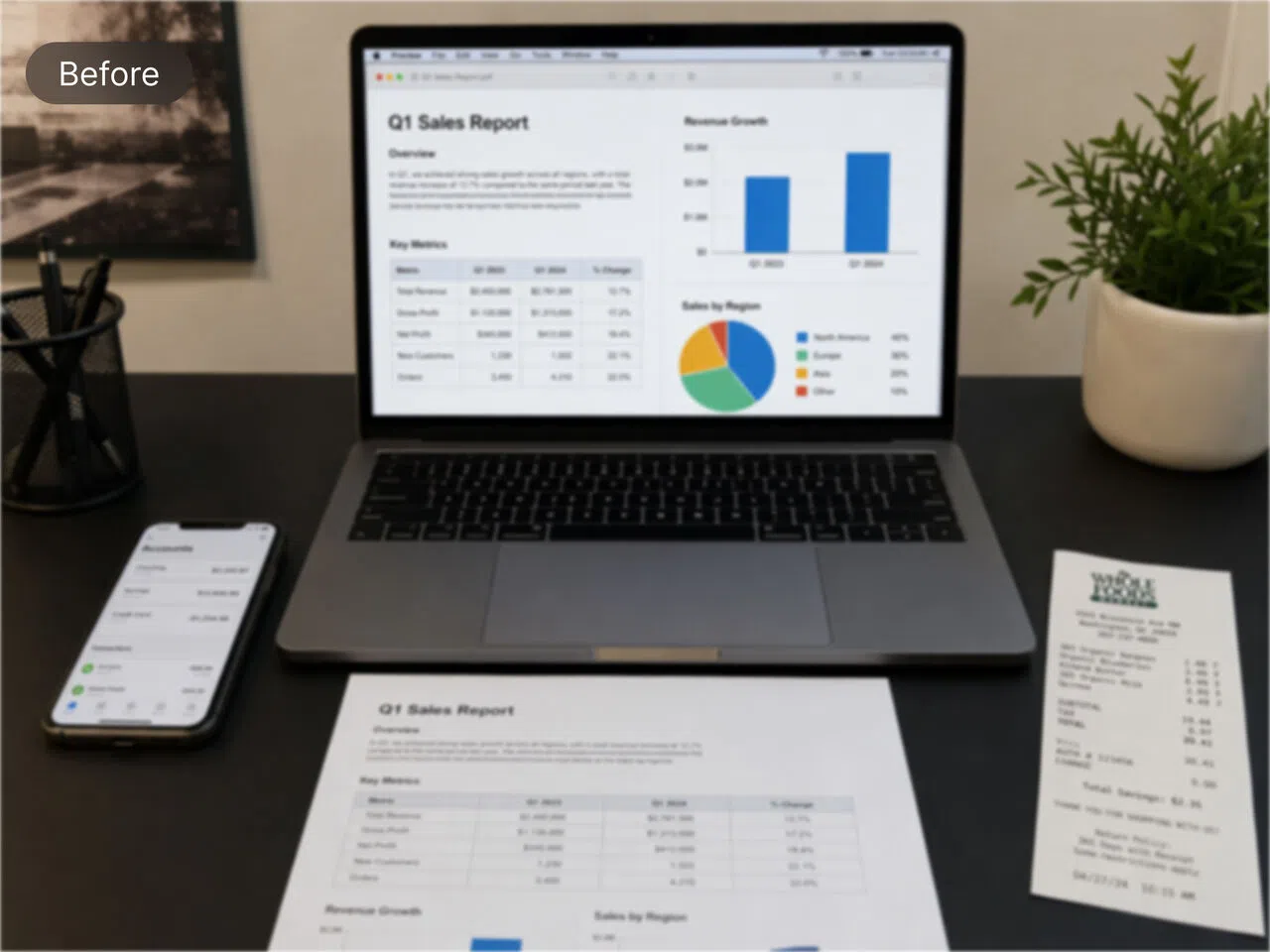
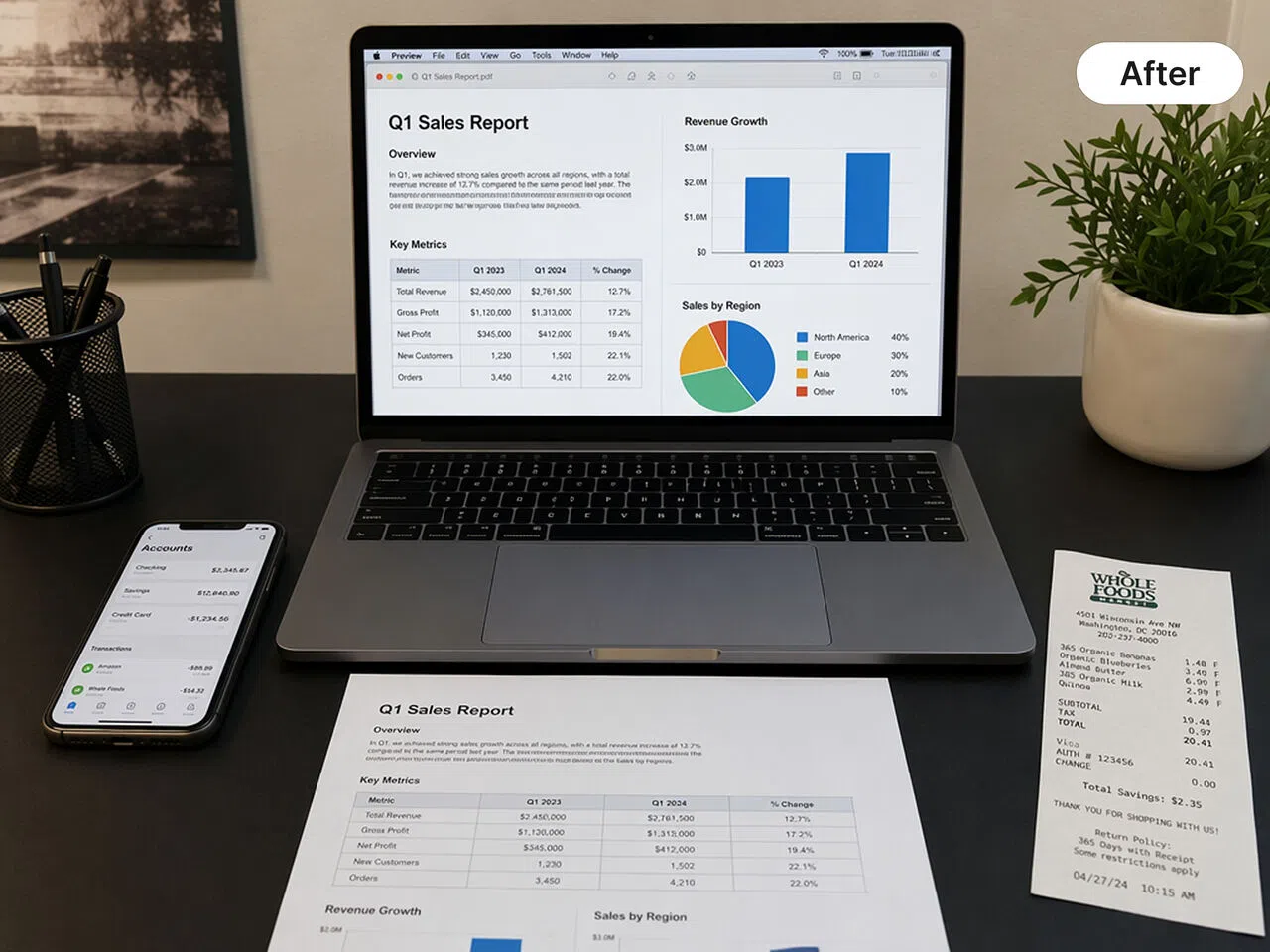
Create sharper, cleaner images with natural textures and balanced color. The image quality enhancer uses content-aware processing for portraits, products, documents, and other visual details.

One-Click 4K Upscaling
Use the image resolution enhancer to enlarge low-resolution pictures to 4K while rebuilding edges, textures, and fine details for large screens or print.

Batch Image Enhancement
Upload and enhance up to 30 images at once. The AI photo enhancer applies consistent improvements across every file without repetitive editing.

Built for Brand and Business Visuals
Use the photo quality enhancer to improve product photos, campaign graphics, website images, and social content while maintaining accurate colors, readable text, and a consistent brand look.
Take Your Images Further
Unblur Images
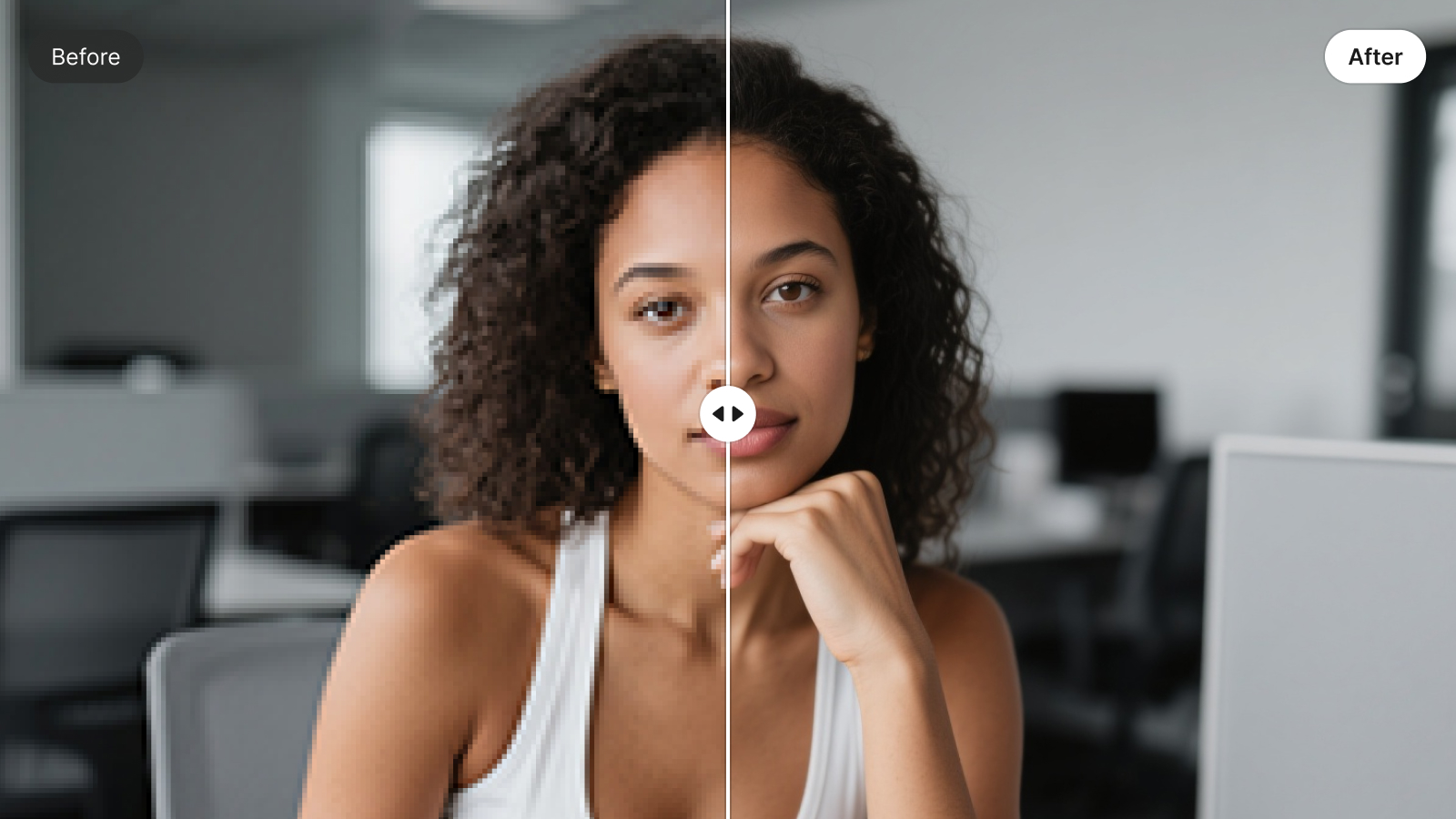
Image Sharpener
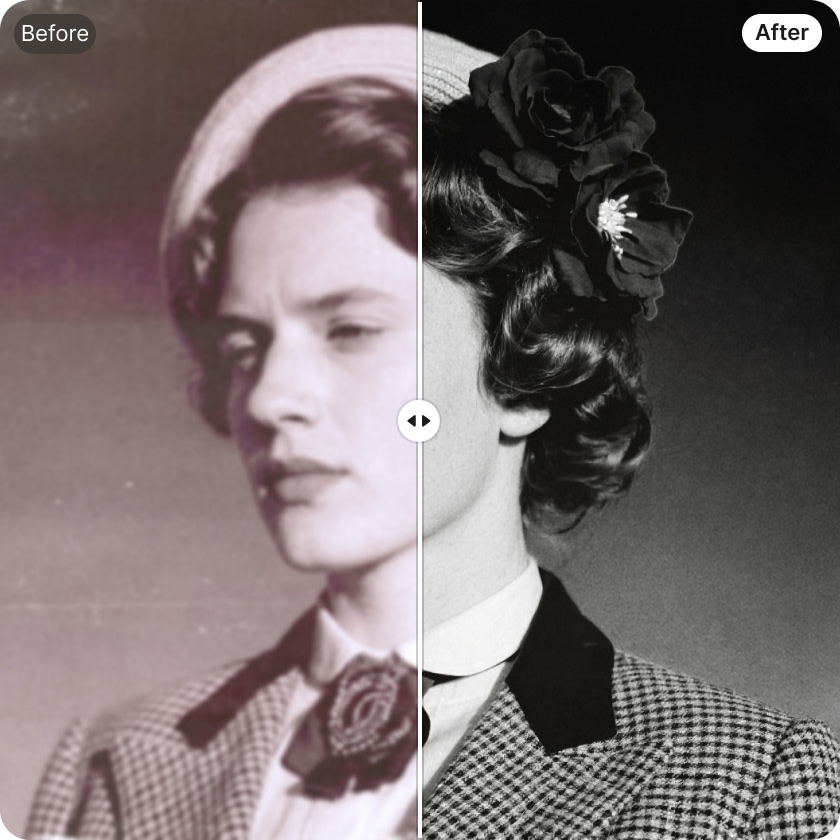
AI Photo Restoration

Unpixelate Images
Image Denoiser
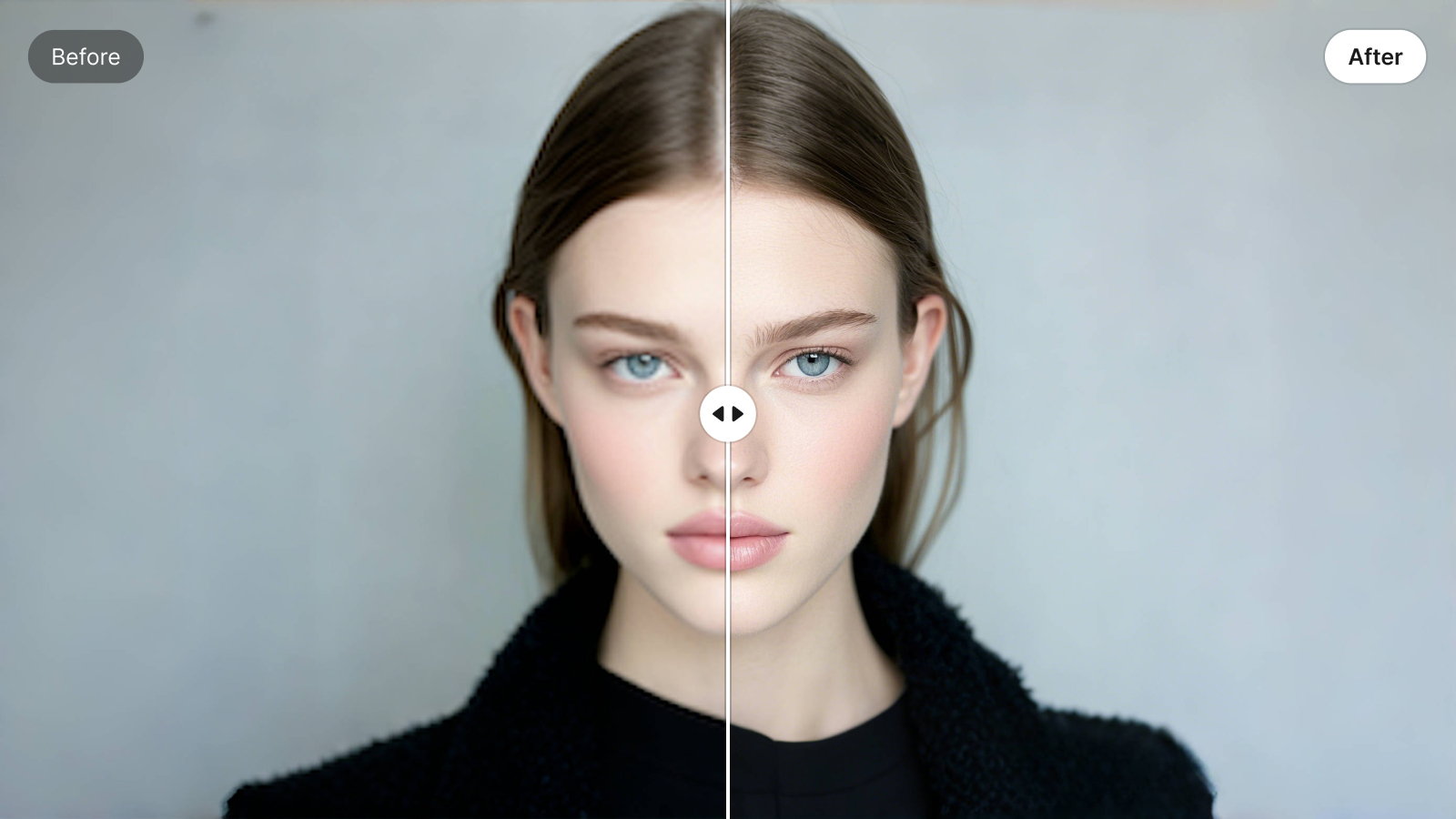
Bulk Image Enhancer
Unblur Text

Photo HD Converter
Frequently Asked Questions
What is an image enhancer?
Can I use it to restore old photos?
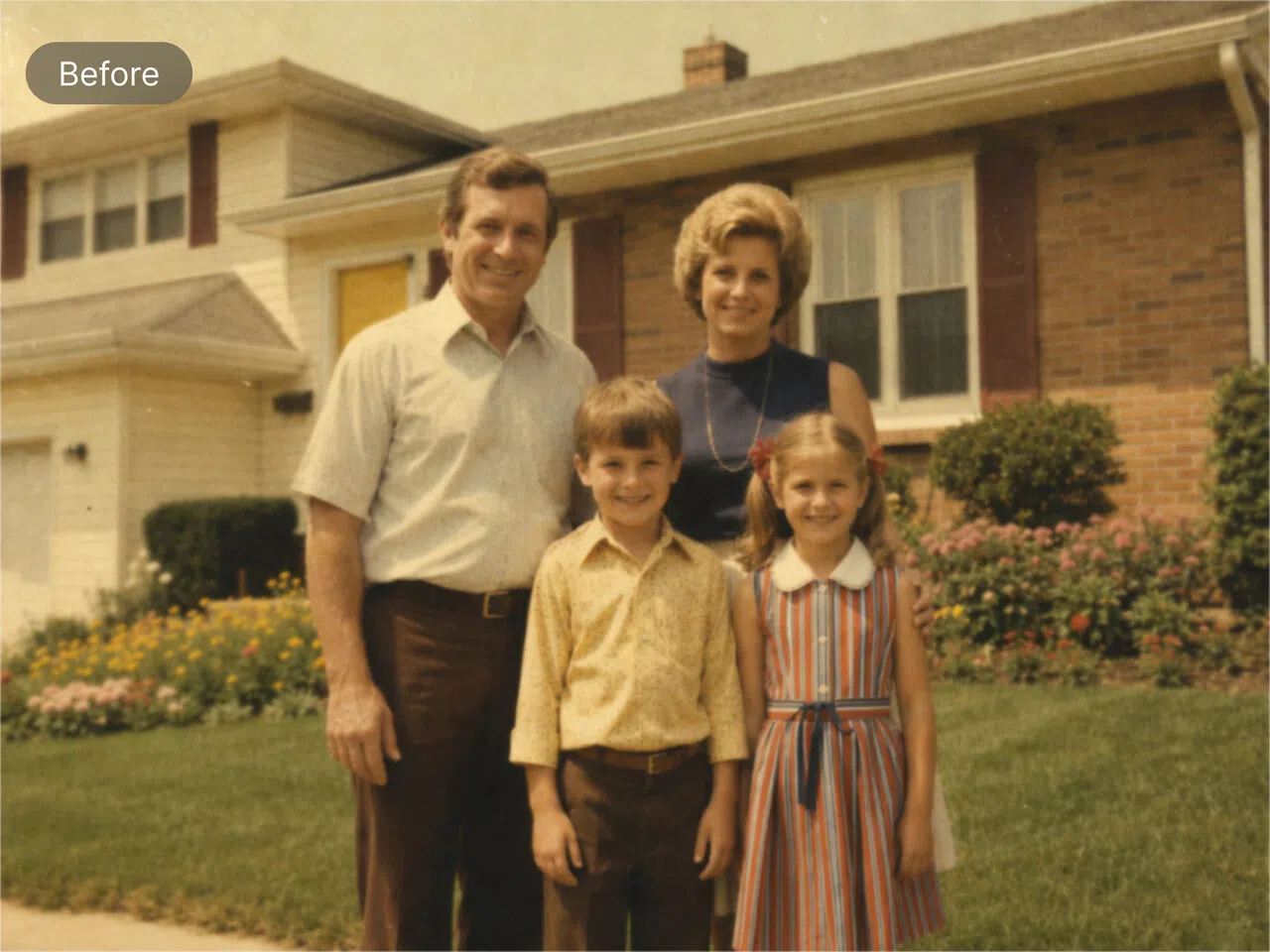
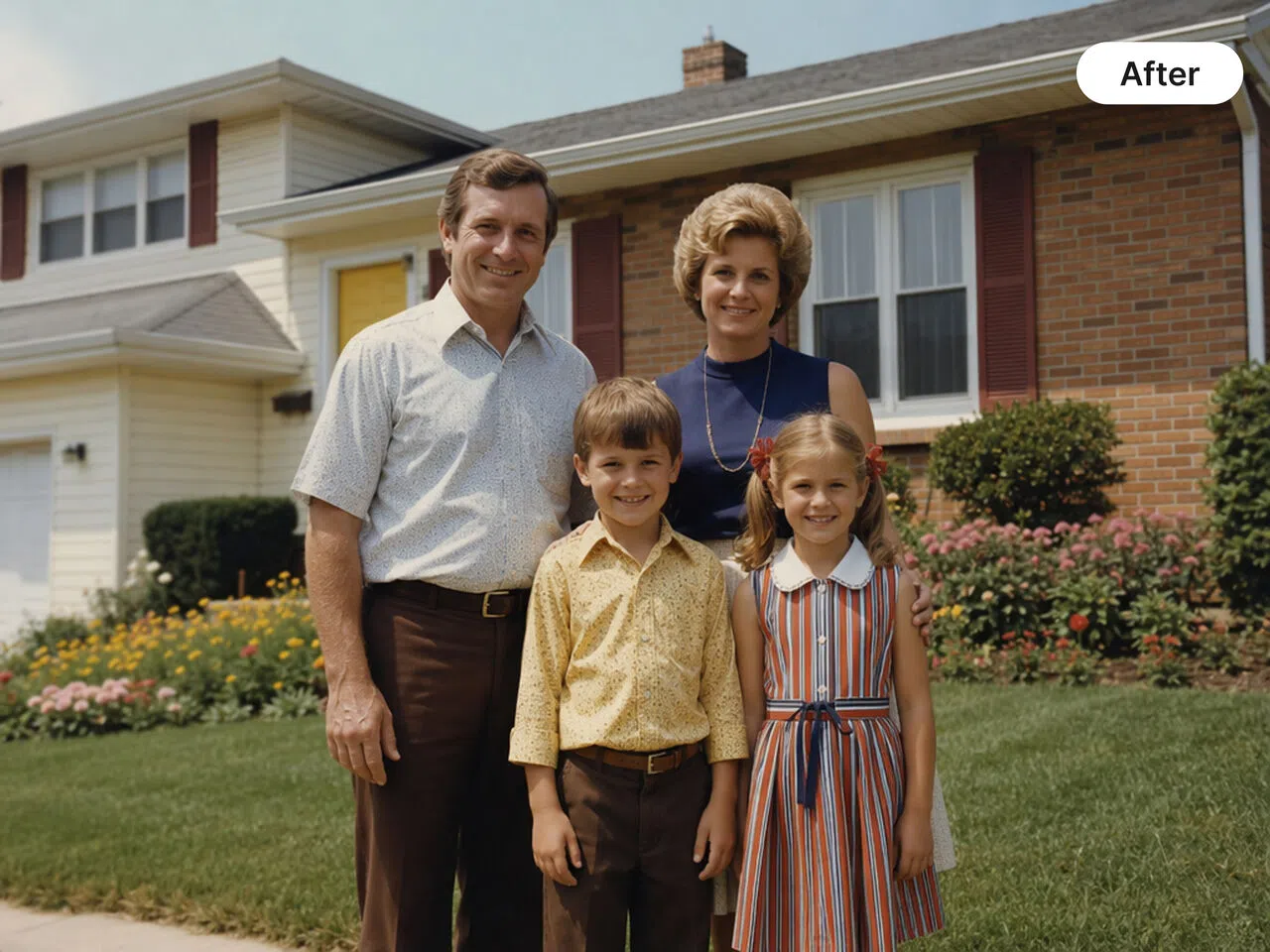
Absolutely! Revive your age-old vintage images with our Al image resolution enhancer. From colors to grains—watch the transformation unfold before your eyes. The tool is great for restoring old, faded or slightly damaged photos. It sharpens details, balances faded colors and removes minor scratches. The ai editor works well for digitized family photos or historical images that need a quick boost.
Can I fix a blurry photo?
Yes! With our unblur image feature, you can make any picture crystal clear and perfect. Sharpen blurry photos online with ease. From model shoots to product photography, it’s a reliable choice. The tool uses smart sharpening algorithms to reduce blur caused by slight camera shakes or focus issues. It makes everyday photos clearer and more structured for faces, text and backgrounds without making them look over-edited.
Is it possible to use it on a smartphone?
For sure! Our easy peasy tool works on all smartphones, including Apple and Android. It also supports other devices such as PCs and tablets.
Why choose Zawa image enhancer?
Zawa is committed to delivering quality without compromise, with instant results that make it stand out from the rest. In addition, its interface is so user-friendly that even a complete beginner can handle it.
Can the image quality enhancer improve the resolution of low-quality images?
While the image quality enhancer can enhance the appearance of low-quality images, it cannot magically increase their resolution beyond their original limits. However, it employs advanced upscaling techniques to improve clarity and minimize pixelation, resulting in better overall image quality.
Is the image quality enhancer suitable for all types of images?
Yes, our image quality enhancer is designed to work with various types of images, including JPEGs, PNGs, and GIFs. It can be used to enhance photographs, graphics, product images, and more. Whether you're a photographer, designer, or e-commerce business owner, the image quality enhancer can elevate the visual appeal of your images.
What’s the difference between enhancement and upscaling?
Enhancement improves image quality by sharpening edges, fixing colors, and correcting lighting without changing its size. On the other hand, upscaling increases the resolution, making the image larger while preserving its quality.The image upscaling tool uses AI-based upscaling to enlarge images while preserving sharpness, intelligently filling in missing data while avoiding the blurry or blocky results produced by standard resizing tools.
Can it improve pixelated photos?
Yes, to a reasonable extent. It smooths out jagged edges and adds artificial sharpness to restore detail in pixelated images. It’s especially useful for resizing social media photos or fixing compressed images. Just remember, severely degraded images may still show some imperfections after enhancement.