
Free AI Image Denoiser
Transform noisy, blurry photos into sharp, clear images with the Zawa AI image denoiser. Remove grain, enhance details, and upscale it to HD or 4K, fast, and free.
No image? Try one of these:

How to Reduce Noise Online for Free Easily?
Upload Your Image
Open your browser, drag and drop your file into the Zawa AI Image Enhancer. You don't need to set anything up to upload one photo or a full batch.
Enhance and Denoise
Choose the quality you want, usually HD or UHD, and then click the "Image Enhancer" button. While the AI will quickly clean up the grain and make the fuzzy parts clearer.
Preview and Download
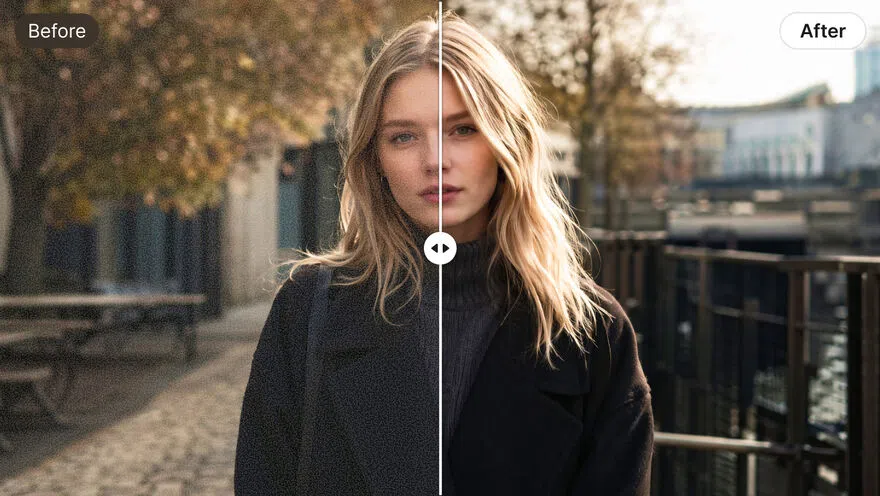
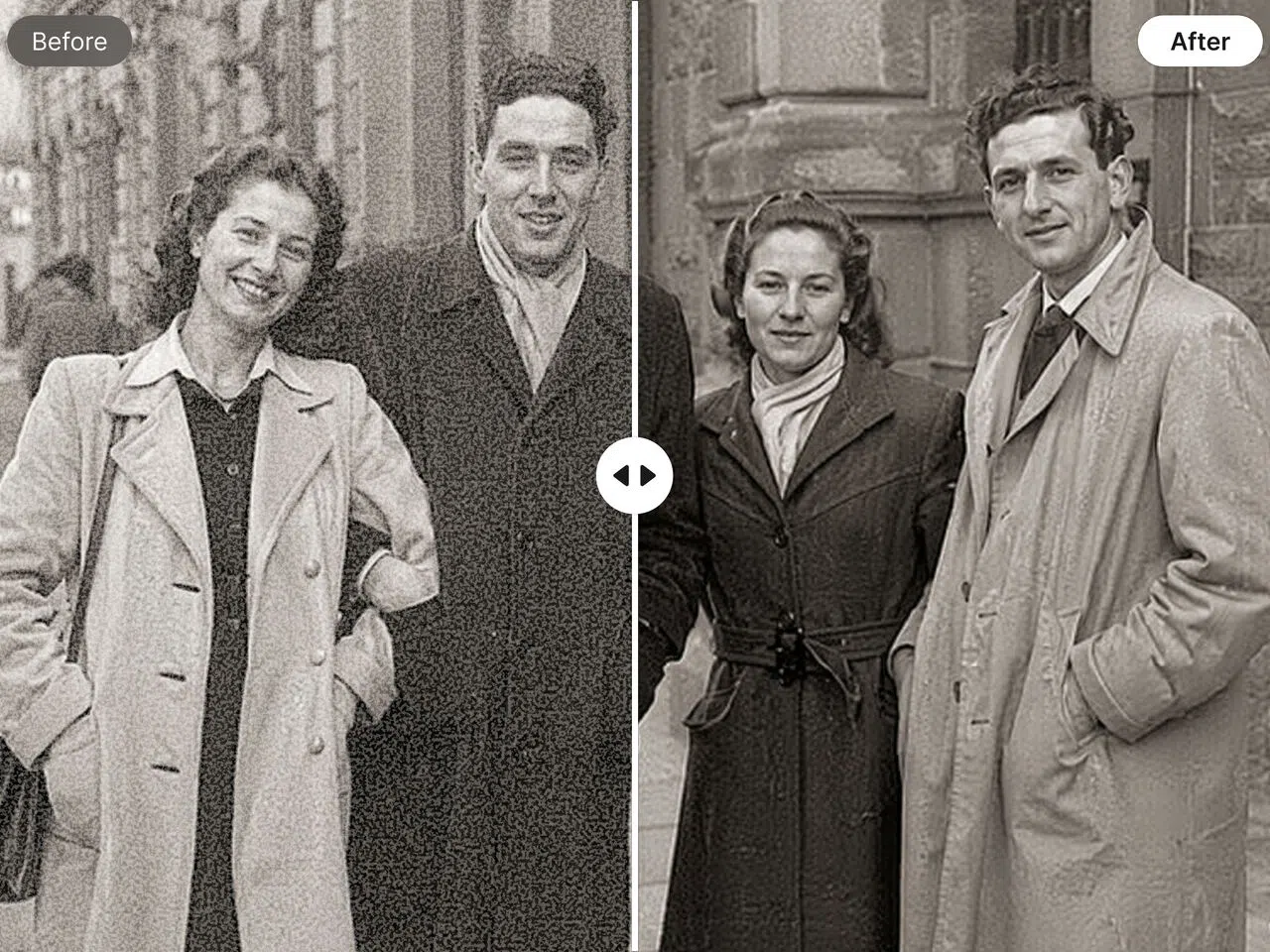
You can see the change for yourself by using the before-and-after slider. Just hit ''Download'' at the top if it looks good, and you'll have clear, sharp photographs with no noise.
Key Capabilities of Our Advanced AI Denoiser
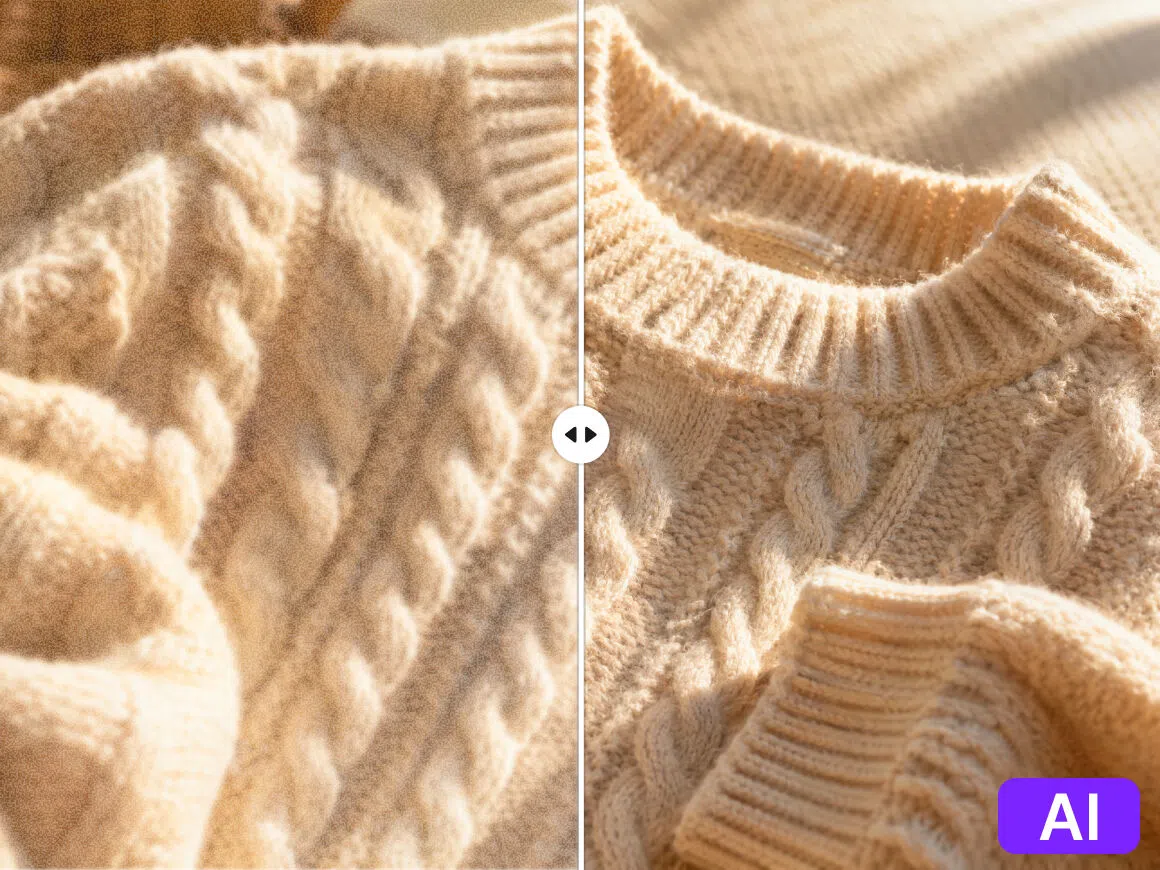
Smart Noise Detection
Zawa's AI doesn't just blur everything together; it can distinguish between grain and detail. It meticulously removes noise while preserving the texture of hair, fabric, or fine patterns, keeping them clear and lifelike.
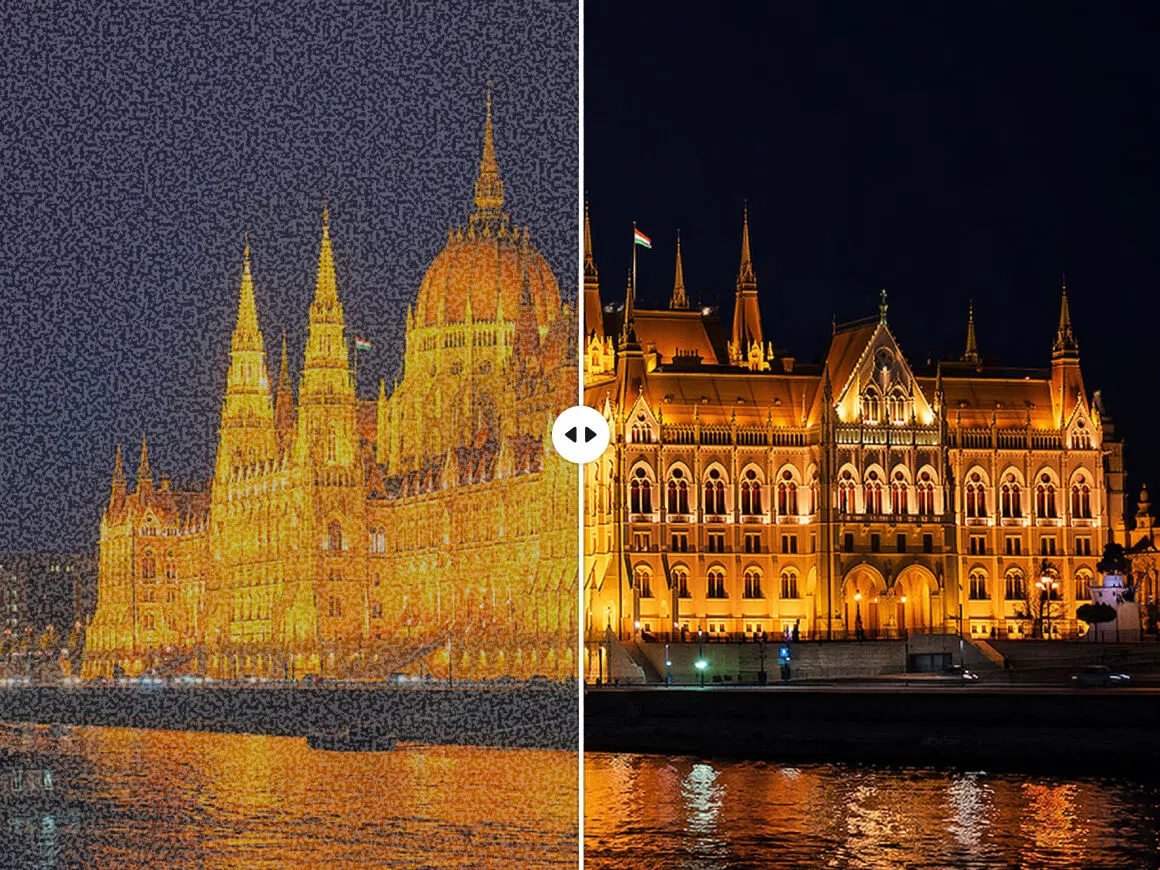
Low-light Enhancement
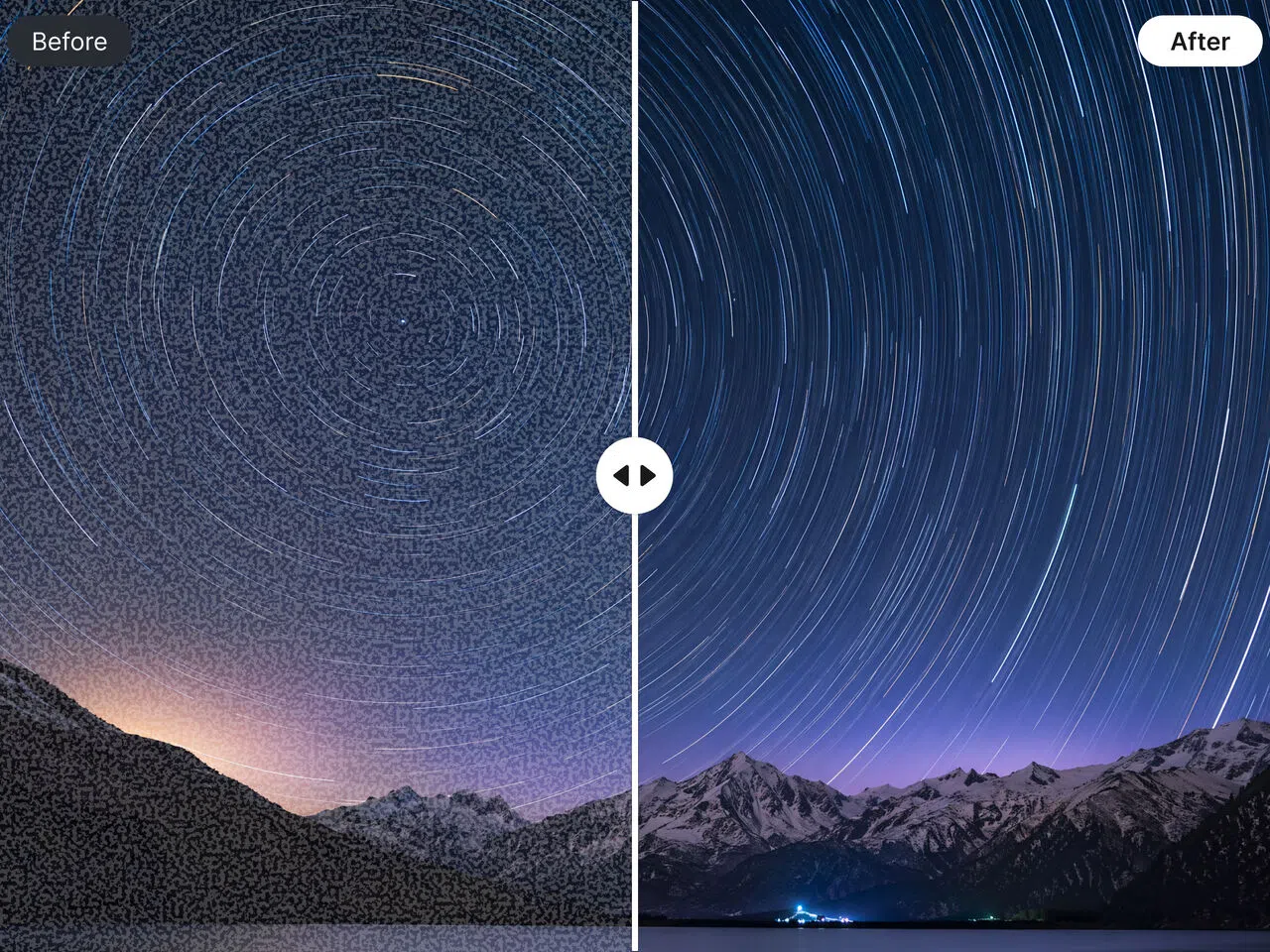
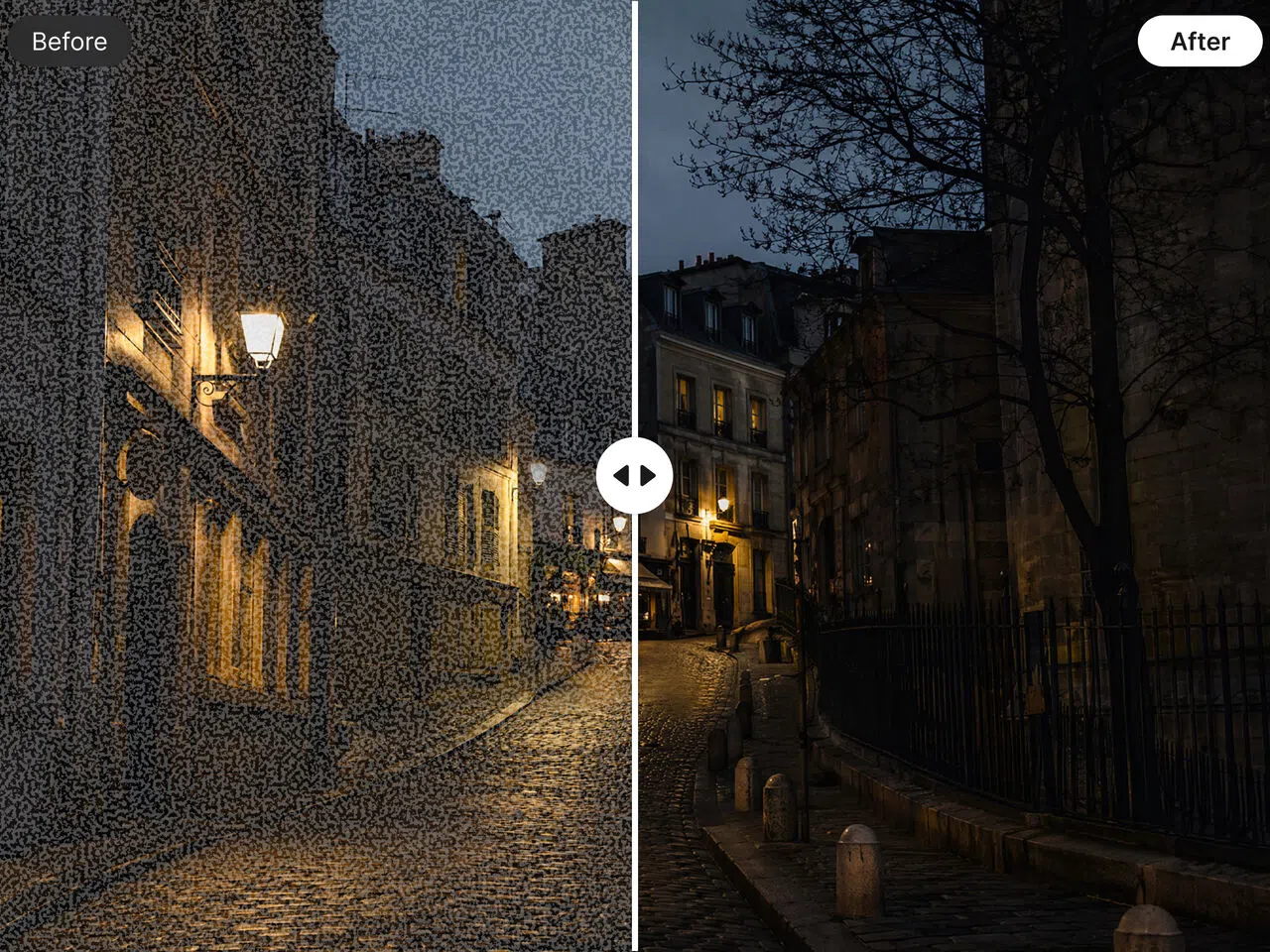
We've all taken night shots that turned out hazy because the lighting was bad. Zawa's AI denoiser fixes those high-ISO images by removing grain and correcting brightness. This saves your memories from the night and makes them useful.
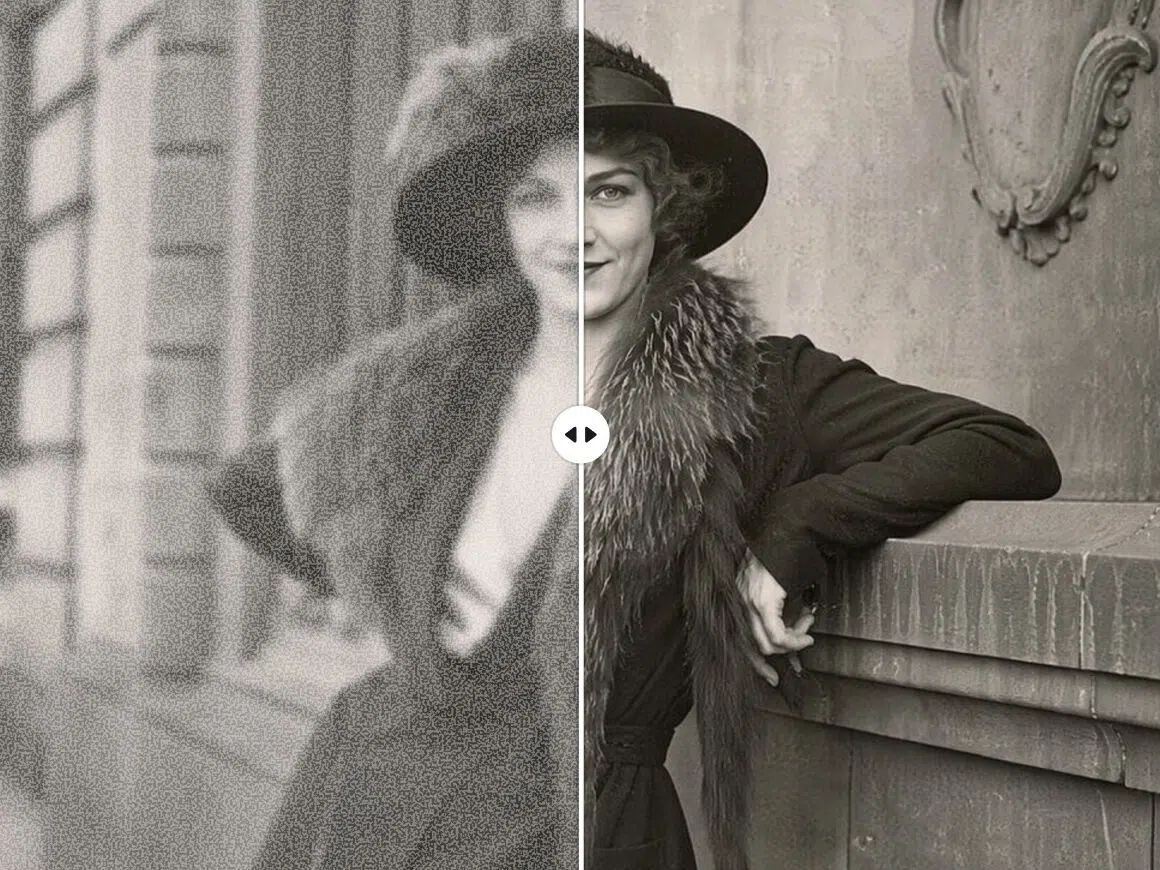
Film Grain Removal
If you're digitizing old family prints or scanned negatives, you know how annoying that heavy grain can be. Zawa's image denoising technology cuts through the noise, giving you a clearer picture without making your old images look phony or over-processed.
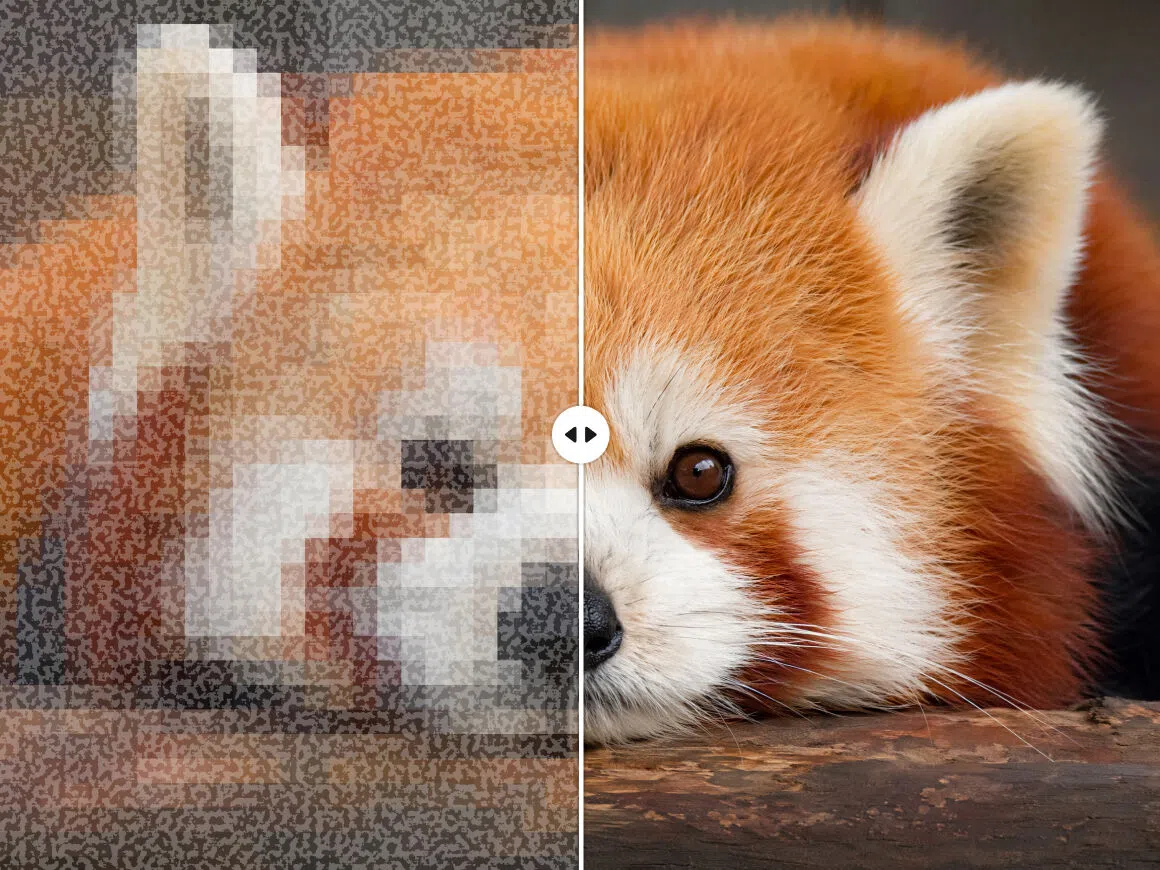
JPEG Artifact Cleanup
You know how low-quality downloads have blocky, distorted edges? Zawa's free noise-remover tools restore clean edges and color clarity, making compressed images look high-res again right away.

Fast Cloud Processing
No matter what device you use, Zawa leverages powerful cloud-based processing to deliver speedy, accurate results. Even large, high-resolution images can be improved and denoised in just a few seconds.
What Sets Our Image Denoiser Apart

AI-Powered Precision
Zawa uses AI to boost your resolution, up to 8K, while keeping natural details intact. You get that crisp, professional look in just a few clicks without your photos ever looking "fake" or over-edited.

Scene-Specific Modes
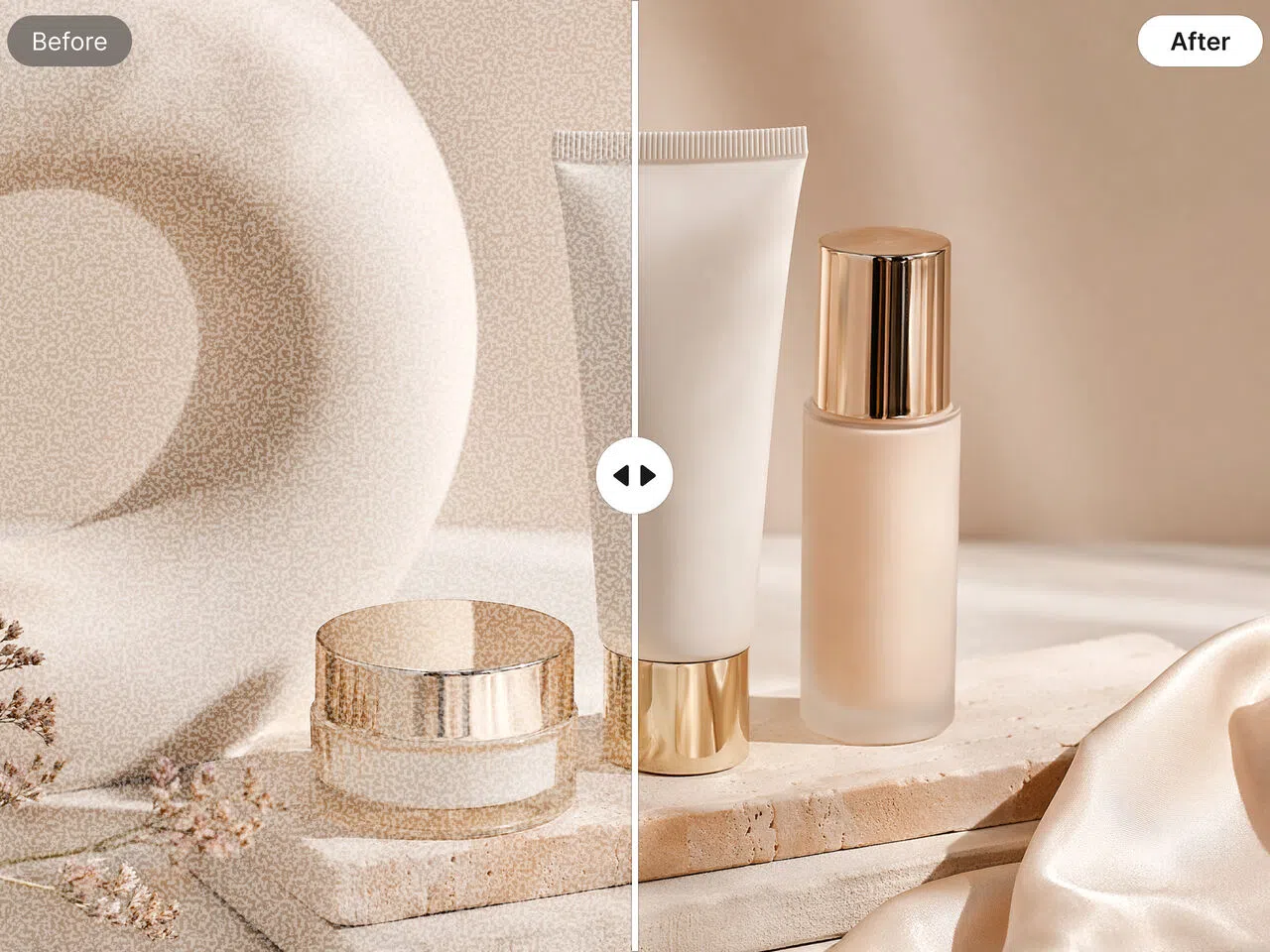
Zawa offers specialized modes for portraits, products, and text to ensure optimal enhancement results. Whether smoothing skin or sharpening documents, the tool automatically adapts its logic to deliver the perfect finish.

Efficient Batch Processing
Zawa lets you upload and process sets of images at once. With a single click, the AI applies consistent denoising across your whole gallery, making it the perfect tool for handling large projects.

Free to Use
You can experience Zawa's premium AI tools for free with no strings attached. Simply upload your photo to see the results instantly and decide for yourself.

Seamless Online Experience
Everything happens right in your browser. You just upload your shot, let the tool do its thing, and grab your clean image immediately. It's fast and perfect for when you need a high-quality fix on the fly.

Strict Data Privacy
Your privacy is our top priority. We guarantee that your uploaded assets are never used to train our AI models and will never be shared with third parties. Your creative assets remain entirely your own.
AI Denoising for Every Creative Need
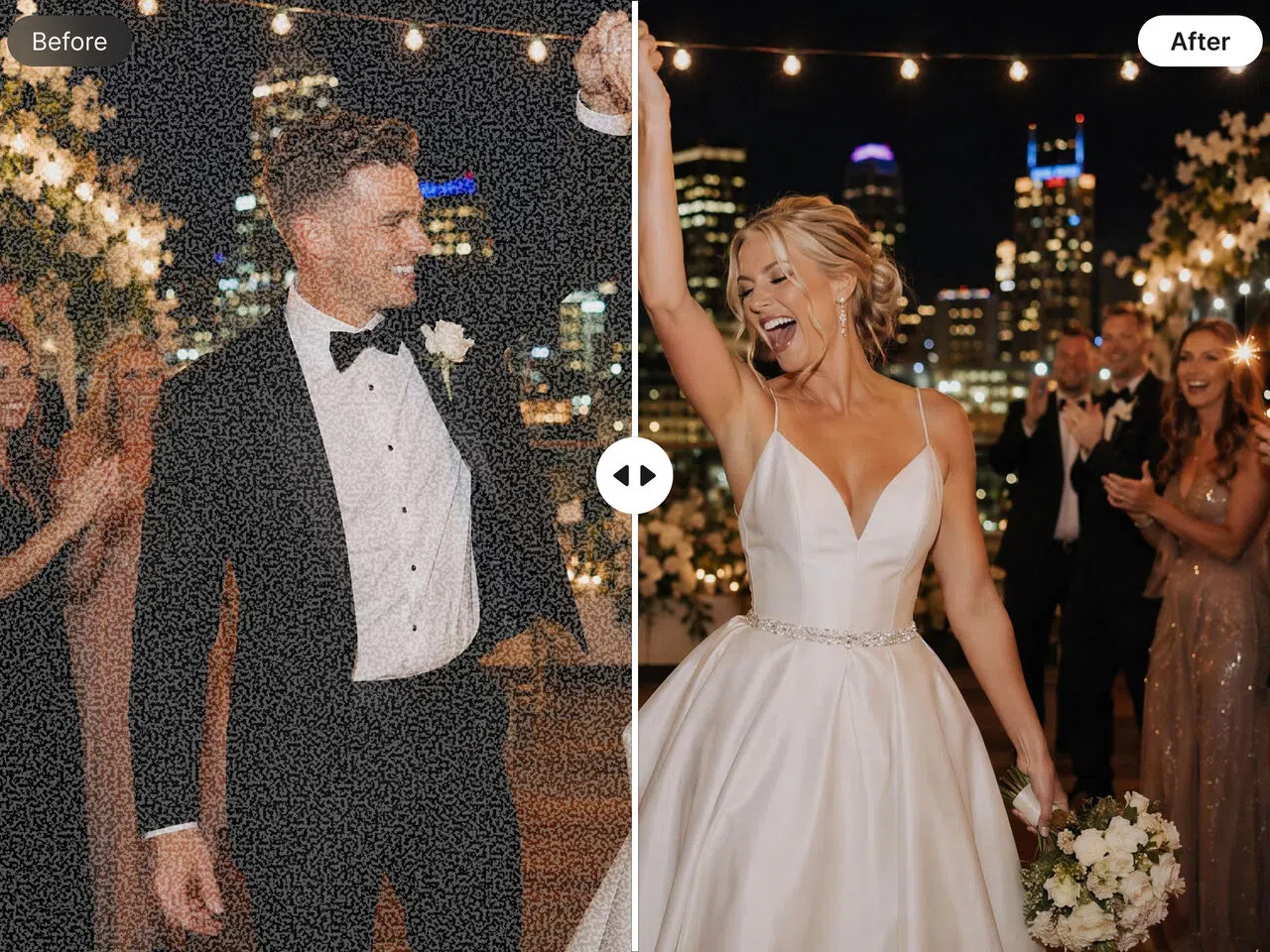
Portrait & Event Photography
Fix interior portraits, event photos, and any other shots where you need to raise the ISO to get proper exposure.
Frequently Asked Questions
What does ''denoise'' mean?
Why do photos have noise in the first place?
Most of the time, noise happens when you take pictures in low light. When it's dark, your camera tries to "force" more light in by raising the ISO, which makes the picture look grainy or gritty. Other problems, including obsolete sensors or saving pictures in low-quality formats, can also muck things up. The Zawa AI image denoiser can quickly repair these problems. It is smart enough to remove the grain while preserving the features of your shot.
Will denoising make images look fake and over-processed?
If you use simple denoise tools, it can definitely happen, because they often blur everything together until your subject looks like a wax figure. The Zawa AI denoiser is different because it can distinguish between "ugly noise" and "real texture." It cleans up the debris but leaves hair and skin appearing natural, so you can see the picture well, and it still seems like a genuine person took it.
What is the best Denoise app?
Most people think Lightroom or Topaz is too complicated for a quick repair, yet experts adore them for their extensive editing capabilities. The Zawa mobile app is a great solution for cleaning up grain if you want something easy that really works. It employs sophisticated AI to do the work for you, so you don't have to worry about getting a clean picture.
How do I denoise a photo on my iPhone?
You can use the "Noise Reduction" slider in the Photos app on your iPhone, but it typically makes objects look fuzzy or "waxy." Just open your picture in the Zawa mobile app and let its AI do the sharpening for you. It will work much better. It's a far better tool if you want to get rid of that unpleasant digital noise while keeping the details clear.
What Our Users Are Saying
I shoot weddings on the side and clients sometimes send me their own photos to include in the album — phone shots, old prints, whatever they have. Half of them are too soft or grainy to use as-is. I ran a batch of about 40 through the enhancer before a recent project. Most came back usable. A few I wouldn't have touched otherwise made it into the final edit.
We list seasonal products and shoot everything in-house, which means the lighting isn't always consistent. I started running product photos through the enhancer before uploading to our listings. The difference in sharpness is noticeable, especially on the thumbnail view. We process around 80–100 images per week now and it's become part of the standard workflow.
I was skeptical at first — I've tried a few of these tools before and the results always looked over-processed. Tried it on some old photos from a trip a couple of years ago that were badly compressed. The detail that came back surprised me. I wouldn't say every photo came out perfect, but most were genuinely better than what I started with.
I take photos at tech meetups and the venues are almost always badly lit. The shots end up full of grain, especially anything taken away from the stage. I processed a set of about 25 photos from a recent event — took maybe 3 minutes total.
Teacher
I use it for a community history project — we've been digitizing old school photographs going back to the 1970s. Some of the scans come in quite faded and soft. The enhancer brings back enough detail that faces are recognizable again, which matters a lot when you're trying to identify people. It's not a perfect restoration every time, but it's good enough that families have been able to recognize relatives they couldn't make out in the original scans.