
Top 7 Instagram Post Scheduler Tools You Need in 2026
Discover the top 7 Instagram post scheduler tools for 2026 to automate posting, save time, and grow your audience. Explore the step-by-step guide to using an AI tool to create Instagram content for regular posting.

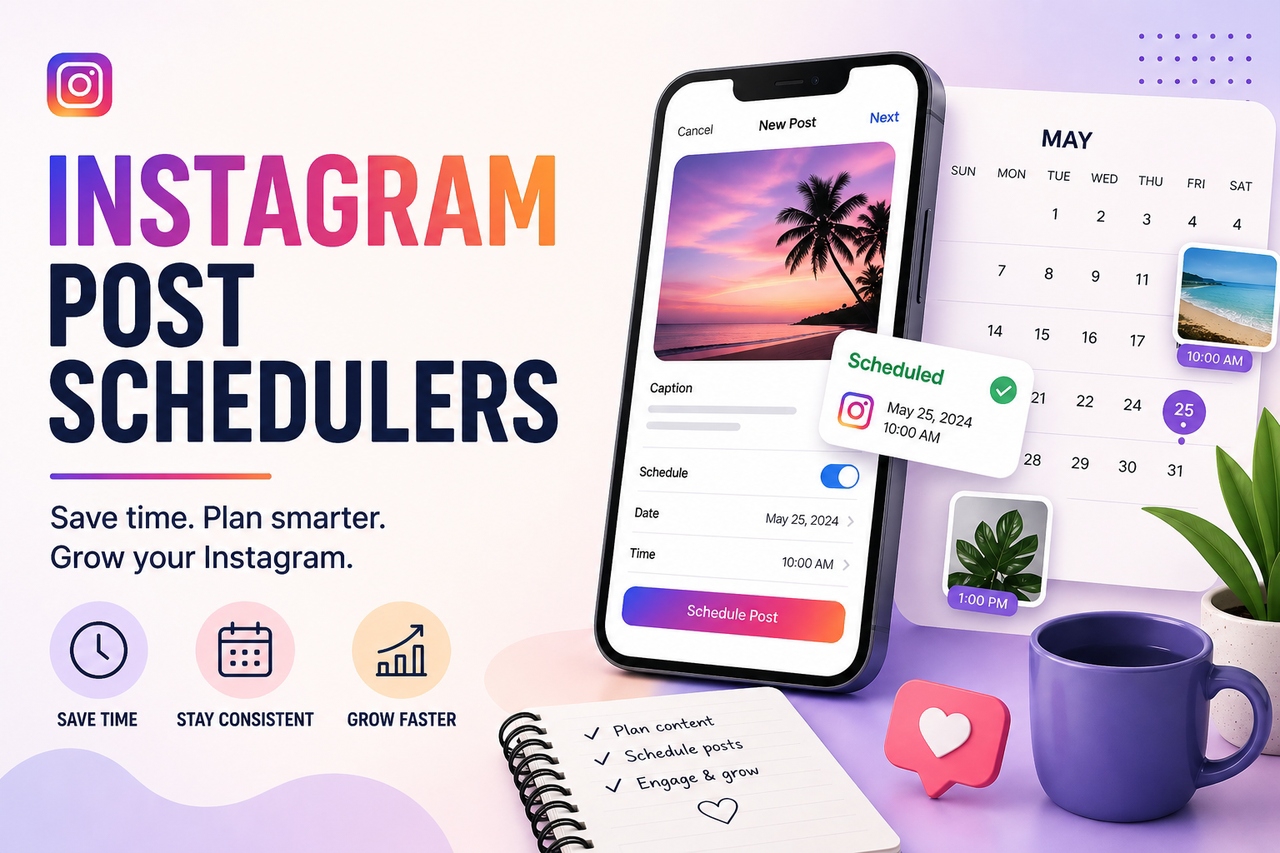
It's weirdly hard to figure out the "right" time to post on Instagram. You try mornings, then evenings, then weekends, and half the time it still feels random. That's where an Instagram post scheduler starts to make sense. You line things up in advance, let it run, and you're not glued to your phone all day. Sounds great. And mostly, it is. This guide walks you through why scheduling actually matters, plus a list of seven solid tools you can start using right away.
Why Instagram scheduling tools matter
Instagram has become a very competitive platform with millions of brands, creators, and influencers. It's not enough to just post good content anymore. You need a well-thought-out plan to schedule an Instagram post, so it shows up regularly and at the right times. Scheduling tools help you stay organized and visible, so your content doesn't get lost in a crowded feed.
-
Better engagement timing (optimal posting windows)
One of the best things about scheduling tools is that they can tell you when your audience is most active. Posting at the right time can make a big difference in how many people interact with your content. The best Instagram post scheduler looks at how your audience behaves and suggests the best times to post
-
Multi-platform efficiency
It can be hard to keep track of all your social media accounts, especially if you want to maintain a consistent brand presence across them. A free Instagram post scheduler makes this easier by letting you make content once and share it on many platforms from a single dashboard.
-
Reduced manual workload
Posting content manually can be stressful and time-consuming. Automation gets rid of boring tasks by letting you plan out your content ahead of time and letting the tool handle publishing. This makes the workflow smoother and lets you focus on making better content instead of worrying about posting every day.
Key features to check in the best Instagram post scheduler
-
Auto-posting
You don't want to be stuck hitting "publish" every single time. A decent scheduler handles posts, reels, and stories, so you're not jumping between tools. You set it up once, pick your timing, and it goes live without you hovering over your phone.
-
Content calendar view
A visual calendar lets you see everything laid out in front of you: what's going out, when, and how it all fits together. It's easier to plan campaigns this way, and you'll spot gaps before they become a problem. You also avoid stacking too much of the same content back-to-back, which happens more than people admit.
-
Hashtag & caption assistance
Writing captions may seem simple at first, but maintaining that consistency on a daily basis can quickly become challenging. To address this, many modern tools now offer hashtag suggestions and AI-generated captions, helping you save time and overcome creative blocks.
-
Analytics and performance tracking
Without analyzing performance data, content decisions often rely on guesswork. Effective scheduling tools provide insights into key metrics such as likes, reach, and engagement patterns. Over time, this data helps identify trends.
-
Team collaboration & approval workflows
This matters more once you're not working alone. If you've got a team, things can get messy without structure. Shared dashboards, approvals, and assigned roles; it keeps everything in check. Someone creates the post, someone reviews it, and then it goes live.
-
AI content assistance
AI is everywhere now, including here. It helps with captions, content ideas, and even tweaking posts to perform better. AI shows a noticeable improvement in efficiency, particularly under time constraints, making these tools a valuable addition in 2026.
Top 7 Instagram post schedulers
-
Sprout Social
Sprout Social is built for teams that take social media seriously. Not casually posting. Actually managing it. You get a full dashboard with scheduling, planning, and reporting - the whole setup in one place. The calendar is detailed, almost to a fault, and it helps when you're juggling multiple accounts at once. Then there's ViralPost. It studies how your audience behaves and suggests when you should publish for better engagement.
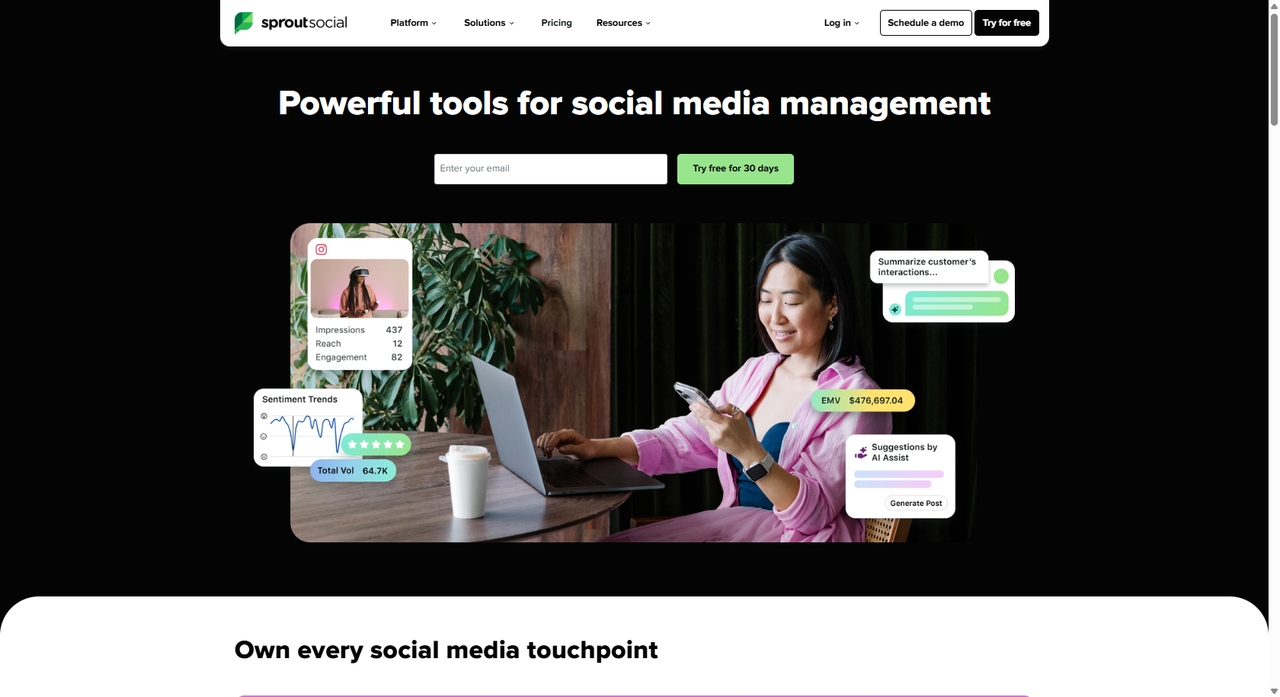
How to schedule Instagram posts with Sprout Social
-
Click "Publishing" → "Calendar" → "Compose" (that blue button in the top-right corner) to start a new post.
-
In the "Compose" window, pick your Instagram account using the "Profile Picker" dropdown, then add your caption and upload your media.
-
Hit "When to post", then choose "Specific day and time." You can go with the suggested timings
-
Once everything looks right, click "Schedule."
Limitations
-
Expensive per-user pricing for growing teams.
-
Advanced features are locked behind higher-tier plans.
-
Can feel overly complex for solo creators or small businesses.
-
Buffer
Buffer is a popular choice for beginners and small businesses. You click around for a few minutes, and it starts to make sense. You stack your posts in advance, set your timing, and let it roll. It's simple, and that's the whole point. Then, based on your schedule, they will be published automatically. Its analytics features are good enough for people who just want to see how their performance is doing without having to deal with a lot of data.
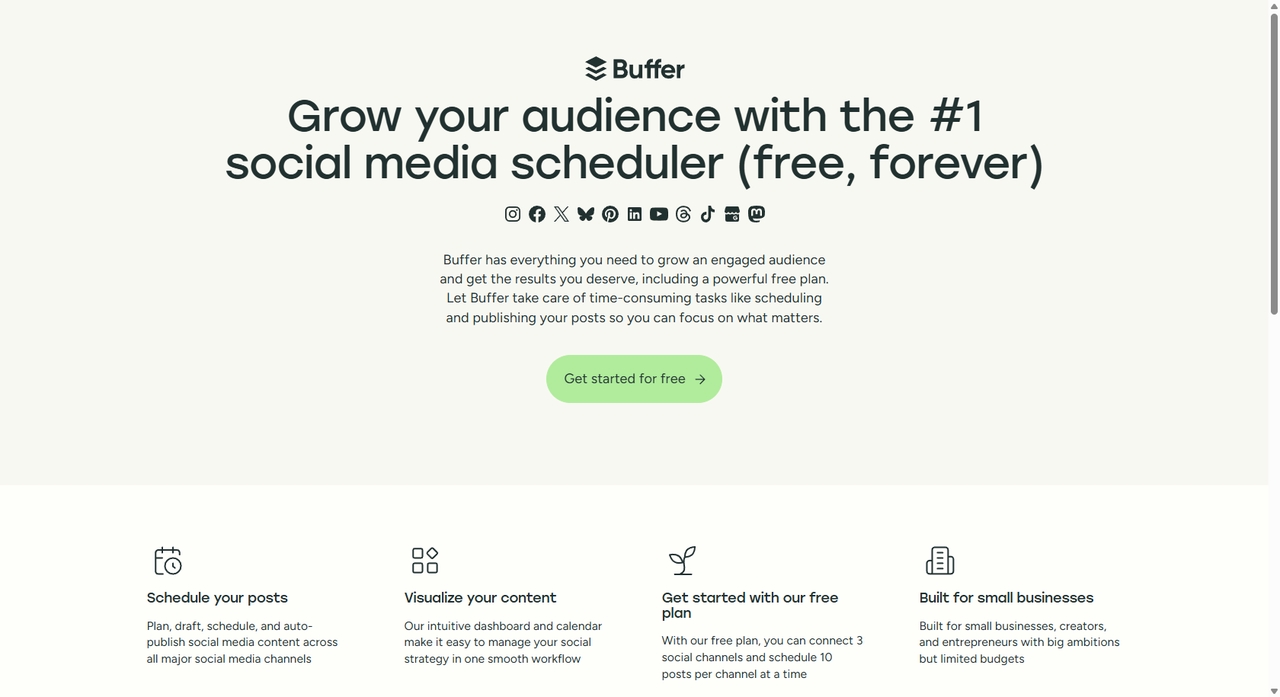
How to schedule Instagram posts with Buffer
-
Connect your Instagram Business account and add it to Buffer.
-
Click "Create Post" and select your Instagram account.
-
Upload your media, write your captions and hashtags.
-
Choose "Schedule Post", "Add to Queue", or "Auto-publish".
Limitations
-
Limited analytics compared to enterprise tools.
-
No built-in social listening/monitoring.
-
Fewer collaboration and workflow features for large teams.
-
Hootsuite
Hootsuite is a great social media management tool for businesses with a lot of online presence, as it lets you schedule posts on many platforms. It has features like inbox management, which lets users respond to messages and comments from one place. Hootsuite also features advanced workflows and collaboration tools that make it especially useful for big teams and businesses.
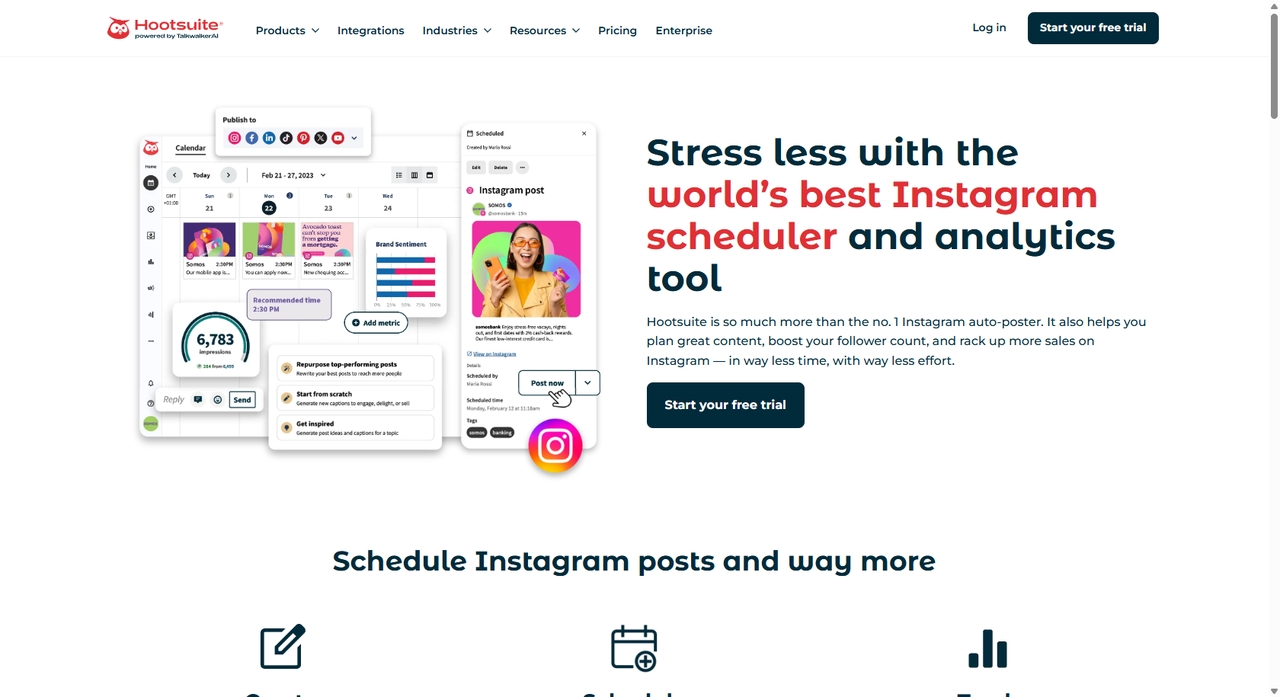
How to schedule a post with Hootsuite
-
Open "Hootsuite Composer", select your accounts, and add your captions and media.
-
Adjust your captions and tags for each platform.
-
Choose a posting time manually or use "Best Time to Publish".
-
Click "Schedule," "Auto-schedule," or "Save as Draft".
Limitations:
-
Steep learning curve and cluttered interface.
-
Pricing increases quickly with more users/add-ons.
-
Some advanced listening and reporting tools require enterprise plans.
-
Later
Later is very popular with brands that care about how things look. Its content calendar lets you drag and drop posts to easily plan your feed and organize your posts. One of its best features is that you can see what your Instagram grid will look like before you publish it. It keeps your grid looking intentional. Later also supports reels and stories, so you're not stuck managing those separately.
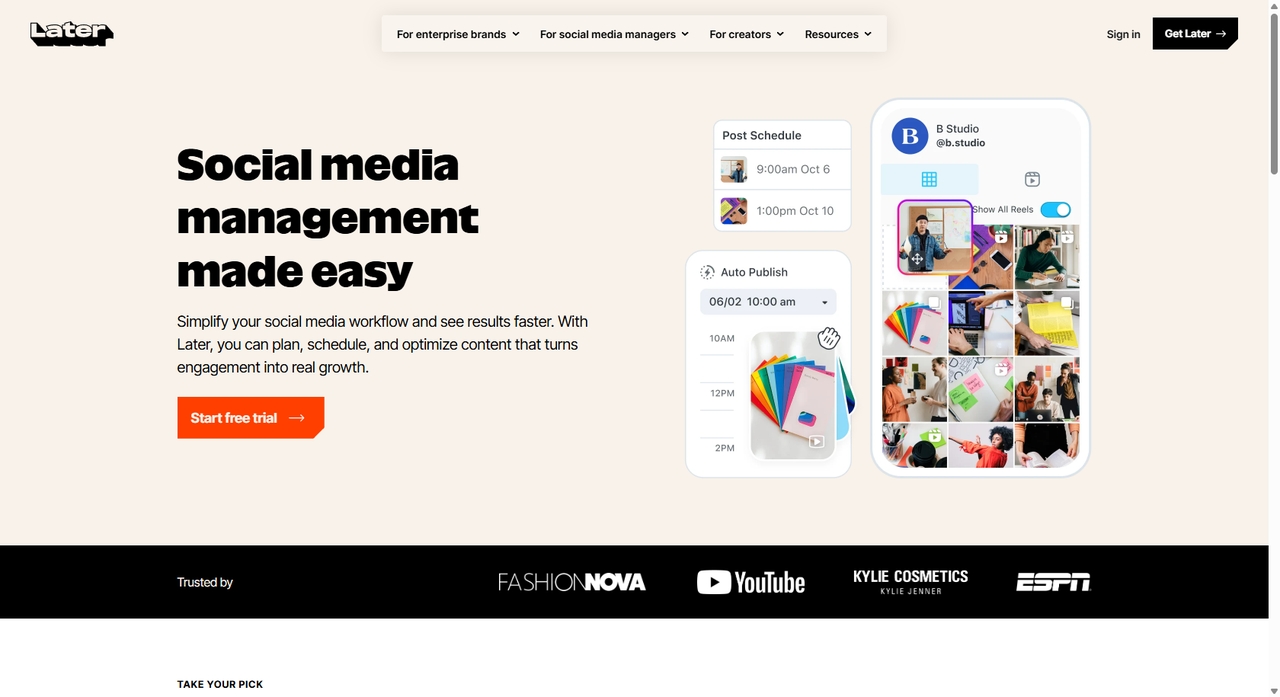
How to schedule an Instagram post with Later
-
Connect your Instagram Business or Creator profile to your Later account.
-
Upload your media to the "Later Media Library".
-
Now create the post. On a desktop, you drag your media straight onto the calendar. On mobile, tap the image and hit "Create Post".
-
Pick your date and time, then turn on "Auto Publish".
Limitations
-
More focused on Instagram than other platforms.
-
Limited social listening and inbox features.
-
Posting limits can become restrictive for high-volume teams.
-
Planoly
Planoly leans heavily into visuals. If you like seeing your content laid out before posting, this one feels natural. You arrange posts in a grid, shuffle things around, and get a sense of how your feed will look. It's clean. Easy to use. That's probably why influencers and lifestyle creators stick with it. It also supports auto-posting and story scheduling, which covers most needs.
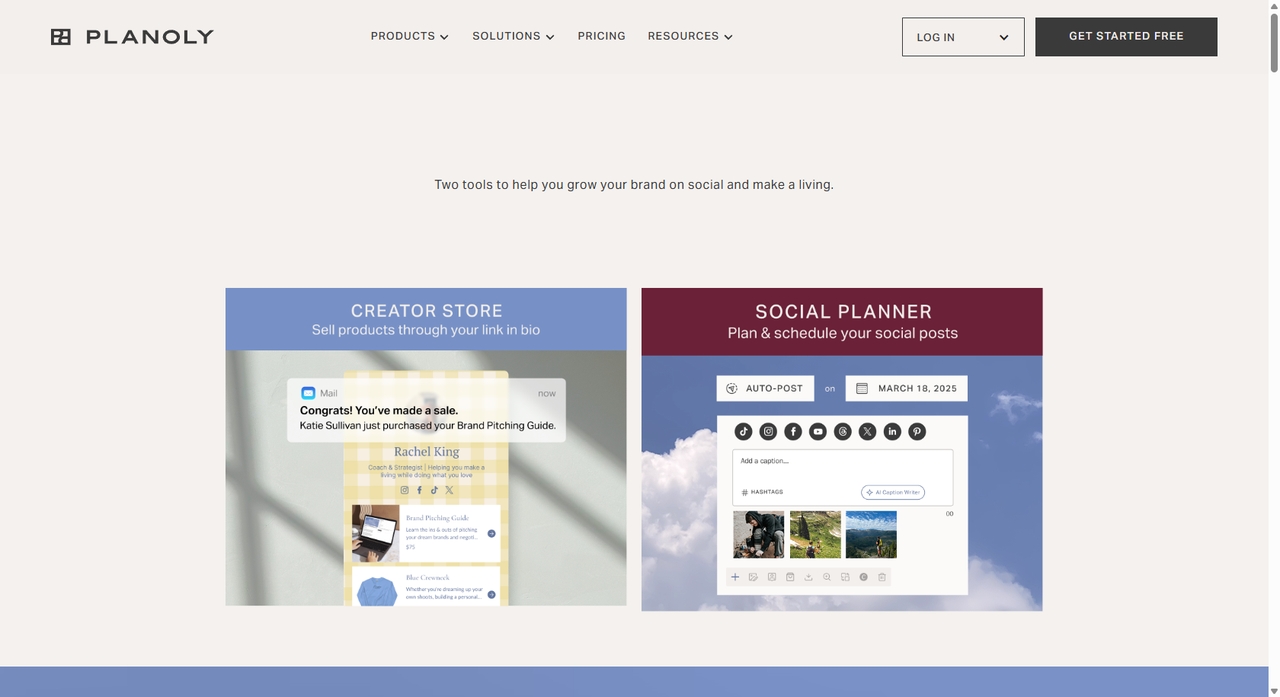
How to schedule an Instagram post on PC with Planoly
-
Click the "+" icon and add your content to the grid.
-
Tap the post to add your captions, hashtags, and tags
-
Choose your date and time.
-
Turn on "Auto-Post" and hit "Save".
Limitations
-
Steep learning curve for beginners
-
Limited analytics compared to enterprise competitors.
-
Fewer advanced team collaboration tools.
-
Post Planner
Post Planner helps queue posts, set publishing times, and automate your content calendar across accounts. It even lets you recycle evergreen posts, so your best content keeps showing up without extra work. Besides, it gives users ideas for trending and viral content, which helps them keep their feeds active and interesting.
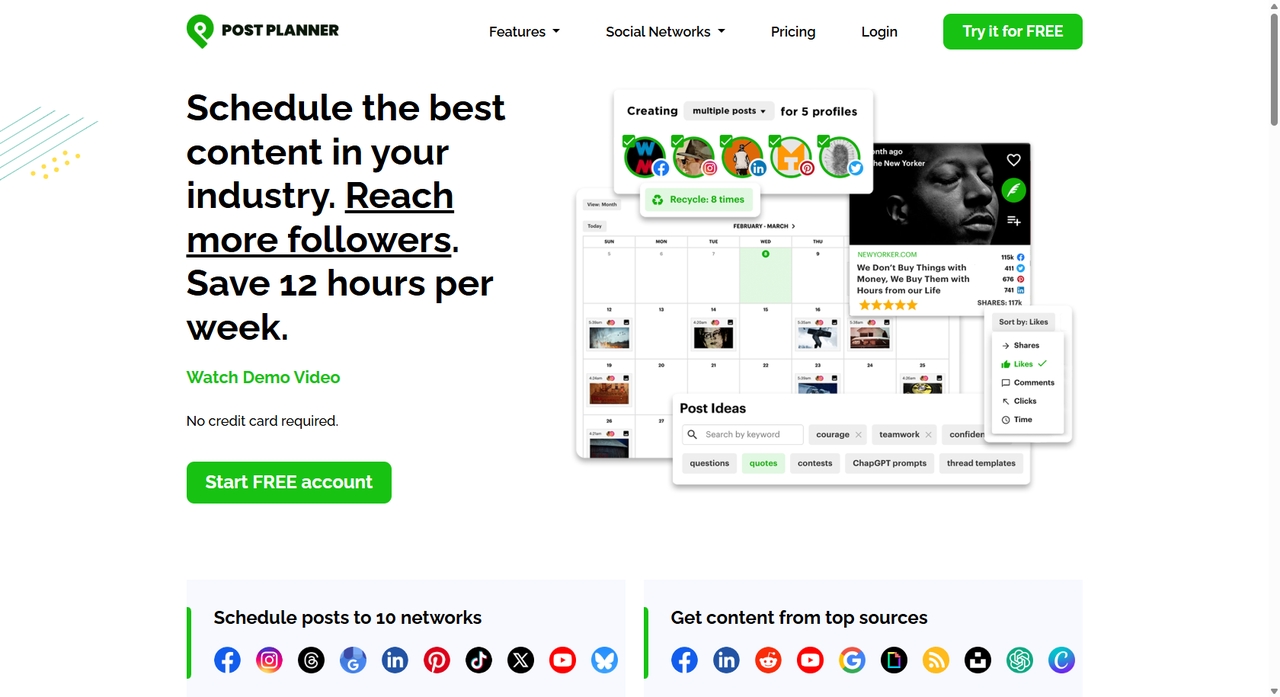
How to post an Instagram schedule with Post Planner
-
Click "Create Post" and select your Instagram account.
-
Upload your media, write your captions, and add tags.
-
Click the arrow next to "Add to Queue" and choose "Schedule Post".
-
Set your date and time, then hit "Schedule."
Limitations
-
Limited integration with some social platforms.
-
Interface and customization options are less advanced.
-
Analytics and reporting features are fairly basic compared to larger tools.
-
Quso.ai
Quso.ai is made for video-first creators who want to make the most of their content without spending hours editing. With this tool, you can plan posts, reels, and stories in advance, pick exact time slots, and let the platform auto-publish. It also supports bulk scheduling and a calendar view, which makes managing multiple posts much easier.
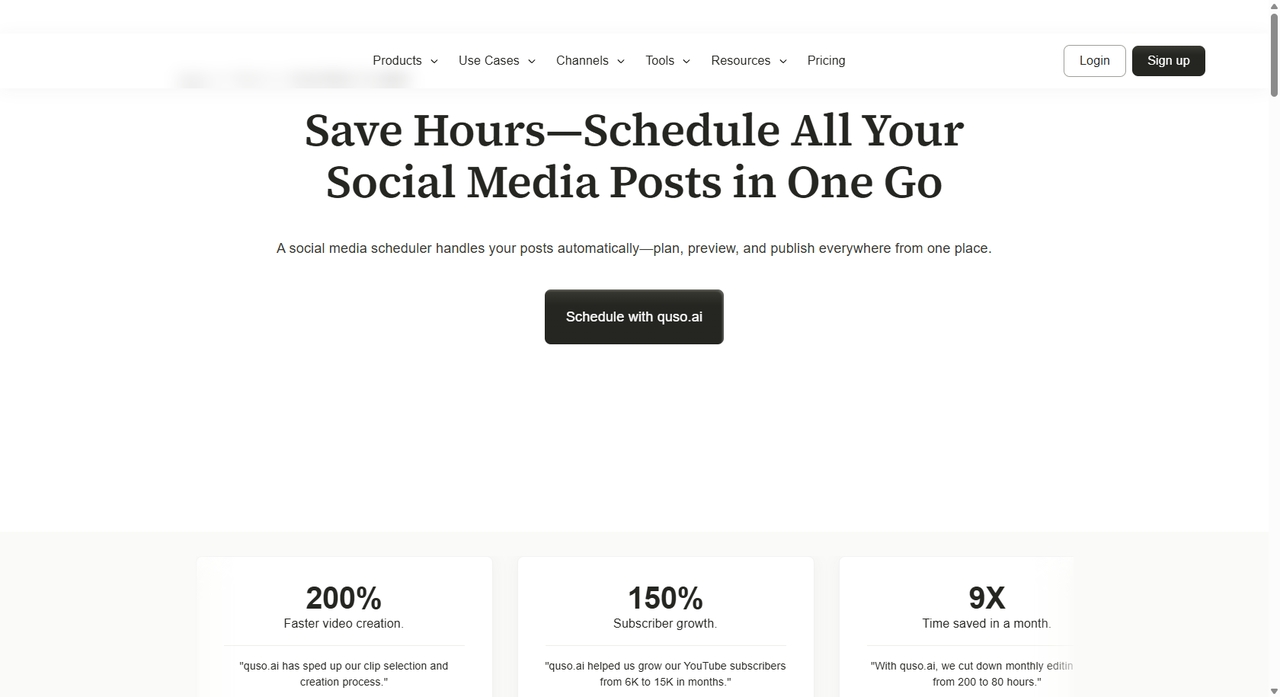
How to schedule an Instagram post with Quso.AI
-
Log in to your Quso.AI dashboard and connect your Instagram account from the social media section.
-
Go to the "Scheduler", upload your content, and add captions and hashtags
-
Choose your date and time using the calendar.
-
Review your post and click "Schedule"
Limitations
-
Credit-based systems can become limiting for heavy users.
-
Lacks advanced social listening and unified inbox features.
-
Users report occasional bugs and rendering/editing glitches.
Comparison guide: Find the right option for you
| Tool | Ease of Use | Pricing | Best Uses | Analytics Strength |
|---|---|---|---|---|
| Sprout Social | Medium | Standard: $199
Professional: $299 Advanced: $399 Enterprise: Custom |
Best for agencies & enterprises managing multiple accounts | Strong |
| Buffer | Easy | Free plan
Essentials: $5/mo Teams: $10/mo |
Best for solo creators & small businesses | Basic |
| Hootsuite | Medium | Standard: $99
Advanced: $249 Enterprise: Custom |
Best for large teams & multi-platform management | Strong |
| Later | Easy | Started: $18.75
Growth: $37.50 Scale: $82.50 |
Best for visual brands & Instagram-first strategies | Moderate |
| Planoly | Easy | Started: $16
Growth: $28 Pro: $55 |
Best for influencers & lifestyle brands | Moderate |
| Post Planner | Easy | Free plan
Started: $7 Growth: $37 Business: $57 |
Best for content ideation & engagement growth | Basic |
| Quso.ai | Medium | Free plan
Lite: $15 Essential: $20 Growth: $25 |
Best for video creators & podcasters | Moderate |
Zawa AI: Creating Instagram posts with AI-precision
Zawa AI social media post generator is a tool that helps creators to generate posts quickly. Users just need to import images and post ideas, and then Zawa will do the rest. This method improves creative efficiency, can be used in conjunction with post schedulers to maintain the update frequency of your Instagram, and enhance account performance.
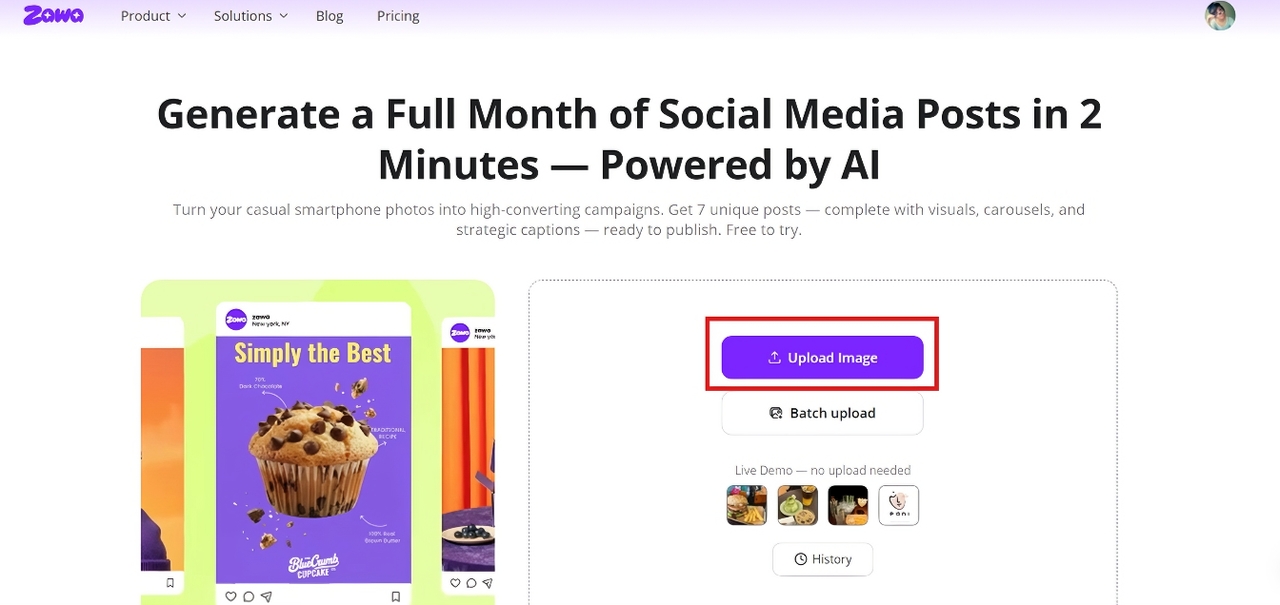
Step 1: Upload a product image
Start by uploading your product image. Click the "Upload Image" option to upload one or more images. Once uploaded, click "Generate Posts."
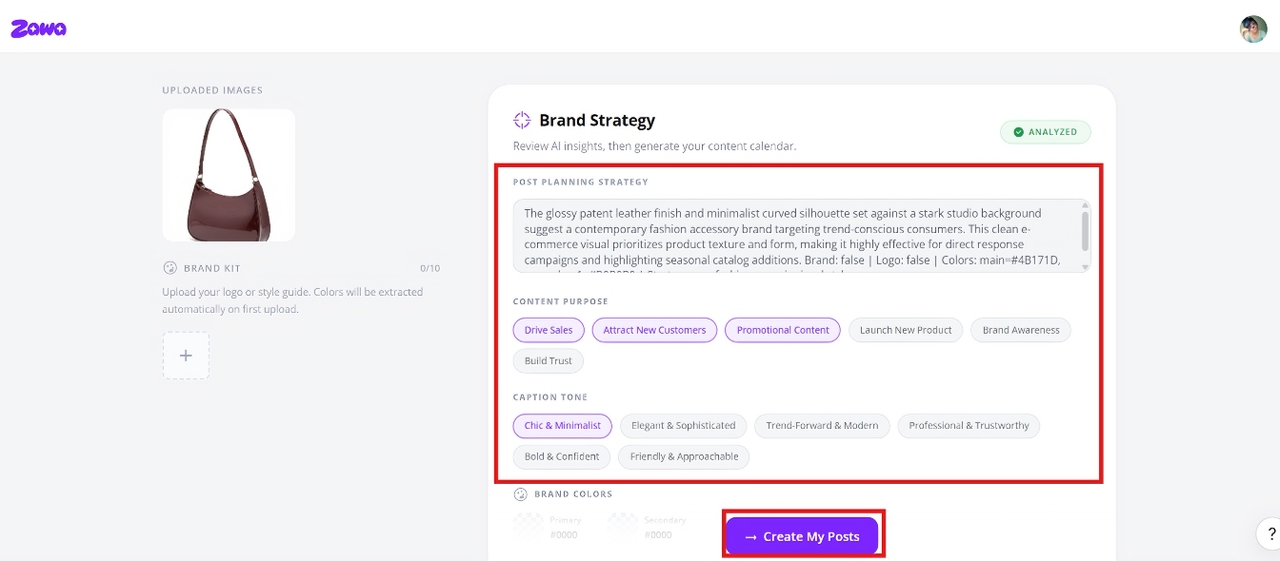
Step 2: Customize your post strategy
Then, you can add the "Content Purpose" or "Caption Tone", etc. Finally. Click the "Create My Posts" at the bottom to get started.
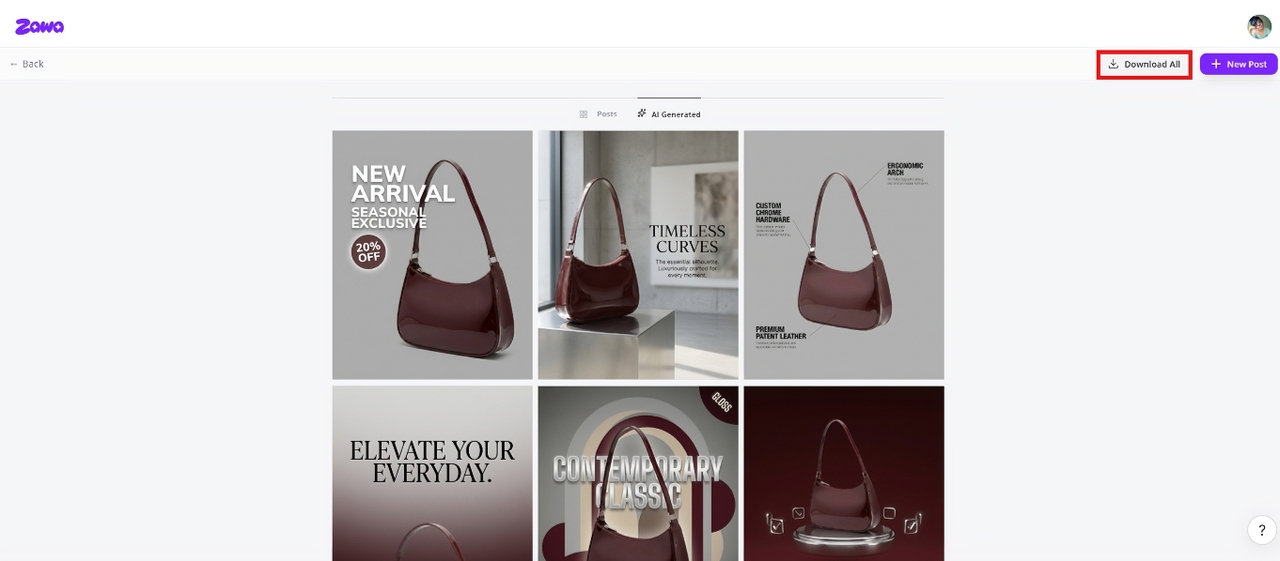
Step 3: Download your post
Zawa will generate several images for your post; you just need to click the "Download All" option to save the images.
Conclusion
An Instagrampost scheduler is what keeps you consistent without hovering over your phone every day, guessing when to post. You plan ahead, line things up, and your content goes out when it should. This article introduces the top 7 Instagram post schedulers. You can opt for Hootsuite and Sprout Social for premium features, or choose Buffer or Later for their easy-to-use interfaces and budget-friendly pricing. Whatever you choose, make sure that it helps keep you consistent without costing a dime.
FAQs
Does Instagram have a scheduler for posts?
Yes, it does. Open Instagram and tap the + icon to create a new Post. Select your desired photo or video and tap "More options"settings. Then, select your desired date and time. It can be as long as 75 days in the future.
Is scheduling posts good for Instagram?
Yes, definitely. Scheduling keeps you consistent, and consistency is what the algorithm responds to. You show up regularly, you stay visible. Simple math. It also frees up your time, so you're not stuck posting manually every day.
Which is the best free Instagram post scheduler?
If you need a simpler interface or multi-platform support, tools like Buffer or Later are also good options. The exact answer simply depends on your preferences and budget. What you need is deep analytics, faster production, or a clean interface. Check your parameters first, and then look for a tool that fits all your needs well.
Can I schedule an Instagram post on a desktop?
Yes. Open the Instagram post scheduler, such as Buffer, in your browser and log in to your account. From there, connect your Instagram account if you haven't already. Hit "Create Post," drop in your image or video, write your caption, then pick "Schedule" instead of publishing right away. Set your date. Pick your time. Done.
Where did the schedule post button go on Instagram?
You can easily find Instagram's "Schedule" button inside the Advanced settings option on iPhone or More options on Android.
You May Be Interested
100+ Good Quotes for Instagram Bio (Copy & Paste Ideas)

100+ Instagram Bio Ideas for Moms: Make Your Profile Attractive

Most Liked Instagram Post Guide - Insights, Top Posts, and Process

How to Craft the Perfect Instagram Bio in 2026: Tips, Mistakes & Tools

How to Get into Real Estate Photography
