Why Grok AI Restricts Content (And How to Get Better Answers)
Understand how Grok moderation works, why prompts get blocked, and how to optimize your questions to reduce refusals and get more accurate AI responses.

We have all been there. You spend several minutes crafting a thoughtful and detailed prompt, expecting a useful and intelligent response. Instead, you get a cold and generic reply: “I cannot fulfill this request.”
It is frustrating—especially with Grok AI, a tool often positioned as a more open and less restrictive alternative to traditional AI systems. Yet many users quickly realize that Grok still moderates content and blocks certain requests.
So naturally, one question comes up again and again: how to make Grok not moderate content?
The truth is that you cannot completely remove moderation. But you can understand how it works, why it triggers, and how to optimize your prompts to get better, more consistent results.
Understanding Grok AI Content Moderation (Guardrails Explained)
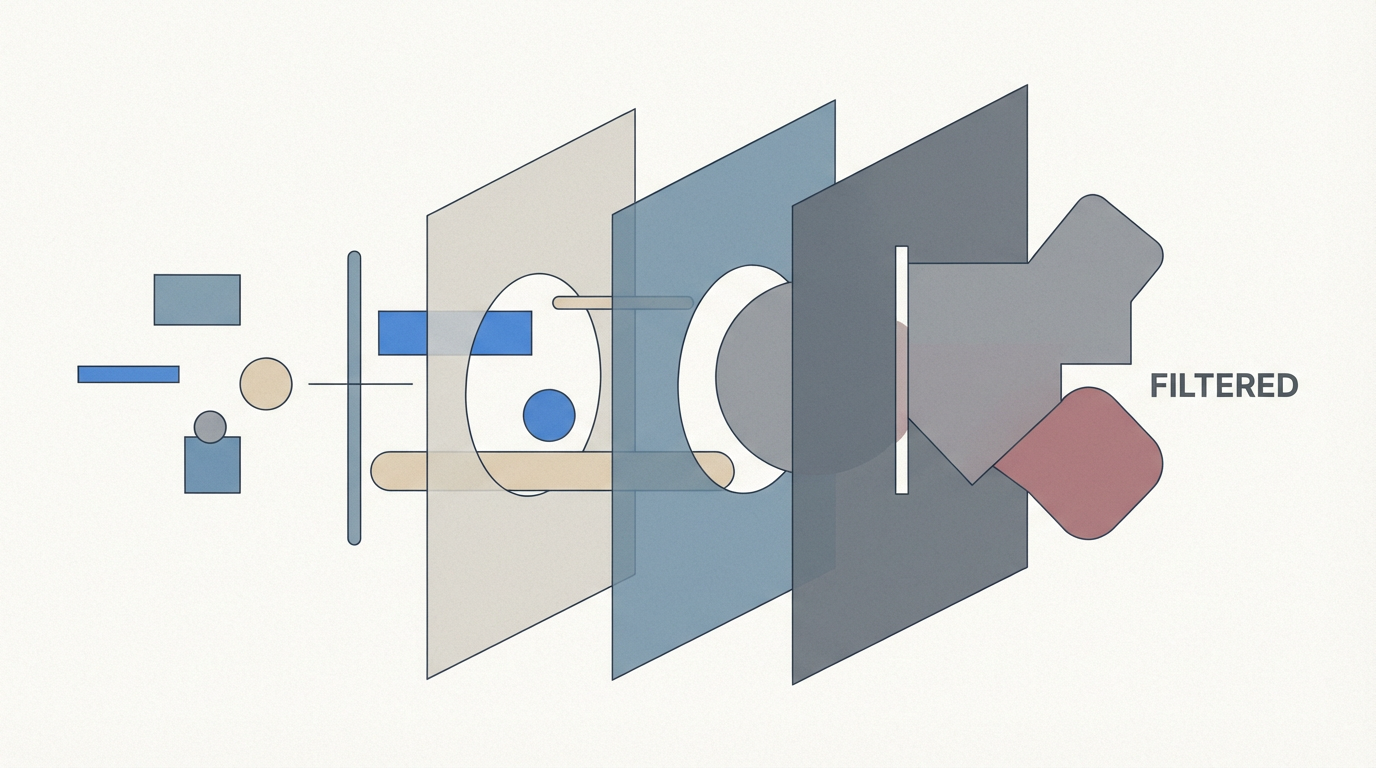
At the core of Grok’s behavior is something known as AI guardrails.
Like most large language models, Grok is built with safety mechanisms that monitor both input and output. These systems are trained using methods like reinforcement learning and human feedback to ensure that responses stay within acceptable boundaries.
When a prompt appears risky, unclear, or potentially harmful, the system may block the response entirely and return a refusal.
These guardrails act as a protective layer. They are not designed to “limit creativity” but to prevent misuse, misinformation, and unsafe outputs.
Even though Grok markets itself as more open, it still operates under strict safety alignment due to:
-
Legal risk and liability
-
App store compliance requirements
-
Enterprise safety standards
-
Brand and reputation protection
This means all AI systems—including Grok—must moderate content to some degree.
Why Grok Restricts Content So Often
Understanding why Grok blocks content is the key to solving the problem.
First, legal constraints play a major role. AI systems must avoid generating illegal instructions, harmful guidance, or defamatory content.
Second, platform rules enforce strict moderation. If Grok allowed unrestricted content, it could be removed from major platforms like iOS or Android.
Third, model limitations also contribute. AI cannot always interpret nuance, context, or intent. So when it detects risk signals, it often errs on the side of caution.
Finally, false positives are extremely common. This happens when harmless prompts are mistakenly flagged due to certain keywords or phrasing.
What Triggers Grok Moderation (Most Common Cases)
If you are frequently blocked, your prompt likely falls into one of these categories.
1. Sensitive or Controversial Topics
Prompts involving politics, violence, or social conflict are often restricted, especially when phrased in a strong or absolute way.
Even academic discussions can be flagged if the wording appears extreme.
2. Copyright and Intellectual Property
Requests such as:
-
Reproducing song lyrics
-
Copying paywalled content
-
Generating branded characters or protected IP
are often blocked to avoid legal issues.
3. Harm-Related Language
Even when used in a neutral or educational context, certain terms can trigger filters.
For example:
-
Drug-related terms
-
Weapon-related descriptions
-
Violent scenarios
The system may not distinguish between fiction, education, and real-world intent.
4. Ambiguous or Poorly Structured Prompts
Vague prompts like “tell me everything about X” can be misinterpreted and flagged.
Lack of context is one of the biggest causes of moderation errors.
Real Example: Why a Prompt Gets Blocked
Imagine a student asking:
“Explain how certain chemical compounds interact in controlled environments for research purposes.”
Even though the intent is academic, the presence of sensitive keywords may trigger moderation.
Or a writer asking:
“How would a detective analyze poison in a fictional case?”
This could be flagged because of perceived association with harmful content.
This is a classic case of false positive moderation.
How to Make Grok Not Moderate Content (Practical Methods)

While you cannot disable moderation, you can significantly reduce false refusals by improving how you write prompts.
This is the core answer to how to make Grok not moderate content.
1. Use Analytical Framing Instead of Direct Requests
AI systems respond better to neutral, analytical phrasing.
Instead of asking:
“Is this idea good or bad?”
Try:
“Analyze the advantages and disadvantages of this idea from multiple perspectives.”
This shifts the request from subjective to objective, which reduces moderation triggers.
2. Add Clear Context and Intent
Always clarify the purpose of your request.
For example:
“This is for academic research”
“This is for a fictional story”
“This is for educational analysis”
This helps the system understand that your intent is safe and legitimate.
3. Break Down Complex Prompts (Layering Technique)
Do not overload one prompt with too many ideas.
Instead:
-
Ask for definitions
-
Ask for background
-
Ask your main question
This layered approach reduces risk signals and improves response quality.
4. Use Role-Based Prompting
Assign a role to the AI:
-
“Act as a senior researcher…”
-
“Act as a technical analyst…”
-
“Act as an academic writer…”
This helps guide tone, structure, and intent.
5. Avoid Trigger Words When Possible
Certain keywords can unintentionally activate moderation.
You do not need to remove important terms entirely—but you can:
-
Rephrase
-
Add context
-
Reduce emphasis on sensitive wording
How to Get Better Answers From Grok
Reducing moderation is only half the goal.
To truly improve results, you need to optimize for clarity and structure.
A strong prompt typically includes:
-
Clear objective
-
Defined context
-
Expected output format
This allows Grok to generate more accurate and detailed responses.
FAQ: Grok Moderation and Prompting
Can Grok moderation be turned off completely?
No. All AI systems, including Grok, require baseline safety filters to operate legally and securely.
Why does Grok block harmless questions?
This is usually due to false positives, where the system misinterprets keywords without understanding context.
What is the best way to avoid moderation?
Focus on:
-
Clear context
-
Neutral phrasing
-
Analytical framing
-
Step-by-step prompting
Does Grok still claim to be “less restricted”?
Yes—but this refers to relative openness, not the removal of all safety mechanisms. All AI tools must follow safety and legal requirements.
Conclusion
If you are trying to understand how to make Grok not moderate content, the answer is not about bypassing restrictions—it is about working with the system more effectively.
Grok’s moderation exists for legal, ethical, and technical reasons. But most refusals are not absolute—they are triggered by how prompts are written.
By improving your prompting strategy—using clear context, structured thinking, and analytical language—you can dramatically reduce blocked responses and unlock much more powerful results.
In the end, better prompts lead to fewer restrictions, better answers, and a far more efficient AI workflow.
Related articles

What is Seedance and how to use it

What Is Seedream 5.0 Lite and How to Use It to Create AI Images

20 Seedance Prompts for AI Video Creation: Ready-to-Use Examples

Top 30 Prompts for Seedream Image Creation: A Detailed Guide

How to Prompt with Kling: Examples and Pro Tips

Nano Banana 2 vs. Nano Banana Pro: What’s the Difference? (2026 Updated)

Seedance 2.0: Next-Gen AI Video Generation for Modern Creators

8 Best 3d Figure AI Tools for Stunning Creations

What are the Best AI Agents?

We Tested Best AI Art Generators of 2025 — Here's What Actually Works

8 Best AI Hairstyle Generators

13 Best AI Headshot Generators for Professional Photos

13 Best AI Image Generators in 2025: Full Comparison

The Top 15 Best AI Logo Generators You Need to Know

20 Best AI Marketing Tools You Should Know in 2026

10 Best AI Models You Should Know

14 Best AI Productivity Tools That You Need in 2025

40+ Best AI Prompts for Nano Banana: Creative 3D Figurine Ideas

18 Best AI Tools for Small Businesses That Save Time and Cut Costs

10 Best AI Tools in 2025 for Powerful Image, Video, and Voice Generation

10 Best AI Video Enhancers to Upscale Your Videos

15 Best AI Video Generators in 2025

8 Best Image Extender Tools: The Ultimate AI Photo Background Expanders

12 Best MidJourney Alternatives to Use For Image Generation

Gemini 3 Pro & Nano Banana 2 (Pro): Release May Delay!
Gemini 3 Pro VS Gemini 2.5 — What to Expect from Google's Next AI Leap

How To Generate Viral AI Videos With Sora 2 + Nano Banana 2 (Pro)
Google Gemini 3 Pro: The Next Great Leap in AI Development

How Big Is A 16x20 Photo?

A Complete Guide on How to Blend Photos with Nano Banana AI

How to Use Nano Banana?-Next-Gen AI Image Generator

What is Kling AI – A Complete Guide

Most popular AI models you should know in 2026 (Tested & Tried)

Nano Banana 2 (Pro) is HERE: The Game-Changing AI Upgrade for Zawa!

How Zawa Nano Banana 2 (Pro) Reinvents Posters, Logos, and Brand Visuals

The Super-Brain in Your Pocket: Speculating on Google's Next-Gen Nano Banana 2 (Pro)

Nano Banana 2 vs Nano Banana 1 — What's Changing in Google's AI Image Editing Revolution?
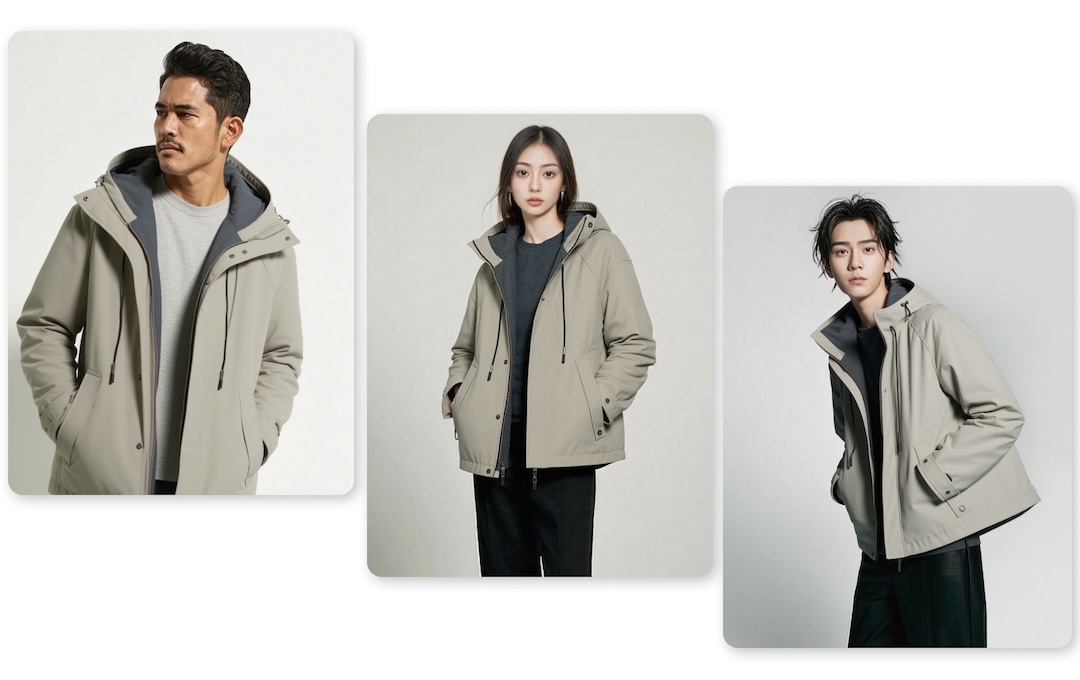
Nano Banana for Fashion: AI-Powered Virtual Try-On Images

10 Viral Social Media Prompts You Can Create with Nano Banana Pro

Nano Banana vs. Sora AI: Which Gen AI Tool Should You Use?

Seedream 4.5 vs Nano Banana Pro

I Tested Sora 2: The Essential Use Cases for Filmmakers and Marketers

Sora 2 vs ImagineArt AI — Which AI Creative Tool Wins in 2025?

Sora 2 vs Sora 1: What You Need to Know

Sora 2 vs Veo 3: A Head-to-Head Comparison for Video Content

Top 4 Best AI Image Generators for Realistic Photos and More

Top 6 AI Video Generators for Beginners and Experts

Top 6 Most Popular AI Image Generators: Complete Explanation
The Best Roles for Veo 3.1: Where Google's New AI Video Model Excels

What Are 3D Figures? A Beginner’s Guide to Collectibles and Models
What Are AI Agents? Understanding Their Role in the Next Tech Era

Hailuo AI Review – A Complete Guide [2025]
What is Krea AI and How Does it Work

What is Luma AI – The Complete Guide

What is Nano Banana AI: 8 Best Use Cases for Generating Realistic Images

What is Runway AI – The Complete Guide
What Is Sora 2 AI -The Complete Guide

What is Sora AI and How Does it Work
What is VEO 3.1? The Video Model That Demands Creative Control
What is Veo 2 and How Does it Work: The Ultimate Veo 2 Guide
What is Veo 3 and How Does it Work – A Detailed Guide

The Creator's Guide to Veo 3.1: What's Changed and How to Use it