10 Best AI Image to Video Generators Tested and Ranked in 2026
Uploading an image and getting a video back sounds simple. The results are not. Motion quality, character consistency, free tier limits, and output resolution vary wildly between tools. This guide ranks the 10 best AI image to video generators in 2026 after hands-on testing with the same source images across every platform.


The best image to video AI generator for one workflow is the wrong tool for another. A tool that produces stunning cinematic landscape animation falls apart on portrait consistency. A free tier that looks generous runs dry after two clips. This guide cuts through the noise. Ten tools tested with the same source images, ranked by motion quality, identity preservation, free tier viability, and practical use case. Whether you need the best free image to video AI generator or a production-ready paid tool, the right pick is in here.
Two Types of AI Image to Video Tools and Why It Matters
Most comparison guides lump these together. They should not. Picking the wrong category wastes credits and produces unusable output. Before looking at any specific tool, figure out which type you actually need.
Motion and Animation Generators
These take a still image and add cinematic movement: camera pans, environmental physics, particle effects, and character motion. Best for product animation, social media content, cinematic B-roll, landscape and nature footage, and abstract visuals. The metrics that matter here are motion coherence, physics simulation, and temporal consistency. A good result means the image holds together across every frame without morphing or melting.
Talking Photo Generators
These animate a portrait or headshot to speak a script with synchronized lip movement. Best for marketing content, social video without filming, spokesperson videos, language dubbing, and e-commerce. What matters here is lip sync accuracy, facial stability, and how natural the head movement looks. Both categories are covered in the rankings below. Zawa handles both in one tool, which is one of the things that sets it apart.
How We Tested These Tools
Every tool on this list was evaluated against the same criteria using identical source images across free and paid tiers. Here is what we measured and why each metric matters.
-
Motion realism: How natural the movement looks. Does physics behave correctly? Does a cloth fold the way it should? Does water move like water?
-
Identity preservation: Do faces, objects, and logos stay consistent across frames without drifting or warping? This matters most for product and portrait content.
-
Prompt adherence: Does the output match the camera movement and motion style that was requested? A model that ignores prompt direction wastes credits.
-
Free tier viability: Does the free plan produce usable output without watermarks, resolution caps, or credit limits that make real testing impossible?
-
Processing speed: How long does it take to generate a 5-second clip on the free or standard tier?
-
Pricing value: What does the paid plan unlock versus the free tier, and is the cost justified by the quality improvement?
The 10 Best AI Image to Video Generators in 2026
The tools below are ranked by overall performance across the test criteria. Read the full entry for each one before deciding. The right tool depends on your specific use case, not just the overall ranking.
1. Kling 3.0
Best for: Production-ready cinematic video, complex human motion, and the most consistent character anatomy of any model tested.
Kling 3.0 from Kuaishou launched in February 2026 with native 4K output, 60fps generation, and clips up to 15 seconds long in one pass. It sits among the top four performers on the Artificial Analysis benchmark for image-to-video quality. Per-second cost is 65% lower than Sora was charging, which makes it the strongest option for high-volume production where cost per usable clip matters.
Key Features
-
Native 4K output at 60fps with clips up to 15 seconds in a single generation pass.
-
Multilingual lip-sync built into the pipeline alongside motion generation.
-
Multi-shot storyboard tool for per-shot camera control and pacing direction.
-
Voice ID feature that ties a character voice to a face across multiple shots.
-
Free daily credit refresh with no output watermark on free exports.
Pros
-
Highest overall motion quality for human subjects of any tool in the mid-price tier.
-
Multi-shot and Voice ID make it the strongest single-model choice for narrative work needing continuity.
-
Cost per clip is 65% lower than Sora API was charging, making it the best value at this quality tier.
-
Free daily credit refresh is the most sustainable ongoing free tier of any tool tested.
Cons
-
Per-clip iteration speed is slower than Pika or Luma, which adds time to high-volume creative testing.
-
Top-end fidelity still sits below Veo 3.1 and Runway Gen-4.5 on cinematic hero shots.
Pricing
-
Free tier with daily credit refresh and no watermark. Paid plans from $7.99/month.
2. Runway Gen-4.5
Best for: Filmmakers and VFX artists who need granular camera control, multi-region animation, and the most advanced direct manipulation tools.
Runway Gen-4.5 holds the top position on the Artificial Analysis Text-to-Video benchmark at 1,247 Elo points as of early 2026. It was built around a GWM-1 world model and still has the best control surface of any tool tested: motion brushes, scene consistency tools, and multi-region animation. If you need tighter creative direction over exactly how and where motion happens, nothing else comes close.
Key Features
-
Motion brushes for per-region control: paint where you want motion and the AI applies it selectively.
-
Scene consistency tools keep background elements stable across multi-shot sequences.
-
Multi-region animation lets you direct different parts of the frame independently.
-
Gen-4 Turbo version available for faster iteration at lower credit cost.
-
API access for developers building video generation into production workflows.
Pros
-
Highest Elo score of any model on the Artificial Analysis benchmark as of early 2026.
-
Best control surface in the category: motion brushes and scene consistency beat every competitor tested.
-
Rated consistently higher for motion coherence on cinematic subjects in community consensus.
-
Unlimited plan at $76/month is the better choice than per-credit billing for creators generating 50+ videos per month.
Cons
-
Free tier gives 125 one-time credits with no refresh: effectively a trial rather than a usable ongoing free plan.
-
Free exports carry a Runway watermark, making the free tier unsuitable for client or commercial work.
Pricing
-
Free trial: 125 one-time credits with Runway watermark. Paid plans from $12/month. Unlimited generations in Explore mode at $76/month.
3. Zawa Image to Video
Best for: Browser-based image to video generation with no install, no GPU required, covering motion animation, voice-synced portrait animation, and product clips in one tool.
Zawa's image to video tool runs entirely in the browser at zawa.ai/image-to-video with no installation required. It uses AI object detection to analyze the depth and position of subjects before generating motion, which produces more natural transitions than basic zoom or pan effects. It covers three use cases in one place: cinematic motion animation, voice-synced portrait animation, and e-commerce product clips. Powered by Seedance 2.0, Veo 3.1, and Sora 2 models.
Key Features
-
Browser-based with no install: Works on any device without GPU hardware requirements on your end.
-
Object detection-based motion: AI analyzes subject depth and position before generating movement for natural, scene-aware transitions.
-
Voice-synced animated portraits: Syncs mouth movement with recorded or generated audio for talking photo output.
-
Customizable motion via prompts: Adjust frame rate, motion intensity, direction, and color tone through written prompts.
-
Powered by multiple frontier models: Seedance 2.0, Veo 3.1, and Sora 2 accessible from one interface.
Pros
-
No hardware requirements: Runs on older laptops, tablets, and shared machines without a GPU.
-
Covers motion animation and talking portrait generation without switching tools or platforms.
-
Free 5-second preview before committing to a paid download.
-
Commercial use permitted on all generated videos.
Cons
-
Free tier limited to 5-second preview: Full download requires a paid plan
-
Processing speed depends on server load rather than local GPU: Longer clips take more time than desktop tools running on fast local hardware
Pricing
-
Free preview available. Paid plans from $4.17/month billed annually or $9.99/month.
4. Google Veo 3.1
Best for: Cinematic output with native audio generation in the same inference pass; physics-heavy scenes where sound and motion need to match.
Veo 3.1 is the only model in this list that generates 48kHz lip-synced speech in one pass alongside the video. No other tool in 2026 combines spoken dialogue, sound effects, and cinematic motion in a single generation. It is the strongest overall quality model tested, consistently rated at the top of leaderboards for realism and physics accuracy. Available through Google Gemini plans.
Key Features
-
Native 48kHz audio generation including dialogue, sound effects, and ambient sound in one inference pass.
-
Cinematic physics simulation for fluid dynamics, cloth, rigid bodies, and environmental interaction.
-
1080p output quality on paid Gemini tiers with competitive generation speeds.
-
Available in more regions than Sora, including markets where Sora is blocked.
-
Veo 3.1 Lite version for faster, lower-cost generation on simpler shots.
Pros
-
Best overall quality for cinematic output with physics and audio combined, rated highest on multiple 2026 benchmarks.
-
Only tool that generates synchronized speech, sound effects, and motion in a single generation pass.
-
Available in more regions than Sora including UK and EU markets where Sora is blocked.
-
Google Cloud free credits available for new accounts; practical entry point without immediate payment.
Cons
-
Regional access restrictions still apply in some markets; verify availability at gemini.google.com before planning a workflow around it.
-
Requires a Google Gemini plan for full access; free tier limits are tight for production volume.
Pricing
-
Available through Google Gemini plans. Google Cloud free credits for new accounts. Paid Gemini plans from approximately $19.99/month.
5. Luma Ray3
Best for: The most visually polished interface in the category; keyframe-based animation where you upload both a start and end image and let the AI fill in the motion between them.
Luma Ray3 is the first AI video model with native 16-bit HDR output, launched with the Ray3.14 update in January 2026. The Ray3 Modify feature handles video-to-video editing of actor footage. For color-managed pipelines and color-critical work, Luma Ray3 is the only realistic choice. The keyframe-to-keyframe animation approach, where you define a start image and end image and the AI generates the motion between them, gives creators a level of visual control that text prompting alone cannot match.
Key Features
-
Native 16-bit HDR output: First AI video model to support HDR in the generation pipeline.
-
Keyframe-based start and end image animation for precise control over where a clip begins and ends.
-
Ray3 Modify for video-to-video editing of actor footage without regenerating from scratch.
-
30 free generations per month with no output watermark on the free tier.
-
Ray3.14 update reduced credit cost while maintaining full Ray3 quality.
Pros
-
Only AI video tool with native 16-bit HDR output: essential for color-managed and broadcast-grade pipelines.
-
Keyframe control produces more predictable output than pure text prompting for precise creative direction.
-
30 free monthly generations with no watermark is one of the stronger genuine free tiers tested.
-
Ray3.14 cost reduction makes it competitive with Kling on a per-clip basis for mid-tier quality.
Cons
-
Free tier caps at 720p output: 1080p and HDR require a paid plan.
-
Credit cost for 10-second 1080p clips (660 credits on Ray3) adds up faster than flat monthly plans on high-volume workflows.
Pricing
-
Free tier: 30 generations per month at 720p, no watermark. Paid plans from $7.99/month (Luma Plus at approximately $29.99/month for 10,000 credits with commercial use).
6. Wan 2.7
Best for: Open-source flexibility, LoRA character training for consistent characters across multiple generations, and unrestricted prompt handling when other models refuse.
Wan 2.7 is the serious open-source slot in this category for 2026. Released in April 2026 with first and last frame control, nine-grid image input, and 5,000-character prompt support. For creators building custom pipelines, training LoRA models for character consistency, or working with prompts that closed commercial models refuse, Wan is the only viable option. Self-hosting requires 24GB VRAM. Cloud-hosted versions are available via fal.ai and similar APIs.
Key Features
-
Open source with self-hosting option: full model weights available for custom deployment and fine-tuning.
-
LoRA character training for consistent character appearance across multiple generations.
-
First and last frame control for precise keyframe-based animation direction.
-
9-grid image input and up to 5,000-character prompts for detailed creative direction.
-
No content restrictions on prompts: handles creative directions that closed commercial models typically refuse.
Pros
-
Only open-source model in this list with production-quality output: full control over deployment and data.
-
LoRA training produces the most consistent character identity across multiple clips of any tool tested.
-
No prompt restrictions: suitable for adult content platforms and other use cases closed models block.
-
Cloud API access via fal.ai and similar providers makes it accessible without owning GPU hardware.
Cons
-
Self-hosting requires a 24GB VRAM GPU: impractical for creators without dedicated high-end hardware.
-
Output quality trails the best closed models like Veo 3.1 and Runway on pure cinematic polish.
Pricing
-
Open source and free for self-hosting (requires 24GB VRAM GPU). Cloud API access via fal.ai at per-second billing rates.
7. Pika 2.5
Best for: Stylized effects and atmospheric motion; the effects library (crush, melt, inflate, explode) is the main reason to choose this over more realism-focused tools.
Pika 2.5 is the tool to reach for when you need a precise visual transition between a start image and an end image. The Pikaframes feature lets you upload both frames and Pika generates the motion between them. Combined with the effects library of crush, melt, inflate, explode, and other stylized transformations, it serves creative social content that leans into visual spectacle rather than photorealism. It is also the lowest-cost entry point into commercial social content of any tool on this list.
Key Features
-
Pikaframes: upload a start image and end image and Pika generates the transition between them.
-
Effects library including crush, melt, inflate, and explode for stylized visual transformations.
-
80 free credits per month with monthly reset: one of the more practical ongoing free volumes.
-
Lowest cost entry point for commercial social content of any tool tested.
-
Fast generation speed suited to high-iteration creative workflows.
Pros
-
Pikaframes gives more visual control over clip start and end points than pure text prompting.
-
Effects library is unique in the category: no other tool offers this style of physics-based transformation.
-
Cheapest entry into commercial social content with a manageable monthly credit reset.
-
Fast iteration speed reduces the time cost of testing multiple creative directions.
Cons
Free exports at 480p with a watermark: unsuitable for client or commercial delivery on the free tier.
Photorealism and motion coherence sit below Kling, Runway, and Veo on naturalistic content.
Pricing
-
Free tier: 80 credits per month at 480p with watermark. Paid plans from $8/month.
8. HaiLuo
Best for: Fastest free-tier generation in 2026; under 2 minutes per clip in testing, making it the most practical option when turnaround time matters more than maximum quality.
HaiLuo (also called MiniMax Hailuo) is the everyday speed option in this category. Under 2 minutes per generation on the free tier in testing. Daily credit refresh with no output watermark. Strong on human motion consistency for portrait content. It is not competing with Runway or Veo on cinematic quality but for social media and fast-turnaround content where speed matters more than top-tier polish, it is the most practical free option tested.
Key Features
-
Fastest free-tier generation tested: under 2 minutes per 5-second clip
-
Daily credit refresh with no watermark on free output
-
Consistent human motion on portrait and group images
-
Simple interface with minimal configuration for fast workflow integration
-
Supports landscape and portrait orientations with stable aspect ratio handling
Pros
-
Fastest processing time of any tool tested on the free tier: under 2 minutes per clip.
-
Daily refresh means you can generate every day without paying, making it the best free tool for consistent daily use.
-
No output watermark on free exports: clean output for personal and portfolio use.
-
Human motion consistency is strong for a mid-tier tool.
Cons
-
Output quality trails the top tier tools like Kling 3.0, Veo 3.1, and Runway Gen-4.5 on complex or cinematic content.
-
Limited control surface: no motion brushes, region control, or advanced prompt parameters.
Pricing
-
Free daily credit refresh with no watermark. Paid plans available.
9. PixVerse 5.5
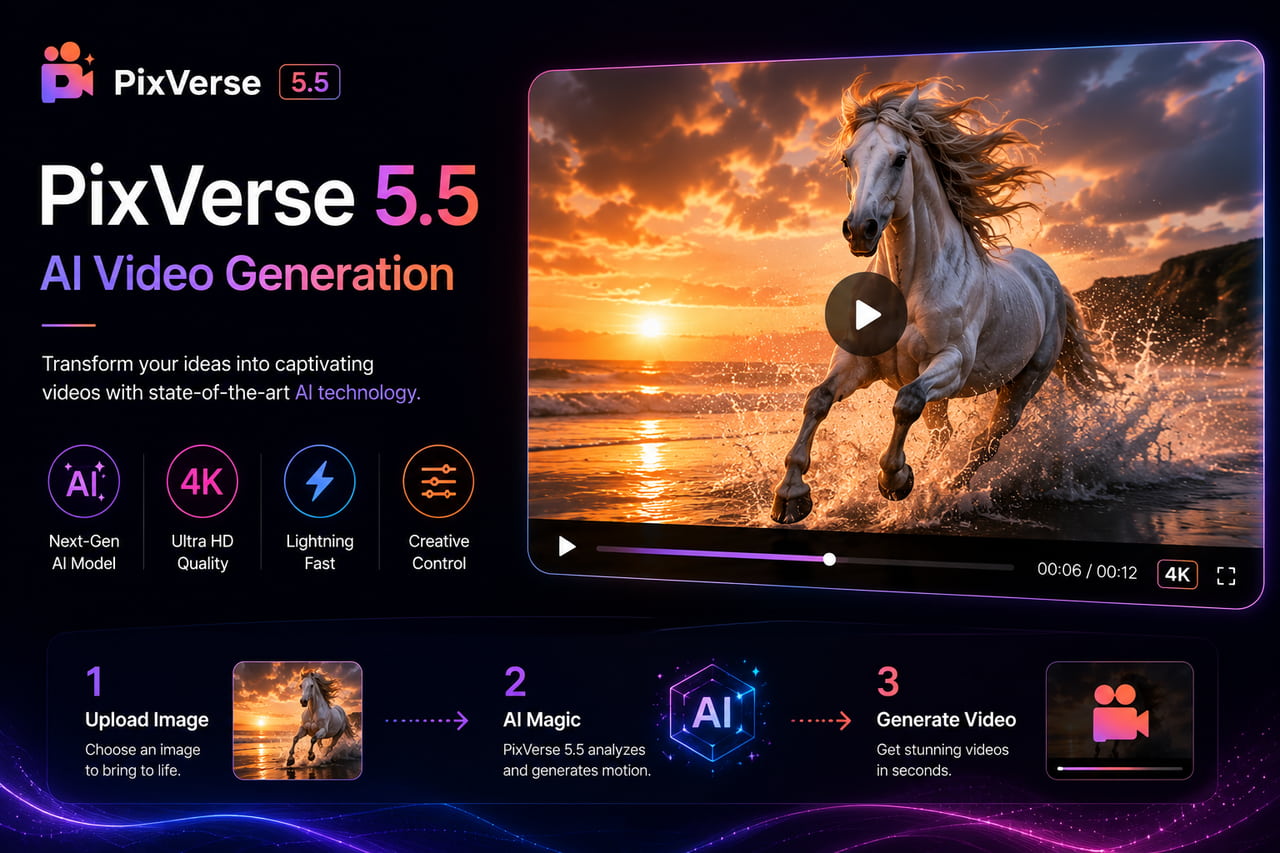
Best for: Quick social-ready clips where speed and visual impact matter more than cinematic depth or realism.
PixVerse 5.5 occupies the fast and visually punchy end of the market. Daily credit refresh on the free tier, no watermark on free output, and generation speeds that suit high-volume social content creation. It is not a tool for detailed character work or physics-accurate scenes, but for creators who need a consistent flow of social video with strong visual energy, PixVerse delivers that without requiring a paid plan.
Key Features
-
Daily credit refresh with no output watermark on free exports.
-
Fast generation optimized for short social clips at standard social platform resolutions.
-
Style presets for quick visual direction without detailed prompting.
-
Supports image-to-video and text-to-video in the same interface.
-
Simple upload-and-generate workflow with minimal configuration.
Pros
-
Daily refresh without watermark makes it a practical ongoing free option for social creators.
-
Generation speed is strong for short-form social content where turnaround time matters.
-
Style presets reduce the time needed to achieve a consistent visual direction across multiple clips.
-
Accessible interface works well for creators who are new to AI video generation.
Cons
-
Motion quality and cinematic depth are below Kling, Runway, and Veo for anything requiring photorealism or complex physics.
-
Limited advanced controls: not suitable for multi-shot narrative work or content requiring character consistency.
Pricing
Free daily credit refresh with no watermark. Paid plans available.
10. WaveSpeedAI
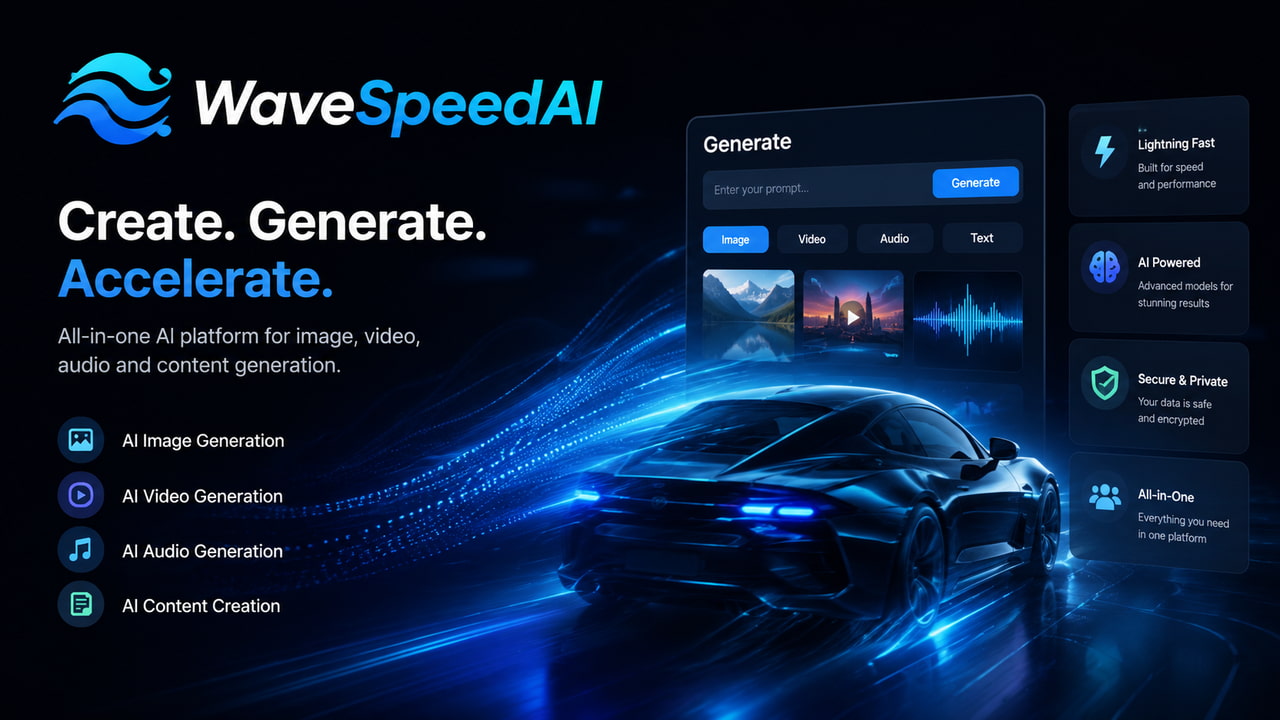
Best for: Creators who want access to multiple frontier models including Kling, Veo, Sora, and Wan from one dashboard without managing separate subscriptions and billing accounts.
WaveSpeedAI aggregates multiple frontier AI video models into one dashboard. Instead of managing separate subscriptions to Kling, Veo, Runway, and Wan, you access them all through one account with unified credit billing. Starter credits on signup cover generations across multiple models, making it the most practical entry point for comparing output quality across different tools before committing to a primary model.
Key Features
-
Multi-model access: Kling, Veo, Sora, Wan, and others from one interface and billing account.
-
Starter credits on signup covering multiple model generations for initial testing.
-
Unified credit system eliminates the need to manage separate subscriptions across platforms.
-
Side-by-side comparison workflow: generate the same prompt across different models to compare output.
-
API access for developers building multi-model video generation pipelines.
Pros
-
Only tool that gives genuine multi-model access from one account: no need to sign up and manage billing separately for each tool.
-
Starter credits cover multiple model generations, making initial testing across tools practical.
-
Side-by-side generation is the fastest way to identify which model suits a specific shot type.
-
API consolidation is valuable for developers building pipelines that need model flexibility.
Cons
-
Credit costs reflect the underlying model pricing, which means top-tier generations can add up quickly on high-volume workflows.
-
The aggregator layer adds latency compared to accessing models directly through their native interfaces.
Pricing
-
Starter credits on signup. Per-generation billing based on underlying model rates.
Best Free AI Image to Video Generator: Which Free Tiers Are Actually Usable
Most free tiers are either crippled by watermarks, resolution caps, or credit limits that run out before you can properly evaluate the tool. Here is the honest picture across all ten tools tested.
|
Tool |
Free Credits |
Watermark |
Max Resolution |
Daily Refresh |
Output badge |
Verdict |
|---|---|---|---|---|---|---|
|
Kling 3.0 |
Daily credits |
None |
720p |
Yes |
None |
Most generous ongoing free tier |
|
Pika 2.5 |
80/month |
Yes (480p) |
480p |
Monthly reset |
Watermark on free |
Good monthly volume, limited quality |
|
Zawa |
5s preview per clip |
None |
1080p preview |
Yes |
None |
Best try-before-you-pay; commercial use |
|
HaiLuo |
Daily credits |
None |
720p |
Yes |
None |
Fastest processing under 2 min |
|
Luma Ray3 |
30/month |
None |
720p |
Monthly |
None |
Limited but consistent quality |
|
Runway Gen-4.5 |
125 lifetime |
Watermark |
720p |
No refresh |
Watermark on free |
Trial only, no renewal |
|
Wan 2.7 |
Open source |
None |
Unlimited |
Unlimited |
None |
Free if you have 24GB VRAM GPU |
|
WaveSpeedAI |
Starter credits |
None |
720p |
No |
None |
Multi-model access from one account |
|
Veo 3.1 |
Google AI credits |
None |
1080p |
Limited |
None |
Available via Gemini; regional limits |
|
PixVerse 5.5 |
Daily credits |
None |
720p |
Yes |
None |
Quick social clips, fast generation |
Bottom Line on Free Tiers
-
For daily free use without watermarks: Kling's daily refresh is the most sustainable ongoing free option.
-
For ongoing volume without paying: Pika's monthly credit reset suits regular content production, though the 480p watermark limits delivery quality.
-
For trying before buying: Zawa's free 5-second preview lets you check motion quality on your specific image before committing to a download.
-
For trying multiple models at once: WaveSpeedAI starter credits cover more ground than any single-tool free plan.
How to Get Better Results From Any AI Image to Video Generator
The model matters less than most creators think. Prompting technique and source image quality drive more of the final output quality than the choice of tool. These three habits improve results across every generator on this list.
Start With a High-Quality Source Image
Low-resolution or compressed input images produce softer, more artifact-heavy video regardless of which model processes them. Ideal input is a sharp, well-lit image at minimum 1080p with clear subject definition and no existing compression artifacts. For product images, clean backgrounds and consistent lighting give the AI's physics engine better reference data for shadow and reflection behavior. If the source image looks soft, the generated video will look worse.
Prompt Like a Director Not a Describer
Describing what something looks like produces generic motion. Describing camera behavior produces intentional results. Use cinematography language: dolly in, slow pan left, rack focus, crane shot, orbit. On motion intensity, most 2026 models set to maximum produce warping and melting artifacts. A setting of 3 or 4 on a 10-point scale produces the most consistent results for realistic content. For multiple clips with consistent characters, use the same reference image and lock the camera movement style across generations.
Match the Model to the Shot Type
Running the same image through two or three models before committing is the most reliable way to pick the right output for a specific shot. As a starting guide:
-
Physics-heavy shots (water, smoke, cloth): Runway Gen-4.5 or Kling 3.0
-
Portrait and face consistency: Kling 3.0, HaiLuo, or Zawa
-
Stylized and atmospheric effects: Pika 2.5
-
Unrestricted creative prompts: Wan 2.7
-
Cinematic landscape and environmental: Veo 3.1 or Luma Ray3
-
Motion animation plus voice-synced portrait in one workflow: Zawa
FAQs
What is the best AI image to video generator in 2026?
Kling 3.0 leads on overall motion quality and character consistency. Runway Gen-4.5 is the strongest for filmmakers who need camera control. Zawa is the best pick for anyone who wants browser-based generation covering both motion animation and talking portrait without installing anything.
What is the best free AI image to video generator?
Kling's daily credit refresh is the most sustainable for regular free use with no watermark. Pika 2.5's monthly credit reset suits creators who need ongoing volume. Zawa's free 5-second preview lets you check output quality on your specific image before paying. Among the best free image to video AI generator options, Kling delivers the strongest ongoing free access.
What is the difference between image to video AI and text to video AI?
Image to video tools take a still image as the starting frame and animate it according to a motion prompt. Text to video generates the visual content entirely from a written description with no reference image. Image to video produces more consistent and controllable results when character or product fidelity matters because the visual reference is locked from the start.
How long are AI-generated image to video clips?
Most tools generate clips between 4 and 10 seconds. The 4 to 5 second range is the current standard because it balances 1080p resolution with motion consistency. Kling 3.0 now supports up to 15 seconds in a single pass. Clips above 10 seconds from most other tools still suffer from temporal drift and hallucination artifacts.
Can I use AI-generated video commercially?
Raw AI-generated video cannot be copyrighted in most jurisdictions. For commercial use in 2026, document the multi-step process of generation, frame editing, and adjustments to establish creative control over the final output. Always check the terms of service for each specific tool as commercial licensing varies by platform. Zawa explicitly permits commercial use on all generated videos.
Why does my AI-generated video look soft or blurry?
Two common causes: the source image was low resolution or compressed before upload, or the free tier capped output at 720p. Zawa Video Enhancer can upscale the generated clip to 1080p or 4K and reduce compression artifacts from the generation pipeline without requiring a re-generation. Find it at zawa.ai/video-enhancer/edit.
You May Be Interested

Create TikTok Video Ads with AI: Generate High-Converting Ads in Minutes

20 Seedance Prompts for AI Video Creation: Ready-to-Use Examples

10 Best AI Video Enhancers to Upscale Your Videos

15 Best AI Video Generators in 2025

5 Tools to Extract & Convert Images to Text

Gemini Images Too Blurry? Here’s How to Make Them Crystal Clear in Seconds