Best AI Menu Generator for Businesses
Compare leading AI menu generators for restaurants and small businesses. See how Canva, Fotor, Zawa, Tastewise, and ChatGPT differ in design, branding, copywriting, insights, pricing, editing, and export options before choosing the right tool for you.

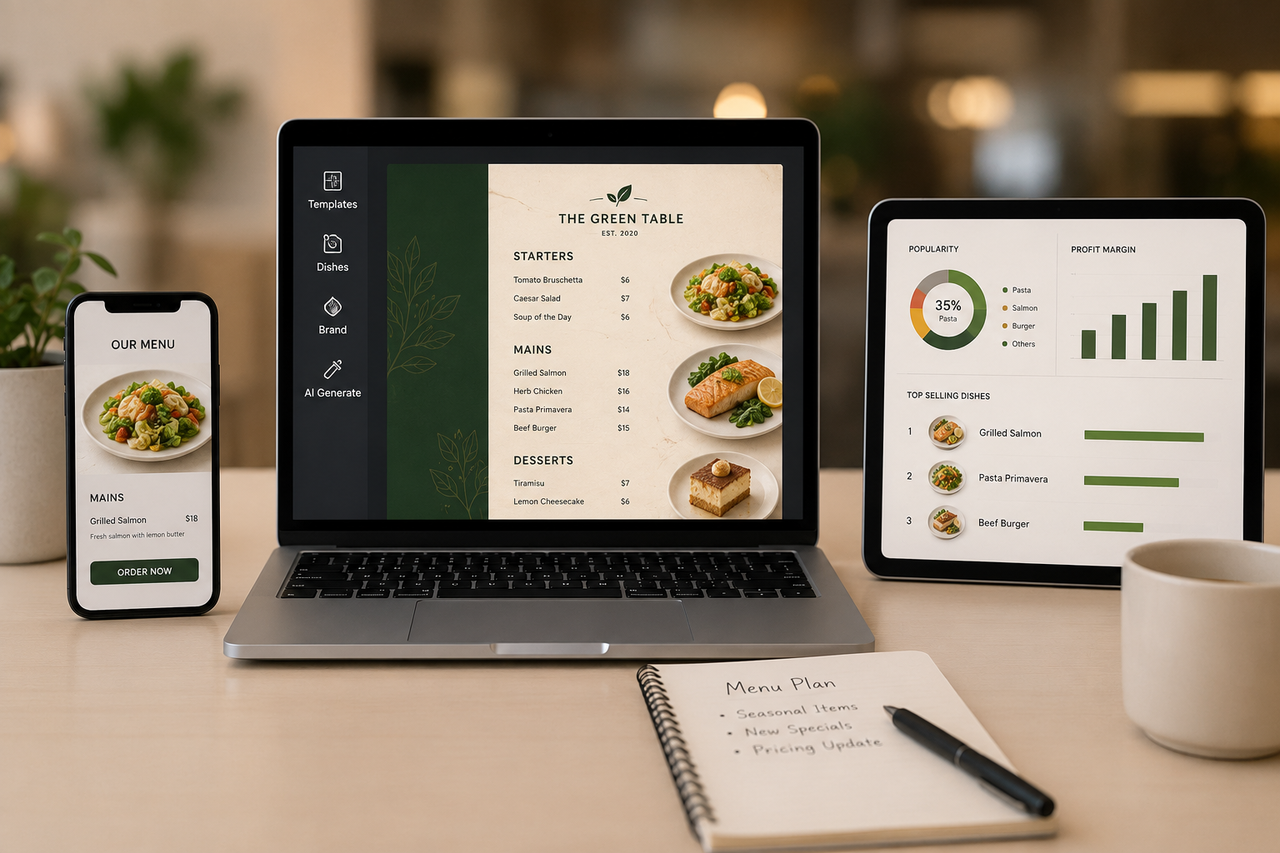
The best AI menu generator for most food businesses creates an editable menu and lets you correct every dish name, price, photo, and brand detail before export. Canva works well for template editing, Fotor produces fast visual drafts, Zawa focuses on branded menu creation, Tastewise supports menu ideas with food data, and ChatGPT is useful for writing. The best AI menu generator depends on your goal. Some tools focus on menu design, while others help with menu planning, copywriting, or food trend analysis.
What Can an AI Menu Generator Do?
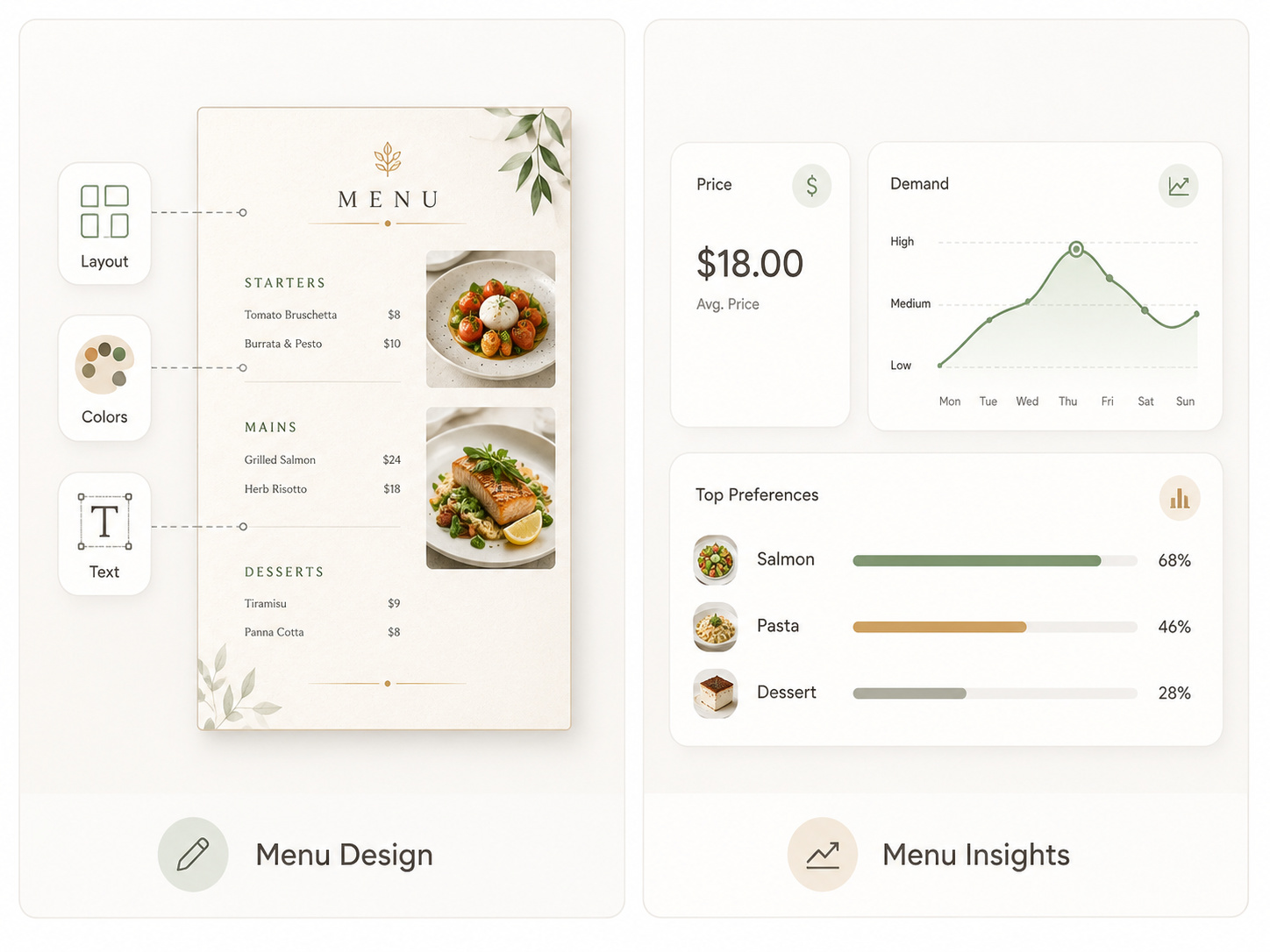
The term AI menu generator covers two different types of tools. One type creates the menu customers see, including its layout, colors, text, and images. The other type analyzes business data to support menu decisions.
Create Menu Designs and Layouts
The first type is an AI menu design generator. It helps create the visual menu that customers read in a restaurant, on a phone, or on a printed page. You provide dish names, prices, descriptions, a logo, and basic style instructions. The tool then creates a draft with menu sections, fonts, colors, and image placement.
These tools are useful when you need to:
Build a new menu without starting from a blank page
Update prices or seasonal dishes
Keep colors and fonts consistent
Prepare files for print or online use
The first result is only a draft. Check every dish name, price, image, and section before publishing. A useful AI menu generator should let you edit individual details without creating the entire menu again.
Provide Menu Intelligence and Insights
The second type is an AI menu intelligence tool. It focuses on the business decisions behind a menu rather than the final page design. These platforms may study food trends, sales records, ingredient costs, customer preferences, or product performance.
They can help answer questions such as:
Which flavors or dishes are gaining interest?
Which items sell well but produce a low margin?
Which menu concepts may fit current customer demand?
Which products may need a price or recipe review?
The quality of the answer depends on the available data. To know your current ingredient costs, local sales, or customer behavior, you should provide accurate information from your restaurant or a trusted market database.
Traditional Menu Planning vs AI Generation
Both methods can produce a usable menu. The main difference is how the first draft is created and updated. The precise comparison is on the table.
Best AI Menu Generator for Business
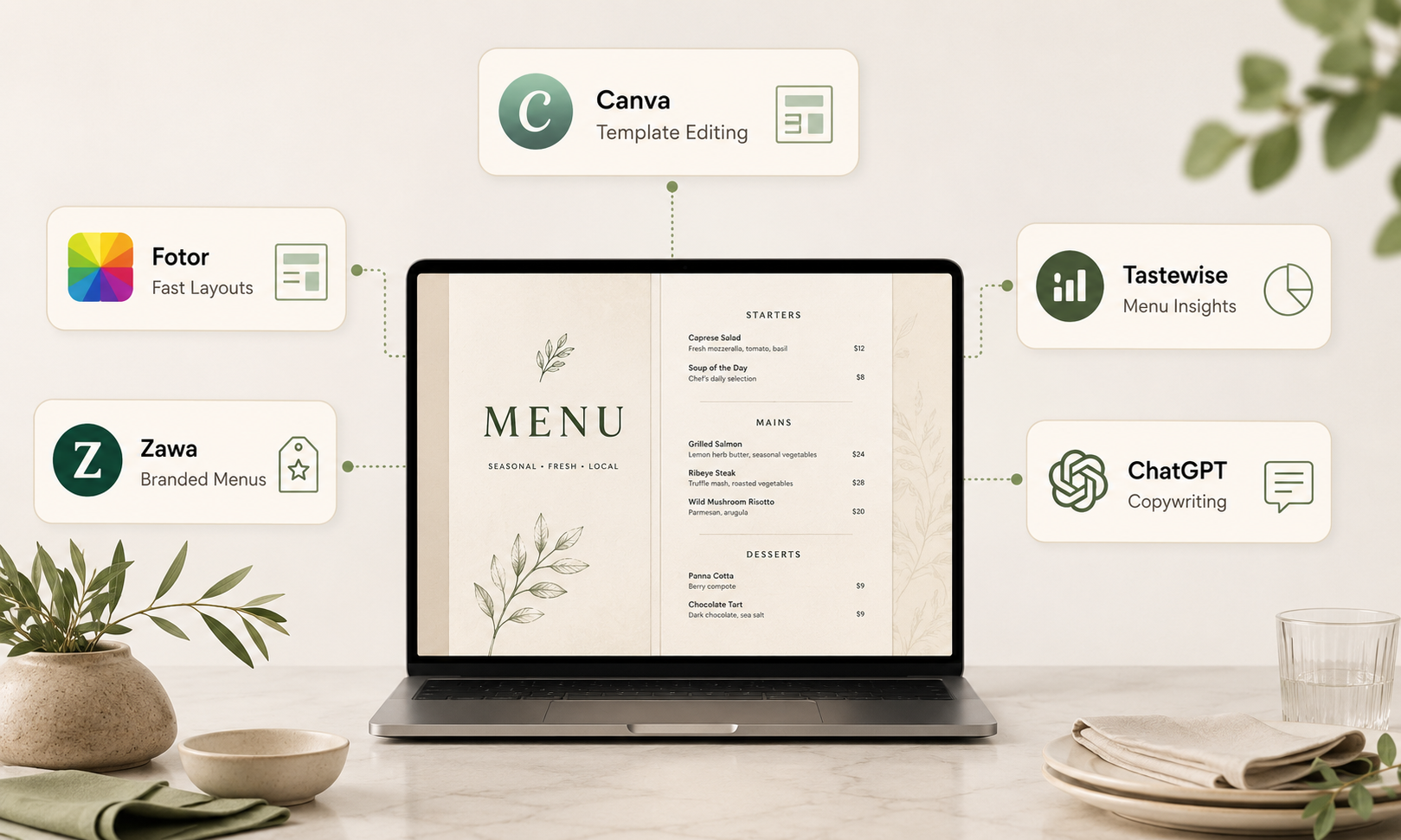
The five tools below cover different parts of menu creation. Product functions and pricing models can change, so confirm current plan details before paying. The role of AI becomes clearer when you look at how AI supports food-business workflows.
Canva: Best for Template Editing
Canva is practical when you want to begin with a designed template and change it yourself. Its menu maker includes drag-and-drop editing, stock visuals, AI content tools, and collaboration. You can replace text, upload photos, adjust colors, and prepare a design for digital or print use.
It does not provide restaurant sales analysis or ingredient-cost advice, so it works best when you already know your menu content. The free plan supports basic work. Paid plans add premium content, more AI access, and brand controls.
Fotor: Best for Fast AI Layouts
Fotor can create a menu image from business information and menu text. Its AI menu page says the tool handles layout, typography, alignment, margins, and color choices. Users can edit text, fonts, photos, and design elements afterward.
This is useful when speed matters. The free Basic plan includes limited credits. Paid plans provide more AI use and watermark-free downloads. Fotor describes generated menu designs as royalty-free, though users should check current terms and any uploaded assets before commercial use.
Zawa: Best for Branded Business Menus
Zawa is a practical choice for businesses that want a menu that reflects their brand without building every layout from scratch. Add your dishes, prices, logo, and preferred style, then generate an editable menu design.
You can refine colors, fonts, images, and spacing for a restaurant, café, bakery, or food truck. The workflow also makes seasonal item changes and price updates easier while keeping the visual style consistent.
When the content is ready, use Zawa to create your business menu for print or online use. It supports high-resolution PNG or JPEG files, PDF, and HTML exports. Pricing follows a free and credit-based structure. Frequent generation may require a paid plan.
Tastewise: Best for Menu Innovation
Tastewise uses food and beverage data to support trend research, concept development, and menu innovation. A team can explore growing flavors and develop ideas with more context than a general writing prompt provides.
The platform uses custom pricing based on modules and market coverage. That structure fits restaurant groups and food teams needing ongoing research. A single-location café may find a visual generator easier to budget.
ChatGPT: Best for Menu Copywriting
ChatGPT is useful for naming dishes, shortening descriptions, grouping items, rewriting unclear text, and creating first drafts in a chosen tone. It can also suggest a basic structure or create image concepts.
Precise print control is limited compared with a dedicated design editor. Copy may contain invented ingredients, claims, or prices when the prompt is incomplete. Supply exact facts and review every line.
ChatGPT has a free plan and paid subscriptions. It works well beside a visual menu tool when the main task is improving words.
How to Choose an AI Menu Generator
Start with the menu problem you need to solve. A visual generator may be enough when you need a printable layout. A restaurant with detailed sales and cost records may gain more value from an intelligence platform.
Define Your Main Menu Goal
Choose one main job before comparing tools. A new café may need a polished one-page layout. A food truck may need fast price updates. A restaurant group may need research linked to sales and cost information. Start with the result you must publish. Then remove tools that focus on a different problem. This keeps a simple design project from turning into a costly software search.
Check Data and System Integrations
A tool cannot provide dependable sales or margin advice without dependable inputs. Restaurant365 and Tastewise both describe connected business or demand data as a core requirement for deeper menu recommendations.
Look for POS, inventory, recipe-costing, or customer-data connections when you expect operational recommendations. In contrast, a visual menu generator usually does not need these integrations. It needs accurate content and branded assets from you.
Review Editing and Export Options
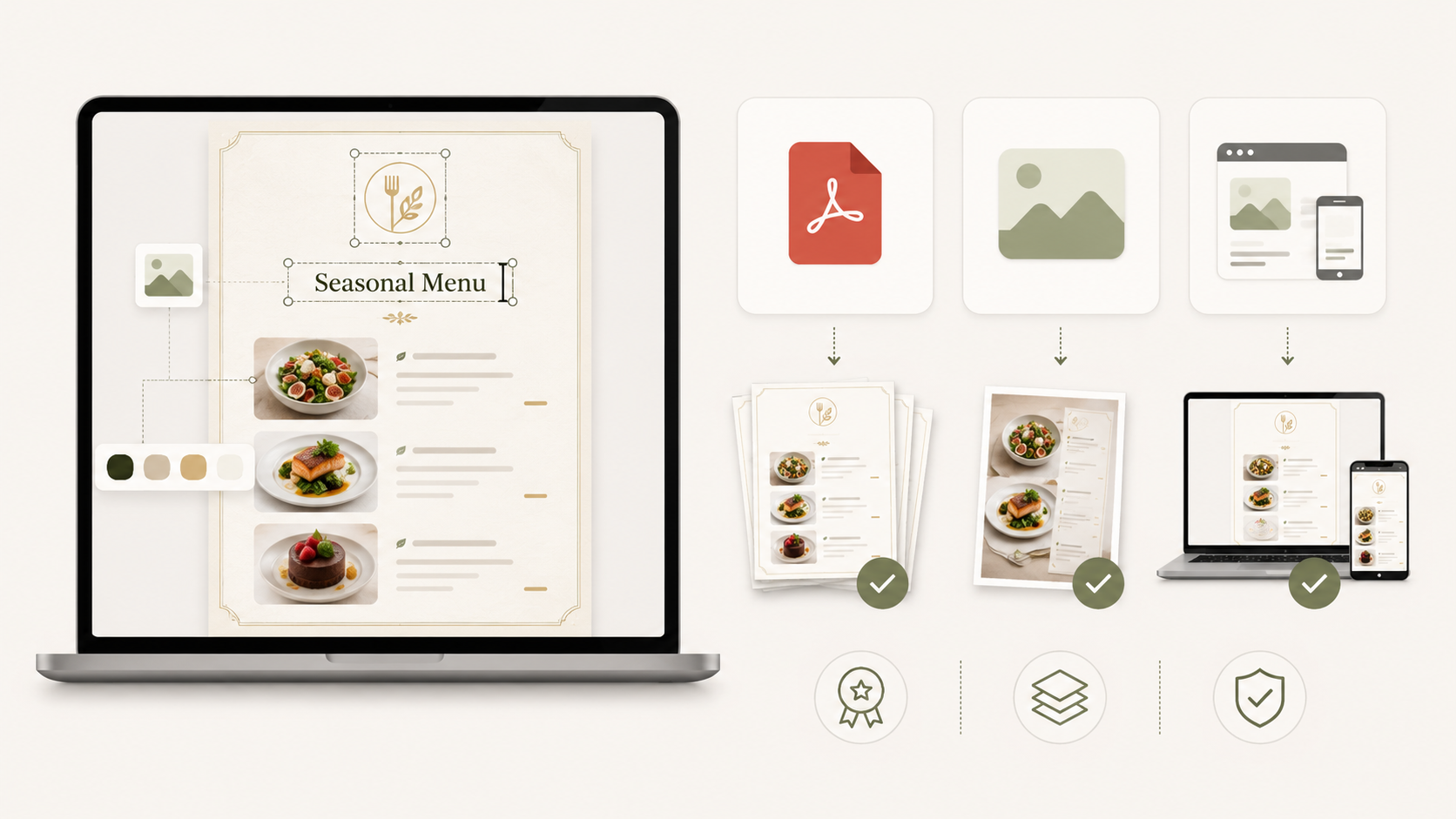
Confirm that you can change menu text after generation. Dish names, descriptions, and prices should remain editable. Check support for your logo, fonts, colors, and food photos.
A printed menu may need a high-quality PDF. Online channels may use images or web formats. Check watermarks, resolution limits, page sizes, and whether a multi-page menu stays consistent.
Compare Cost, Scale, and Ease of Use
Free access is useful for testing, though it may limit credits, premium assets, resolution, or downloads. Subscriptions suit regular updates. Custom pricing is common in platforms that include restaurant data and team workflows.
Build one real menu before choosing a plan. Include your longest item name, smallest price text, logo, and one photo. The test will show whether editing feels easy and whether the final file works.
How to Create Your Menu With AI
Clear input produces a more useful menu draft. Prepare your menu information and brand materials before opening the tool. Then describe the design, generate a first version, and review each detail before downloading or publishing it.
Gather Your Menu Details First
Prepare exact dish names, current prices, section order, short descriptions, and verified dietary information. Add your logo, colors, and any fonts you have permission to use.
Use real photos when customers need to see the item they will receive. Basic food photography practices can improve lighting, framing, and consistency before images enter the layout. Keep source files in one folder. This reduces errors during seasonal updates.
Describe the Menu Style You Want
Use plain instructions with specific visual details. Include the business type, page size, number of sections, colors, logo placement, and intended use.
A useful prompt could say:
Create a one-page café menu with warm neutral colors, clear prices, large section headings, room for one logo, and no invented dishes. Keep the smallest text easy to read on a phone.
Avoid vague requests, such as make it professional. The tool needs visible choices it can apply.
Generate Your First Menu Draft
Paste verified menu content into the tool and create one or two versions. A menu maker can help you compare layout directions without manually placing every item. Then review the section order, missing items, repeated text, and price accuracy. Correct the source content first when the same error appears in several drafts.
Refine the Layout and Brand Details
Choose the clearest draft and edit it in small steps. Make section headings easy to scan. Keep prices close to the correct prices for the dishes. Remove decoration that competes with menu text.
Check the logo, colors, and image style against other customer materials. Test the menu on a phone and print one copy at the actual size.
Ask someone who did not build the menu to find a dish, its price, and any allergy information. Their result gives you a simple usability check.
FAQs
Can ChatGPT Design a Restaurant Menu?
Yes, with limits. ChatGPT can draft menu text, organize sections, and create visual concepts. A dedicated editor provides more control over spacing, editable text, page size, and print export. Verify every price and dish detail.
Can AI Generate Food Photos for a Menu?
Yes. AI can create or edit food images from prompts. Generated food may differ from the actual dish, so use real photos when accuracy affects customer expectations.
Are AI-Generated Menus Copyright-Free?
Not always. Tool terms may allow commercial use, while U.S. copyright protection depends on human authorship. Pure AI output may lack protection. Original human selection, arrangement, or edits can qualify depending on the work.
Can AI Translate a Restaurant Menu?
Yes. AI can translate menu text quickly and adjust tone. A fluent reviewer should check dish names, ingredients, allergy wording, and local usage before publishing. Extra review matters when an error could affect health or compliance.
Conclusion
The best AI menu generator depends on the work you need to complete. Canva is strong for template editing, Fotor creates fast visual drafts, Zawa helps keep branded menus consistent, Tastewise supports data-informed ideas, and ChatGPT improves copy.
Test one real menu before paying. Choose a tool that keeps items editable, supports the right export, and makes factual review easy. AI can shorten the first-draft process, while the final menu still depends on accurate business information and human approval.
You May Be Interested
140+ Facebook Bio Ideas: Short, Professional, Unique, and More
100+ Good Quotes for Instagram Bio (Copy & Paste Ideas)

100+ Mother's Day Quotes to Celebrate Mom

100+ Trending Instagram Bios for Boys to Upgrade Your Profile

105 Independence Day Trivia Questions 2026