
How To Write Unique Fantasy Plots Using an AI Tool
Discover how AI can help you generate creative fantasy plots, overcome writer’s block, and turn simple ideas into immersive fantasy stories with step-by-step guidance.


A fantasy story holds the attention of readers with its magical words. This imaginative writing has the power to engage with some interesting adventures. But creating fantasy plots is not easy. It may take time to imagine the best fantasy plots. However, one thing can save you time. We can see that AI is making things easier for everyone. It is also helping writers to create unique fantasy plots to move beyond ideas. So, try a fantasy plot generator to get into some fresh ideas and unexpected twists.
Many writers find it overwhelming to use the AI tools correctly. This blog will help you in the best way. Get ready to explore how writers can use AI tools effectively to craft original fantasy plots. Keep your creativity alive!
Understanding Fantasy Story Plots
Firstly, see what a “fantasy story plot” is. Generally, it revolves around imaginary worlds and magical elements. These scenes are full of extraordinary adventures. A fantasy plot in the story can transport a reader beyond reality. It takes you to an imagination full of wonder and unique experiences. So, you get the idea that a fantasy story plot provides people with something exciting to read about the compelling characters. This whole genre gets driven by creativity.
What Makes a Fantasy Plot Engaging
Some elements make a fantasy plot engaging. It can attract the readers to go deep into the imaginary worlds. The following are a few elements of a fantasy plot:
It begins with an imaginative setting.
A conflict of good and evil makes the story compelling.
Many stories have character-driven quests.
Unexpected twists and discoveries keep the readers engaged.
Why Writers Are Using AI for Fantasy Plot Creation
Modern writers are using innovative tools to produce the best writing work. Fantasy writing demands incredible imagination and trendy storytelling. Many writers use a fantasy plot generator to discover new plot possibilities. Check more reasons!
Faster Idea Generation
An AI tool creates the fantasy plot faster. The platform can even generate multiple story concepts within seconds. AI enables writers to explore different possibilities. For example, magical kingdoms and mysterious artifacts. You will get the new and unusual hero stories faster in one click with AI for your fantasy plot.
Overcoming Writer’s Block
One main reason that writers use AI for fantasy plot creation is that it helps with writer’s block. AI tools will provide you with the prompts to get started. Writers can get the suggestions and alternative direction in a few minutes. The high creativity level of AI will help you tackle the difficulties and write better.
Creative Brainstorming Partner
AI is a tool that can become your brainstorming partner. It can mix the themes and characters for you. And writers can use it to experiment more. It leads to unique story concepts and more imaginative plot developments. These will improve the essence of your fictional stories.
Guide to Writing Unique Fantasy Plots Using AI
This is the main section that contains the complete guidance on writing a unique fantasy plot with the help of AI. The following steps will make you learn how to make the best use of AI to create fantasy plots.
Step 1: Define Your Fantasy World
The starting point for writers is to define the environment where they want their stories to unfold. You can think of the locations like a kingdom above the clouds. Or you can imagine some place as a futuristic world. You can use an AI tool to expand such ideas. They will recommend the cultures or magical systems. It will define the world for you that will feel detailed and immersive.
Step 2: Create Original Characters
The next thing to follow is to create the original characters for your fantasy plot. You can use AI tools to brainstorm the unique personalities for a hero of the story. Also, create the villains or loyal supporting allies to make your story more interesting. Try to focus on defining the goals or motivations of each character. The characters will create the emotional depth in the story. It will give a unique direction to the story.
Step 3: Generate Plot Ideas with AI Prompts
Now, generate the plot ideas for your story. Use the help of AI tools to generate a new fantasy plot. You can try to ask AI to suggest five unique stories. Or you can give a prompt to create a plot where the villain believes they are the true hero. One more example is to give a prompt to explore a magical artifact with unexpected powers. You must review the generated results carefully. Choose the idea that feels most original and interesting.
Step 4: Build the Main Conflict
A solid fantasy story required a powerful conflict. The conflict can include a kingdom facing destruction. Or, it can be a dangerous magical power threatening the world. You can use AI to explore more possibilities and their outcomes. Remember that the right conflict will create tension and urgency. The purpose is to drive the plot forward.
Step 5: Add Unexpected Plot Twists
The next step is to include the unexpected plot twist in your fantasy story. The fantasy plot generator will suggest unexpected turning events. For example, a mentor who is secretly working for the villain. Or, it may be a hero discovering that his powers come from some forbidden magic. So, choose the twist that will add depth to the story.
Step 6: Structure the Plot into Story Arcs
Now, you can organize the whole story as you have all the ideas in front of you. Writers must start with the beginning. A moment where the world and characters appear. Continue with the next actions as the hero faces challenges. Build your story towards the climax. The part where the main confrontation will occur. You can end with a resolution that shows how the world changes. AI can help here.
Step 7: Refine the Plot to Keep It Original
The last step is to refine the plot. It will make your story more unique. Review all your AI-generated ideas and eliminate the predictable elements. You can strengthen the character motivations and emotional stakes. You can make the setting and the story richer with AI. The personal creativity and storytelling will make the overall fantasy narrative seem believable.
Some Mistakes to Avoid When Using AI for Plot Writing
There are several mistakes that many writers make when they use an AI fantasy plot generator for their plot. An understanding of these mistakes can help writers use the AI more effectively. The following are some general possible mistakes with AI use for plot writing:
Relying Too Much on AI
One common mistake to observe is the overuse of AI. Writers sometimes rely on AI entirely to build their story. Yes, AI can generate interesting concepts. But it can not fully replace human creativity. The stories that are created completely using AI may feel repetitive in most sections. So, try to avoid depending on AI for writing your story.
Using Vague Prompts
Many times writers use unclear prompts to generate the fantasy plots. You need to understand that an AI tool gives you the best-quality results with detailed and specific instructions. A prompt like “give me a fantasy plot” often gives you generic results. So, the writers must include the characters and other settings correctly. A clear prompt guides your AI tool to give you creative results.
Ignoring Story Logic
Another mistake that users make is that they ignore the story logic. An AI tool may give you the magical plot, but internal consistency is still required. Many writers accept the AI-generated ideas without checking anything. And they face the issue of a story that doesn’t make any sense. So, you need to understand that your story must not break the logic of the world.
Skipping Character Development
A fantasy plot generator can give you a fantasy plot. But even a solid plot alone cannot carry a story. Characters are necessary to drive the emotional engagement and connection. The story will feel empty when writers ignore the character depth in a fantasy plot. So, you need to focus on developing a character that will convert a basic plot into a compelling fantasy narrative.
Zawa: Creating Images for Fantasy Stories
After writing the complete story, you may need the images for your fantasy stories. The right images in between the writing will make the overall narrative look more appealing. So, you can use Zawa to create the images that will turn your imagination into a visual representation. A writer with zero design skills can create the images in a few minutes. Some fantasy story elements that you can design using the tool are:
Character designs
Magical weapons
Maps of Fantasy Worlds
Fantasy Symbols or Emblems
Battle Scenes
Costumes and Armor
Conclusion
Fiction is one of the most loved genres for many readers. The writers put all their efforts into bringing something creative to their writing. But the fun ideas do not flow over time. The reason is the exhaustion it takes to think differently and deeply. A fantasy plot generator is a solution that can help modern writers. It can help in creating scenes that are unique and interesting. The use of AI in this innovation is becoming a useful solution for writers.
The writers may need the help of graphics to make their story visually appealing. The Zawa AI agent is a platform that can create stunning graphics for you. Try giving the idea of character and fantasy plots to Zawa. Add the details correctly, and the tool will generate a high-quality and relevant image for your fantasy stories.
Related articles

How to Eat Sushi Properly: Etiquette for Every Sushi Style
What Is 1080p? Full HD Resolution Explained

What Is an 8K Resolution? 8K UHD Explained

What Is Commercial Photography
Headshot Retouching: How to Get Natural Results
Retouching Wedding Photos: A Step-by-Step Editing Guide
Skin Retouching in Photoshop: A Natural-Looking Guide
Jewelry Photo Retouching: Make Product Images Stand Out
Fashion Photography Retouching Without Losing Skin Texture
E-commerce Photo Retouching: From Raw Shot to Product Page
Best Qr Code Generator for Restaurant Menus 2026

Video Resolution Guide: 720p, 1080p, 2K, 4K & 8K
How to Design a Menu Online
720p Video Resolution: What It Means and How to Improve It

Best Ai Photo Editor for Beginners Hobbyists 2026
Vegetarian Meal Prep Ideas for a Healthy Week
How to Retouch Photos on iPhone Without Overediting
What Is a Retouch? Photo Retouching Explained
Photo Editing vs Retouching Explained: Key Differences
Beverage Photography: Lighting and Styling Tips for Drinks
Canva Menu Maker vs ZaWa: Key Differences Explained
30 Best Wedding Menu Ideas to Wow Your Guests

How to Start a Food Truck Business
How to Create a Meal Prep Plan

What Is a Tasting Menu and How to Design One
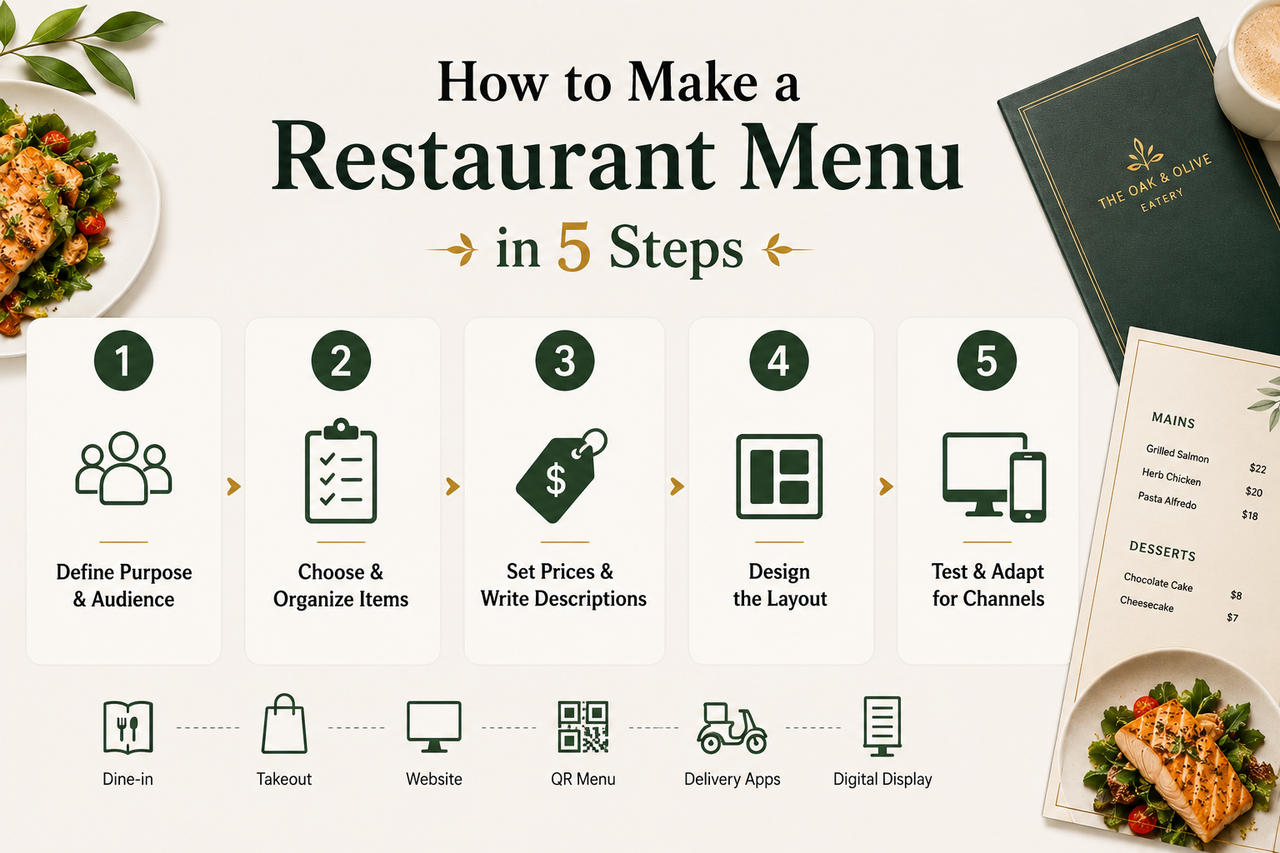
How to Make a Menu

How to become a food blogger

Food Ad Design Guide: How to Create Clickable Food Ads

How to Get a Perfect Coffee Photo

AI in the Food Industry: Practical Use Cases for Modern Food Businesses
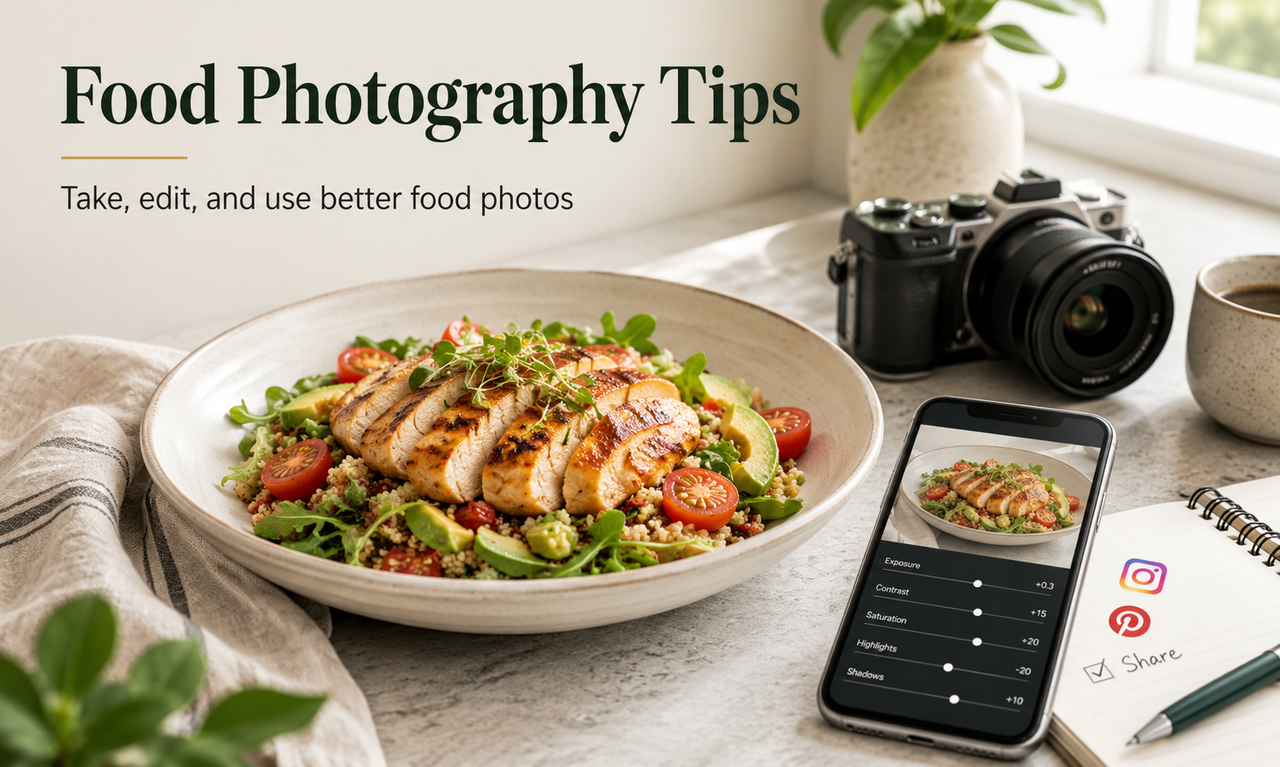
How to Take Good Food Photography

10 Best Instagram Follower Trackers to Grow Faster in 2026
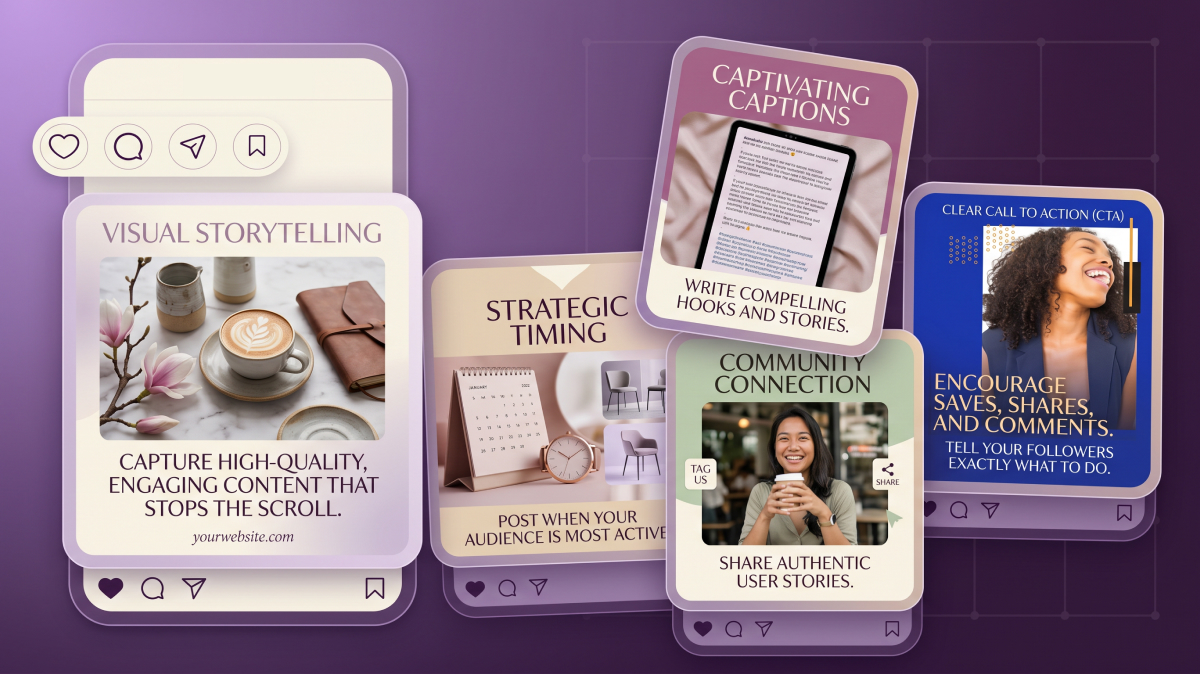
How to Create an Instagram Post that Gets More Likes: Proven Methods
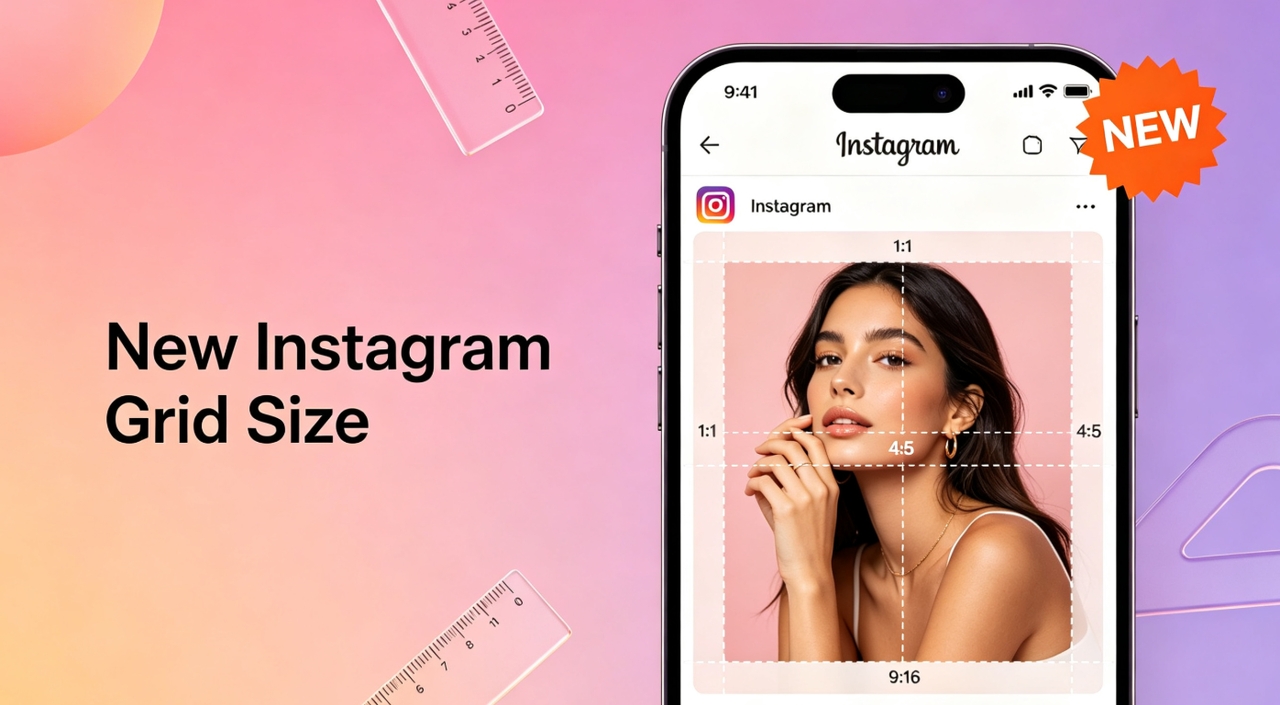
New Instagram Grid Size Guide - Optimization, Benefits, Design, Tips
How to See Who Shared Your Instagram Post to Maximize Engagement
How to Post Multiple Photos on Instagram - A Step-By-Step Guide
13 Best Fonts for YouTube Thumbnails
10 Best YouTube Thumbnail Ideas to Skyrocket Your Views
Best YouTube Thumbnail Size - Create Perfect Thumbnails
What Is a Carousel Post and How to Use It for Stunning Social Media Feeds

Fantasy Plot Generator: How to Write Unique Fantasy Story Plots Using AI

How to Craft the Perfect Instagram Bio in 2026: Tips, Mistakes & Tools

How to Use an AI Text Generator: A Beginner-Friendly Guide

AI Script Writing: How to Generate Professional Scripts with AI (Step-by-Step Guide)
2D Animation vs. 3D Animation: A Detailed Guide for 2026

2D logo vs 3D logo: Which One is More Impactful for Branding

Poster vs. Flyer: Key Differences Every Marketer Should Know

Pamphlet vs Brochure: A Complete Guide for Modern Businesses
The Difference Between Motion Graphics and Animation: A Detailed Analysis

Latest Logo Design Trends for 2026 Every Brand Should Follow

Logo Color Meanings and How to Choose the Best Color For Your Brand

Human vs. AI in Design: Who Really Creates Better Art?

How Wordmark vs. Lettermark vs. Brandmark Shapes Visual Identity

How to Make a Movie Poster That Grabs Attention in Seconds

How to Draw a Logo Easily: From Start to Finish

How To Design an Abstract Logo For Your Brand

How to Design a Personal Logo? A Complete Guide!

How to Design a Logo? Learn the Quick & Easy Steps

How to Choose the Perfect Poster for Your Bedroom

An In-Depth Guide on How to Make a Photography Logo

How to Design a Good Advertising Poster
Flyer vs. Brochure vs. Leaflet: What’s the Difference?

Emblem Logo That Tells Your Brand Story

Combination Logo: Everything A Brand Must Learn About This Powerful Logo Type

Choosing the Right Logo Font Generator for Your Business Style

14 Best Café Interior Design Ideas to Maximize Your Space and Brand

7 Best Bar Interior Design Ideas for a Modern Look

7 Best AI Packaging Design Tools to Transform Your Brand

8 Best AI Interior Design Tools to Redefine Your Living Space

9 Best AI Tools for Graphic Design

How to Create a Logo for Bakery Business

9 Types of Logos You Must Know Before Designing

50 Famous Logos in the World and What Makes Them Timeless

45 Brand Color Palette Examples To Consider For Businesses

The Ultimate Guide to Remove Shutterstock Watermarks from Images

What is the Difference Between Graphic Design and Animation: A Detailed Guide for Beginners

What Are the Top Sources for Logo Design Inspiration

The Ultimate Guide For Restaurant Interior Design

What Is a Pictorial Mark Logo and 30 Famous Examples

What Makes a Good YouTube Thumbnail That Stops the Scroll
60+ AI Art Styles to Transform Your Prompts into Masterpieces
5 Free AI Random Image Generators—Generate Unique Images Instantly Online

8 Best Image-to-Image AI Generators: Transform Existing Photos with AI

100+ Free Stable Diffusion Prompts to Generate Amazing AI Art

How to Turn Any Sketch into a Digital Image Using AI

Image to Drawing with AI for Sketches, Line Art, and Illustrations
6 Free Art Prompt Generators

5 Tools to Extract & Convert Images to Text

15 Top AI Art Generators to Create the Best Masterpieces

How to Write AI Art Prompts to Get Desired Results?

How to Design a Logo for Your Coffee Shop: Tips, Tools, and Ideas

How to Create Iconic Wedding Logos with AI

How to Create Restaurant Logos That Attract Customers

How to Create Logos for Websites

How to Create Logos for a Barber Shop

How to Create Logos For a Hair Salon?

Best YouTube Logo Makers

Best Restaurant Logo Design Ideas to Make Your Brand Stand Out

25 Best Fashion Logos We've Ever Seen and the AI That Creates Logos
20 Best Lettermark (Monogram) Logos in the World

12 Trusted Green Logo Examples Used by Successful Brands

The Complete Wordmark Logo Design Guide

Mascot Logo: An In-Depth Guide a Brand Must Check

How to Instantly Create Free Store Logo Mockups

30 Best Restaurant Logos We've Ever Seen and How to Create Yours
Why a PNG Logo Maker Is a Must for Modern Branding

What Makes a Good Logo? Tips, Rules, and More

Replicate Any Poster You Love Instantly

9 Best AI Poster Design Tools to Try in 2025

Best Poster Design Ideas: Creative Concepts and AI Tools for 2026

35 AI Image Prompt Examples: How to Get Outstanding AI Images
