
What Is 1080p? Full HD Resolution Explained
Wondering what is 1080p? This guide explains Full HD resolution, compares it with 720p, 1440p, 2K, and 4K, and shows how bitrate, frame rate, compression, screen size, and source quality affect clarity, storage, playback, and video performance today.

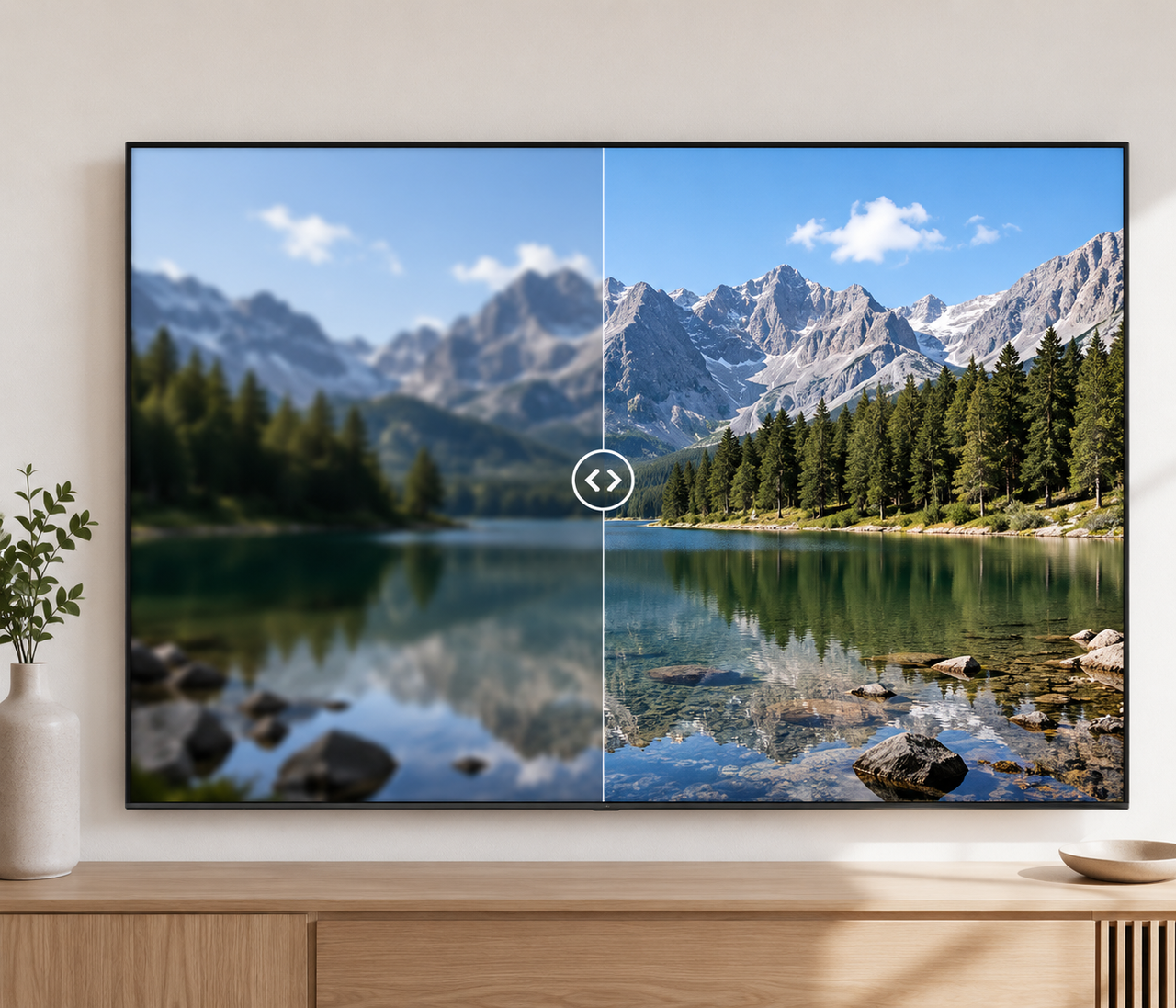
1080p is a Full HD picture format with 1,920 pixels across and 1,080 pixels from top to bottom. The letter “p” indicates progressive scanning, which displays a complete image during each frame. For someone choosing a display, recording a video, or setting export quality, 1080p still offers clear detail without the heavier processing and storage needs of 4K.
What Is 1080p Resolution?
1080p is one of the most familiar video labels, yet the name combines several technical ideas that are easy to confuse. Understanding what it represents helps you read display specifications, choose recording settings, and compare video files without assuming that a higher number always produces a better-looking result.
What Does 1920 × 1080 Mean?
The first number describes width. The second gives height. A 1920 × 1080 image therefore contains 1,920 columns and 1,080 rows. These dimensions describe how much spatial information the frame can hold. They do not reveal whether the camera was in focus or whether the video was heavily compressed.
| Specification | 1080p value |
| Width | 1,920 pixels |
| Height | 1,080 pixels |
| Total pixels | 2,073,600 |
| Aspect ratio | 16:09 |
| Pixel shape | Square |
| Common name | Full HD or FHD |
What Does the “P” in 1080p Stand For?
The “p” stands for progressive. Each 1080p frame contains all 1,080 active lines. The ITU standard distinguishes this from interlaced capture, which divides picture information between alternating fields. Progressive video generally avoids the interlacing lines that may appear around moving subjects when older footage is displayed without proper processing.
Why Is 1080p Called Full HD?
Full HD is the common consumer name for 1920 × 1080 resolution. FHD is its shortened form. The label helps distinguish it from 1280 × 720, which is commonly called HD or 720p. Full HD describes the pixel dimensions. It does not guarantee a sharp image by itself.
Where Is 1080p Resolution Commonly Used?
1080p became a practical default because it works across a wide range of hardware, software, and internet connections. It is detailed enough for many everyday viewing needs while remaining easy to record, edit, upload, and play. That balance keeps Full HD relevant even as higher resolutions become more common.
Streaming and Online Video
Video platforms commonly provide a 1080p playback option when the uploaded file and the viewer’s connection support it.
YouTube accepts standard frame rates such as 24, 30, and 60 frames per second. Its player also adapts to vertical or square uploads, so a video does not need to use a horizontal 16:9 layout.
TVs and Computer Monitors
Full HD panels are still sold for general computing, streaming, and entry-level gaming. On a native 1080p display, one video pixel can map directly to one screen pixel when the source is also 1920 × 1080.
A lower-resolution source must be enlarged. A higher-resolution source must be reduced or scaled by the device.
Gaming
A 1080p game frame contains about 2.07 million pixels. A 4K UHD frame contains about 8.29 million. The graphics processor has fewer pixels to render at 1080p, which can make higher frame rates easier to reach on the same computer. Game settings and hardware still have a major effect on actual performance.
Cameras and Webcams
1080p is available as a recording mode on many cameras and webcams. It works well for calls, lessons, personal recordings, and videos that will mainly appear inside an app or browser window.
Capture quality still matters. Low light can create noise, while missed focus can make a true 1080p recording look soft.
Personal Video Editing
Full HD timelines place less pressure on storage and playback hardware than comparable 4K projects. That makes 1080p useful for editing on an older laptop or a device with limited storage. The online video tools collection separates tasks such as video enhancement, format conversion, and background removal when a project needs more than basic editing.
The Pros and Cons of Staying with 1080p
Staying with 1080p can be a sensible choice when your source material, display, and delivery platform do not benefit from a higher resolution. The decision should consider the complete viewing and editing workflow. Full HD remains efficient, though its limits become clearer when the finished image needs substantial enlargement or reframing.
Lower Storage and Bandwidth Requirements
Resolution affects how much detail an encoder may need to preserve. File size is controlled more directly by bitrate and duration.
A one-hour video encoded at 8 Mbps contains about 3.6 GB of video data when calculated with decimal units. Raising the bitrate to 12 Mbps increases that figure to about 5.4 GB. Audio and container data add a small amount.
Better Performance on Older Devices
Playing or editing fewer pixels usually requires less processing. A computer that struggles with several 4K video layers may remain responsive with a Full HD timeline. Hardware decoding, effects, and the selected codec also influence performance.
Less Detail on Large Screens
The pixels become physically larger when 1080p fills a larger display. Their structure can be easier to notice when the viewer sits close.
The ITU describes HDTV viewing at roughly three times the picture height. Actual visibility varies with screen size and eyesight.
Limited Cropping and Editing Flexibility
Cropping removes part of the original frame. Enlarging the remaining area then spreads fewer source pixels across the output. A small crop may still look clean. Strong reframing can leave too little detail for a sharp 1920 × 1080 export.
How Does 1080p Compare to Other Resolutions?
Resolution names often appear similar even when they refer to different pixel dimensions or scanning methods. Comparing them by exact width, height, and total pixel count makes the differences easier to understand. It also prevents common naming mistakes, especially when manufacturers and platforms use terms such as 2K in different ways.
| Resolution | Common dimensions | Pixels per frame | Compared with 1080p |
| 720p | 1280 × 720 | 921,600 | 44% |
| 1080p | 1920 × 1080 | 2,073,600 | 100% |
| DCI 2K | 2048 × 1080 | 2,211,840 | 107% |
| 1440p | 2560 × 1440 | 3,686,400 | 178% |
| 4K UHD | 3840 × 2160 | 8,294,400 | 400% |
The 1080p figures come from BT.709. DCI defines its 2K cinema container as 2048 × 1080, while consumer 4K UHD uses 3840 × 2160.
720p vs 1080p and Whether You Can See the Difference
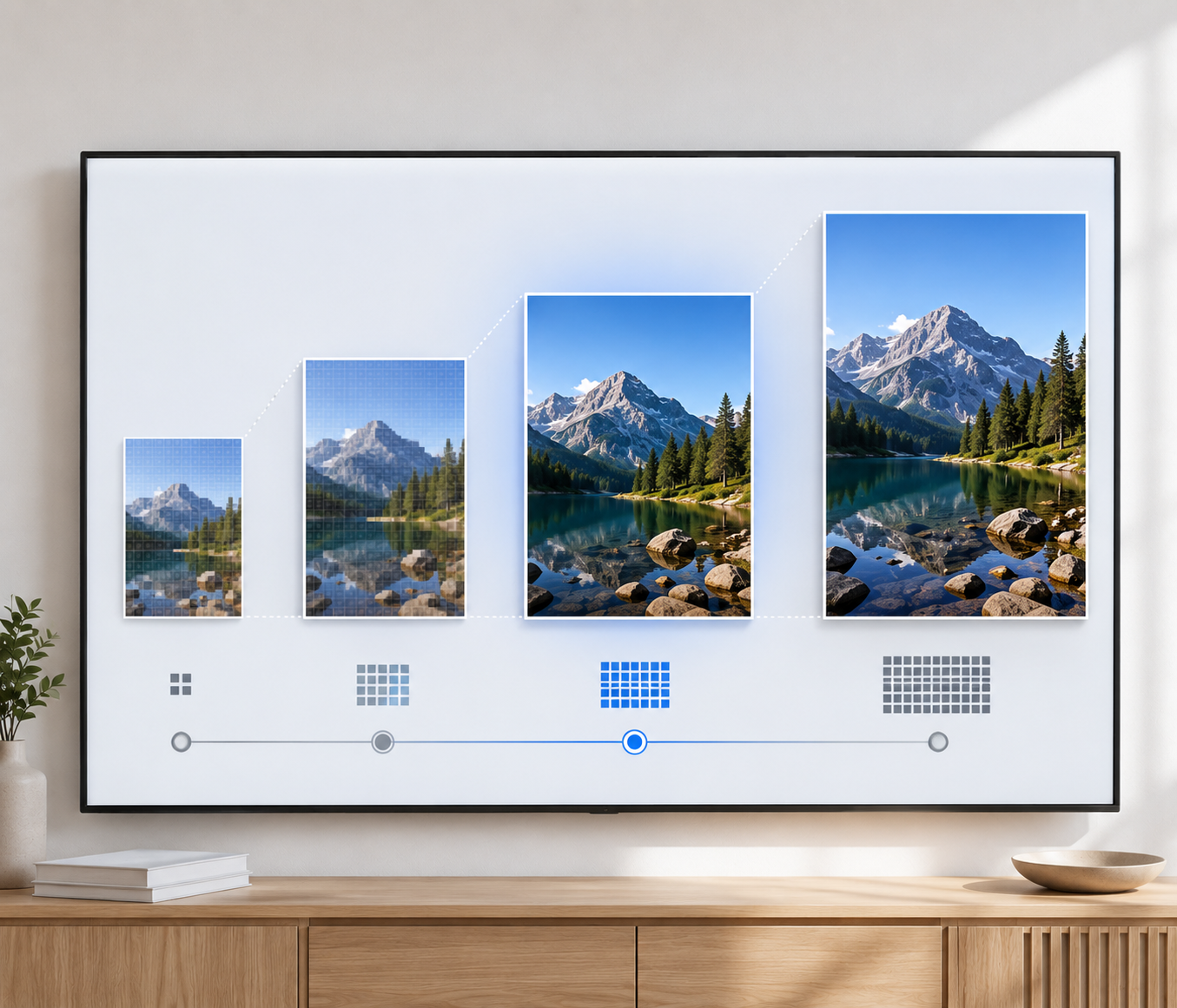
The main differences between 720p and 1080p are pixel count and common use cases. 1080p contains 2.25 times the pixels of 720p. The extra detail is easier to notice in small text and fine edges. Screen size also matters. On a small phone display, a well-compressed 720p video may look close to 1080p during normal viewing.
1080i vs 1080p and What the “I” Changes
Both formats may use a 1920 × 1080 image area. Their scanning methods differ. 1080p presents complete progressive frames. A 1080i signal carries alternating interlaced fields. YouTube recommends deinterlacing 1080i60 footage to 1080p30 before upload.
1080p vs 2K and Whether They Are the Same Resolution
Film-based 2K is slightly wider than 1080p. Digital Cinema Initiatives defines a 2K distribution container as 2048 × 1080. Some consumer platforms and monitor pages also use “2K” for 2560 × 1440. YouTube follows that looser label in its upload table. Exact pixel dimensions prevent confusion.
1080p vs 1440p and Which Looks Sharper
A 2560 × 1440 frame has about 78 percent more pixels than 1080p. This can improve text and fine image detail on a native 1440p monitor. The graphics workload rises because each frame contains about 1.61 million additional pixels.
1080p vs 4K and Whether the Upgrade Is Worth It
The extra pixels matter in the 1080p vs 4K comparison. 4K UHD contains four times the pixels of Full HD. The improvement is most useful when the source is genuinely detailed, or the video will fill a large display. Storage use and processing demands also rise.
What Affects 1080p Video Quality?
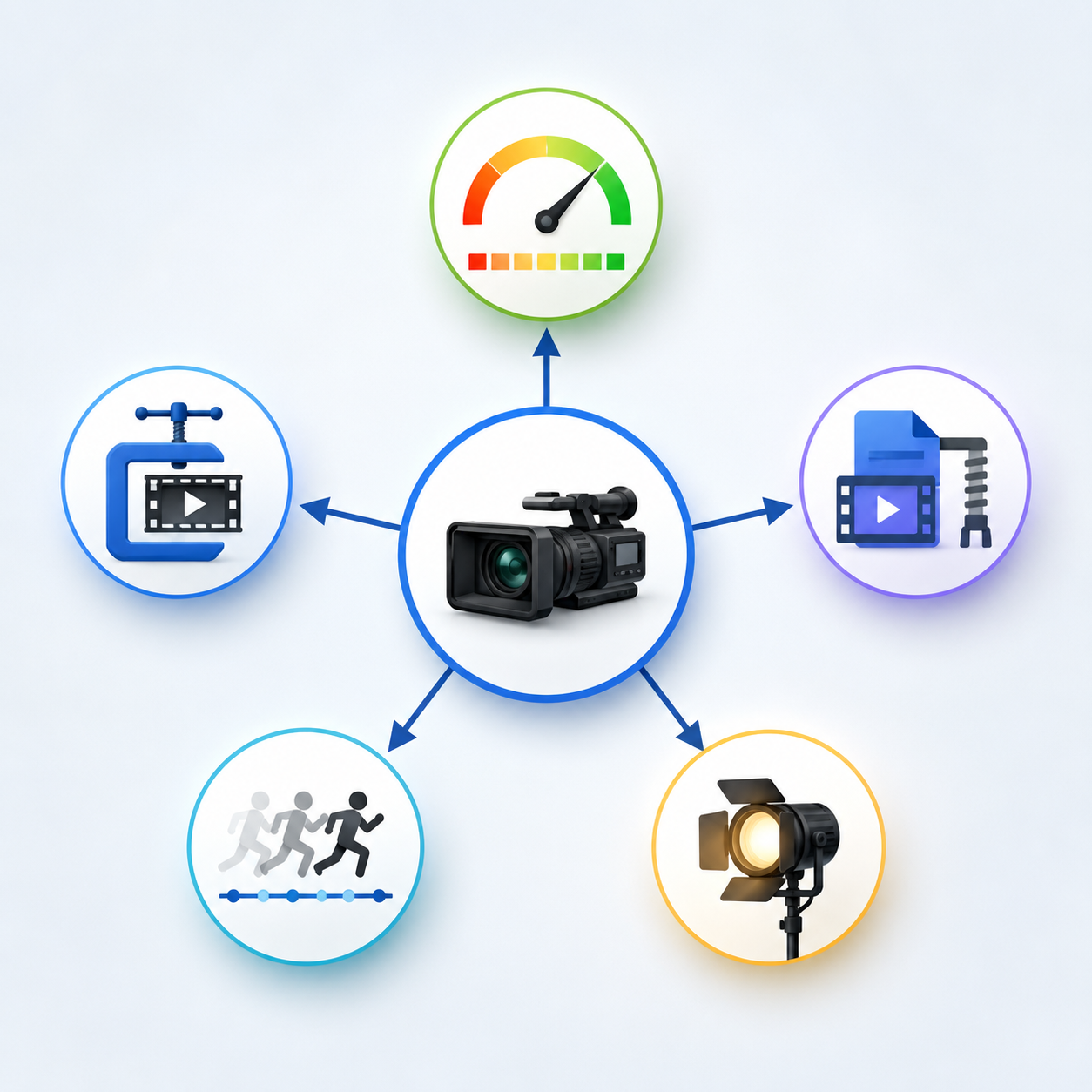
A 1080p label just tells you the video frame size. That doesn't say how clearly a camera saw a subject, or how much information made it through processing. There are several steps between recording and playing back that may have an impact on the final image, which is why two Full HD videos can look quite different.
Why Can 1080p Video Still Look Blurry?
A camera can record 1920 × 1080 pixels without capturing sharp detail. Focus errors and camera movement may soften the image before the file is encoded.
Low bitrate can remove more texture. Platform processing may introduce further quality loss after upload.
Native Resolution vs Upscaled Resolution
Native 1080p begins with a source captured or rendered at 1920 × 1080. Upscaled 1080p starts with fewer pixels and estimates new values while enlarging the frame.
Good scaling can smooth edges and reduce obvious pixelation. It cannot verify details that were never present in the original recording.
Bitrate and Video Compression
Bitrate describes how much video data is used each second. More data gives the encoder additional room to preserve texture and movement, though efficiency varies by codec.
YouTube recommends 8 Mbps for SDR 1080p uploads at 24 to 30 fps. Its recommendation rises to 12 Mbps for 48 to 60 fps. These figures apply to YouTube uploads and should not be treated as fixed requirements for every platform.
| YouTube SDR upload | Suggested video bitrate | Approximate data per hour |
| 1080p at 24 to 30 fps | 8 Mbps | 3.6 GB |
| 1080p at 48 to 60 fps | 12 Mbps | 5.4 GB |
The hourly totals are calculated from a constant bitrate. Variable bitrate files can be smaller or larger.
Frame Rate and Fast-Moving Scenes
Frame rate is the number of images displayed per second. The resolution is not changed as a video is played at 30 fps and 60 fps.
More frames are generated with a higher frame rate, which means more frames to be stored by the encoder. YouTube therefore suggests a higher upload bitrate for 1080p video captured at 48 to 60 fps.
Screen Size and Viewing Distance
A resolution difference becomes harder to see as the viewing distance increases. Moving closer has the opposite effect.
This explains why 1080p may appear clean on a television viewed across a room while looking less detailed on a large monitor used at desk distance.
Video Codecs Such as H.264, HEVC, and AV1
A codec compresses the frame data for storage or transmission. H.264 is also known as part of the Advanced Video Coding standard. HEVC is also known as H.265.
AV1 is a free, open, royalty-free video coding format focused on efficient high-quality compression. A better codec may give you smaller files for the same visual target, but in the end, everything depends on encoder settings and device support.
How to Make a 1080p Video Look Better
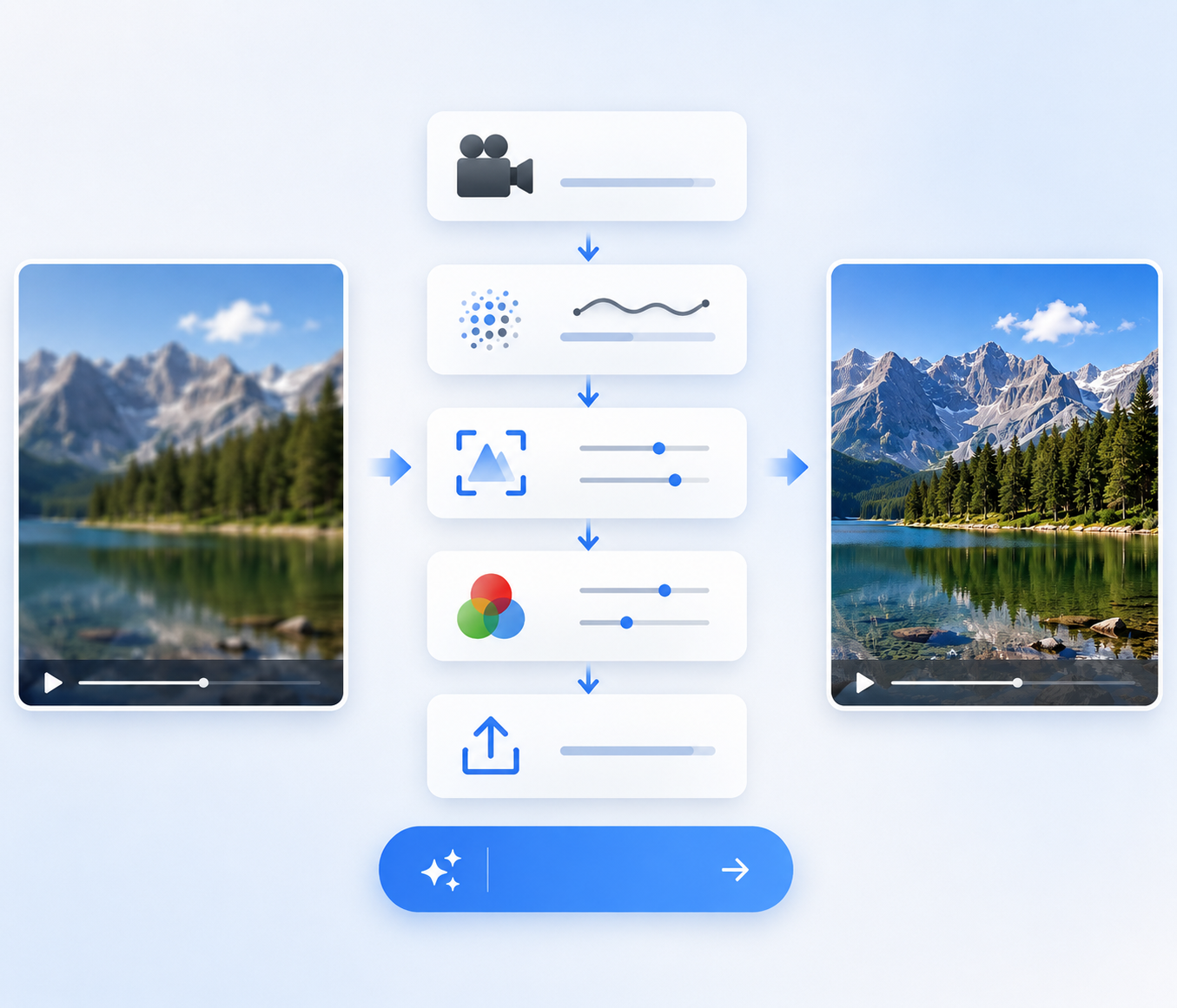
A better 1080p result usually comes from improving the workflow rather than selecting a larger number during export. The source file should remain as clean as possible from capture through delivery. Each processing step needs a clear purpose, since unnecessary conversion can reduce detail instead of improving the finished video.
Start with the Highest-Quality Source
Use the original recording whenever possible. A copy saved from a messaging app or social platform may already have been resized or recompressed.
Keep the recorded frame rate during export. YouTube also recommends uploading with the same frame rate used during capture.
Choose the Right Bitrate and Frame Rate
Select a bitrate that matches the amount of movement and the destination platform. Converting 30 fps footage to 60 fps duplicates frames unless the software generates intermediate images. That conversion does not reproduce motion that the camera never captured.
Avoid Exporting the Same Video Too Many Times
Re-encoding with a lossy codec can discard additional image information. Compression damage may build up across several exports.
Save one high-quality master after editing. Create smaller delivery files from that version instead of reopening an already compressed upload.
Fix Noise, Blur, and Poor Lighting
If a 1080p source looks dark or grainy, raising its export resolution will leave the underlying problem in place. You can improve video quality online before exporting it again. The browser-based tool automatically sharpens details, reduces visual noise and compression artifacts, improves lighting and color, and can upscale low-quality footage to 1K, 2K, or 4K. It supports common formats such as MP4, MOV, and M4V without requiring desktop software.
Upscale 1080p Only When It Makes Sense
Upscaling is handy if the output size of a project is bigger or if Full HD footage needs to be placed within a 4 K timeline. Be realistic with what you can expect. Upscaling may improve presentation when a 1080p clip must fit a larger output, but native high-resolution capture usually preserves more reliable detail.
FAQs
How Much Data and Storage Does 1080p Use?
It depends on bitrate. One hour uses about 3.6 GB at 8 Mbps or 5.4 GB at 12 Mbps. Audio and variable bitrate encoding can change the final size.
Can HDMI Carry 1080p at 60Hz?
Yes. HDMI 1.4b officially supports 1920 × 1080 at up to 120Hz. The source device, cable, and display must also support the selected signal.
Why Is 1080p Missing After Uploading?
The HD version may still be processed. YouTube often makes a lower-quality copy available first. Video length, format, frame rate, quality, and current traffic affect processing time.
Conclusion
1080p is a 1920 × 1080 progressive picture format commonly called Full HD. It offers enough detail for many displays, online videos, games, calls, and personal editing projects. A 1080p label cannot guarantee good quality. Focus and compression still control the final result. Start with a clean source, preserve the original frame rate, and use an appropriate bitrate before considering upscaling.
You May Be Interested「图片」

150+ Instagram Bio Ideas for Moms

100+ Free Stable Diffusion Prompts to Generate Amazing AI Art

105 Independence Day Trivia Questions 2026

133 Independence Day Captions for Social Media

150+ Instagram Bio Ideas to Catch Eyes at a Glance in 2026
